1. สูงกว่าview
The Plantronics CS540 Wireless DECT Headset is designed for office and desk-centric workers who use desk phones. It offers clear communication with a noise-canceling microphone and a versatile convertible design for all-day comfort.
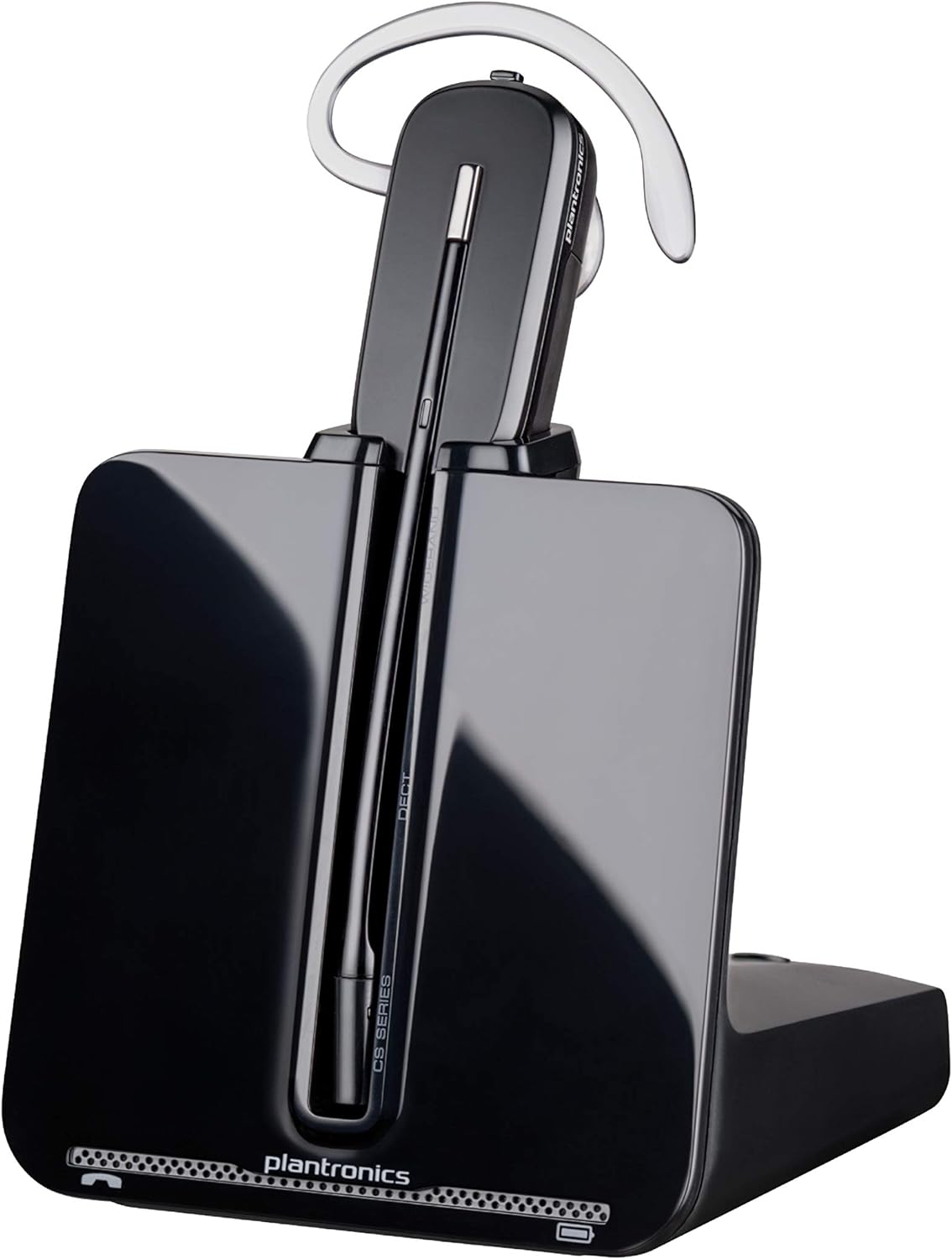
Image: The Plantronics CS540 Wireless DECT Headset resting on its charging base.
2. อะไรอยู่ในกล่อง
The Plantronics CS540 package includes the following components:
- หูฟังไร้สาย
- คู่มือการใช้งาน
- อะแดปเตอร์
- ฐานชาร์จ
3. สไตล์การแต่งตัว
The CS540 headset offers a convertible design with three wearing options to ensure comfort for extended use:
- แบบครอบหู: A lightweight earloop style.
- เหนือศีรษะ: A traditional headband style.
- ด้านหลังศีรษะ: Requires a separately sold neckband for this style.
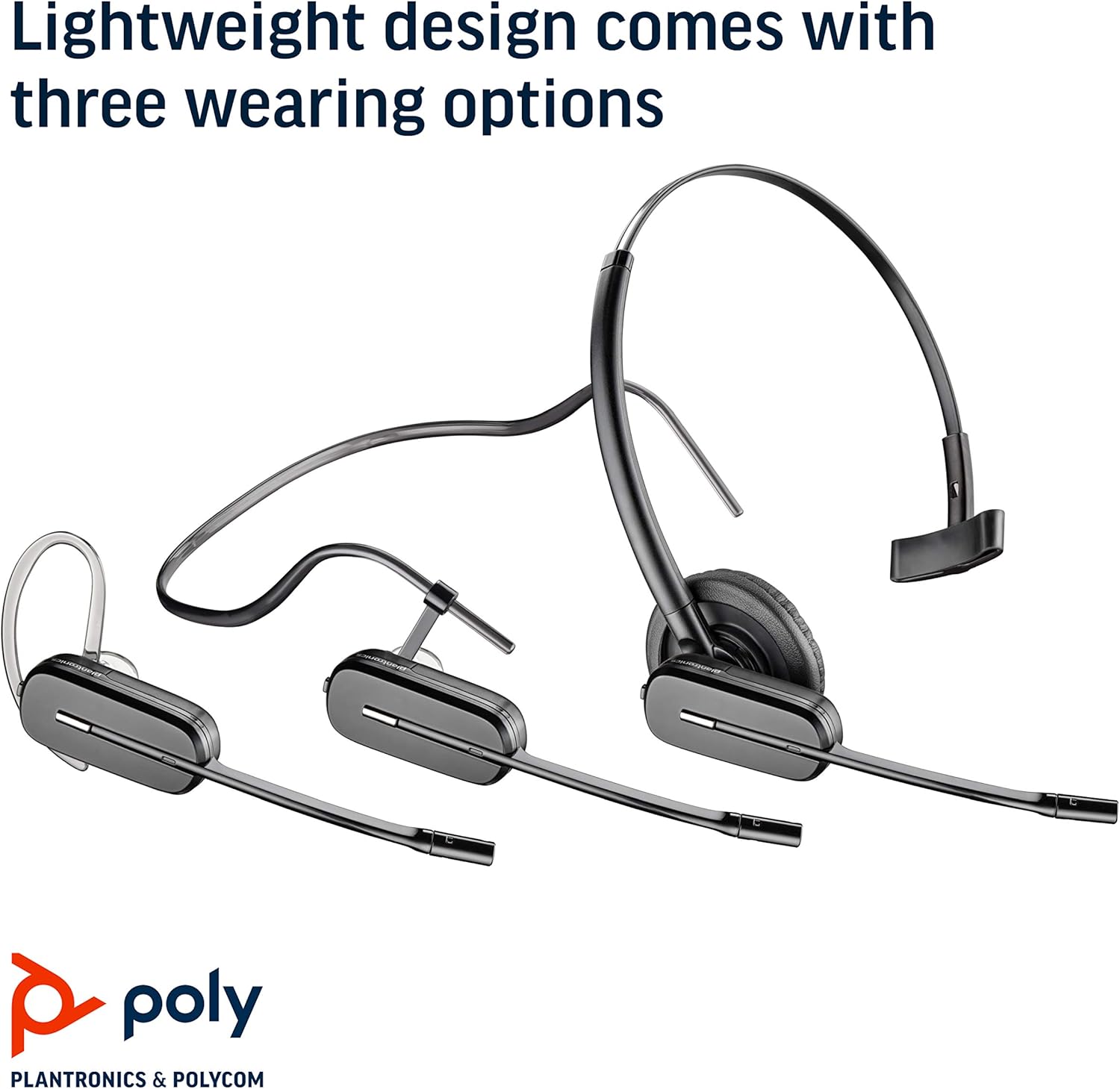
Image: The Plantronics CS540 headset shown in its three convertible wearing styles.
4. การตั้งค่า
4.1 การเชื่อมต่อกับโทรศัพท์ตั้งโต๊ะ
- Connect the provided cable from the CS540 base to your desk phone's headset port.
- Ensure the base is powered on and the headset is docked.
- For remote call answering, an optional HL10 lifter (sold separately) can be integrated.
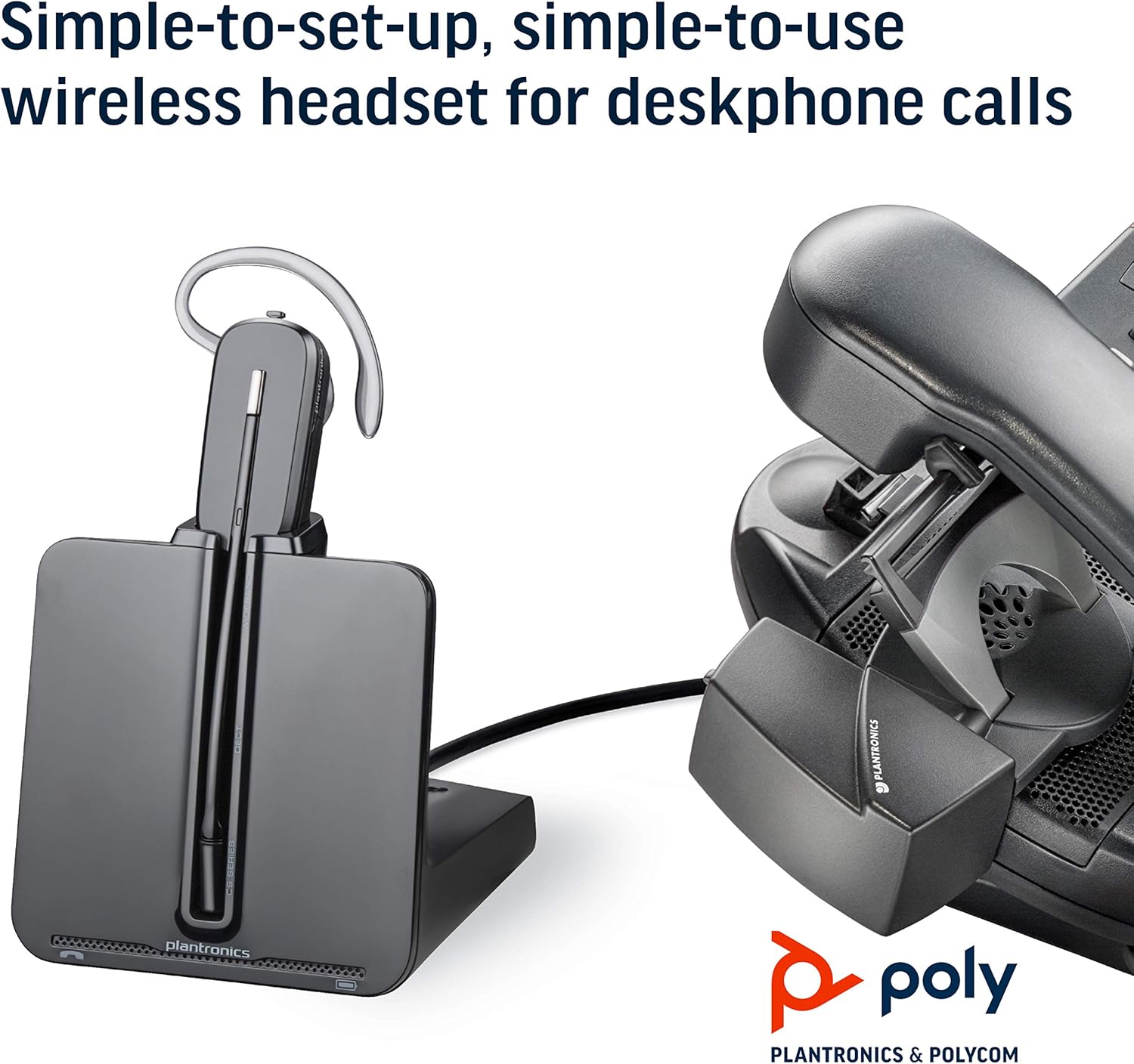
Image: The CS540 charging base connected to a desk phone, illustrating a typical setup.
4.2. การชาร์จชุดหูฟัง
Place the headset onto the charging base. The indicator light on the base will show the charging status. A full charge provides up to 7 hours of talk time.

Image: The CS540 headset securely placed in its charging base.
4.3. การจับคู่
The headset is typically pre-paired with its base. If re-pairing is needed, consult the detailed user manual for specific instructions.
5. การใช้งานชุดหูฟัง
5.1. การควบคุมการโทร
- รับ/วางสาย: Use the one-touch control button on the headset.
- การปรับระดับเสียง: Adjust the volume using the dedicated controls on the headset.
- ปิดเสียง: Mute the microphone using the mute button on the headset.
5.2. Noise-Canceling Microphone
The integrated noise-canceling microphone helps to minimize background noise, ensuring clear speech transmission during calls.
5.3. Roaming Range
Enjoy freedom of movement with a roaming range of up to 120 meters (400 feet) from the charging base, allowing you to multitask during calls.
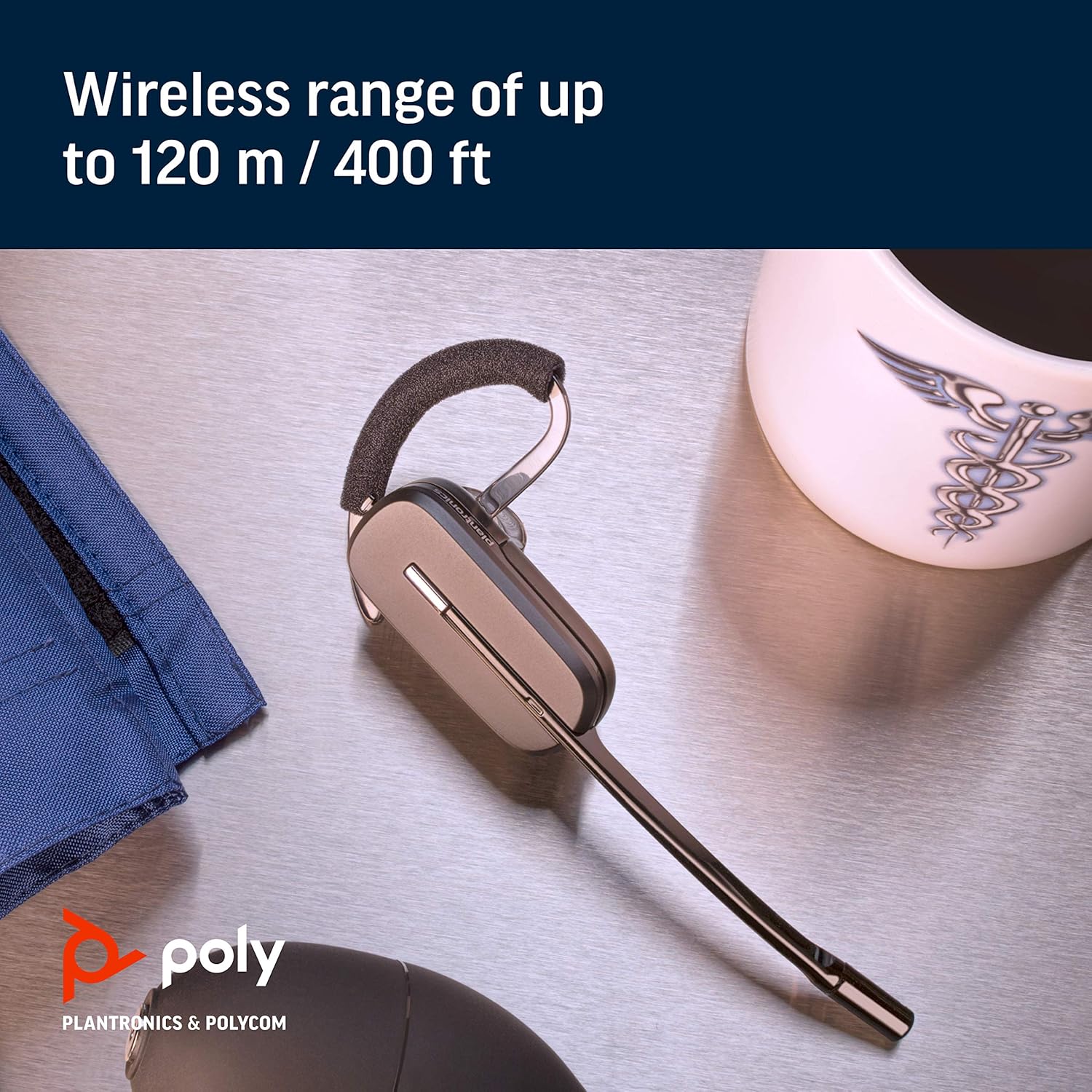
Image: A close-up of the CS540 headset, emphasizing its wireless capabilities.
6. การบำรุงรักษา
To ensure the longevity and optimal performance of your Plantronics CS540 headset:
- Keep the headset and charging base clean and free from dust.
- เก็บหูฟังไว้ในที่แห้งและเย็นเมื่อไม่ได้ใช้งาน
- หลีกเลี่ยงการวางอุปกรณ์ไว้ในอุณหภูมิหรือความชื้นที่สูงเกินไป
7 การแก้ไขปัญหา
If you encounter issues with your CS540 headset, consider the following:
- ไม่มีเสียง: Ensure the headset is charged and properly paired with the base. Check all cable connections to the desk phone.
- คุณภาพเสียงไม่ดี: Verify the headset is within range of the base. Check for any obstructions or interference.
- Cannot Answer Calls Remotely: If using an HL10 lifter, ensure it is correctly installed and configured.
- For further assistance, refer to the complete user manual or contact Plantronics support.
8. ข้อมูลจำเพาะ
| ยี่ห้อ | โพลี |
| ชื่อรุ่น | Poly CS540 - Convertible Wireless Headset |
| เทคโนโลยีการเชื่อมต่อ | ไร้สาย (DECT) |
| เทคโนโลยีการสื่อสารไร้สาย | ทบ |
| การควบคุมเสียงรบกวน | Sound Isolation, Noise Canceling Microphone |
| สไตล์การสวมใส่ | Over-the-ear, Over-the-head, One-Ear (Convertible) |
| เวลาสนทนา | นานถึง 7 ชั่วโมง |
| ระยะการใช้งานโรมมิ่ง | สูงสุด 120 ม. / 400 ฟุต |
| อุปกรณ์ที่รองรับ | โทรศัพท์ตั้งโต๊ะ |
| ประเภทการควบคุม | Call Control, Volume Control, Touch Control |
| น้ำหนักสินค้า | 1.15 ปอนด์ |
| ขนาดสินค้า | 6.5 x 1.25 x 6.48 นิ้ว |
9. วิดีโอผลิตภัณฑ์
Watch this short video for an overview of the Plantronics CS540 Wireless Headset System.
Video: A brief product video showcasing the Plantronics CS540 Wireless Headset System.
10. การรับประกันและการสนับสนุน
For any issues with the headset or cord, please reach out to Plantronics directly for support and warranty claims.


