การแนะนำ
This manual provides essential instructions and information for users of the Apple iPhone XS and iPhone XS Max. It covers initial setup, basic operation, key features of iOS 12, and tips for maximizing your device's potential. Please read this guide thoroughly to ensure proper use and understanding of your new iPhone.
สินค้าเกินview
The iPhone XS and iPhone XS Max represent a significant advancement in smartphone technology, featuring a powerful A12 Bionic chip, advanced camera systems, and an all-screen design. This manual serves as your guide to exploring these capabilities.
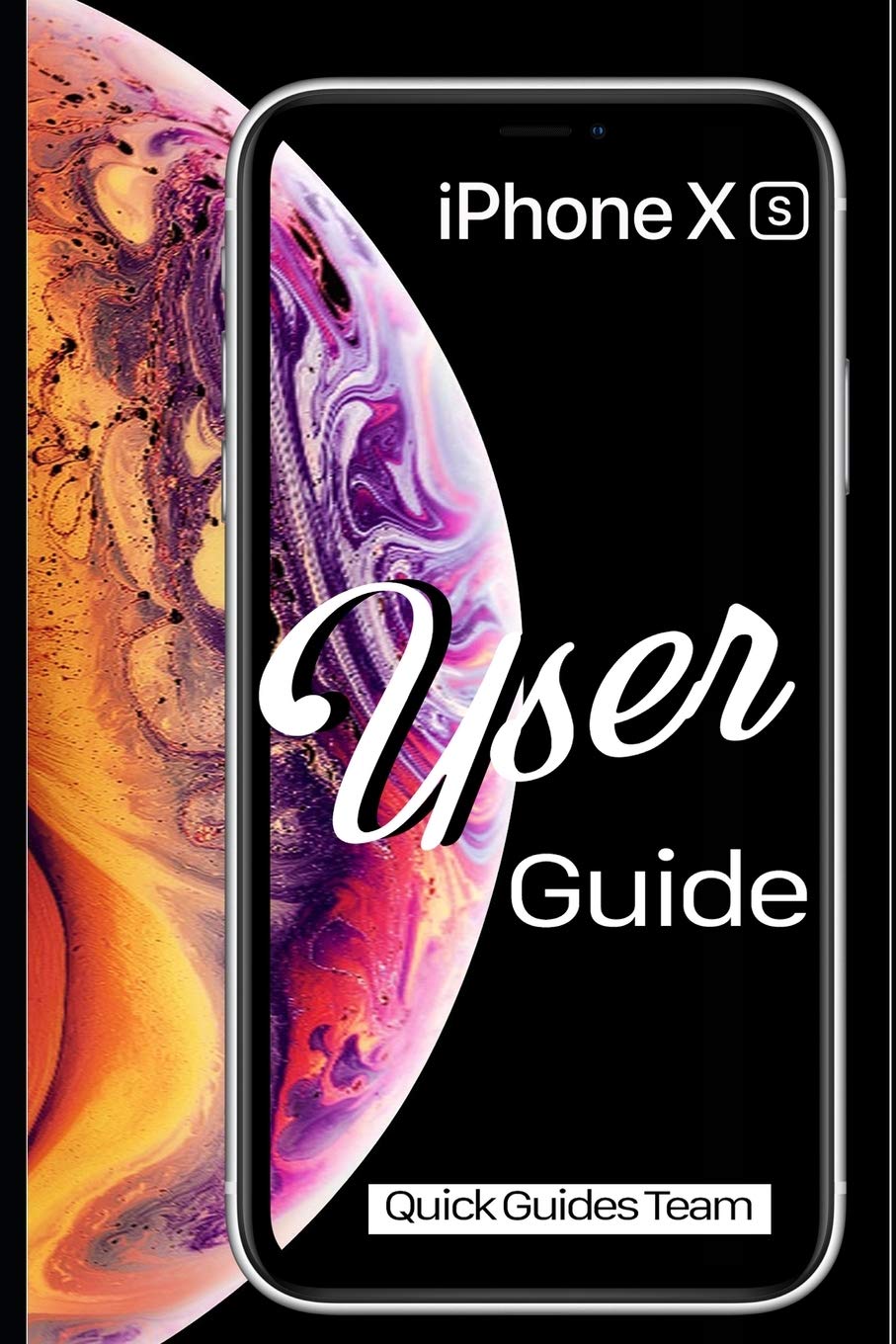
Image 1: Front cover of the Apple iPhone XS User Manual. This image displays the iPhone XS with its vibrant display and the manual's title.

Image 2: Back cover of the Apple iPhone XS User Manual. The back cover is plain black and includes the ISBN-13 barcode: 978-1091970465.
การตั้งค่า
- เปิดเครื่อง: กดปุ่มด้านข้างค้างไว้จนกว่าโลโก้ Apple จะปรากฏขึ้น
- การกำหนดค่าเริ่มต้น: ปฏิบัติตามคำแนะนำบนหน้าจอเพื่อเลือกภาษา ภูมิภาค และเชื่อมต่อกับเครือข่าย Wi-Fi
- Face ID Setup: Configure Face ID for secure authentication and Apple Pay.
- การถ่ายโอนข้อมูล: Choose to restore from an iCloud or iTunes backup, or set up as a new iPhone.
- แอปเปิลไอดี: Sign in with your existing Apple ID or create a new one. This is essential for accessing the App Store, iCloud, and other Apple services.
Operating Your iPhone XS
ท่าทางพื้นฐานและการนำทาง
- แตะ: เลือกสินค้าหรือเปิดใช้งานปุ่ม
- Swipe Up (from bottom edge): ไปที่หน้าจอหลัก
- Swipe Up and Pause (from bottom edge): View all open apps (App Switcher).
- Swipe Down (from top-right corner): เปิดศูนย์ควบคุม
- Swipe Down (from top-center): เปิดศูนย์การแจ้งเตือน
- หยิก: ซูมเข้าหรือออกจากรูปภาพและ web หน้า
หน้าจอหลักและแอป
The Home screen is where you access all your applications. You can organize apps into folders, search for apps using Spotlight Search (swipe down from the middle of the Home screen), and customize your app layout.
- การเปิดแอปพลิเคชัน: Tap an app icon.
- การปิดแอปพลิเคชัน: From the App Switcher, swipe an app card upwards.
- แอปสโตร์: Download new applications and games.
การตั้งค่า
The Settings app allows you to customize your iPhone's behavior, connectivity, and privacy. Key settings include:
- Wi-Fi และบลูทูธ: Manage wireless connections.
- การแจ้งเตือน: Control how apps alert you.
- การแสดงผลและความสว่าง: Adjust screen appearance.
- แบตเตอรี่: Monitor battery usage and health.
- การจดจำใบหน้าและรหัสผ่าน: Manage security settings.
คุณสมบัติกล้อง
The iPhone XS camera system offers advanced photography capabilities. New photo modes and features in iOS 12 enhance your ability to capture stunning images and videos.
- โหมดแนวตั้ง: Create professional-looking photos with a depth-of-field effect.
- Smart HDR: Automatically capture more detail in highlights and shadows.
- การบันทึกวิดีโอ: Record 4K video at up to 60 fps.
แอปพลิเคชั่นที่จำเป็น
- ซาฟารี: Browse the internet securely.
- เมล: Manage your email accounts.
- ข้อความ: Send and receive text messages and iMessages.
- เฟสไทม์: โทรวิดีโอและโทรด้วยเสียงไปยังผู้ใช้ Apple คนอื่นๆ
- Files: Access and organize documents across various cloud services.
- ค้นหาของฉัน: Locate your devices or share your location with friends.
การซ่อมบำรุง
- การทำความสะอาด: ใช้ผ้าเนื้อนุ่มที่ไม่เป็นขุยเช็ดทำความสะอาด iPhone ของคุณ หลีกเลี่ยงวัสดุที่มีฤทธิ์กัดกร่อนหรือสารเคมีรุนแรง
- การอัปเดตซอฟต์แวร์: Regularly update iOS to the latest version for security enhancements and new features. Go to การตั้งค่า > ทั่วไป > อัปเดตซอฟต์แวร์.
- การดูแลแบตเตอรี่ Optimize battery life by managing background app refresh, reducing screen brightness, and enabling Low Power Mode when needed.
- การสำรองข้อมูล: Regularly back up your iPhone to iCloud or a computer using iTunes to prevent data loss.
การแก้ไขปัญหา
- อุปกรณ์ไม่ตอบสนอง: If your iPhone is unresponsive, perform a force restart: Press and quickly release the Volume Up button, then press and quickly release the Volume Down button, then press and hold the Side button until you see the Apple logo.
- แอปไม่ตอบสนอง: ปิดแอปจาก App Switcher แล้วเปิดใหม่ หากปัญหายังคงอยู่ ให้รีสตาร์ท iPhone
- ปัญหาการเชื่อมต่อ: For Wi-Fi or Bluetooth problems, try toggling the respective setting off and on, or restart your iPhone. You can also reset network settings via การตั้งค่า > ทั่วไป > โอนหรือรีเซ็ต iPhone > รีเซ็ต > รีเซ็ตการตั้งค่าเครือข่าย.
- ข้อบกพร่องของซอฟต์แวร์: Ensure your iOS is up to date. If problems persist, consider restoring your iPhone from a backup or performing a factory reset (การตั้งค่า > ทั่วไป > โอนหรือรีเซ็ต iPhone > ลบเนื้อหาและการตั้งค่าทั้งหมด) after backing up your data.
ข้อมูลจำเพาะ
| คุณสมบัติ | รายละเอียด |
|---|---|
| แบบอย่าง | iPhone XS, iPhone XS Max |
| ระบบปฏิบัติการ | iOS 12 (at time of manual publication) |
| Dimensions (iPhone XS) | 143.6 x 70.9 x 7.7 มม. (5.65 x 2.79 x 0.30 นิ้ว) (Approximate, based on general knowledge) |
| Weight (iPhone XS) | 177 กรัม (6.24 ออนซ์) (Approximate, based on general knowledge) |
| ISBN-10 (คู่มือ) | 1091970467 |
| ISBN-13 (คู่มือ) | 978-1091970465 |
| วันที่เผยแพร่ (คู่มือ) | 29 มีนาคม 2019 |
Note: Device specifications are approximate and may vary. Refer to Apple's official website for the most accurate and up-to-date product details.
การรับประกันและการสนับสนุน
For detailed warranty information, please refer to the official Apple warranty documentation included with your device or visit the official Apple website. Apple provides comprehensive support resources, including online knowledge bases, community forums, and direct customer service.
- การสนับสนุนทางออนไลน์: เยี่ยม support.apple.com for troubleshooting guides, FAQs, and service options.
- บริการที่ได้รับอนุญาต: For hardware issues, contact an authorized Apple service provider.


