
การแนะนำ
The iGPSPORT BSC200S is a wireless GPS bike computer designed to provide comprehensive data and navigation for cyclists. This manual provides instructions for setting up, operating, maintaining, and troubleshooting your device to ensure optimal performance and an enhanced cycling experience.
The BSC200S features a 2.4-inch color display, a 25-hour battery life, USB Type-C interface, and IPX7 water resistance. It supports various sensors via ANT+ and Bluetooth 5.0, including speed, cadence, heart rate, and power sensors, as well as iGPSPORT front lights and radar.

Image: The iGPSPORT BSC200S bike computer, showcasinด้วยดีไซน์ที่กะทัดรัดและจอแสดงผลสีสันสดใส
การตั้งค่า
เนื้อหาแพ็คเกจ
ก่อนที่คุณจะเริ่มต้น โปรดตรวจสอบให้แน่ใจว่ามีรายการทั้งหมดอยู่ในแพ็คเกจ:
- 1 x BSC200S Bike Computer
- 1 x แผ่นยาง
- ยางรัด 2 เส้น
- 1 x คู่มือผู้ใช้

Image: Contents of the iGPSPORT BSC200S package, including the device, mounting accessories, and manual.
การติดตั้งอุปกรณ์
Follow these steps to securely mount your BSC200S on your bicycle handlebar:
- Stack the two fixed bases together.
- Place the stacked base on the bike handlebar.
- Cross the two rubber bands to bind the base firmly.
- ปรับมุมให้เหมาะสมที่สุด viewการไอเอ็นจี
- Fix the bike computer onto the base by twisting it into place.
- Verify that the installation is completed and secure.

Image: Step-by-step guide for mounting the iGPSPORT BSC200S bike computer on a handlebar.
Sensor Pairing (ANT+/Bluetooth 5.0)
The BSC200S supports dual connectivity via ANT+ and Bluetooth 5.0 for stable and accurate data transmission. It is compatible with most speed, cadence, heart rate, and power sensors on the market. To pair a sensor:
- Ensure your sensor is active and within range.
- Navigate to the sensor pairing menu on your BSC200S.
- Select the type of sensor you wish to pair (e.g., speed, cadence, heart rate, power).
- อุปกรณ์จะสแกนหาเซ็นเซอร์ที่ใช้งานได้ เลือกเซ็นเซอร์ของคุณจากรายการเพื่อเชื่อมต่อ
The device is also compatible with iGPSPORT radar tail lights for enhanced cycling safety.
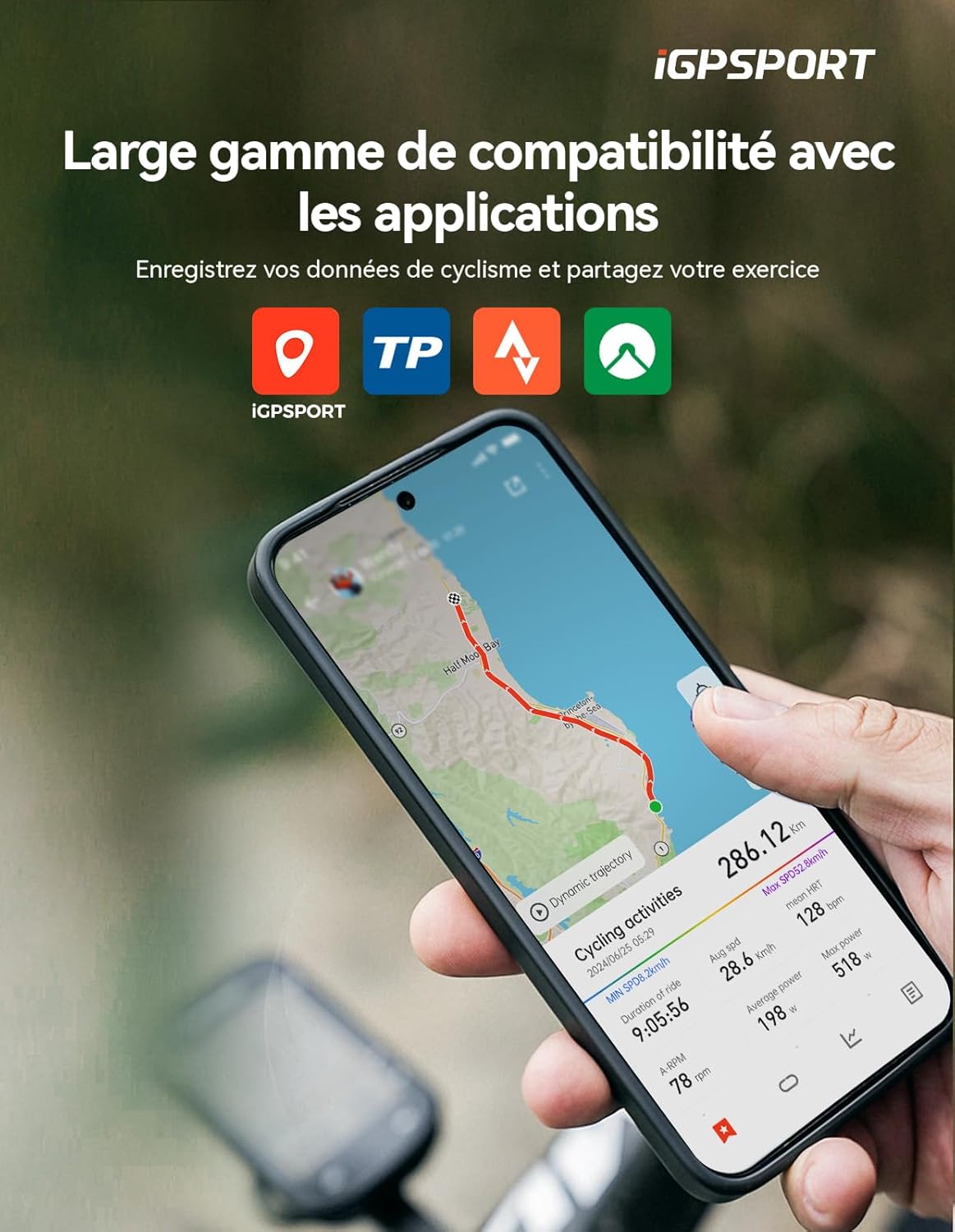
Image: The iGPSPORT BSC200S bike computer connected to various cycling sensors, including speed, cadence, heart rate, and radar tail light.
คำแนะนำการใช้งาน
จอแสดงผลและอินเทอร์เฟซ
The BSC200S features a 2.4-inch semi-transmissive color display, which offers improved clarity under strong sunlight. It has 6 physical buttons for easy operation. The backlight brightness can be adjusted automatically based on sunrise and sunset times or manually configured.

Image: Close-up of the iGPSPORT BSC200S display, highlighting its 2.4-inch color screen and data fields.
คุณสมบัติการนำทาง
The device offers colored route navigation. Connect to the iGPSPORT app to create and transfer routes to your bike computer. During navigation, the display shows important information such as turn-by-turn directions, street names, and remaining distance. A deviation alert function helps you stay on track.

Image: The iGPSPORT BSC200S displaying route navigation on a map, with turn indicators and distance information.
One-Touch Navigation
ค้นหา a destination in the iGPSPORT app and start navigation directly with a single click. This allows for easy planning of precise routes. You can also configure up to four frequent locations for quick access. The BSC200S allows customization of routes and tracking colors.

Image: A smartphone screen showing the iGPSPORT app with a route selected, demonstrating one-touch navigation to the BSC200S.
Data Display and Recording
The BSC200S offers over 100 data options across 12 categories, supporting various display formats including circular, linear, and bar diagrams. You can customize your riding experience with any combination of data fields.

Image: The iGPSPORT BSC200S display showing multiple data fields and customizable interface options.
Motion Detection and Continuous Recording
The device is equipped with an intelligent activity detection function. When you start riding, the computer automatically begins recording your ride data and sends a reminder to ensure accurate recording of key statistics like speed, distance, and time. It supports continuous recording of cycling data, even over multiple days. If you pause your ride, you can resume recording at any time.

Image: A cyclist riding with the iGPSPORT BSC200S, illustrating the motion detection feature for automatic recording.
การแจ้งเตือนอัจฉริยะ
By connecting with a paired smartphone, you can receive call alerts, text messages, and app notifications directly on the BSC200S. This ensures you don't miss important messages while cycling, contributing to a safer ride.

Image: The iGPSPORT BSC200S displaying incoming call and message notifications from a paired smartphone.
Data Analysis and Sharing
The BSC200S integrates with the official iGPSPORT application. After each ride, your data will automatically synchronize with the app for analysis. You can also share your cycling data via popular platforms such as Strava, Komoot, or TrainingPeaks, enhancing your cycling experience, training efficiency, and social interactions.

Image: Smartphone screens showing the iGPSPORT app interface for data analysis and sharing with platforms like Strava.
Global GPS Coverage
The BSC200S is equipped with 5 satellite positioning systems (GPS, GLONASS, Galileo, Beidou, QZSS), providing precise real-time location information. Compared to traditional three or four constellation systems, it acquires signals faster and improves positioning accuracy, ensuring high-precision location data even in urban or mountainous environments.
การซ่อมบำรุง
การทำความสะอาด
To clean your BSC200S, wipe it with a soft, damp cloth. Avoid using abrasive cleaners or solvents that could damage the device's finish or screen. The device has an IPX7 water resistance rating, meaning it can withstand immersion in up to 1 meter of water for 30 minutes. However, it is not recommended for prolonged underwater use.
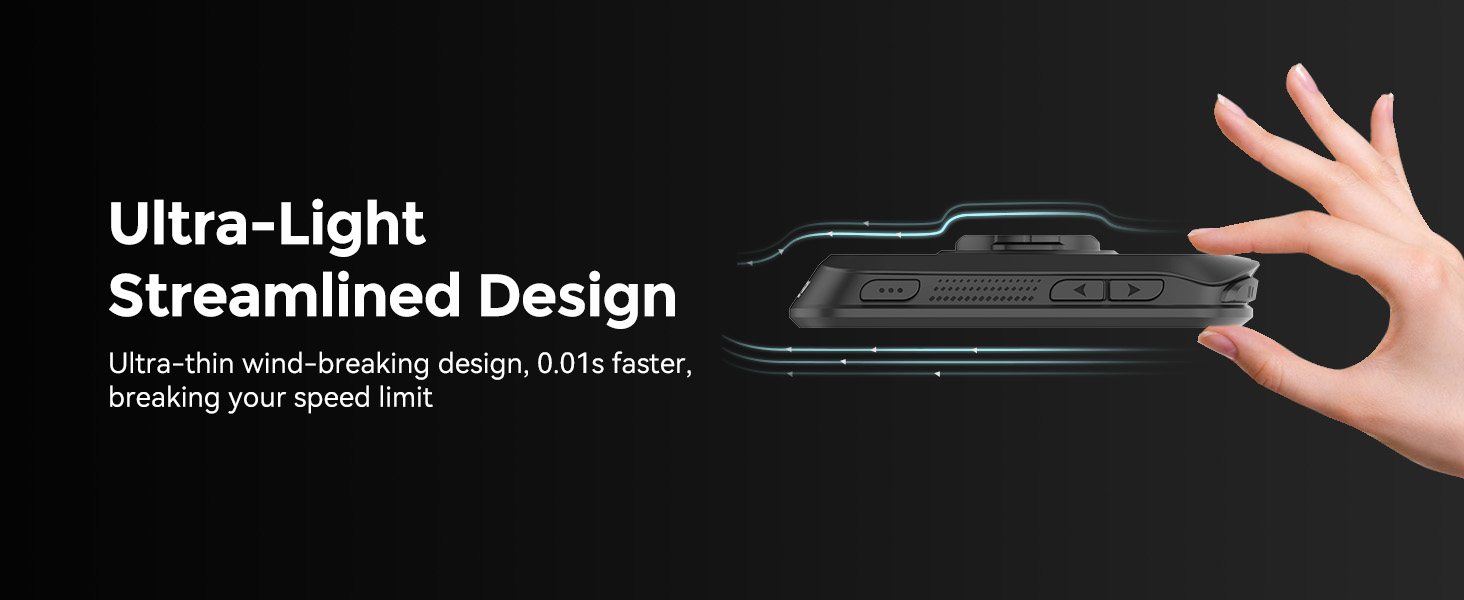
Image: Cyclists riding in the rain, demonstrating the IPX7 water resistance of the iGPSPORT BSC200S.
การดูแลแบตเตอรี่
The BSC200S has a battery life of approximately 25 hours. Charge the device using the provided USB Type-C cable. To prolong battery life, avoid exposing the device to extreme temperatures and store it with a partial charge if not used for extended periods.
การแก้ไขปัญหา
If you encounter issues with your iGPSPORT BSC200S, refer to the following common solutions:
- อุปกรณ์ไม่เปิด: ตรวจสอบให้แน่ใจว่าอุปกรณ์ชาร์จแบตเตอรี่เต็มแล้ว เชื่อมต่อกับแหล่งจ่ายไฟโดยใช้สาย USB Type-C
- ไม่ได้รับสัญญาณ GPS: ให้แน่ใจว่าคุณอยู่ในพื้นที่เปิดโล่งและมีน้ำใส view ของท้องฟ้า โปรดรอสักครู่เพื่อให้เครื่องรับสัญญาณดาวเทียม
- เซ็นเซอร์ไม่เชื่อมต่อ: Check that the sensor's battery is not depleted and that it is active and within range of the BSC200S. Re-attempt the pairing process.
- ข้อมูลไม่ซิงค์กับแอป: Ensure your BSC200S is paired with your smartphone via Bluetooth and that the iGPSPORT app is open and has the necessary permissions. Check your internet connection.
- หน้าจอไม่ตอบสนอง: ลองรีสตาร์ทอุปกรณ์ หากปัญหายังคงอยู่ โปรดติดต่อฝ่ายสนับสนุนลูกค้า
ข้อมูลจำเพาะ
| คุณสมบัติ | ข้อมูลจำเพาะ |
|---|---|
| ยี่ห้อ | ไอจีพีสปอร์ต |
| หมายเลขรุ่น | บีเอสซี200เอส |
| ขนาดจอแสดงผล | 2.4 นิ้ว |
| ประเภทจอภาพ | จอแอลซีดี |
| ขนาด (กว้าง x ยาว x สูง) | 8.2 x 5.3 x 1.41 ซม. |
| น้ำหนัก | 66 กรัม |
| อายุการใช้งานแบตเตอรี่ | 25 ชั่วโมง |
| ประเภทแบตเตอรี่ | ลิเธียมโพลิเมอร์ |
| เทคโนโลยีการเชื่อมต่อ | ANT+, บลูทูธ 5.0 |
| เซนเซอร์ที่เข้ากันได้ | Speed, Cadence, Heart Rate, Power, iGPSPORT Radar |
| ระบบจีพีเอส | GPS, GLONASS, Galileo, Beidou, QZSS |
| ระดับการต้านทานน้ำ | IPX7 |
| อินเทอร์เฟซ | ยูเอสบี ไทป์ ซี |
| ปุ่ม | 6 |
| การจัดเก็บข้อมูล | ข้อมูลการปั่นจักรยาน 400 ชั่วโมง |
ข้อมูลการรับประกัน
The iGPSPORT BSC200S bike computer comes with a รับประกัน 2 ปี from the date of purchase. This warranty covers manufacturing defects and malfunctions under normal use. Please retain your proof of purchase for warranty claims. The warranty does not cover damage caused by misuse, accidents, unauthorized modifications, or normal wear and tear.
สนับสนุน
For further assistance, technical support, or warranty inquiries, please contact iGPSPORT customer service through their official website or the contact information provided with your product packaging. You can also refer to the iGPSPORT application for additional resources and FAQs.