
การแนะนำ
Welcome to your new CREATE WIND CLEAR EDGE Ceiling Fan with Light. This manual provides essential information for the safe installation, operation, and maintenance of your appliance. Please read it thoroughly before use and keep it for future reference.
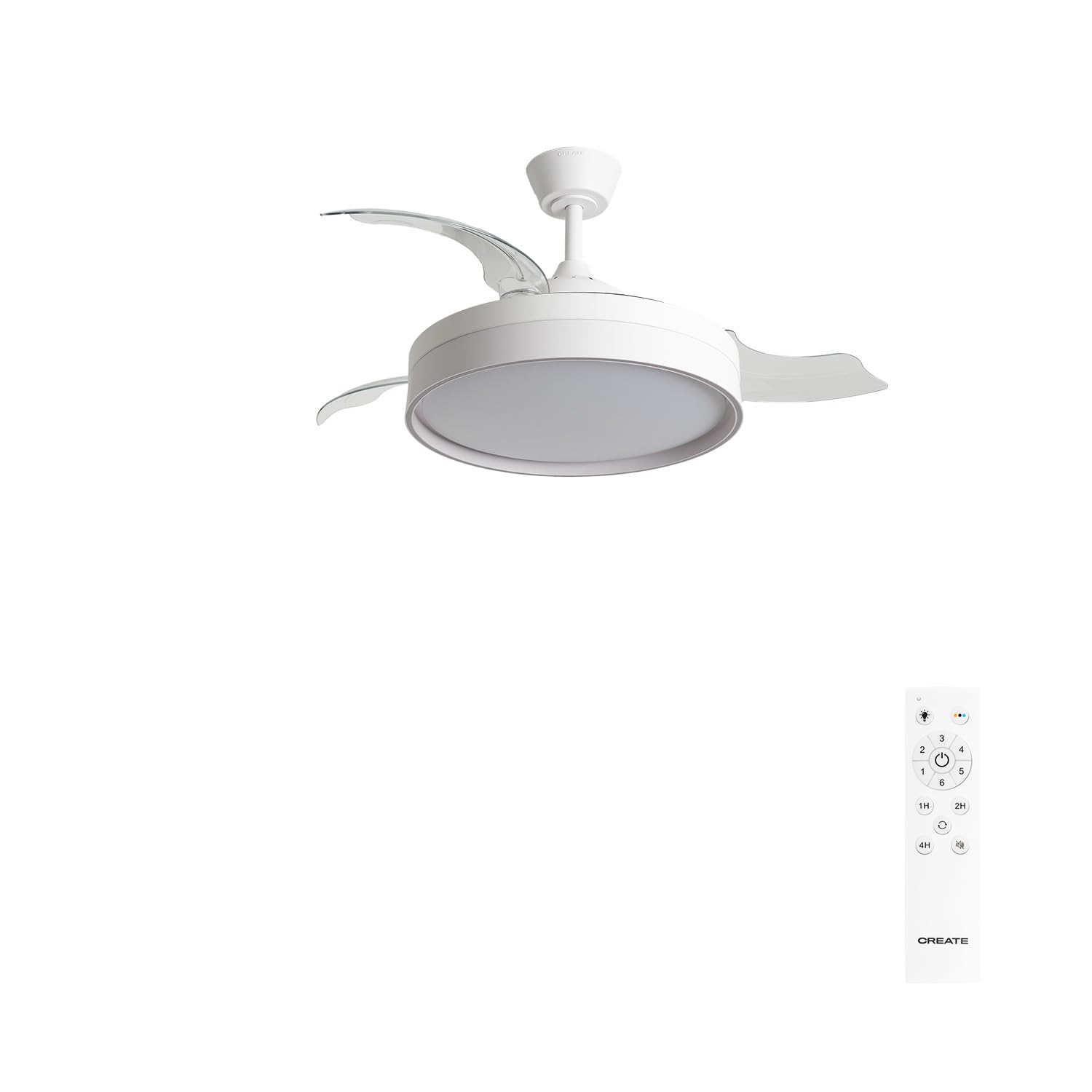
Image: The CREATE WIND CLEAR EDGE ceiling fan with its light on and blades retracted, blending seamlessly into a modern room setting.
คำแนะนำเพื่อความปลอดภัย
เพื่อให้มั่นใจถึงการทำงานที่ปลอดภัยและป้องกันความเสียหาย โปรดปฏิบัติตามข้อควรระวังด้านความปลอดภัยต่อไปนี้:
- Read all instructions carefully before installing and using the fan.
- Ensure the main power supply is disconnected at the circuit breaker before any installation, maintenance, or cleaning.
- การติดตั้งต้องดำเนินการโดยช่างไฟฟ้าที่มีคุณสมบัติเหมาะสมและเป็นไปตามข้อกำหนดด้านไฟฟ้าของท้องถิ่นทั้งหมด
- Mount the fan securely to a ceiling structure capable of supporting its weight (approximately 5-7 kg).
- Do not insert objects into the fan blades while the fan is in operation.
- ควรกันเด็กและสัตว์เลี้ยงให้อยู่ห่างจากพัดลมขณะใช้งาน
- เครื่องใช้ไฟฟ้านี้ออกแบบมาสำหรับใช้ภายในอาคารเท่านั้น
- ใช้เฉพาะรีโมทคอนโทรลที่ให้มาพร้อมกับพัดลมเท่านั้น
เนื้อหาแพ็คเกจ
แกะกล่องส่วนประกอบทั้งหมดอย่างระมัดระวัง และตรวจสอบให้แน่ใจว่าคุณได้รับสิ่งของต่อไปนี้:
- Ceiling Fan Unit (Motor, Integrated LED Light, Retractable Blades)
- ตัวยึดเพดาน
- Downrod
- กันสาด
- รีโมทคอนโทรล
- ฮาร์ดแวร์สำหรับติดตั้ง (สกรู, พุก)
- คู่มือการใช้งาน
หากมีชิ้นส่วนใดขาดหายหรือเสียหาย โปรดติดต่อฝ่ายสนับสนุนลูกค้าทันที
การติดตั้งและการตั้งค่า
คำเตือน: Disconnect power at the circuit breaker before beginning installation.
- เตรียมสถานที่ติดตั้ง: Ensure the ceiling joist or support structure can safely hold the fan's weight.
- ติดตั้งขายึด: Secure the mounting bracket to the ceiling outlet box using the provided screws. Ensure it is firmly attached and can support the fan.
- ประกอบพัดลม: Attach the downrod to the motor housing. Carefully feed the electrical wires through the downrod.
- ต่อสายพัดลม: เชื่อมต่อสายไฟของพัดลมเข้ากับระบบสายไฟภายในบ้านตามข้อกำหนดด้านไฟฟ้าของท้องถิ่น โดยทั่วไปแล้ว จะต้องเชื่อมต่อสายไฟหลัก สายไฟกลาง และสายไฟกราวด์
- การยึดพัดลม: Lift the fan assembly and hang it on the mounting bracket hook. Secure the canopy to cover the wiring connections.
- ติดตั้งใบมีด: The WIND CLEAR EDGE features retractable blades that are typically pre-installed. Ensure they are correctly seated in their mechanism.
- คืนค่าพลัง: เมื่อการติดตั้งเสร็จสมบูรณ์และการเชื่อมต่อทั้งหมดปลอดภัยแล้ว ให้จ่ายไฟอีกครั้งที่เบรกเกอร์

ภาพ: ระยะใกล้ view of the fan's ceiling mount and downrod, showing the connection point to the ceiling. The 'CREATE' brand name is visible on the canopy.

Image: The CREATE WIND CLEAR EDGE ceiling fan with its transparent blades fully extended, viewed from below, ready for operation. The central light fixture is illuminated.
คำแนะนำการใช้งาน
Your CREATE WIND CLEAR EDGE fan is controlled by the included remote control.
ฟังก์ชั่นการควบคุมระยะไกล
- เปิด/ปิดเครื่อง: กดปุ่มเปิด/ปิดเพื่อเปิดหรือปิดพัดลมและไฟ
- ความเร็วพัดลม: Use the speed buttons to cycle through 6 available fan speeds.
- การควบคุมแสง:
- กดปุ่มไฟเพื่อเปิดหรือปิดไฟ LED
- Press the color temperature button to cycle through 3 LED light temperatures: warm (2700K), neutral (3300K), and cool (4000K). The light intensity is not adjustable.
- ฟังก์ชั่นจับเวลา: Set the fan to automatically turn off after 1 to 4 hours. (Up to 8 hours with optional Wi-Fi module and app, if purchased separately).
- Summer/Winter Function (Reverse Rotation): This function reverses the direction of the fan blades to optimize air circulation for different seasons.
- In โหมดฤดูร้อน (counter-clockwise rotation), the fan creates a downward airflow, producing a cooling effect.
- In โหมดฤดูหนาว (clockwise rotation), the fan creates an upward airflow, circulating warm air trapped near the ceiling, improving heating efficiency.

Image: A graphic illustrating key features: a timer icon with "1-4h" indicating programmable operation, a crossed-out speaker icon for silent operation, and a bar graph icon with "6" for the six-speed motor.

Image: A diagram illustrating the three available LED light color temperatures: 2700K (warm white), 3300K (neutral white), and 4000K (cool white), each represented by a lightbulb icon and corresponding Kelvin temperature.

Image: A diagram showing the fan's Summer and Winter modes. In Winter mode, arrows indicate warm air being pushed up and circulated down the walls. In Summer mode, arrows show cool air being pushed directly downwards.
ใบมีดหดได้
The fan features transparent retractable blades that extend when the fan is in operation and retract when the fan is turned off, transforming the unit into an elegant light fixture.

Image: The CREATE WIND CLEAR EDGE ceiling fan installed in a room, with its transparent blades extended and the light on, actively circulating air.
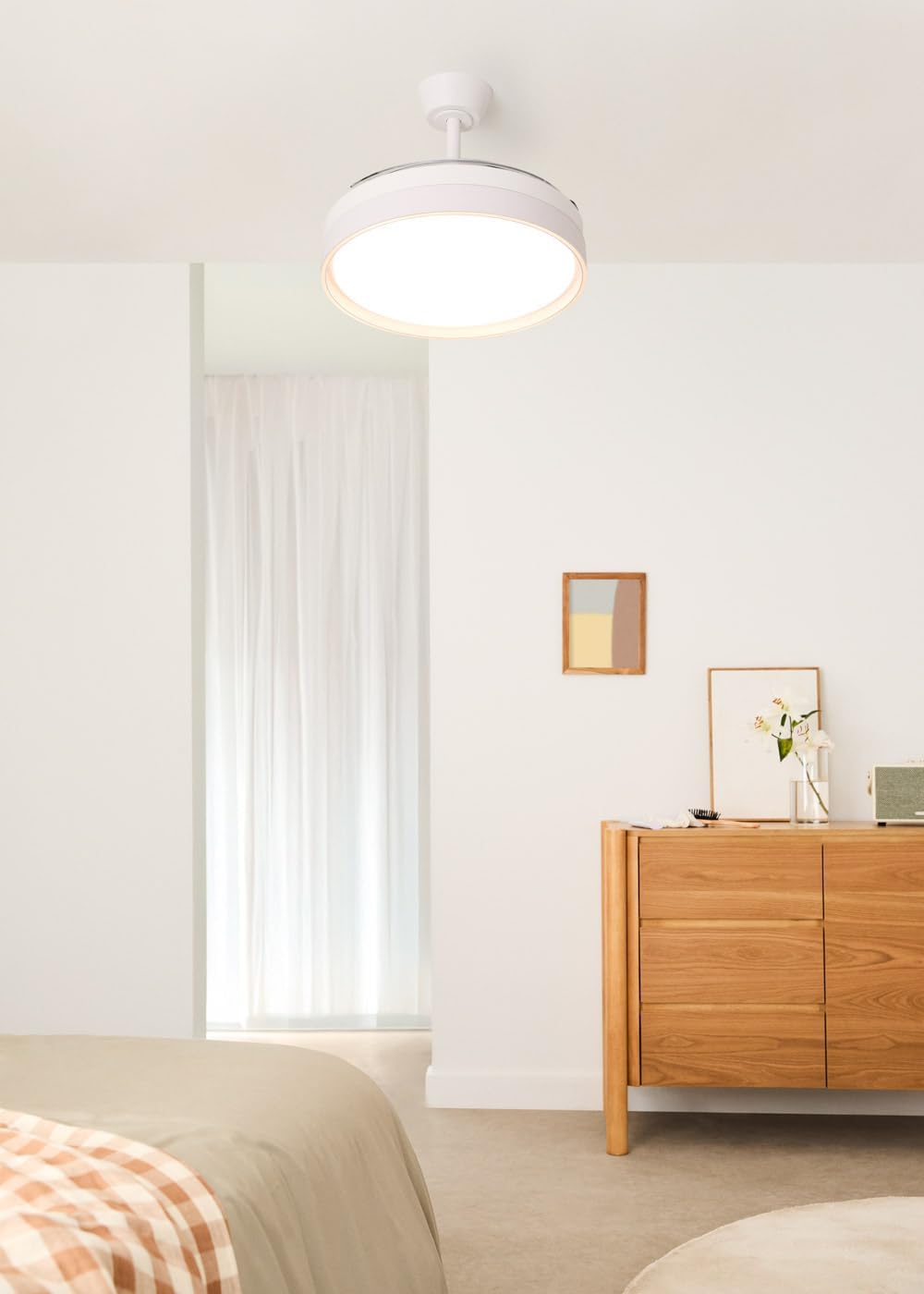
Image: The CREATE WIND CLEAR EDGE ceiling fan installed in a room, with its transparent blades fully retracted, making it appear as a modern ceiling light fixture. The light is on.
การซ่อมบำรุง
การบำรุงรักษาตามปกติจะช่วยให้พัดลมเพดานของคุณมีประสิทธิภาพสูงสุดและมีอายุการใช้งานยาวนาน
- การทำความสะอาด: ถอดปลั๊กไฟออกก่อนทำความสะอาด ใช้ผ้านุ่มๆamp ใช้ผ้าเช็ดทำความสะอาดตัวพัดลมและใบพัด ห้ามใช้สารทำความสะอาดที่มีฤทธิ์กัดกร่อนหรือตัวทำละลาย
- การตรวจสอบใบมีด: Periodically check the blades for any signs of damage or imbalance.
- ขันสกรูให้แน่น: เมื่อเวลาผ่านไป สกรูและข้อต่อบางตัวอาจหลวมได้ ตรวจสอบและขันสกรูและข้อต่อทั้งหมดให้แน่นทุกปี
- แหล่งกำเนิดแสง: The LED light source is integrated. Do not attempt to replace individual LEDs. If the light fails, contact customer support.
การแก้ไขปัญหา
โปรดดูตารางด้านล่างเพื่อดูปัญหาทั่วไปและวิธีแก้ไข:
| ปัญหา | สาเหตุที่เป็นไปได้ | สารละลาย |
|---|---|---|
| พัดลมไม่เริ่มทำงาน | ไม่มีแหล่งจ่ายไฟ; สายไฟหลวม; แบตเตอรี่รีโมทคอนโทรลเหลือน้อย | ตรวจสอบเบรกเกอร์วงจร ตรวจสอบการเชื่อมต่อสายไฟ เปลี่ยนแบตเตอรี่รีโมทคอนโทรล |
| ไฟไม่ทำงาน | ไม่มีแหล่งจ่ายไฟ; สายไฟหลวม; โมดูล LED เสีย | Check circuit breaker; Verify wiring connections; Contact customer support for LED module replacement. |
| พัดลมสั่น | น็อตยึดหลวม; ใบพัดไม่สมดุล | Ensure all mounting screws are tight; Check blades for damage and ensure they are properly seated. |
| รีโมทคอนโทรลไม่ตอบสนอง | Low battery; Obstruction between remote and receiver; Remote not paired. | Replace batteries; Remove obstructions; Refer to pairing instructions (if applicable, not provided in source). |
ข้อมูลจำเพาะ
- ยี่ห้อ: สร้าง
- ชื่อรุ่น : WIND CLEAR EDGE M
- หมายเลขรุ่น: 227415_674266
- สี: สีขาว
- การออกแบบพัดลมไฟฟ้า: พัดลมเพดาน
- แหล่งพลังงาน: สายไฟฟ้า
- ขนาด (D x W x H): 107 ซม. x 107 ซม. x 51.5 ซม.
- คุณสมบัติพิเศษ: Remote Control, Retractable Blades, Summer/Winter Function, Integrated LED Light
- ประเภทการติดตั้ง: การติดตั้งบนเพดาน
- จำนวนความเร็ว: 6
- ระดับเสียง: 40 เดซิเบล
- พลัง: 40 วัตต์
- จำนวนใบมีด: 3
- การไหลเวียนของอากาศ: 172 ลูกบาศก์เมตรต่อนาที
- เล่มที่tage: 240 โวลต์
- การใช้งาน: ในร่ม
- วัสดุใบมีด: พลาสติก
- ไฟ LED: 30W, 3 Color Temperatures (Warm 2700K, Neutral 3300K, Cool 4000K)
- ตัวจับเวลา: 1-4 hours (up to 8 hours with optional Wi-Fi module)
การรับประกันและการสนับสนุน
For detailed warranty information or technical support, please refer to the warranty card included with your product or visit the official CREATE webโปรดเก็บใบเสร็จรับเงินไว้เป็นหลักฐานการซื้อเพื่อใช้ในการรับประกันสินค้า