
การแนะนำ
This comprehensive guide is designed to help you understand and utilize all the features, settings, and functionalities of your Moto G Power 2026 smartphone. Whether you are a new user or looking to explore advanced capabilities, this manual provides clear, step-by-step instructions to enhance your device experience.
The Moto G Power 2026 is a versatile smartphone designed for everyday use. This manual covers essential topics from initial setup to advanced features, ensuring you can make the most of your device.
1. การตั้งค่าเริ่มต้น
Follow these steps to power on and configure your Moto G Power 2026 for the first time.
- เปิดเครื่อง: Press and hold the power button located on the side of the device until the Motorola logo appears.
- เลือกภาษา: เลือกภาษาที่คุณต้องการจากรายการ
- เชื่อมต่อกับ Wi-Fi: Select your Wi-Fi network and enter the password to connect to the internet. This is crucial for initial setup and updates.
- การตั้งค่าบัญชี Google: Sign in with your existing Google account or create a new one. This is necessary for accessing the Google Play Store, Gmail, and other Google services.
- การถ่ายโอนข้อมูล (ทางเลือก): If you are upgrading from another device, follow the on-screen prompts to transfer your data.
- การตั้งค่าความปลอดภัย: Set up a screen lock (PIN, pattern, password, or fingerprint) to protect your device.
- การตั้งค่าส่วนบุคคล: Adjust settings such as date and time, display preferences, and notification sounds.
Once these steps are completed, your Moto G Power 2026 is ready for use.
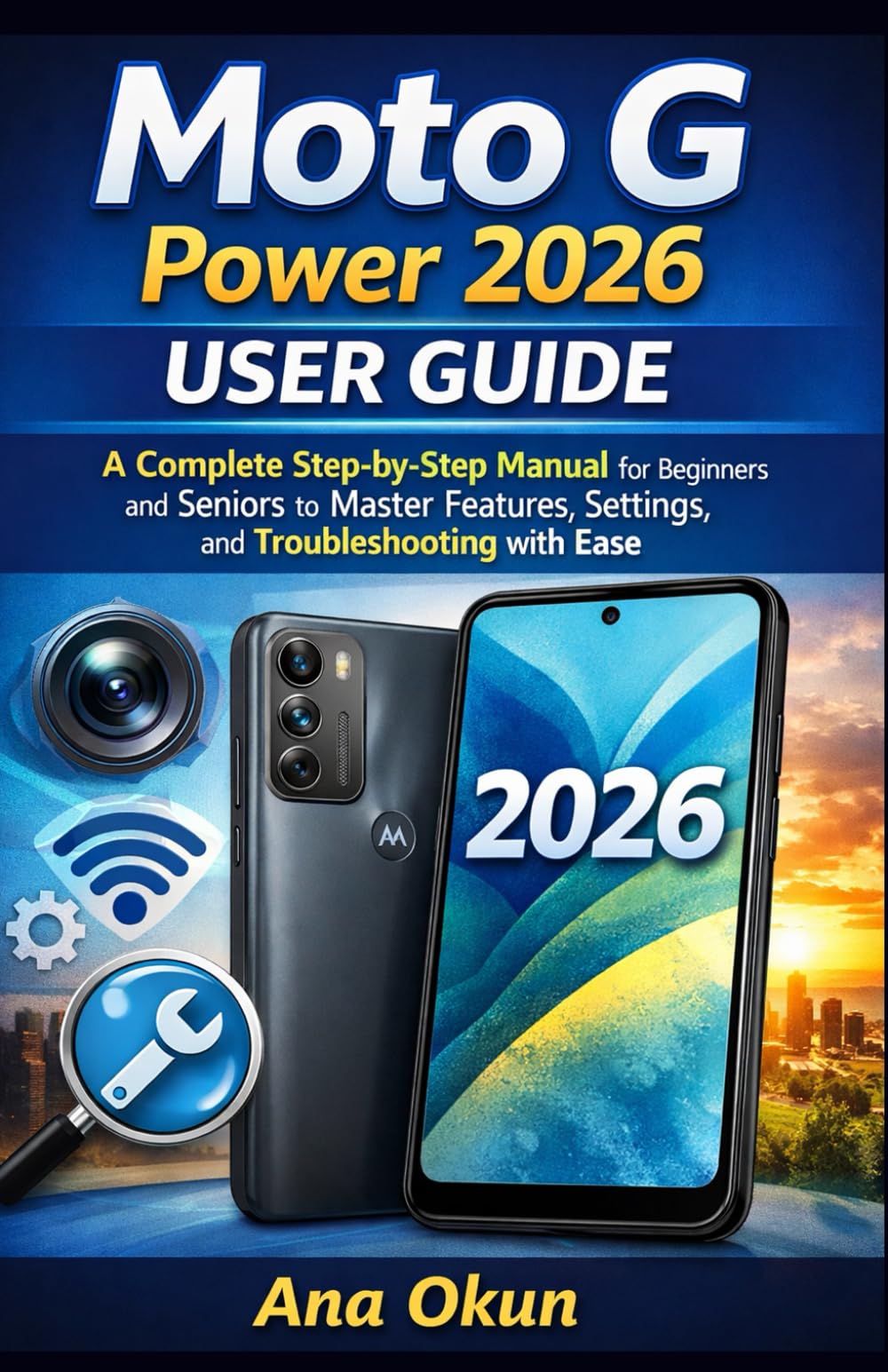
Image 1.1: Front cover of the Moto G Power 2026 User Guide. This image shows the book's title and overall design.
2. การใช้งานอุปกรณ์ของคุณ
2.1 Navigating the Home Screen
The home screen is your central hub for accessing applications and information. Swipe left or right to view additional home screens. Swipe down from the top of the screen to access quick settings and notifications.
- ลิ้นชักแอป: Swipe up from the bottom of the home screen to open the app drawer, which contains all installed applications.
- วิดเจ็ต: Long-press on an empty area of the home screen to add widgets for quick access to information like weather, calendar, or music controls.
- โฟลเดอร์: Drag one app icon over another to create a folder, helping you organize your applications.
2.2 การโทรและการส่งข้อความ
Staying connected is a primary function of your Moto G Power 2026.
- โทรออก: แตะที่ โทรศัพท์ icon, enter the number, and tap the call button. You can also select a contact from your address book.
- การจัดการผู้ติดต่อ: ใช้ ติดต่อเรา app to add, edit, or delete contacts. You can sync contacts from your Google account.
- การส่งข้อความ: เปิด ข้อความ app, tap the new message icon, enter the recipient's number or select from contacts, and type your message.
2.3 Internet Connectivity and Apps
Your device supports both Wi-Fi and mobile data for internet access.
- ไวไฟ : ไปที่ การตั้งค่า > เครือข่ายและอินเทอร์เน็ต > Wi-Fi เพื่อเชื่อมต่อกับเครือข่ายที่มีอยู่
- ข้อมูลมือถือ: Ensure your SIM card is inserted and mobile data is enabled in การตั้งค่า > เครือข่ายและอินเทอร์เน็ต > เครือข่ายมือถือ.
- ผู้ช่วย Google: Activate Google Assistant by saying "Hey Google" or long-pressing the power button (if configured). Use voice commands for tasks, information, and device control.
- การจัดการแอพ: Download new apps from the Google Play Store. Manage installed apps in การตั้งค่า> แอปและการแจ้งเตือน to adjust permissions, clear cache, or uninstall.
3. คุณสมบัติของกล้อง
The Moto G Power 2026 camera allows you to capture high-quality photos and videos. Open the กล้อง app to begin.
- ถ่ายรูป: กดปุ่มชัตเตอร์เพื่อถ่ายภาพ
- การบันทึกวิดีโอ: เปลี่ยนเป็นโหมดวิดีโอแล้วแตะปุ่มบันทึกเพื่อเริ่ม/หยุดการบันทึก
- โหมดกล้อง: Explore various modes such as Portrait, Night Vision, Panorama, and Pro Mode for different photographic effects.
- การตั้งค่า: Access camera settings to adjust resolution, aspect ratio, timer, and other preferences.
4. การแก้ไขปัญหาทั่วไป
This section addresses common problems you might encounter with your Moto G Power 2026.
- อุปกรณ์ไม่ตอบสนอง: If your device freezes, press and hold the power button for about 10-15 seconds to force a restart.
- แบตเตอรี่หมดเร็ว: ตรวจสอบการใช้งานแบตเตอรี่ใน ตั้งค่า > แบตเตอรี่ to identify power-hungry apps. Reduce screen brightness, disable unnecessary features like GPS or Bluetooth when not in use, and close background apps.
- Connectivity Problems (Wi-Fi/Mobile Data):
- ปิดและเปิด Wi-Fi หรือข้อมูลมือถือใหม่
- หากพบปัญหาเกี่ยวกับ Wi-Fi ให้รีสตาร์ทเราเตอร์ของคุณ
- Ensure your mobile data plan is active and you have signal coverage.
- แอปขัดข้อง: ล้างแคชและข้อมูลของแอปใน การตั้งค่า > แอปและการแจ้งเตือน > [ชื่อแอป] > พื้นที่จัดเก็บและแคชหากปัญหายังคงมีอยู่ ให้ถอนการติดตั้งและติดตั้งแอปใหม่อีกครั้ง
- พื้นที่เก็บข้อมูลเหลือน้อย: ลบที่ไม่จำเป็น files, photos, and videos. Uninstall unused apps. Move large files to cloud storage or an external SD card (if supported). Check storage usage in การตั้งค่า > การจัดเก็บข้อมูล.
5. การบำรุงรักษาและการดูแล
Proper maintenance ensures the longevity and optimal performance of your Moto G Power 2026.
- การอัปเดตซอฟต์แวร์: Regularly check for and install system updates in การตั้งค่า> ระบบ> การอัปเดตระบบ. Updates often include performance improvements and security patches.
- การทำความสะอาด: ใช้ผ้านุ่มที่ไม่เป็นขุยทำความสะอาดหน้าจอและตัวเครื่อง หลีกเลี่ยงสารเคมีรุนแรงหรือวัสดุที่มีฤทธิ์กัดกร่อน
- สุขภาพแบตเตอรี่: Avoid extreme temperatures. Do not leave the device charging for extended periods after it reaches 100%.
- การสำรองข้อมูล: Regularly back up your important data to a cloud service (like Google Drive) or a computer to prevent data loss.
- การป้องกันทางกายภาพ: ควรใช้เคสป้องกันและฟิล์มกันรอยเพื่อป้องกันการตกและรอยขีดข่วน
6. ข้อมูลจำเพาะ
Key technical specifications for the Moto G Power 2026:
| คุณสมบัติ | รายละเอียด |
|---|---|
| ASIN | B0GP71KXZ1 |
| สำนักพิมพ์ | เผยแพร่โดยอิสระ |
| วันที่เผยแพร่ | 18 กุมภาพันธ์ 2026 |
| ภาษา | ภาษาอังกฤษ |
| ความยาวพิมพ์ | 144 หน้า |
| หมายเลข ISBN-13 | 979-8248918850 |
| น้ำหนักสินค้า | 8.6 ออนซ์ |
| อายุการอ่าน | 12 - 18 ปี |
| ขนาด | 5.5 x 0.33 x 8.5 นิ้ว |
Image 6.1: Back cover of the Moto G Power 2026 User Guide. This image displays the ISBN barcode and other publication information.
7. การรับประกันและการสนับสนุน
สำหรับข้อมูลการรับประกันและการสนับสนุนลูกค้า โปรดดูที่ Motorola อย่างเป็นทางการ website or the documentation included with your device at the time of purchase. This manual provides general operational guidance and does not replace official warranty statements or specific support channels.
- เป็นทางการ Webเว็บไซต์: Visit the Motorola official webเว็บไซต์นี้รวบรวมข้อมูลสนับสนุนล่าสุด คำถามที่พบบ่อย และข้อมูลการติดต่อไว้ครบถ้วน
- บริการลูกค้า: Contact Motorola customer service for technical assistance or warranty claims.
- แหล่งข้อมูลออนไลน์: Many common issues can be resolved by consulting online forums or support communities.