
การแนะนำ
This manual provides comprehensive instructions for the Anderic RRFA0318 Ceiling Fan Remote Control. This remote is designed as a direct replacement for specific Harbor Breeze ceiling fan models, offering full control over fan speeds, light functions, and airflow direction. Please read this manual carefully before use to ensure proper installation and operation.
ความเข้ากันได้
The Anderic RRFA0318 remote control is compatible with the following Harbor Breeze ceiling fan models:
- Harbor Breeze Arbormere 60-inch Color-Changing Outdoor Matte Black with Driftwood Blades Ceiling Fan With Light (Item #5127845 | Model #43341)
- Harbor Breeze Queensdale Easy2Hang 60-inch Color-Changing Integrated LED Covered Outdoor Matte Black with Black Blades Ceiling Fan With Light (Item #5971303 | Model #43299)
- Harbor Breeze Queensdale Easy2Hang 60-inch Color-Changing Integrated LED Covered Outdoor White with White Blades Ceiling Fan With Light (Item #5979053 | Model #43377)
- Harbor Breeze Outermark Easy2Hang 60-inch Color-Changing Integrated LED Uncovered Outdoor Matte Black with Black Blades Ceiling Fan With Light (Item #5971304 | Model #43300)
- Harbor Breeze Outermark Easy2Hang 60-inch Color-Changing Integrated LED Uncovered Outdoor White with White Blades Ceiling Fan With Light (Item #5979051 | Model #43378)
This remote replaces original Harbor Breeze remotes 4L000016210 and A25-FA0198A.

Image: Comparison of the original Harbor Breeze remote (left) and the Anderic RRFA0318 replacement (right).
คุณสมบัติหลัก
- Full Fan Control: Adjust fan speeds (6-speed), and change airflow direction (forward/reverse).
- การควบคุมแสง: Dim lights and adjust color temperature (if supported by fan).
- ฟังก์ชั่นขั้นสูง: Includes timer settings (2hr, 4hr, 8hr), Nature Breeze mode, Home Shield, and Walk Away delay functions.
- การออกแบบที่เป็นมิตรต่อผู้ใช้: Features large, durable rubber buttons and dedicated keys for easy operation.
- ติดผนัง: Comes with a full-plate wall mount and a built-in magnet for secure storage.
การตั้งค่า
1. การติดตั้งแบตเตอรี่
The remote control requires one A23 12-volt battery (not included) for operation. Follow these steps to install the battery:
- ค้นหาฝาปิดช่องใส่แบตเตอรี่ที่ด้านหลังของรีโมทคอนโทรล
- เลื่อนฝาเปิดออก
- Insert one A23 12-volt battery, ensuring the correct polarity (+ and - ends match the markings inside the compartment).
- เลื่อนฝาปิดช่องใส่แบตเตอรี่กลับเข้าที่จนกระทั่งล็อคเข้าที่อย่างแน่นหนา
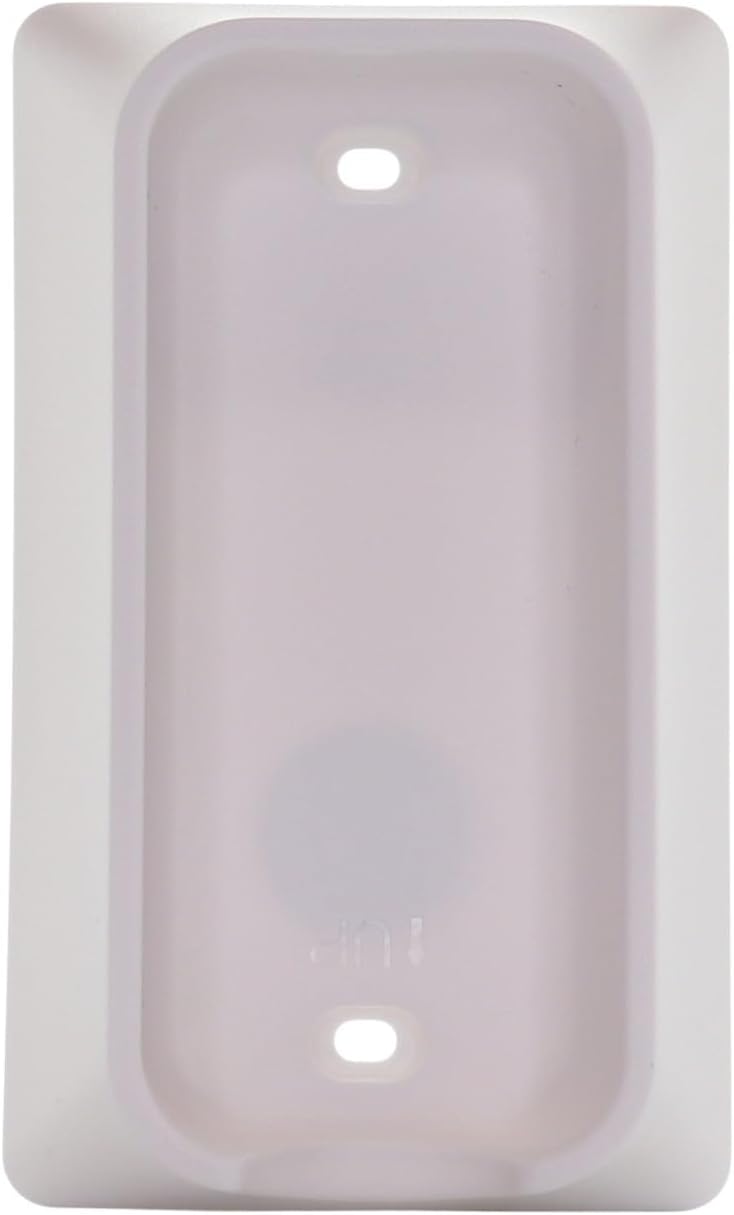
Image: Back of the remote control with the battery compartment open, indicating battery placement.
2. Pairing Instructions (Simple 3-Step Pairing)
To pair your Anderic RRFA0318 remote control with your ceiling fan receiver, follow these steps:
- Install a 12V 23A battery ensuring the correct polarization.
- Cycle the power to the fan. Turn off the power to your ceiling fan at the wall switch or circuit breaker, wait a few seconds, then turn it back on.
- ภายใน 30 วินาที of restoring power to the fan, locate the small "LEARN" key inside the battery compartment of the remote control and tap it once. The fan light should blink or the fan should respond, indicating successful pairing.

Image: Visual guide for the 3-step pairing process, showing the remote's front and the location of the 'LEARN' button.
บันทึก: The pairing process is identical to that of the original Harbor Breeze remote.
คำแนะนำการใช้งาน
The Anderic RRFA0318 remote control provides intuitive control over your ceiling fan and light. Refer to the button layout for specific functions:

ภาพ: ด้านหน้า view of the Anderic RRFA0318 remote control, displaying all control buttons.
- การควบคุมความเร็วพัดลม: ใช้ + และ - buttons next to the fan icon to increase or decrease fan speed.
- เปิด/ปิดพัดลม: กดปุ่ม ไอคอนพลังงาน button (circle with vertical line) to turn the fan on or off.
- เปิด/ปิด/ลดแสง: กดปุ่ม ไอคอนหลอดไฟ button to turn the light on or off. Hold the button to dim or brighten the light.
- การปรับอุณหภูมิสี: If your fan supports it, use the multi-color light bulb icon button to cycle through or adjust light color temperatures.
- การไหลของอากาศไปข้างหน้า/ย้อนกลับ: ใช้ blue arrows (down) for forward mode (cooling) and red arrows (up) for reverse mode (warming).
- ฟังก์ชั่นจับเวลา: กดปุ่ม 2ชม., 4ชม., หรือ 8ชม. buttons to set the fan to turn off automatically after the selected duration.
- Nature Breeze Mode: กดปุ่ม wavy lines icon to activate a mode that simulates natural breezes by varying fan speed.
- โฮมชิลด์: กดปุ่ม ไอคอนบ้าน for security features (refer to your fan's manual for specific functionality).
- Walk Away Delay: กดปุ่ม person walking icon to activate a delay function (refer to your fan's manual for specific functionality).
การซ่อมบำรุง
- การทำความสะอาด: เช็ดรีโมทคอนโทรลด้วยผ้านุ่มและแห้ง ห้ามใช้น้ำยาทำความสะอาดหรือสารละลายที่มีฤทธิ์กัดกร่อน
- การเปลี่ยนแบตเตอรี่: Replace the A23 12-volt battery when the remote's range decreases or it becomes unresponsive. Ensure proper disposal of old batteries according to local regulations.
- พื้นที่จัดเก็บ: When not in use for extended periods, remove the battery to prevent leakage. Store the remote in a cool, dry place.
การแก้ไขปัญหา
| ปัญหา | สาเหตุที่เป็นไปได้ | สารละลาย |
|---|---|---|
| รีโมทไม่ตอบสนองต่อพัดลม | Battery is dead or incorrectly installed. Remote is not paired. Fan power is off. | Check battery polarity and replace if necessary. Re-pair the remote following the "Pairing Instructions" section. Ensure the fan's power is on. |
| Fan light not dimming or changing color. | Fan does not support dimming/color change. Incorrect button press. | Verify your ceiling fan model supports these features. For dimming, hold the light button. For color change, ensure you are pressing the correct multi-color light button. |
| ระยะห่างไกลไม่ดี | Low battery. Obstructions between remote and receiver. | Replace the A23 12-volt battery. Ensure there are no major obstructions (e.g., thick walls, large metal objects) between the remote and the fan's receiver. |
| Fan changes direction unexpectedly. | Accidental press of forward/reverse button. | Press the appropriate forward (blue arrows) or reverse (red arrows) button to set the desired direction. |
ข้อมูลจำเพาะ
- ชื่อรุ่น : RRFA0318
- ยี่ห้อ: อันเดอริก
- เทคโนโลยีการเชื่อมต่อ: ความถี่วิทยุ (RF)
- ประเภทตัวควบคุม: ปุ่มควบคุม
- จำนวนปุ่ม: 14
- แหล่งพลังงาน: 1 x A23 12-volt battery (not included)
- ระยะสูงสุด: 30 ฟุต (ประมาณ 9 เมตร)
- สี: สีขาว
- ขนาดรายการ (ยาว x กว้าง x สูง): 6" x 2" x 1" (ประมาณ 15.24 ซม. x 5.08 ซม. x 2.54 ซม.)
การรับประกันและการสนับสนุน
The Anderic RRFA0318 remote control comes with a 1 Year Limited Anderic Warranty. For warranty claims or technical support, please contact Anderic customer service directly. Keep your purchase receipt as proof of purchase.
หากต้องการความช่วยเหลือเพิ่มเติม โปรดไปที่ ร้าน Anderic บน Amazon.