
การแนะนำ
Thank you for choosing the iFFALCON 55U75A 55-inch Smart TV. This manual provides essential information for setting up, operating, and maintaining your new television. Please read it thoroughly before use and keep it for future reference.

The iFFALCON 55U75A 55-inch Smart TV, showcasing การออกแบบที่เพรียวบาง
ข้อมูลด้านความปลอดภัย
ปฏิบัติตามข้อควรระวังด้านความปลอดภัยพื้นฐานเสมอเมื่อใช้ผลิตภัณฑ์นี้ เพื่อลดความเสี่ยงต่อการเกิดไฟไหม้ ไฟฟ้าช็อต และการบาดเจ็บ
- อย่าให้ทีวีโดนฝนหรือความชื้น
- ห้ามเปิดตู้ ให้ส่งการบริการทั้งหมดให้กับบุคลากรที่มีคุณสมบัติเหมาะสม
- ตรวจสอบให้แน่ใจว่ามีการระบายอากาศที่เหมาะสมรอบๆ ทีวี
- ใช้เฉพาะอะแดปเตอร์ไฟฟ้าและสายไฟที่ผู้ผลิตจัดให้เท่านั้น
- เก็บทีวีให้ห่างจากแสงแดดโดยตรง แหล่งความร้อน และสนามแม่เหล็กแรงสูง
- เช็ดทำความสะอาดทีวีด้วยผ้าแห้งนุ่มๆ หลีกเลี่ยงการใช้น้ำยาทำความสะอาด
เนื้อหาแพ็คเกจ
ตรวจสอบว่ามีรายการทั้งหมดอยู่ในแพ็คเกจ:
- iFFALCON 55U75A 55-inch Smart TV
- อะแดปเตอร์แปลงไฟ
- สายไฟ
- รีโมทคอนโทรล
- ยืน
- คู่มือการใช้งาน
การตั้งค่า
1. การติดตั้งขาตั้ง
การติดตั้งขาตั้งทีวี:
- วางทีวีคว่ำหน้าลงบนพื้นผิวเรียบและนุ่มอย่างระมัดระวังเพื่อป้องกันไม่ให้หน้าจอเสียหาย
- Attach the stand legs to the designated slots on the bottom of the TV.
- ยึดขาตั้งด้วยสกรูที่ให้มา

Diagram showing the TV dimensions and how to attach the stand.
2. การเชื่อมต่ออุปกรณ์ต่อพ่วง
เชื่อมต่ออุปกรณ์ภายนอกของคุณเข้ากับทีวีโดยใช้พอร์ตที่มีอยู่:
- ช่องต่อ HDMI: For high-definition audio and video devices like gaming consoles, Blu-ray players, or set-top boxes. The TV features 4 HDMI ports.
- ยูเอสบี: สำหรับเชื่อมต่ออุปกรณ์จัดเก็บข้อมูล USB เพื่อเล่นสื่อ files.
- ไวไฟ : เชื่อมต่อกับเครือข่ายภายในบ้านเพื่อเข้าถึงอินเทอร์เน็ตและใช้งานฟีเจอร์สมาร์ททีวี
- บลูทูธ: สำหรับการเชื่อมต่อแบบไร้สายกับอุปกรณ์เสียงหรืออุปกรณ์เสริมที่ใช้งานร่วมกันได้

หลัง view of the TV, illustrating the various input and output ports.
3. การเปิดเครื่องครั้งแรก
After connecting all necessary cables, plug the power cable into an electrical outlet. Press the power button on the remote control or the TV to turn it on. Follow the on-screen instructions for initial setup, including language selection, network connection, and Google TV account setup.
การใช้งานทีวี
รีโมทคอนโทรล
The remote control allows you to navigate the TV's interface, adjust settings, and access smart features. Familiarize yourself with the buttons for power, volume, channel, input selection, and smart TV functions.
คุณสมบัติของ Google TV
Your iFFALCON 55U75A comes with Google TV, offering a personalized entertainment experience. Access your favorite streaming services, apps, and content recommendations. Use Google Assistant for voice commands to search for movies, control smart home devices, and more.
Display Technology: QLED and 144Hz Native Refresh Rate
Experience vibrant and lifelike visuals with QLED technology, featuring advanced quantum crystal materials for richer colors and higher stability. The 144Hz native refresh rate ensures ultra-smooth motion, ideal for gaming and fast-paced action scenes, reducing blur and enhancing clarity.
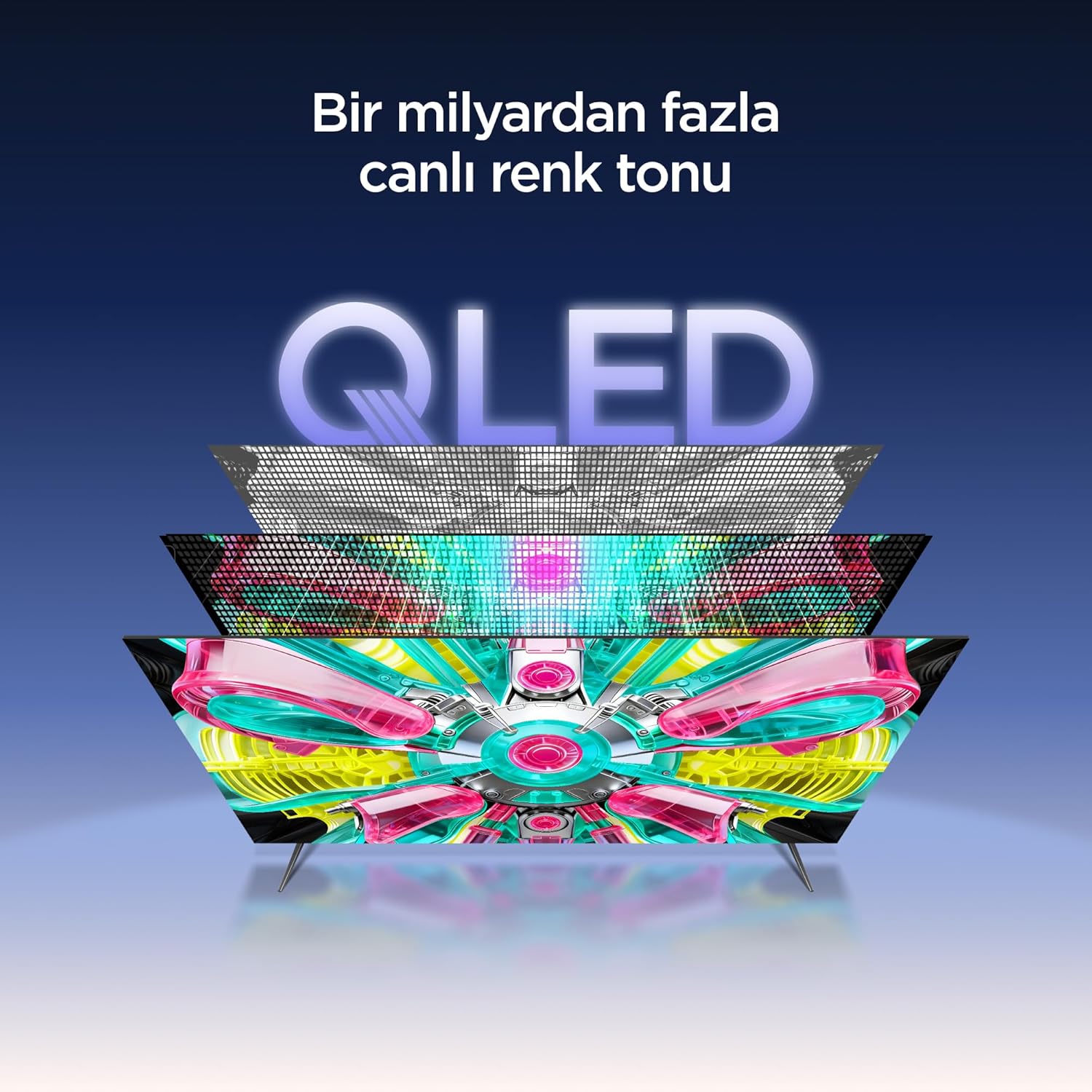
An illustration of the QLED display technology layers, providing over a billion vibrant color tones.
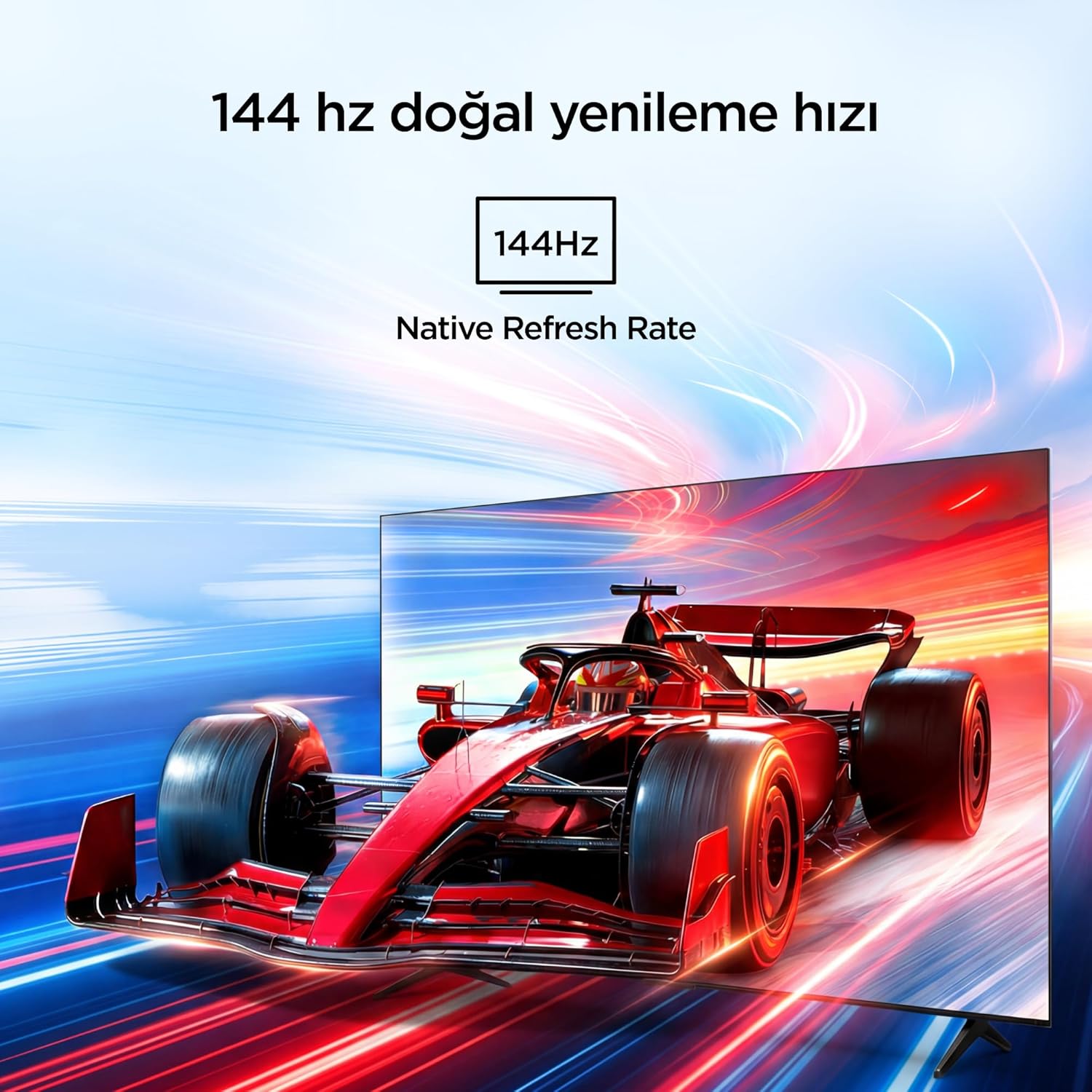
Visual representation of the 144Hz Native Refresh Rate, demonstrating smooth motion for gaming and action.
Audio Experience: Dolby Vision Atmos & DTS Virtual X
Immerse yourself in high-quality audio with Dolby Vision Atmos, delivering rich and captivating sound. DTS Virtual X provides virtual 3D sound, bringing the scene into your room with audio from above, the sides, and behind.

An image depicting the immersive audio experience provided by Dolby Vision Atmos.
โปรเซสเซอร์ AiPQ Pro
The AiPQ Pro Processor, powered by artificial intelligence, optimizes contrast and color accuracy in every scene. It analyzes visual content and masterfully balances skin tones and color distribution for vivid and realistic visuals.
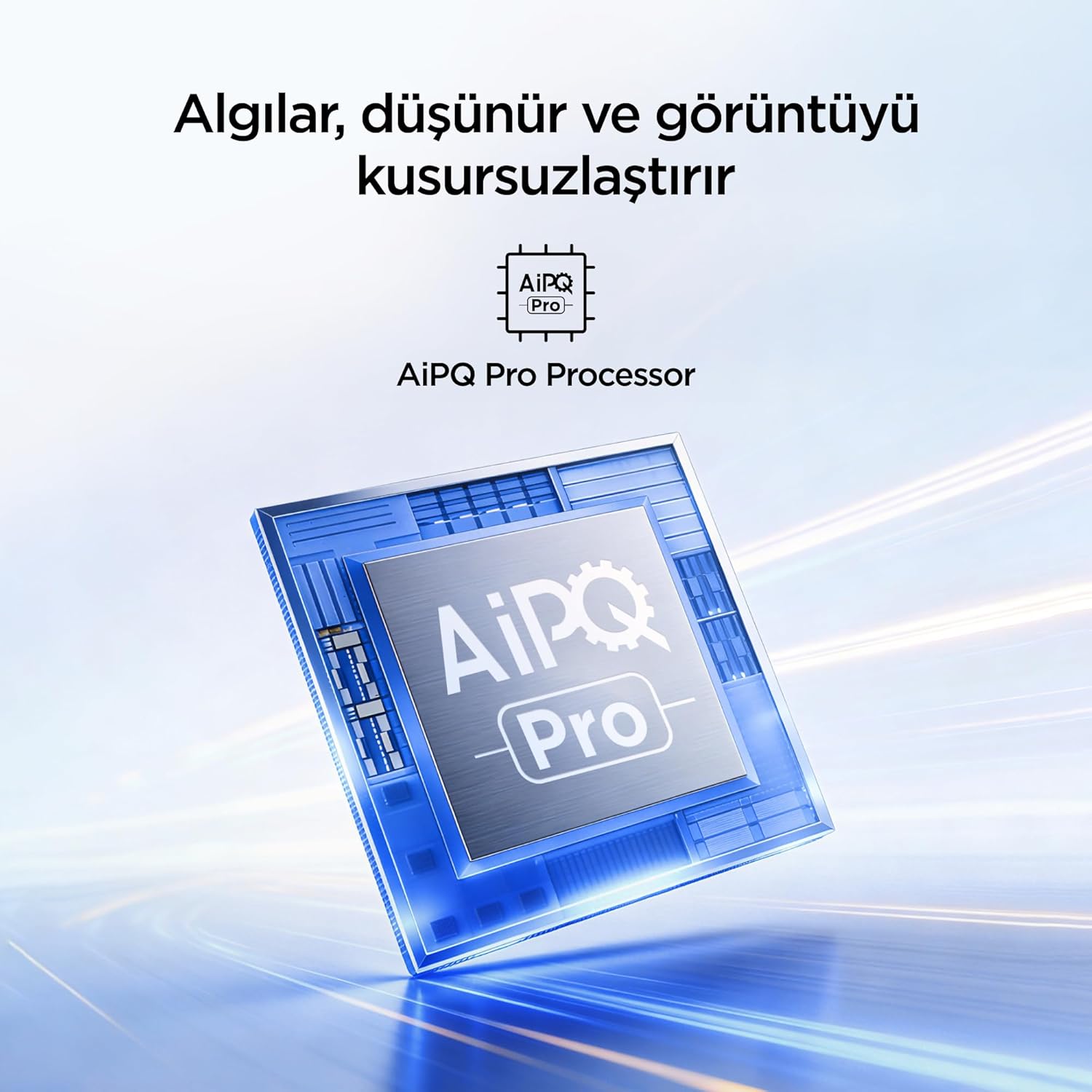
A visual of the AiPQ Pro Processor, highlighting its role in image optimization.
HVA Panel Technology
The HVA Panel offers 5x contrast enhancement, a low reflection film, and a wide viewing angle of over 178°. This technology provides powerful and accurate contrast, delivering sharper and more striking images.

Comparison illustrating the superior contrast and detail of HVA Panel Technology over conventional IPS panels.
Game Master & Gamebar
The Game Master feature, along with the dedicated Gamebar, provides special screen designs for gaming consoles. Comprehensive graphics and game modes allow for personalized settings, giving you an advantage when starting a game.

An image showing the Gamebar interface, designed for optimizing gaming experiences on consoles.
Multiple Eye Care
The TV is equipped with Multiple Eye Care technologies, such as low blue light and natural light optimization, to help reduce eye strain during long viewing sessions, providing a more comfortable experience.

Visual explanation of Multiple Eye Care features like low blue light and flicker-free viewการไอเอ็นจี
การซ่อมบำรุง
การบำรุงรักษาอย่างถูกต้องจะช่วยให้ทีวีของคุณมีอายุการใช้งานยาวนานและมีประสิทธิภาพเหมาะสมที่สุด
- การทำความสะอาดหน้าจอ: เช็ดหน้าจอเบาๆ ด้วยผ้านุ่มที่ไม่เป็นขุย สำหรับรอยฝังแน่น ให้เช็ดเบาๆampเทน้ำหรือน้ำยาทำความสะอาดหน้าจอชนิดพิเศษลงบนผ้า (อย่าฉีดลงบนหน้าจอโดยตรง)
- ทำความสะอาดตู้: ใช้ผ้าแห้งนุ่มๆ เช็ดทำความสะอาดตู้ทีวี
- การระบายอากาศ : ตรวจสอบให้แน่ใจว่าช่องระบายอากาศที่ด้านหลังทีวีไม่ได้ถูกปิดกั้นเพื่อป้องกันความร้อนสูงเกินไป
- สายไฟ: ตรวจสอบสายไฟเป็นประจำว่ามีรอยชำรุดหรือไม่ หากพบรอยชำรุด โปรดติดต่อฝ่ายบริการลูกค้าเพื่อขอเปลี่ยนสินค้า
การแก้ไขปัญหา
หากคุณพบปัญหาเกี่ยวกับทีวี โปรดดูปัญหาและวิธีแก้ไขทั่วไปต่อไปนี้ก่อนติดต่อฝ่ายสนับสนุน
| ปัญหา | วิธีแก้ปัญหาที่เป็นไปได้ |
|---|---|
| ไม่มีไฟฟ้า | Check if the power cord is securely plugged into the TV and the power outlet. Ensure the outlet is working. |
| ไม่มีภาพแต่มีเสียง | Check the input source. Ensure the external device is properly connected and powered on. |
| ไม่มีเสียงแต่มีภาพ | ตรวจสอบระดับเสียงและการตั้งค่าปิดเสียง ตรวจสอบให้แน่ใจว่าสายสัญญาณเสียงเชื่อมต่ออย่างถูกต้อง |
| รีโมตคอนโทรลไม่ทำงาน | เปลี่ยนแบตเตอรี่ ตรวจสอบให้แน่ใจว่าไม่มีสิ่งกีดขวางระหว่างรีโมทและเซ็นเซอร์อินฟราเรดของทีวี |
| ปัญหาการเชื่อมต่อ Wi-Fi | Restart your router and modem. Check TV network settings and ensure the password is correct. |
ข้อมูลจำเพาะ
| คุณสมบัติ | รายละเอียด |
|---|---|
| ขนาดหน้าจอ | 55 นิ้ว |
| ยี่ห้อ | ไอฟัลคอน |
| เทคโนโลยีการแสดงผล | คิวแอลอีดี |
| ปณิธาน | 4K |
| อัตราการรีเฟรช | 144 เฮิรตซ์ |
| คุณสมบัติหลัก | 144Hz Native Refresh Rate, AiPQ Pro Processor, Bezel-less Design, Google Assistant, HVA Screen, Multi Eye Care, Free Sync |
| เทคโนโลยีการเชื่อมต่อ | บลูทูธ, HDMI, USB, Wi-Fi |
| ขนาดสินค้า (ลึก x กว้าง x สูง) | 7D x 122.4W x 70.8H ซม. |
| ชื่อรุ่น | 55U75A |
| น้ำหนักผลิตภัณฑ์ | 13.5 กิโลกรัม |
| พอร์ต HDMI ทั้งหมด | 4 |
| ประสิทธิภาพการใช้พลังงาน | A+ |
| สี | สีดำ |
| รุ่นปี | 2026 |
| ผู้ผลิต | ไอฟัลคอน |
| ประเทศต้นทาง | จีน |
การรับประกันและการสนับสนุน
Your iFFALCON 55U75A Smart TV comes with a รับประกันจากผู้ผลิต 2 ปี. For warranty claims, technical support, or service inquiries, please contact iFFALCON customer service. Refer to the warranty card included in your package for detailed terms and conditions.
For further assistance, visit the official iFFALCON webไซต์หรือติดต่อศูนย์บริการที่ได้รับอนุญาต