
การแนะนำ
This manual provides essential information for setting up, operating, maintaining, and troubleshooting your VIZIO V4K50S-0810 50-inch V-Series 4K HDR Smart TV. Please read these instructions carefully to ensure proper use and to maximize your viewการสร้างประสบการณ์
การตั้งค่า
1. การแกะกล่องและการจัดวาง
นำทีวีออกจากบรรจุภัณฑ์อย่างระมัดระวัง แนะนำให้ใช้คนสองคนสำหรับขั้นตอนนี้ วางทีวีบนพื้นผิวที่มั่นคงและเรียบ หรือเตรียมติดตั้งบนผนัง
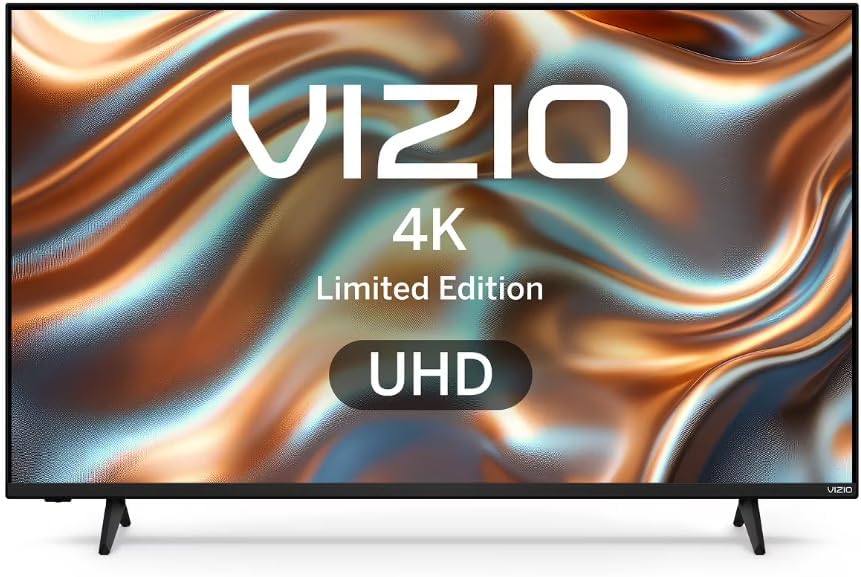
ภาพ: ด้านหน้า view of the VIZIO V4K50S-0810 TV, illustrating its design with the included stand.
2. การติดตั้งขาตั้ง (ทางเลือก)
If you are not wall-mounting, attach the included stands to the bottom of the TV. Align the stands with the designated slots and secure them using the provided screws. Ensure all screws are tightened securely. A power drill may be helpful for easier screw insertion.
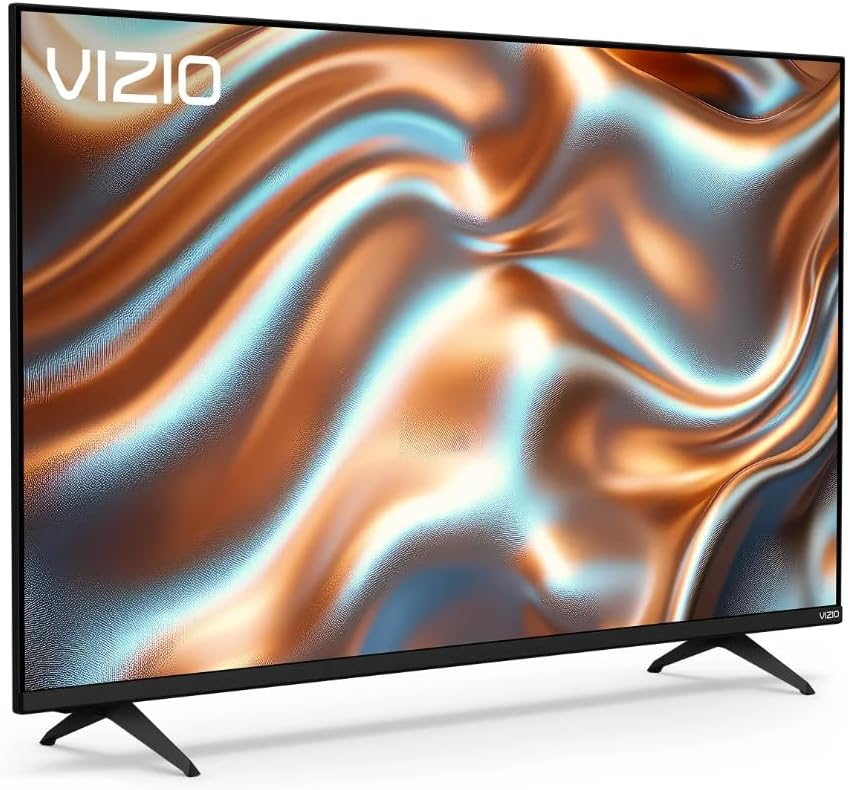
ภาพ: มุมเอียง view of the VIZIO V4K50S-0810 TV, showing the attached stands and overall profile.
3. การติดตั้งบนผนัง (ทางเลือก)
For wall mounting, use a VESA-compatible wall mount (200 x 200 mm standard) sold separately. Follow the instructions provided with your wall mount. Ensure the wall can support the weight of the TV and the mount.
4. อุปกรณ์เชื่อมต่อ
Connect your external devices (e.g., cable box, Blu-ray player, gaming console) to the TV's HDMI ports. This TV features 3 HDMI ports. You can also connect USB devices to the single USB 3.0 port.
- ช่องต่อ HDMI: สำหรับวิดีโอและเสียงความละเอียดสูง
- ยูเอสบี: For media playback or connecting compatible accessories.
- บลูทูธ: สำหรับอุปกรณ์เสียงไร้สายหรืออุปกรณ์เสริม
- ไวไฟ : For internet connectivity (Dual-Band WiFi 6 supported).
5. เปิดเครื่องและการตั้งค่าเริ่มต้น
Plug the power cord into an electrical outlet. Press the power button on the remote control or on the TV. Follow the on-screen instructions to complete the initial setup, including language selection, network connection, and channel scanning. A VIZIO Account is required for full Smart TV functionality and product updates.
The included remote control is essential for navigating the TV's menus and features.
คำแนะนำการใช้งาน
1. การควบคุมพื้นฐาน
- พลัง: เปิดหรือปิดทีวี
- ปริมาณ: ปรับระดับเสียง
- ป้อนข้อมูล: Select the desired input source (HDMI 1, HDMI 2, etc.).
- การนำทาง: ใช้ปุ่มควบคุมทิศทางและปุ่ม OK บนรีโมทเพื่อเลื่อนดูเมนูต่างๆ
2. Smart TV Features (SmartCast OS)
Your VIZIO Smart TV runs on the SmartCast OS, providing instant access to a variety of built-in applications and streaming services. Use the remote control to browse and launch apps.
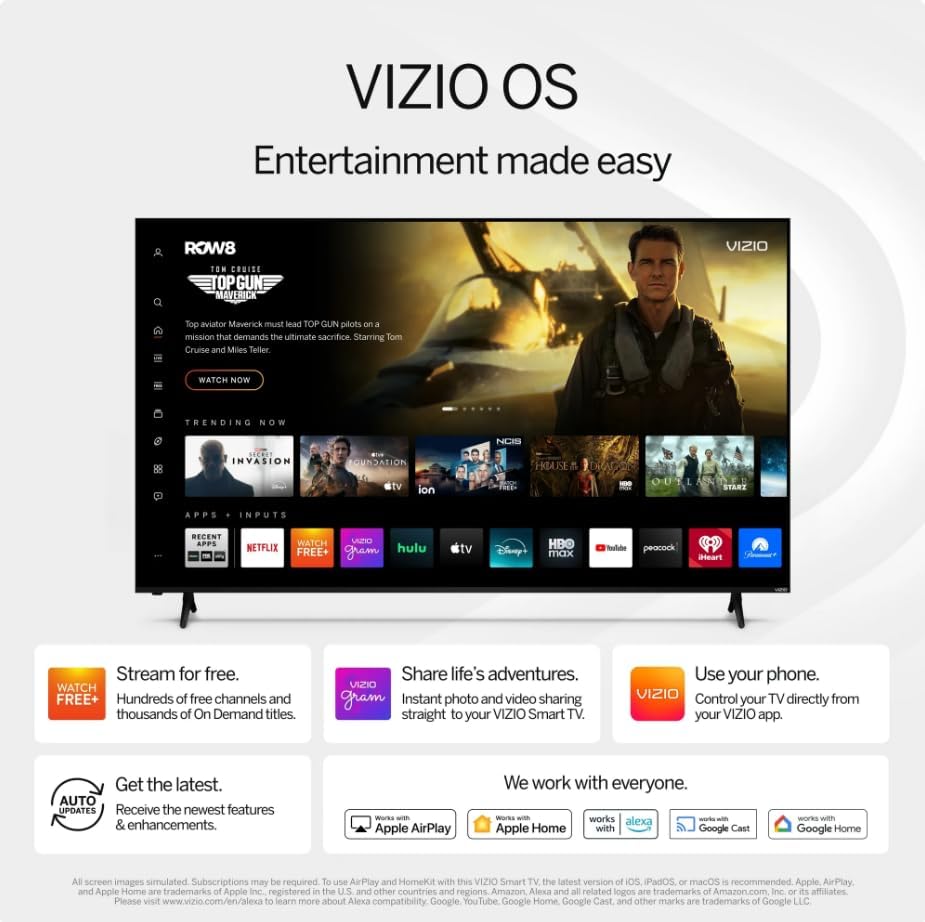
Image: The VIZIO SmartCast OS interface, displaying available applications and content for easy access.
- แอพในตัว: Access popular streaming platforms directly from your TV.
- Chromecast ในตัว: Cast content from your compatible mobile devices or computer to the TV.
- รีโมทควบคุมด้วยเสียง VIZIO: Use voice commands to navigate, search for content, and adjust settings.
3. การตั้งค่าภาพและเสียง
เข้าสู่เมนูการตั้งค่าของทีวีเพื่อปรับแต่งภาพและเสียงตามต้องการ
- คุณภาพของภาพ: Enjoy 4K Ultra HD resolution with Dolby Vision HDR/HDR10+ for enhanced color, contrast, and detail. Adjust brightness, contrast, color, and sharpness to your preference.
- เสียง: The TV features built-in 2.0 channel speakers. Adjust volume and sound modes (e.g., Standard, Music, Movie) through the audio settings.
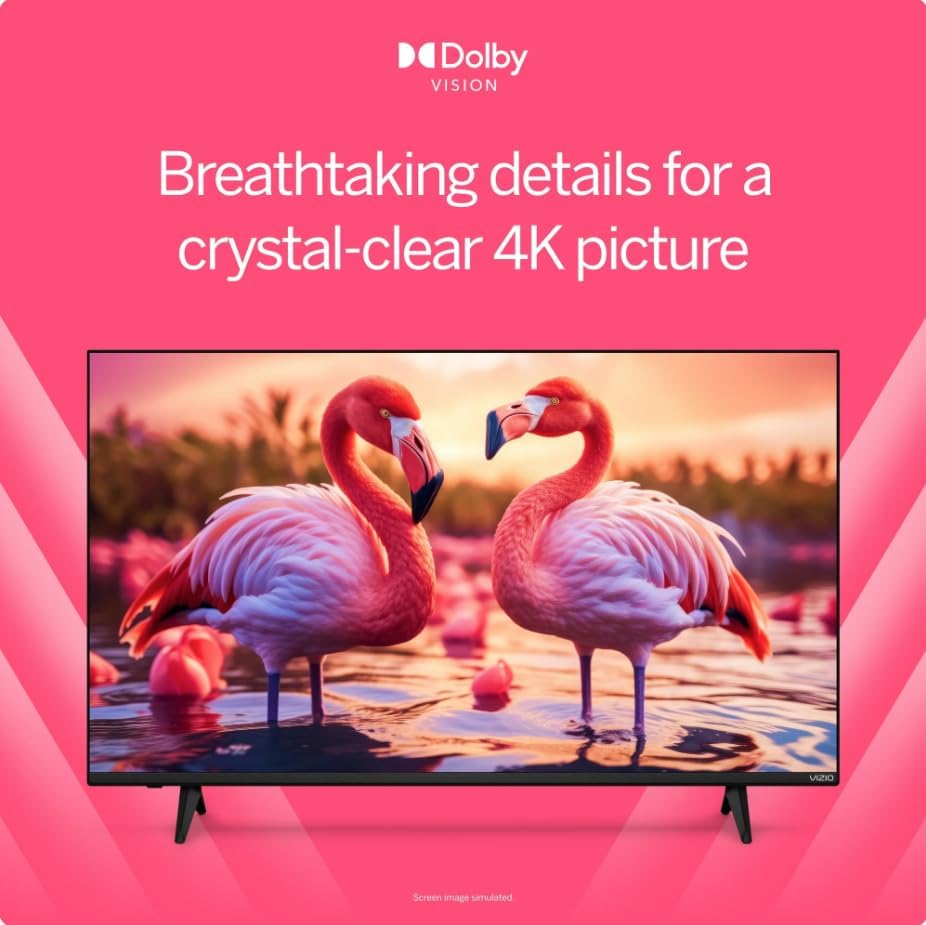
Image: A visual comparison demonstrating the enhanced detail and color provided by Dolby Vision HDR technology.
4. การเพิ่มประสิทธิภาพการเล่นเกม
This TV is optimized for gaming with features designed to provide a smoother experience.
- โหมดเวลาแฝงต่ำอัตโนมัติ (ALLM): เมื่อตรวจพบเครื่องเล่นเกม ระบบจะสลับไปใช้โหมดความหน่วงต่ำโดยอัตโนมัติ เพื่อลดความล่าช้าในการป้อนข้อมูล
- อัตราการรีเฟรชแบบแปรผัน (VRR): Synchronizes the TV's refresh rate with the game console's frame rate to minimize screen tearing and stuttering.

Image: A scene from a video game, highlighting how Dolby Vision HDR enhances in-game color and realism.
การซ่อมบำรุง
1. การทำความสะอาดทีวี
- หน้าจอ: เช็ดหน้าจอเบาๆ ด้วยผ้านุ่ม แห้ง และไม่เป็นขุย สำหรับรอยฝังแน่น ให้เช็ดเบาๆampชุบผ้าด้วยน้ำหรือน้ำยาทำความสะอาดหน้าจอที่ออกแบบมาสำหรับอุปกรณ์อิเล็กทรอนิกส์โดยเฉพาะ ห้ามฉีดน้ำยาลงบนหน้าจอโดยตรง
- ร่างกาย: Wipe the TV's frame and back panel with a soft, dry cloth. Avoid using abrasive cleaners or solvents.
2. การอัปเดตซอฟต์แวร์
Your VIZIO Smart TV may receive periodic software updates to improve performance and add new features. Ensure your TV is connected to the internet via Wi-Fi for automatic updates. A VIZIO Account is necessary to receive these updates.
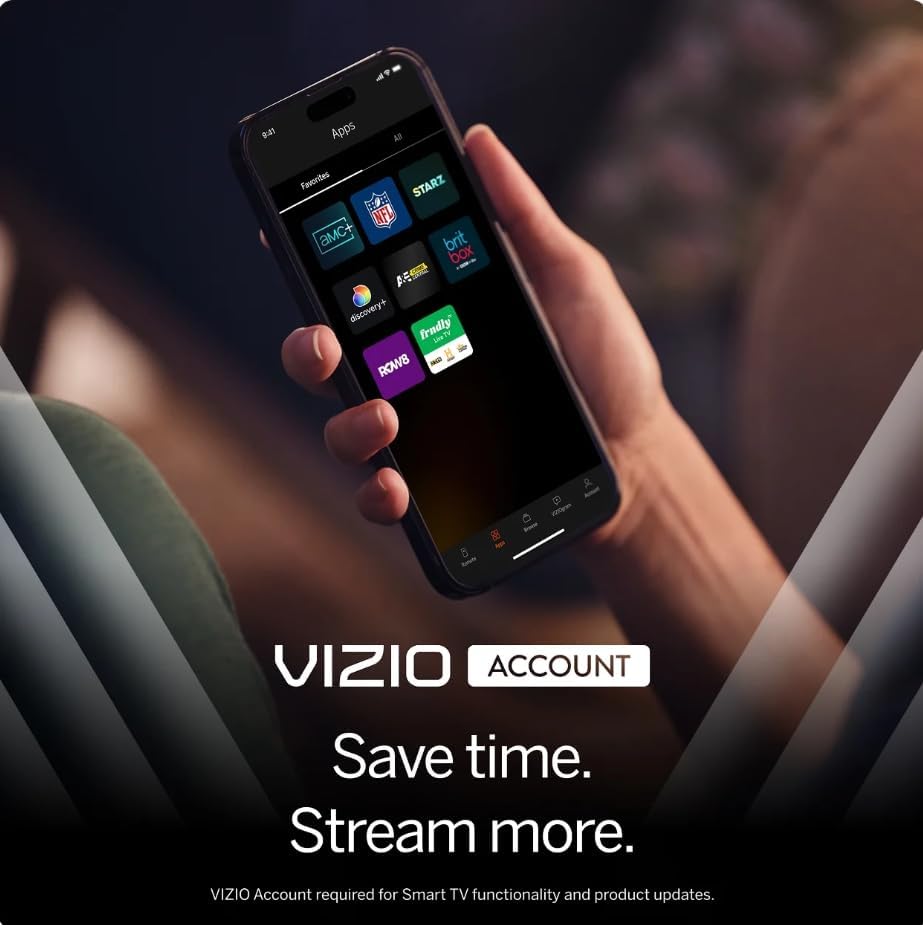
Image: A smartphone screen displaying the VIZIO Account interface, which is used for managing smart TV features and updates.
การแก้ไขปัญหา
หากคุณประสบปัญหาเกี่ยวกับทีวี โปรดดูวิธีแก้ไขทั่วไปต่อไปนี้:
- ไม่มีไฟฟ้า: ตรวจสอบให้แน่ใจว่าสายไฟเสียบเข้ากับทีวีและเต้ารับไฟฟ้าที่ใช้งานได้แน่นดีแล้ว ลองใช้เต้ารับอื่น
- ไม่มีภาพ/เสียง: Verify the correct input source is selected. Check all cable connections (HDMI, etc.) are secure. Restart connected devices.
- รีโมตไม่ตอบสนอง: เปลี่ยนแบตเตอรี่ในรีโมทคอนโทรล ตรวจสอบให้แน่ใจว่าไม่มีสิ่งกีดขวางระหว่างรีโมทและเซ็นเซอร์อินฟราเรดของทีวี
- ปัญหาการเชื่อมต่อเครือข่าย: Check your Wi-Fi router and internet connection. Restart both the TV and your router. Ensure your Wi-Fi password is entered correctly.
- ฟังก์ชั่น Smart TV บางอย่างใช้งานไม่ได้: Confirm your TV is connected to the internet. Ensure you have created and logged into your VIZIO Account, as it is required for full Smart TV functionality and app access.
- Cracked Screen/Physical Damage: If the TV has physical damage, contact customer support for assistance.
For more detailed troubleshooting or persistent issues, please refer to the VIZIO support webเว็บไซต์หรือติดต่อฝ่ายบริการลูกค้า
ข้อมูลจำเพาะ
| คุณสมบัติ | รายละเอียด |
|---|---|
| ชื่อรุ่น | V4K50S-0810 |
| ขนาดหน้าจอ | 50 นิ้ว |
| เทคโนโลยีการแสดงผล | 4K UHD แอลอีดี |
| ปณิธาน | 3840 x 2160 (4K) |
| อัตราการรีเฟรช | 60 เฮิรตซ์ |
| รองรับรูปแบบ HDR | ระบบภาพ Dolby, HDR10+ |
| ระบบปฏิบัติการ | SmartCast OS |
| เทคโนโลยีการเชื่อมต่อ | Bluetooth, Wi-Fi (Dual-Band WiFi 6) |
| พอร์ต HDMI | 3 |
| พอร์ต USB | 1 (ยูเอสบี 3.0) |
| คุณสมบัติพิเศษ | Chromecast Built-in, VIZIO Voice Remote, ALLM, VRR |
| ประเภทการติดตั้ง | Table Mount, Wall Mount (VESA 200 x 200 mm) |
| ส่วนประกอบที่รวมอยู่ | รีโมทคอนโทรล |
ข้อมูลการรับประกัน
This VIZIO V4K50S-0810 TV comes with a รับประกันจำกัด 90 วัน. Please retain your proof of purchase for warranty claims. For specific terms and conditions, refer to the warranty documentation provided with your product or visit the official VIZIO support webเว็บไซต์.
การสนับสนุนลูกค้า
For further assistance, technical support, or to access additional resources, please visit the official VIZIO support website. You can find FAQs, updated manuals, and contact information for customer service there.
การสนับสนุนทางออนไลน์: support.vizio.com