
Magcubic L018
Magcubic L018 Mini Portable Projector User Manual
รุ่น: L018
แบรนด์: Magcubic
การแนะนำ
Thank you for choosing the Magcubic L018 Mini Portable Projector. This device is designed to provide a high-quality home cinema experience with its advanced features and portable design. Please read this manual carefully to ensure proper setup and operation.
คุณสมบัติหลัก:
- รองรับความละเอียด 1080P และ 4K โดยตรง: Enjoy crystal-clear images with native 1080p resolution and 4K decoding capabilities for a cinematic visual experience.
- 400 ANSI ลูเมน: Bright and vivid projections suitable for various lighting conditions.
- ระบบปฏิบัติการ Android 14: Access a wide range of streaming apps and content directly from the projector.
- ขาตั้งหมุนได้ 180°: Flexible projection angles, allowing you to project onto walls, ceilings, or screens with ease.
- Dual-Band WiFi 6 & Bluetooth 5.2: Ensures ultra-fast, stable wireless connectivity for streaming and audio.
- Auto Keystone Correction & Electric Focus: Automatically adjusts image shape and sharpness for a perfect picture every time.
- ลำโพงในตัว: Integrated audio for an immersive experience.
มีอะไรอยู่ในกล่อง
- Magcubic L018 Mini Portable Projector
- สายไฟ
- รีโมทคอนโทรล
- คู่มือการใช้งาน
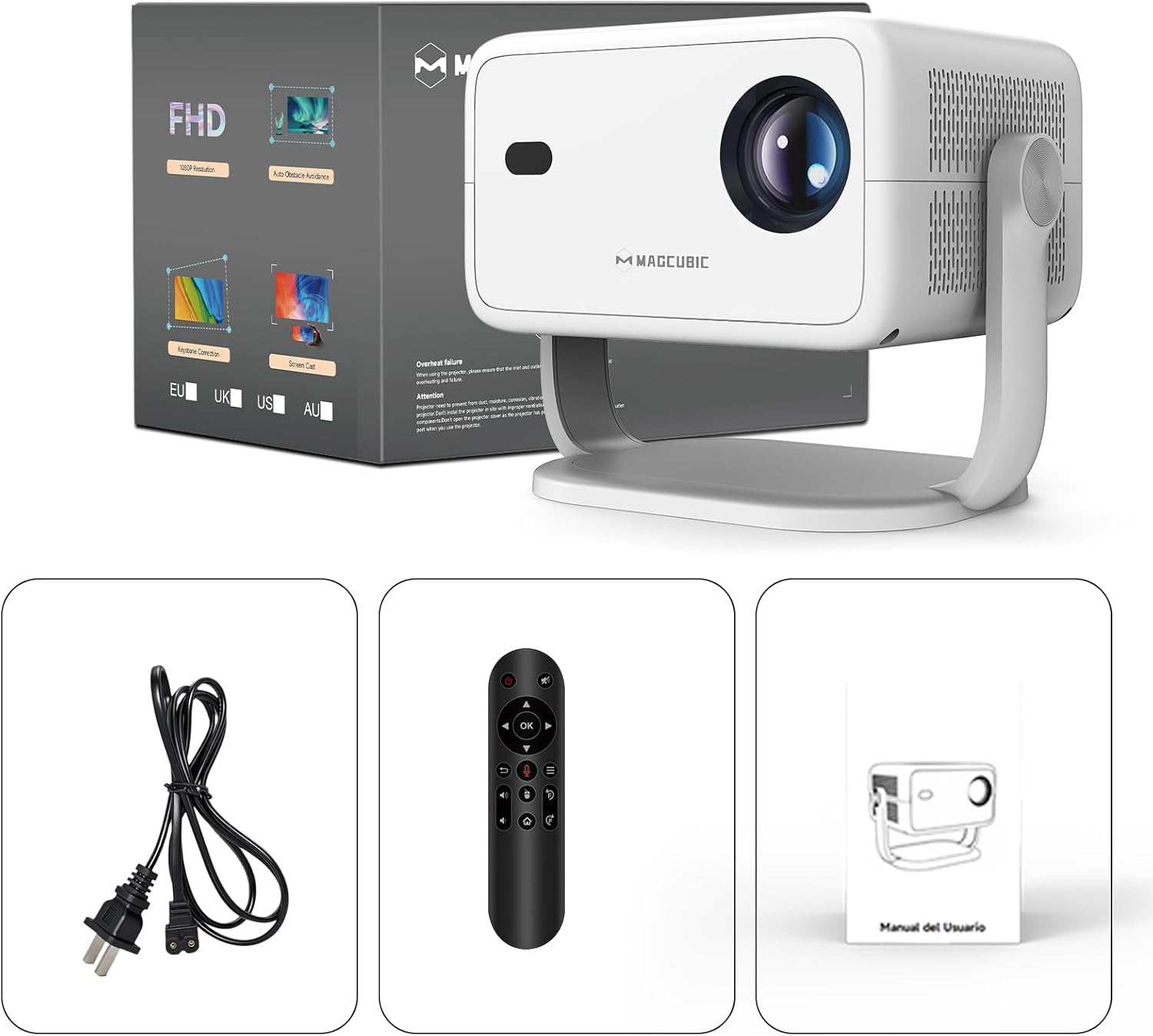
Image: The Magcubic L018 projector, power cable, remote control, and user manual are shown, illustrating the package contents.
การตั้งค่า
- การเชื่อมต่อไฟฟ้า: Connect the provided power cable to the projector's power input and then to a power outlet.
- การจัดวาง: Place the projector on a stable surface (floor mount or tabletop stand) or mount it as desired. The 180° rotatable stand allows for flexible positioning, including ceiling projection.
- เปิดเครื่อง: กดปุ่มเปิด/ปิดบนโปรเจ็กเตอร์หรือรีโมทคอนโทรลเพื่อเปิดอุปกรณ์
- การปรับอัตโนมัติ: The projector features automatic keystone correction and electric focus. It will automatically adjust the image shape and sharpness. If needed, use the remote control for fine-tuning the focus.
- Initial Setup (Android OS): ทำตามคำแนะนำบนหน้าจอเพื่อทำการตั้งค่าเริ่มต้นให้เสร็จสมบูรณ์ ซึ่งรวมถึงการเลือกภาษา การเชื่อมต่อ Wi-Fi และการตั้งค่าเขตเวลา
- การเชื่อมต่อ:
- ไวไฟ : Connect to your home Wi-Fi network (2.4G or 5G) via the settings menu for internet access and streaming.
- บลูทูธ: Pair Bluetooth devices like external speakers or headphones through the Bluetooth settings.
- ช่องต่อ HDMI: Connect external devices (e.g., laptop, game console) using an HDMI cable to the HDMI port.
- ยูเอสบี: Insert a USB drive into the USB port to play local media files.
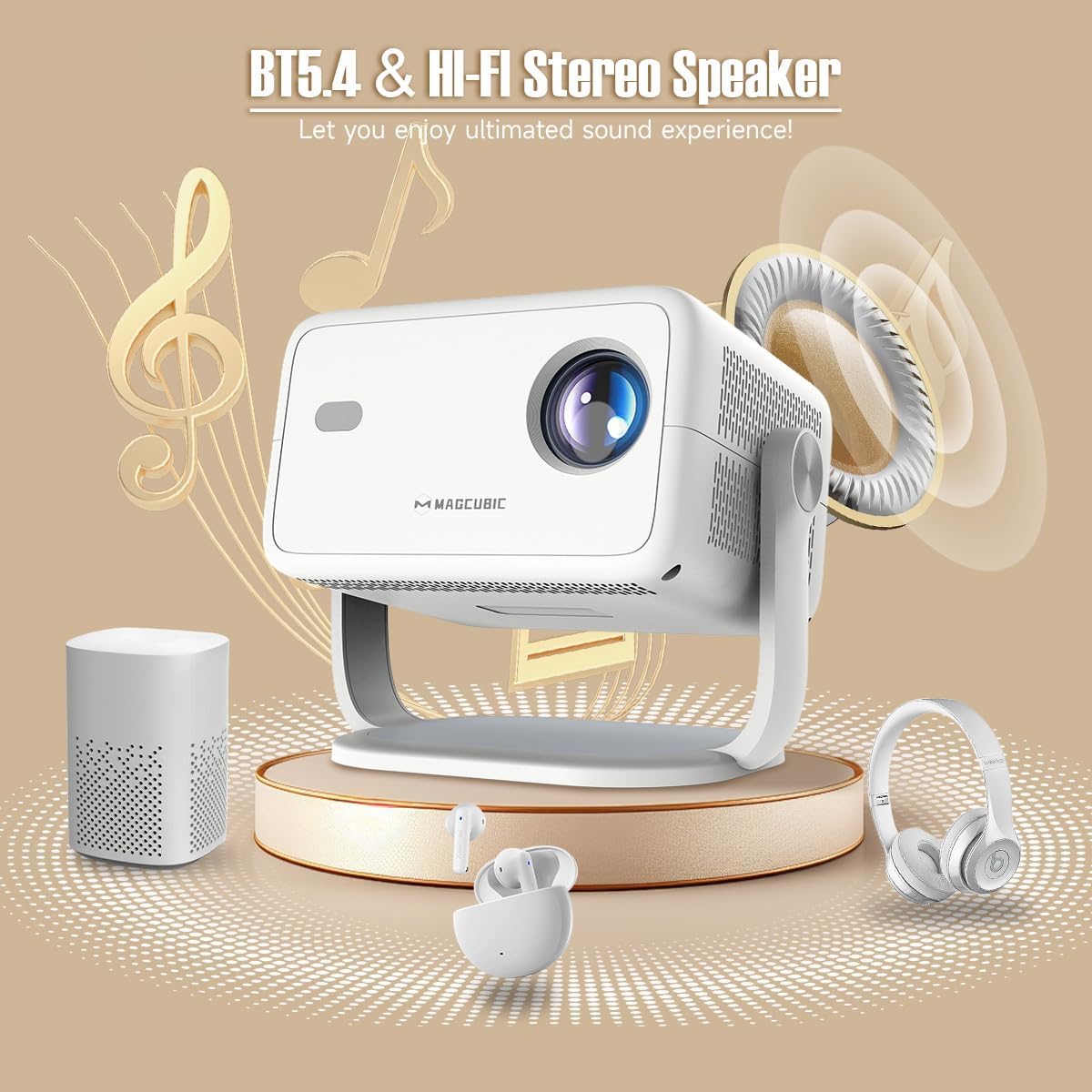
Image: The rear panel of the projector displays the HDMI, USB, and 3.5mm audio ports for connecting various devices.

Image: The projector is shown on a coffee table, projecting an image onto a wall, with on-screen indicators for auto keystone correction and auto focus.
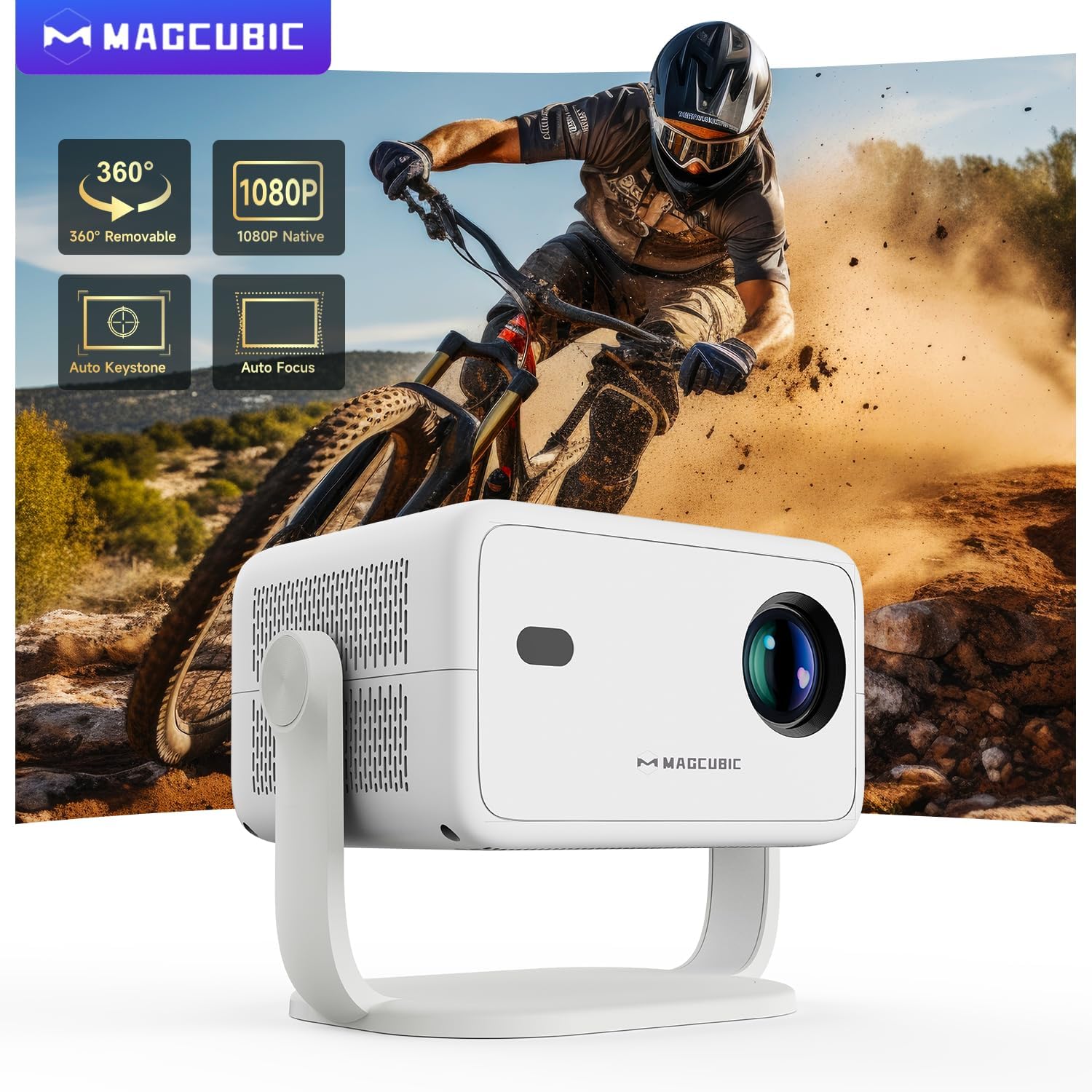
Image: The projector is shown rotating 180 degrees on its integrated stand, demonstrating its flexible projection capabilities.
คำแนะนำการใช้งาน
- การนำทาง: Use the remote control to navigate the Android 14 OS interface. The remote supports both standard button navigation and an air mouse function for easier control.
- การเข้าถึงแอป: From the home screen, select your desired streaming apps (e.g., Netflix, YouTube, Prime Video) or browse the app store to download more.
- มิเรอร์หน้าจอ: Use the built-in screen mirroring function (compatible with Android and iOS devices) to project content from your smartphone or tablet wirelessly.
- การเล่นสื่อ: Play videos, photos, or music from connected USB drives or HDMI sources.
- เอาต์พุตเสียง: The projector has a built-in speaker. For enhanced audio, connect external Bluetooth speakers or headphones.
- การตั้งค่าภาพ: Adjust brightness, contrast, color, and sharpness through the projector's settings menu to optimize your viewการสร้างประสบการณ์
Video: This video demonstrates the features of the Mini Projector HY350Max Black, including its design, performance, auto-focus, auto-keystone, wireless mirroring, and audio capabilities.
Video: This video showcases the Portable Projector with 4K support and 180° rotatable stand, highlighting its versatility and ease of use for various projection scenarios.
Video: This video presents the Android 11 L018 projector, demonstrating its native 1080P resolution, 650 ANSI lumens, and 4K capabilities.
Video: This video highlights the WiMiUS P61 Pro Portable Projector with Official Netflix support, showcasing its smart features and entertainment options.
Video: This video features the Magcubic HY310 Portable Projector, demonstrating its compact design and projection capabilities.
การซ่อมบำรุง
- การทำความสะอาดเลนส์: เช็ดเลนส์โปรเจ็กเตอร์เบาๆ ด้วยผ้าเนื้อนุ่มที่ไม่เป็นขุย ห้ามใช้สารทำความสะอาดที่มีฤทธิ์กัดกร่อนหรือตัวทำละลาย
- การระบายอากาศ : Ensure the projector's ventilation openings are clear and unobstructed to prevent overheating.
- พื้นที่จัดเก็บ: เมื่อไม่ได้ใช้งาน ให้เก็บโปรเจ็กเตอร์ไว้ในที่แห้งและเย็น หลีกเลี่ยงแสงแดดโดยตรงและอุณหภูมิที่สูงหรือต่ำเกินไป
- การป้องกันฝุ่น: Use a dust cover when the projector is not in use for extended periods.
การแก้ไขปัญหา
| ปัญหา | สาเหตุที่เป็นไปได้ | สารละลาย |
|---|---|---|
| ไม่มีภาพที่ฉาย | Power cable disconnected, projector off, input source not selected. | Check power connection, turn on projector, select correct input source (HDMI, USB, Screen Mirroring). |
| ภาพเบลอ | หลุดโฟกัส ระยะฉายไม่ถูกต้อง | Use the remote control to adjust electric focus. Ensure the projector is within the recommended projection distance (1.05m - 4m). |
| ภาพบิดเบี้ยว (รูปทรงสี่เหลี่ยมคางหมู) | โปรเจ็กเตอร์ไม่ตั้งฉากกับจอภาพ | The projector has auto keystone correction. If manual adjustment is needed, check settings. |
| ไม่มีเสียง | Volume too low, external speaker not connected/paired, incorrect audio output selected. | Increase volume. Check Bluetooth connection for external speakers. Ensure internal speaker is selected or correct audio output is chosen. |
| ปัญหาการเชื่อมต่อ Wi-Fi | รหัสผ่านไม่ถูกต้อง อยู่นอกระยะ มีปัญหากับเราเตอร์ | Verify Wi-Fi password. Move projector closer to the router. Restart router. |
ข้อมูลจำเพาะ
- ยี่ห้อ:
- แม็กคิวบิก
- ชื่อรุ่น :
- L018
- การใช้ที่แนะนำ:
- โรงหนังในบ้าน
- คุณสมบัติพิเศษ:
- Automatic screen alignment, Built-in speaker, Digital keystone correction, Auto focus, Wi-Fi enabled
- เทคโนโลยีการเชื่อมต่อ:
- HDMI, USB, Wi-Fi
- ความละเอียดหน้าจอ:
- 1920 x 1080 (ดั้งเดิม)
- ความละเอียดการแสดงผลสูงสุด:
- 3840 x 2160 (รองรับ 4K)
- ประเภทจอภาพ:
- นำ
- ฟอร์มแฟกเตอร์:
- พกพาได้
- ประเภทการติดตั้ง:
- Floor mount, Tabletop stand
- ความสว่าง:
- 400 lm (ANSI)
- สี:
- สีขาว
- วัดtage:
- 80 วัตต์
- Control Unit Type:
- Voice control, Remote control
- อุปกรณ์ที่รองรับ:
- Television (and other HDMI/USB devices)
- อัตราส่วนคอนทราสต์:
- 10000 : 1
- ระยะฉายภาพสูงสุด:
- 4 เมตร
- ระยะฉายภาพขั้นต่ำ:
- 1.05 เมตร
- อินเทอร์เฟซฮาร์ดแวร์:
- 3.5mm Audio, Bluetooth 5, HDMI, USB 2.0
- การเข้ารหัสวิดีโอ:
- H.264 หรือ H.265
- น้ำหนักสินค้า:
- 1.3 กิโลกรัม
- ประเทศต้นกำเนิด:
- จีน
การรับประกันและการสนับสนุน
Your Magcubic L018 Mini Portable Projector comes with a สินค้ารับประกัน 2 ปี. We are committed to providing excellent customer service.
- ความโปร่งใสได้รับการตรวจสอบแล้ว: Each item has a unique code verified before shipment.
- รับประกันคืนหรือเปลี่ยนสินค้าภายใน 30 วัน: เพื่อความสบายใจของคุณ
- การสนับสนุนทางเทคนิคตลอดอายุการใช้งาน: Our professional support team is available to assist you.
- บริการตลอด 24 ชั่วโมง 7 วันต่อสัปดาห์: ให้การสนับสนุนอย่างเต็มที่สำหรับทุกข้อสงสัยและปัญหา
For further assistance, please refer to the contact information provided with your purchase or visit the official Magcubic support webเว็บไซต์.
Ask a question about this manual
Ask about setup, troubleshooting, compatibility, parts, safety, or missing instructions. Manuals+ will review the question and use this page’s manual context to help answer it.