
1. บทนำ
Thank you for choosing the Majority D100X Active Bookshelf Speakers. These speakers are designed to deliver high-quality audio for various applications, including home studios, offices, and living rooms. Featuring a powerful 2.2 stereo system, multiple connectivity options, and adjustable sound controls, the D100X provides a versatile and immersive listening experience.
2. คำแนะนำด้านความปลอดภัย
Please read these safety instructions carefully before using your speakers and retain them for future reference. Incorrect use may result in electric shock, fire, or other hazards.
- อย่านำอุปกรณ์ไปวางไว้กลางฝน ความชื้น หรือแสงแดดโดยตรง
- ตรวจสอบให้แน่ใจว่ามีการระบายอากาศที่เหมาะสมรอบๆ ลำโพง อย่าปิดกั้นช่องระบายอากาศใดๆ
- Do not place the speakers near heat sources such as radiators, heat registers, stoves, or other apparatus (including ampเครื่องให้ความร้อน) ที่ผลิตความร้อน
- ใช้เฉพาะอุปกรณ์เสริม/สิ่งที่แนบที่ผู้ผลิตกำหนดเท่านั้น
- ถอดปลั๊กเครื่องในระหว่างที่มีพายุฝนฟ้าคะนองหรือเมื่อไม่ได้ใช้งานเป็นเวลานาน
- แจ้งบริการทั้งหมดให้ช่างที่ผ่านการรับรองทราบ จำเป็นต้องให้บริการเมื่ออุปกรณ์ได้รับความเสียหายในลักษณะใดก็ตาม เช่น สายไฟหรือปลั๊กชำรุด ของเหลวหกหรือมีวัตถุตกลงไปในอุปกรณ์ อุปกรณ์โดนฝนหรือความชื้น ไม่สามารถทำงานได้ตามปกติ หรือตกหล่น
- Do not open the speaker enclosures. There are no user-serviceable parts inside.
3. เนื้อหาบรรจุภัณฑ์
Carefully unpack your D100X speakers and ensure all items are present and in good condition. If any items are missing or damaged, please contact customer support.

อะแดปเตอร์แปลงไฟ

รีโมทคอนโทรล
3.5m Speaker Connection Cable
คู่มือการใช้งาน
- Majority D100X Speakers (2 units)
- อะแดปเตอร์แปลงไฟ
- 3.5m Speaker Connection Cable
- รีโมทคอนโทรล
- คู่มือการใช้งาน
4. การตั้งค่า
Follow these steps to set up your Majority D100X speakers:
- การจัดวาง: Position the speakers on a stable, flat surface, such as a bookshelf or desk. For optimal stereo imaging, place them equidistant from your listening position.
- เชื่อมต่อลำโพง: Use the provided 3.5m speaker connection cable to link the two D100X speaker units. Ensure a secure connection.
- การเชื่อมต่อไฟฟ้า: Connect the power adaptor to the main speaker unit and then plug it into a wall outlet.
- เปิดเครื่องครั้งแรก: Turn on the main speaker unit using the power switch located on the rear panel.
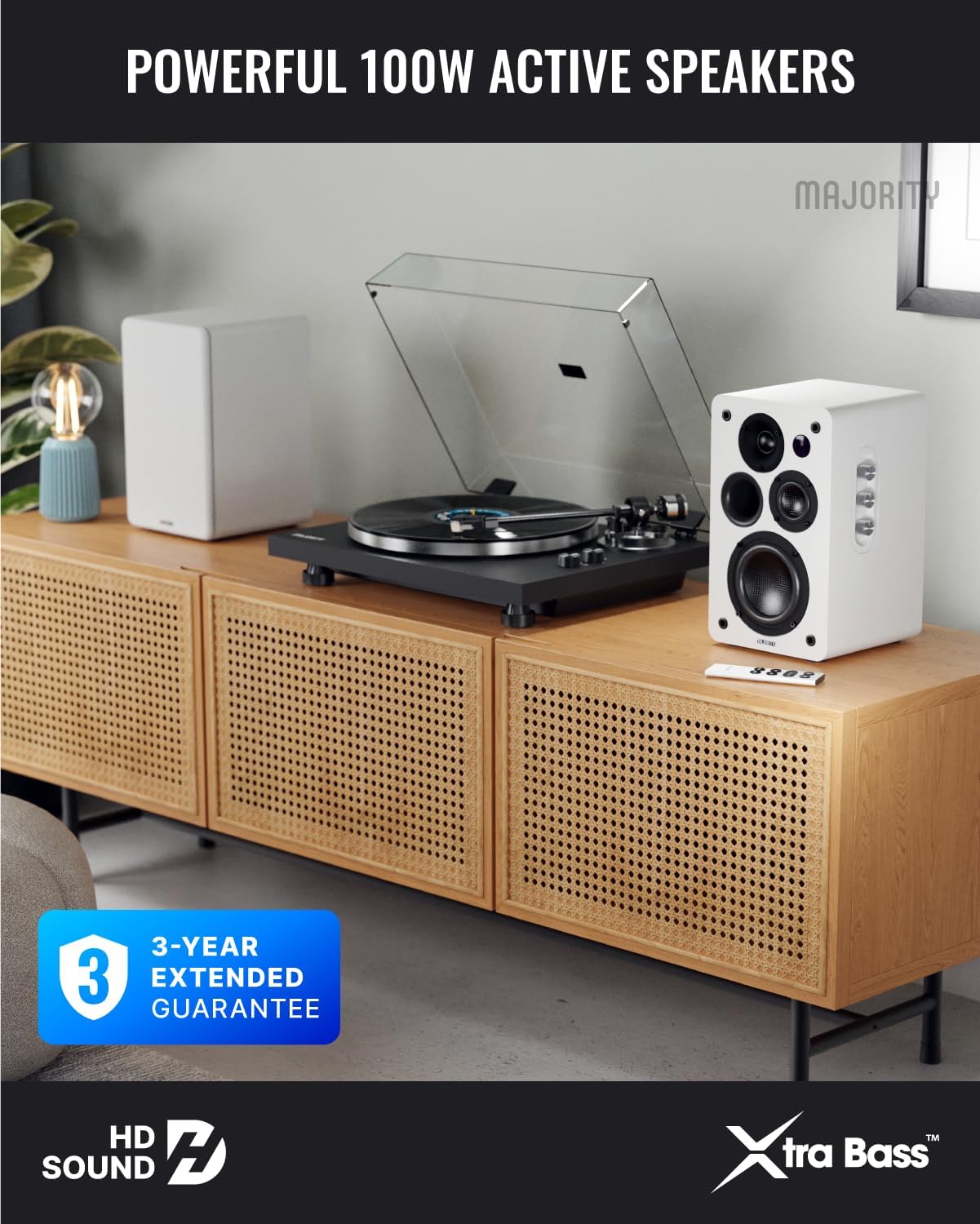
Image: Majority D100X speakers positioned on a wooden cabinet, ready for use.
5. คู่มือการใช้งาน
The D100X speakers can be controlled via the intuitive front panel controls or the included remote control.
แผงควบคุมด้านหน้า:
- ปุ่มปรับระดับเสียง: หมุนเพื่อปรับระดับเสียงโดยรวม
- ปุ่มเสียงแหลม: ปรับการตอบสนองความถี่สูง
- ปุ่มเบส: ปรับการตอบสนองความถี่ต่ำ
- ตัวเลือกอินพุต: Press to cycle through available input sources (Bluetooth, USB, AUX, HDMI ARC, Optical, Phono).
รีโมทคอนโทรล:
The remote control provides full functionality, including power, volume, input selection, and EQ modes.
- ปุ่มเปิด/ปิด: เปิดหรือปิดลำโพง
- เพิ่ม/ลดระดับเสียง: ปรับระดับเสียง.
- ปุ่มอินพุต: Dedicated buttons for selecting specific input sources.
- EQ Modes (1-3): Available when connected via HDMI ARC or Optical. These modes are designed to enhance clarity, depth, and balance for movies, music, and games.
ภาพ: ด้านหน้า view of a D100X speaker with its remote control, highlighting the adjustable bass and treble controls.
6. การเชื่อมต่อ
The D100X offers a wide range of connectivity options to suit various audio sources.

Image: Rear panel of the D100X speaker, displaying various input ports including USB, Optical, HDMI ARC, Phono, and AUX.
6.1.บลูทูธ 5.3
For wireless audio streaming from smartphones, tablets, or laptops.
- Select Bluetooth input on the speakers. The indicator light will flash.
- Enable Bluetooth on your device and search for "Majority D100X".
- Select the speaker to pair. Once connected, the indicator light will be solid.
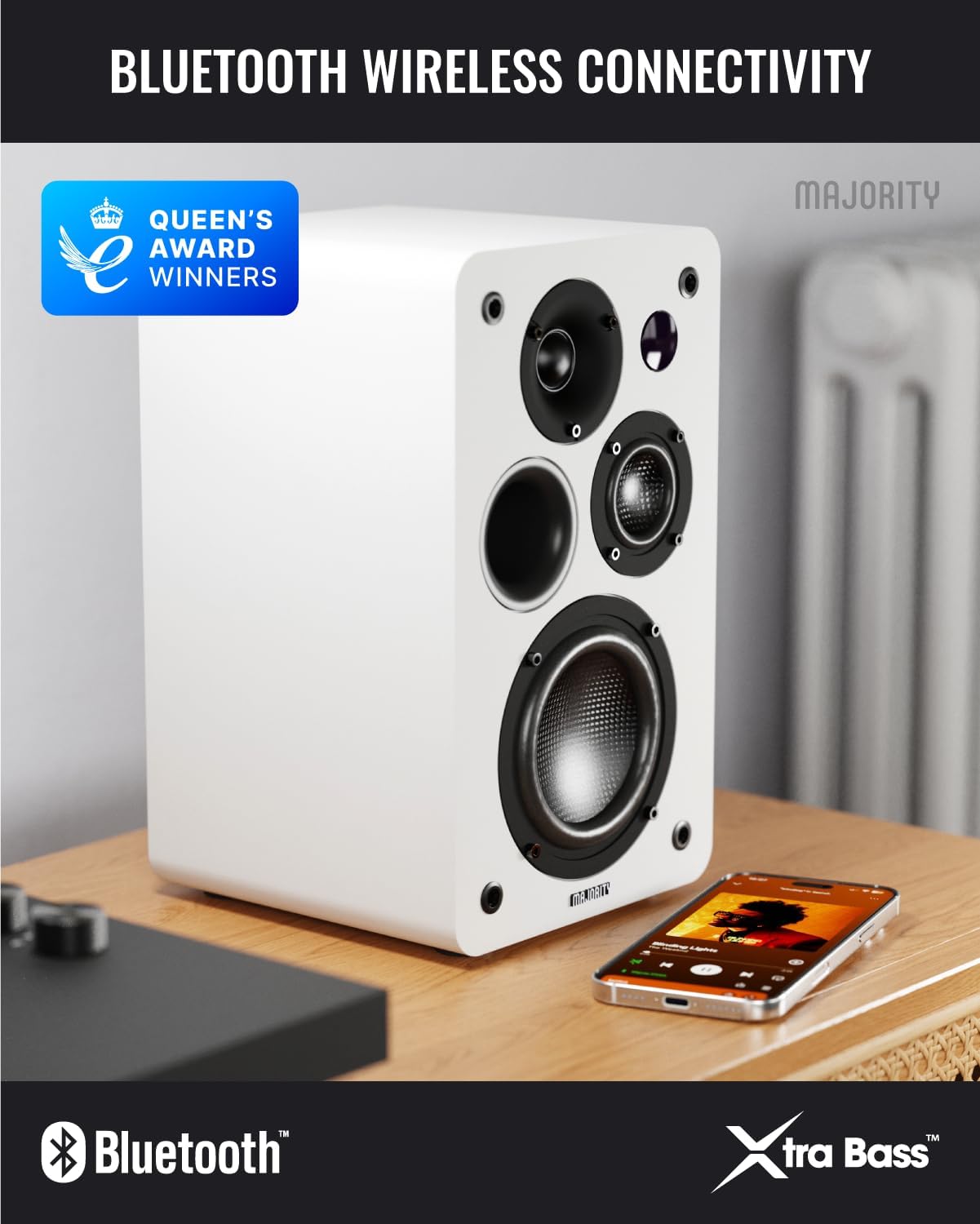
Image: D100X speaker wirelessly connected to a smartphone via Bluetooth.
6.2. HDMI อาร์ค
Connect your TV for enhanced audio. This connection supports the EQ modes (1-3).
- เชื่อมต่อสาย HDMI จากพอร์ต HDMI ARC ของทีวีไปยังพอร์ต HDMI ARC ของลำโพง
- Select HDMI ARC input on the speakers.
- Ensure your TV's audio output is set to HDMI ARC.
6.3. ออปติคอล
For high-quality digital audio connection from TVs or other devices. This connection also supports the EQ modes (1-3).
- Connect an optical cable from your device's optical output to the speaker's optical input.
- Select Optical input on the speakers.
6.4. Phono (RCA)
Direct connection for turntables with a built-in pre-ampชีวิต.
- Connect RCA cables from your turntable's output to the speaker's Phono (R-PHONO-L) input.
- Select Phono input on the speakers.
- บันทึก: If your turntable's output is higher than 100 RMS, use the AUX input instead of Phono.
6.5. AUX (3.5mm)
For connecting devices with a 3.5mm audio output, such as PCs or older audio players.
- Connect a 3.5mm audio cable from your device's headphone jack or audio out to the speaker's AUX (AUDIO IN) input.
- Select AUX input on the speakers.
6.6. USB Playback & Charging
The USB port allows for direct music playback from storage devices and charging of external devices.
- Insert a USB storage device (e.g., USB flash drive) into the USB port for music playback.
- พอร์ต USB ยังสามารถใช้เพื่อชาร์จอุปกรณ์ที่รองรับได้อีกด้วย
7. การบำรุงรักษา
Proper care will ensure the longevity and performance of your D100X speakers.
- การทำความสะอาด: ใช้ผ้าแห้งเนื้อนุ่มเช็ดทำความสะอาดพื้นผิวลำโพง ห้ามใช้สารทำความสะอาดที่มีฤทธิ์กัดกร่อน แว็กซ์ หรือตัวทำละลาย
- ฝุ่น: Regularly dust the speakers to prevent accumulation, which can affect sound quality and internal components.
- สิ่งแวดล้อม: Avoid placing speakers in areas with extreme temperatures, high humidity, or direct sunlight.
8 การแก้ไขปัญหา
If you encounter issues with your D100X speakers, refer to the following common problems and solutions:
| ปัญหา | สาเหตุที่เป็นไปได้ / วิธีแก้ไข |
|---|---|
| ไม่มีไฟฟ้า |
|
| ไม่มีเสียง |
|
| คุณภาพเสียงไม่ดี / เสียงผิดเพี้ยน |
|
| รีโมตคอนโทรลไม่ทำงาน |
|
9. ข้อมูลจำเพาะ
Detailed technical specifications for the Majority D100X Active Bookshelf Speakers.
| ยี่ห้อ | ส่วนใหญ่ |
| หมายเลขรุ่น | D100X |
| ขนาด (กว้าง x ยาว x สูง) | 18 x 16.8 x 27.5 cm (per speaker) |
| น้ำหนัก | 7.16 กก. (รวม) |
| กำลังขับสูงสุดของลำโพง | 100 วัตต์ |
| การตอบสนองความถี่ | 20000 เฮิรตซ์ |
| เทคโนโลยีการเชื่อมต่อ | Bluetooth, Optical, HDMI, Phono, Auxiliary, RCA |
| ช่วงบลูทูธ | 10 เมตร |
| โหมดเอาต์พุตเสียง | Stereo (2.2 channels) |
| อินพุต Voltage | 240 โวลต์ |
| ประเภทการติดตั้ง | ชั้นวางของ |
| วัสดุ | ไม้ |
| เส้นผ่านศูนย์กลางวูฟเฟอร์ | 4 นิ้ว |
| เส้นผ่านศูนย์กลางทวีตเตอร์ | 1 นิ้ว |
| อัตราส่วนสัญญาณต่อเสียงรบกวน | 80 เดซิเบล |
| อิมพีแดนซ์ | 4 โอห์ม |
| วิธีการควบคุม | รีโมทคอนโทรล |
| การใช้ที่แนะนำ | Gaming Console, Computer, Television, Home Cinema, Studio |

ภาพ: รายละเอียด view of the D100X speaker's carbon fiber drivers, designed for high-quality audio.
10. การรับประกันและการสนับสนุน
The Majority D100X speakers come with a 3-year extended guarantee, ensuring peace of mind and reliable performance. For any technical support, warranty claims, or further assistance, please contact Majority customer service.
- การสนับสนุนทางออนไลน์: Visit the official Majority webเว็บไซต์สำหรับคำถามที่พบบ่อย คำแนะนำในการแก้ไขปัญหา และข้อมูลการติดต่อ
- การสนับสนุนทางอีเมล์: Reach out to our support team via email for detailed assistance.
- การสนับสนุนทางโทรศัพท์: Contact our dedicated support line during business hours.
โปรดเก็บหลักฐานการซื้อไว้เพื่อวัตถุประสงค์การรับประกัน

Image: Majority D100X speakers highlighting the 3-year extended guarantee.