
การแนะนำ
Thank you for choosing the GOBOULT Z40 V2.0 True Wireless Earbuds. These earbuds are designed to provide a superior audio experience with advanced features such as 70 hours of total playtime, Quad Mic Environmental Noise Cancellation (ENC), 45ms low latency for gaming, and Bluetooth 5.4 connectivity. This manual will guide you through the setup, operation, maintenance, and troubleshooting of your new earbuds.
มีอะไรอยู่ในกล่อง
กรุณาตรวจสอบเนื้อหาในแพ็คเกจเพื่อให้แน่ใจว่ามีสินค้าครบทั้งหมด:
- GOBOULT Z40 V2.0 Earbuds
- เคสชาร์จไฟ
- สายชาร์จ USB
- จุกหูฟัง (ขนาดต่างๆ)
- คู่มือการใช้งาน
- บัตรรับประกัน
สินค้าเกินview
The GOBOULT Z40 V2.0 earbuds offer a range of features for enhanced audio and communication.


การตั้งค่า
การชาร์จเบื้องต้น
Before first use, ensure both the earbuds and the charging case are fully charged. Connect the charging case to a power source using the provided USB cable. The LED indicator on the case will show charging status. A 10-minute charge can provide approximately 120 minutes of playtime.

จับคู่กับอุปกรณ์ของคุณ
- เปิดฝากล่องชาร์จ เอียร์บัดจะเปิดโดยอัตโนมัติและเข้าสู่โหมดจับคู่
- บนสมาร์ทโฟนหรืออุปกรณ์ที่รองรับ Bluetooth ของคุณ ให้ไปที่การตั้งค่า Bluetooth
- ค้นหา available devices and select 'GOBOULT Z40 V2.0' from the list.
- Once connected, you will hear a confirmation tone, and the LED indicator on the earbuds will change.
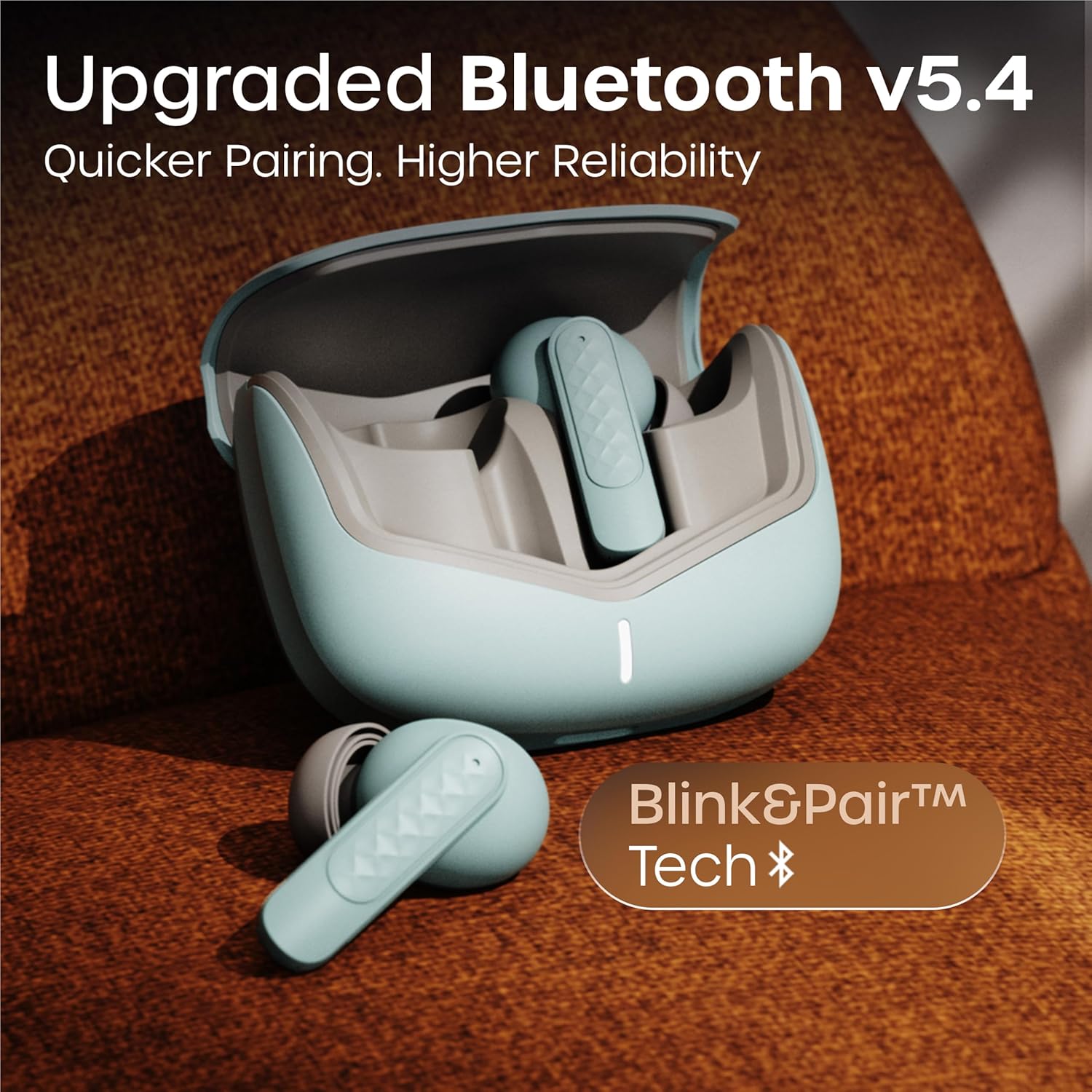
หูฟังไร้สายรุ่นนี้ใช้เทคโนโลยี Bluetooth 5.4 เพื่อการเชื่อมต่อที่เสถียรและมีประสิทธิภาพ
คำแนะนำการใช้งาน
เปิด/ปิดเครื่อง
- เปิดเครื่อง: เปิดกล่องชาร์จ หูฟังจะเปิดใช้งานโดยอัตโนมัติ หรืออีกวิธีหนึ่งคือ กดบริเวณสัมผัสบนหูฟังทั้งสองข้างค้างไว้ 3 วินาที
- หมดแรง: วางหูฟังกลับเข้าไปในกล่องชาร์จและปิดฝา หรืออีกวิธีหนึ่งคือ กดบริเวณสัมผัสบนหูฟังทั้งสองข้างค้างไว้ 5 วินาที
การเล่นเพลง
| การกระทำ | การควบคุมแบบสัมผัส |
|---|---|
| เล่น/หยุดชั่วคราว | แตะครั้งเดียวที่หูฟังเอียร์บัดข้างใดข้างหนึ่ง |
| เพลงถัดไป | แตะสองครั้งที่หูฟังด้านขวา |
| เพลงก่อนหน้า | แตะสองครั้งที่หูฟังด้านซ้าย |
| เพิ่มระดับเสียง | แตะสามครั้งที่หูฟังด้านขวา |
| ลดระดับเสียง | แตะสามครั้งที่หูฟังข้างซ้าย |
การจัดการการโทร
| การกระทำ | การควบคุมแบบสัมผัส |
|---|---|
| รับสาย/วางสาย | แตะครั้งเดียวที่หูฟังเอียร์บัดข้างใดข้างหนึ่ง |
| ปฏิเสธการรับสาย | กดหูฟังข้างใดข้างหนึ่งค้างไว้ 2 วินาที |
The Quad Mic Environmental Noise Cancellation (ENC) ensures clear voice calls by minimizing background noise, making them ideal for office calls and online meetings.

ผู้ช่วยเสียง
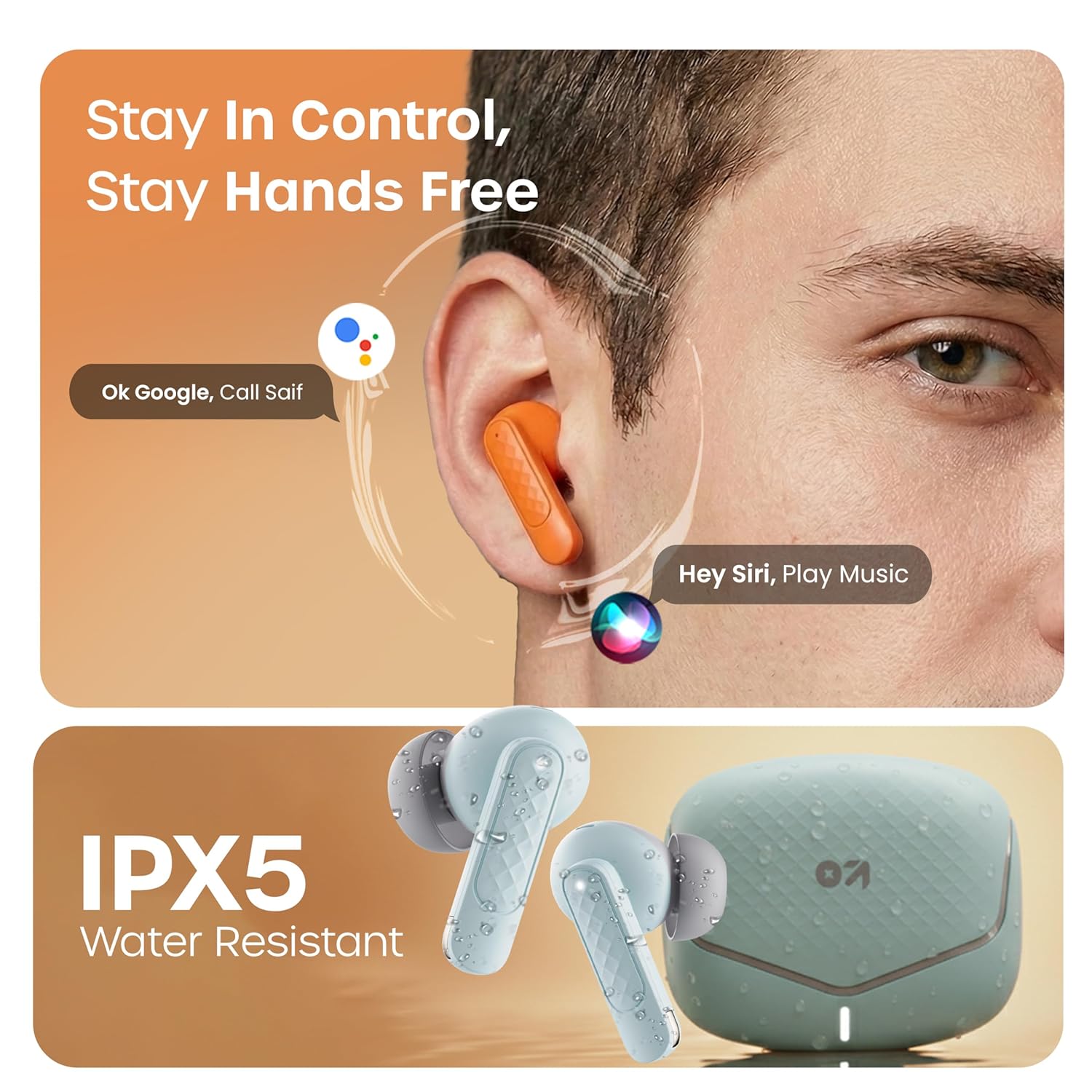
Activate your device's voice assistant (e.g., Google Assistant, Siri) by long-pressing the touch area on either earbud for 2 seconds (when not on a call).
โหมดการเล่นเกม
Activate the low latency gaming mode for a synchronized audio experience during gaming. This mode reduces audio delay to 45 milliseconds, providing faster responses and an immersive gaming experience.
- เปิดใช้งานโหมดเกม: กดบริเวณสัมผัสบนหูฟังข้างซ้ายค้างไว้ 2 วินาที
- ปิดใช้งานโหมดเกม: ทำซ้ำขั้นตอนเดิม

การซ่อมบำรุง
การทำความสะอาด
Regularly clean your earbuds and charging case to ensure optimal performance and hygiene. Use a soft, dry, lint-free cloth. Do not use abrasive cleaners, solvents, or harsh chemicals. Gently remove any earwax or debris from the eartips and speaker mesh.
ความต้านทานต่อน้ำ
The GOBOULT Z40 V2.0 earbuds are IPX5 water-resistant, meaning they are protected against sweat and splashes. They are suitable for workouts and outdoor activities. However, they are not designed for swimming or submersion in water. Avoid exposing them to heavy rain or direct water jets.
การแก้ไขปัญหา
If you encounter any issues with your GOBOULT Z40 V2.0 earbuds, please refer to the following common solutions:
- ไม่มีเสียง:
- โปรดตรวจสอบให้แน่ใจว่าหูฟังเชื่อมต่อกับอุปกรณ์ของคุณอย่างถูกต้องแล้ว
- ตรวจสอบระดับเสียงทั้งบนอุปกรณ์และหูฟังของคุณ
- Make sure the earbuds are seated correctly in your ears.
- ไม่สามารถจับคู่ได้:
- Ensure the earbuds are charged and in pairing mode (LED blinking).
- ปิดแล้วเปิดบลูทูธบนอุปกรณ์ของคุณ
- ย้ายหูฟังให้เข้าใกล้อุปกรณ์ของคุณมากขึ้น
- ลืมอุปกรณ์จากรายการบลูทูธของคุณและลองจับคู่ใหม่อีกครั้ง
- เอียร์บัดข้างหนึ่งไม่ทำงาน:
- ใส่หูฟังทั้งสองข้างกลับเข้าไปในกล่องชาร์จ ปิดฝา แล้วเปิดฝาอีกครั้งเพื่อรีเซ็ตการเชื่อมต่อ
- ตรวจสอบให้แน่ใจว่าได้ชาร์จหูฟังเอียร์บัดทั้งสองข้างแล้ว
- ปัญหาการชาร์จ:
- ตรวจสอบว่าสายชาร์จเชื่อมต่อกับเคสและแหล่งจ่ายไฟอย่างแน่นหนาหรือไม่
- ตรวจสอบให้แน่ใจว่าหน้าสัมผัสสำหรับชาร์จบนหูฟังและภายในเคสสะอาดและไม่มีเศษขยะ
- ลองใช้สายชาร์จหรืออะแดปเตอร์ไฟอื่น
ข้อมูลจำเพาะ
| คุณสมบัติ | รายละเอียด |
|---|---|
| ยี่ห้อ | โกบูลท์ |
| ชื่อรุ่น | Z40 V2.0 (Airbass) |
| การวางตำแหน่งหู | ในหู |
| การควบคุมเสียงรบกวน | การตัดเสียงรบกวนจากสิ่งแวดล้อม (Quad Mic) |
| อายุการใช้งานแบตเตอรี่โดยเฉลี่ย | 70 ชั่วโมง (พร้อมเคสชาร์จ) |
| เวลาในการชาร์จแบตเตอรี่ | 10 Minutes for 120 Minutes Playtime |
| ขนาดไดร์เวอร์เสียง | 13 มิล |
| เวลาแฝงของเสียง | 45 มิลลิวินาที (โหมดเกม) |
| วิธีการควบคุม | สัมผัส |
| ระดับความต้านทานต่อน้ำ | IPX5 (ทนน้ำ) |
| ประเภทเทคโนโลยีไร้สาย | บลูทูธ |
| เวอร์ชันบลูทูธ | 5.4 |
| ช่วงบลูทูธ | 10 เมตร |
| น้ำหนักสินค้า | 0.6 กิโลกรัม (น้ำหนักรวมของบรรจุภัณฑ์) |
| เนื้อหาในกล่อง | Cable, Eartip, User Manual, Warranty Card, Z40v2.0 Earbuds |
การรับประกันและการสนับสนุน
ข้อมูลการรับประกัน
The GOBOULT Z40 V2.0 True Wireless Earbuds are backed by a การรับประกันจากผู้ผลิต 1 ปี from the date of purchase. This warranty covers manufacturing defects. Please retain your purchase receipt as proof of purchase for warranty claims.
การสนับสนุนลูกค้า
For any technical assistance, warranty claims, or product-related inquiries, please refer to the contact information provided on the warranty card included in your product box. You may also visit the official GOBOULT website for further support resources.