
1. สินค้าหมดview
The Hornbill M1-CBFHS Smart Keyless Entry Door Lock is a comprehensive security solution designed for various applications including homes, Airbnb properties, and offices. This system offers multiple unlocking methods and smart features for enhanced convenience and control.

Image: Hornbill M1-CBFHS Smart Keyless Entry Door Lock with handle set, showcasinก. การออกแบบและส่วนประกอบ
2. ส่วนประกอบที่รวมอยู่
ก่อนที่จะเริ่มการติดตั้ง ตรวจสอบว่าส่วนประกอบทั้งหมดมีครบ:
- แผงด้านหน้า (1)
- แผงด้านหลัง (1)
- ที่จับ
- deadbolt
- อุปกรณ์ล็อค
- กุญแจ (2)
- IC cards (2)
- สกรู
- คู่มือการใช้งาน
- สลัก
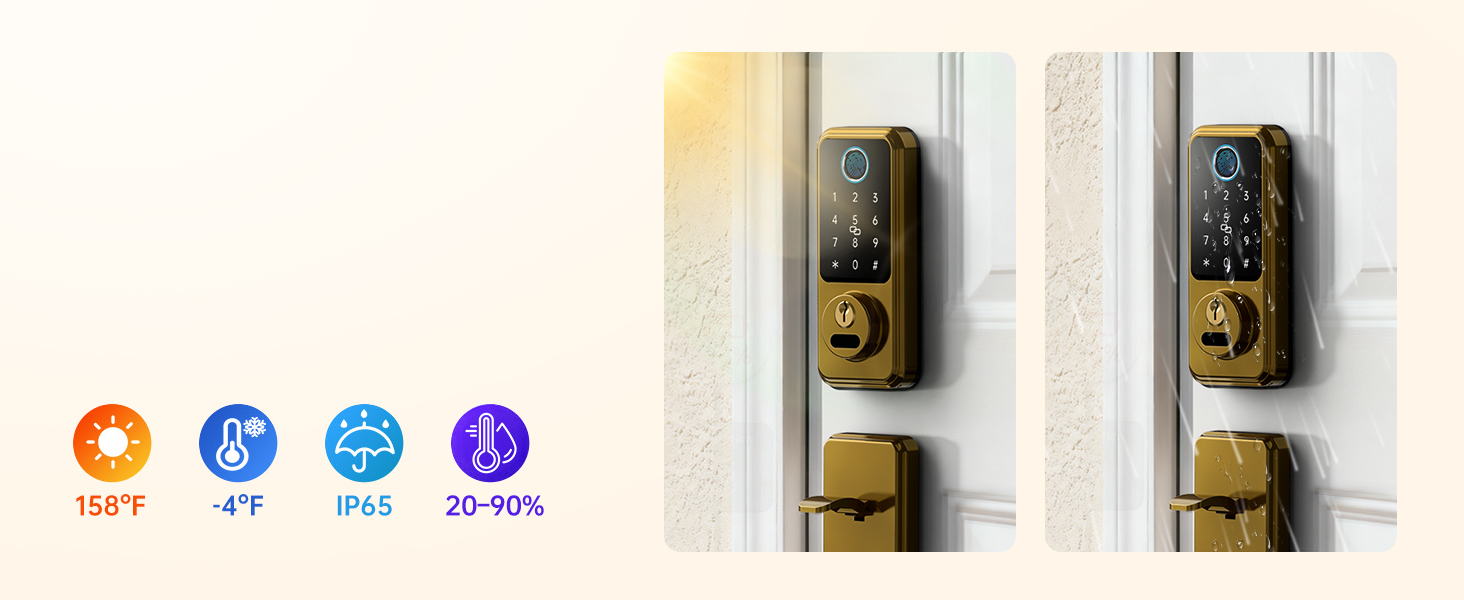
Image: All components included with the Hornbill M1-CBFHS Smart Lock, laid out for inspection.
3. การตั้งค่าและการติดตั้ง
3.1 การตรวจสอบความเข้ากันได้ของประตู
ก่อนการติดตั้ง โปรดตรวจสอบให้แน่ใจว่าประตูของคุณตรงตามข้อกำหนดต่อไปนี้:
- เส้นผ่านศูนย์กลางรู: 2-1/8 นิ้ว (54 มม.)
- ระยะทางขั้นต่ำ: 5 นิ้ว (127 มม.)
- Adjustable Distance: 8-1/4" - 9-27/32" (210-250mm)
- เจาะตลับกุญแจ: 2-3/8" or 2-3/4" (60mm-70mm)
- Hole Diameter (Latch): 7/8 นิ้ว (22 มม.)
- Compatible with both Left-Handed and Right-Handed doors.
- Requires a latch hole; not compatible with doors that are not chiseled.
- ใช้ได้กับกลอนประตูแบบกระบอกเดี่ยวเท่านั้น ใช้ไม่ได้กับกลอนประตูแบบฝัง/แบบรวม

Image: Diagram illustrating door compatibility measurements and requirements for the smart lock installation.
3.2 การติดตั้งทางกล
Follow the detailed instructions provided in the included user manual for mechanical installation of the deadbolt and handle set. Ensure all screws are tightened securely and the latch operates smoothly.

Image: A hand using a screwdriver to install a component of the smart lock, demonstrating a step in the mechanical installation process.
3.3 App Setup and Initial Pairing
- Download the "Next Lock App" from your device's app store.
- สร้างบัญชีและเข้าสู่ระบบ
- Follow the in-app instructions to add your Hornbill M1-CBFHS lock. This typically involves activating Bluetooth on your phone and following prompts to pair the lock.
- Once paired, calibrate the lock and set up initial admin fingerprints and passcodes.
4. คู่มือการใช้งาน
4.1 วิธีการปลดล็อค
The Hornbill M1-CBFHS offers multiple ways to unlock your door:
- การจดจำลายนิ้วมือ: Store up to 50 fingerprints. Place your registered finger on the sensor for quick access (recognition time less than 0.2 seconds).
- รหัสผ่าน: Enter your personalized passcode on the keypad. Anti-peeping password feature allows you to enter random digits before or after your actual code to prevent unauthorized viewการไอเอ็นจี
- พวงกุญแจ IC: Tap the provided IC fob on the designated area of the lock.
- คีย์ทางกายภาพ: Use the backup physical keys for traditional unlocking.
- การควบคุมแอพ: Unlock or lock the door remotely via the Next Lock App (requires Hornbill Wi-Fi Gateway, sold separately).
- การควบคุมด้วยเสียง: Integrate with Amazon Alexa or Google Assistant for voice commands (requires Hornbill Wi-Fi Gateway, sold separately).
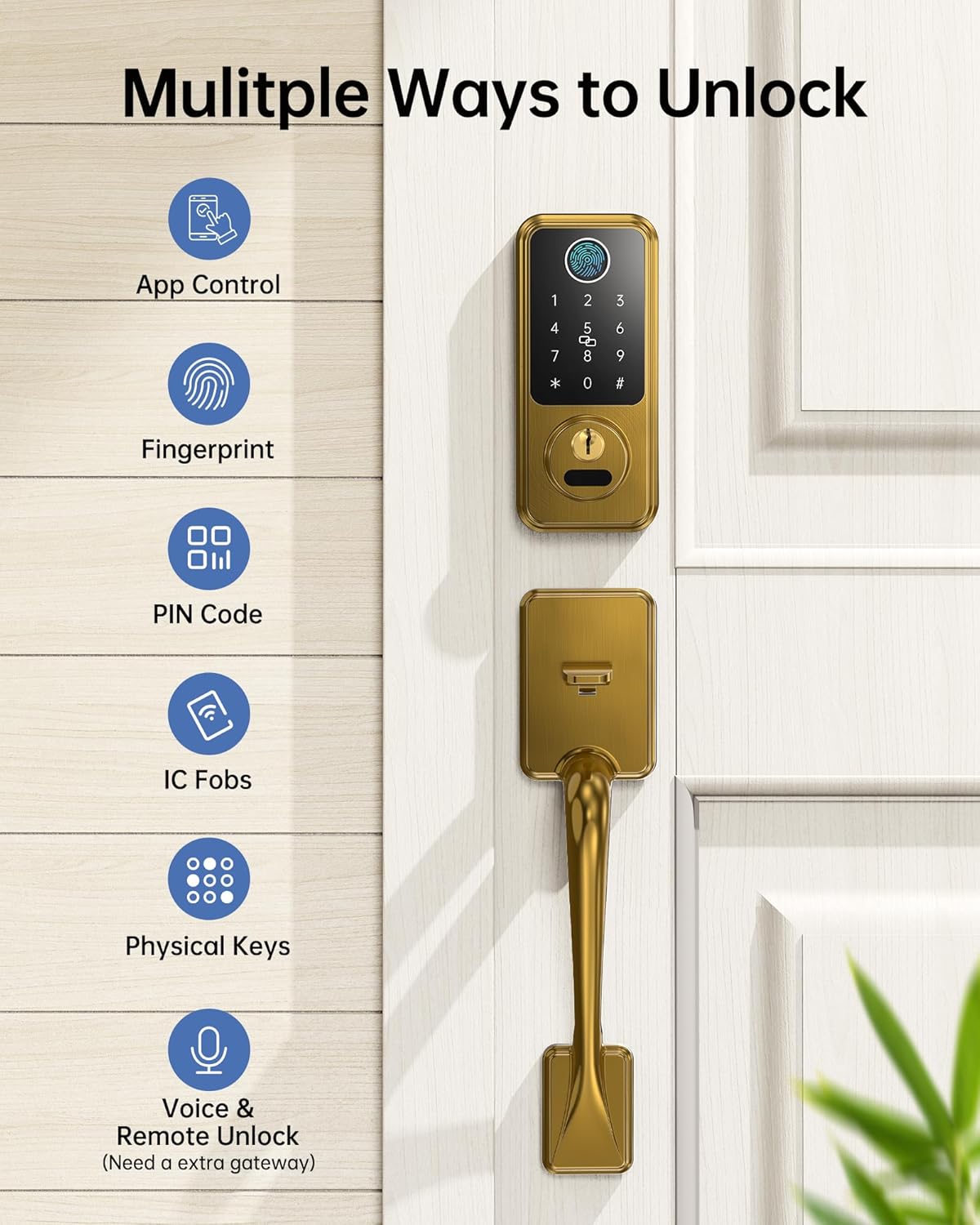
Image: Visual representation of the multiple unlocking methods available for the smart lock, including app control, fingerprint, PIN code, IC fobs, physical keys, and voice/remote unlock.

Image: Close-up of the smart lock keypad and fingerprint sensor, highlighting its biometric unlocking capabilities and speed.
4.2 การล็อคอัตโนมัติและการล็อคด้วยสัมผัสเดียว
- ล็อคอัตโนมัติ: Configure the auto-lock feature via the Next Lock App to automatically lock the door after a set period (1-900 seconds) once it closes.
- การล็อคด้วยปุ่มเดียว: Press and hold the "#" key on the keypad for approximately 2 seconds to instantly lock the door.
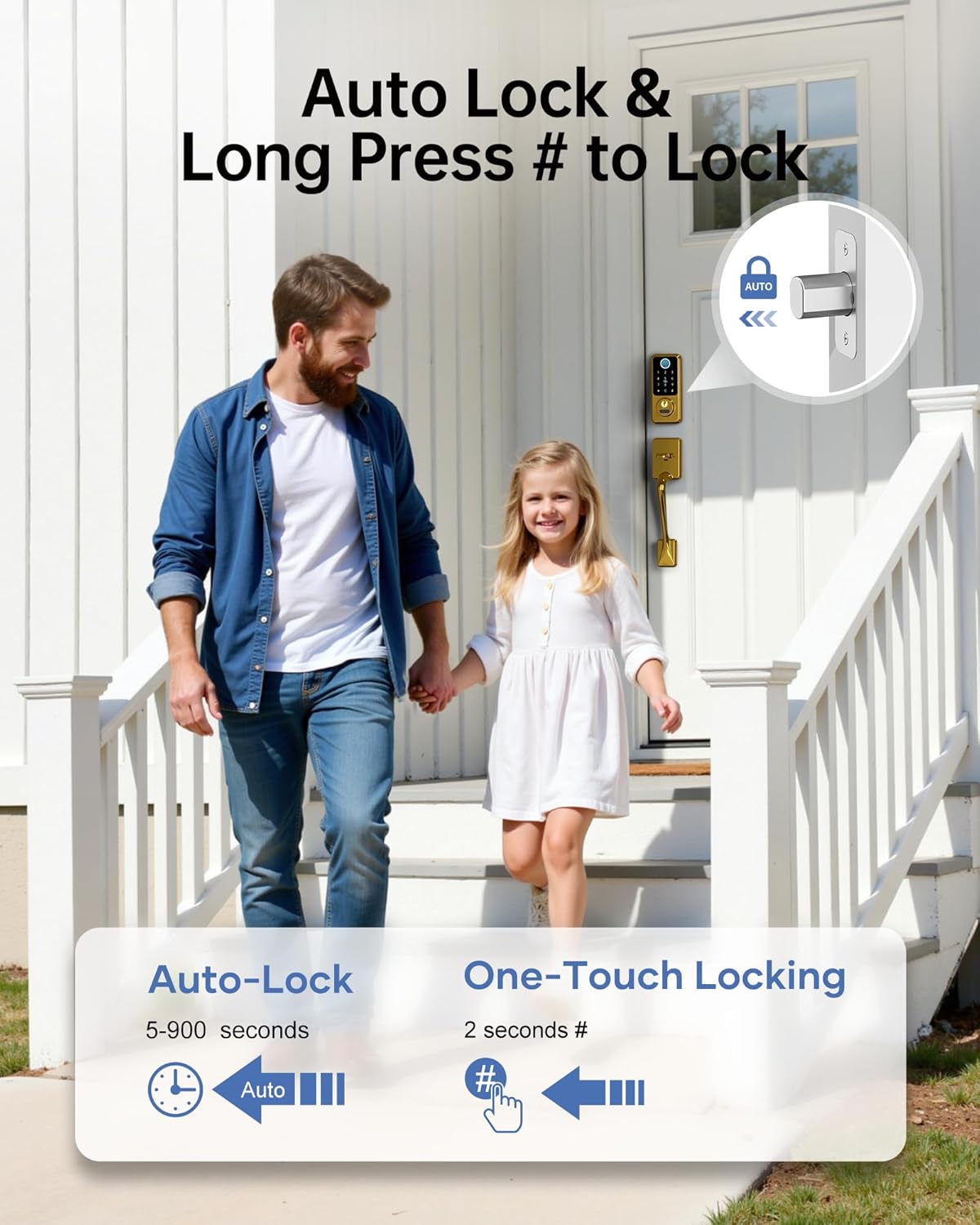
Image: A family leaving their home, illustrating the convenience of auto-lock and one-touch locking features.
Note: The lock does not detect door status. To use the auto-lock function, ensure the door is fully closed. If the door is open, the bolt will still extend.
4.3 Managing Access Codes and E-Keys
- การเข้าถึงชั่วคราว: Generate temporary passcodes for guests, housekeepers, or service providers. These can be time-limited or one-time use. Up to 300 passcodes can be assigned and revoked at any time.
- Share E-Keys: Grant family members, tenants, or guests admin access to the lock via the Next Lock App. Admins can manage the door, set/revoke passcodes, and view บันทึกกิจกรรม
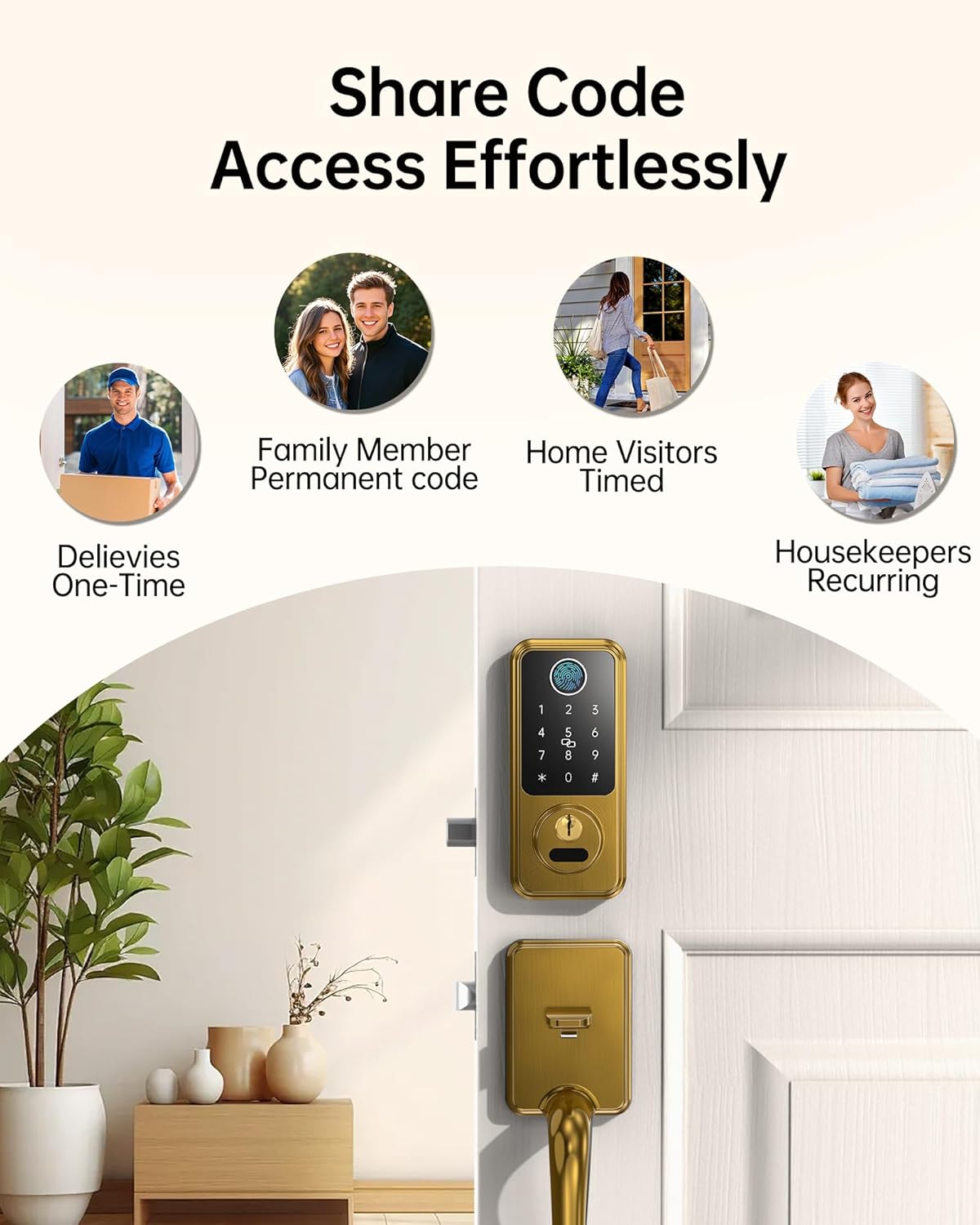
Image: Icons representing different user types (deliveries, family, visitors, housekeepers) and how access codes can be shared effortlessly.
5. การบำรุงรักษา
5.1 การจัดการแบตเตอรี่
- ตัวล็อกนี้ใช้แบตเตอรี่อัลคาไลน์ AA 4 ก้อน (ไม่รวมอยู่ในชุด)
- Monitor battery life through the Next Lock App.
- การแจ้งเตือนแบตเตอรี่ต่ำ: The app will notify you when the battery level drops below 20%. Replace batteries promptly.
- Type-C Emergency Charging: In case of a completely drained battery, use a Type-C cable to connect a power bank to the emergency charging port on the lock for temporary power access.

Image: A smartphone displaying a low battery alert for the smart lock, with the lock itself showing a warning indicator.
5.2 การทำความสะอาดและการดูแล
ทำความสะอาดภายนอกล็อคด้วยผ้านุ่มๆamp ผ้า หลีกเลี่ยงน้ำยาทำความสะอาดหรือตัวทำละลายที่มีฤทธิ์กัดกร่อนซึ่งอาจทำลายพื้นผิวหรือส่วนประกอบอิเล็กทรอนิกส์ได้
6 การแก้ไขปัญหา
- ปัญหาการจดจำลายนิ้วมือ: Ensure your finger is clean and dry. Try re-registering your fingerprint in the app. Ensure the sensor is clean.
- ปุ่มกดไม่ตอบสนอง: Check battery levels. If batteries are low, use the emergency Type-C charging port or physical key.
- ปัญหาการเชื่อมต่อแอพ: Ensure Bluetooth is enabled on your device. If using Wi-Fi, verify the Hornbill Wi-Fi Gateway (sold separately) is powered on and within 16ft (10ft if walls block) of the lock and router. Check your 2.4GHz Wi-Fi network.
- Auto-Lock Not Engaging: Confirm the door is fully closed. The auto-lock feature does not detect if the door is ajar. Verify auto-lock settings in the Next Lock App.
- Mechanical Latch Issues: Ensure the lock is installed correctly and all components are aligned. If the latch mechanism is stiff or not engaging, re-check the installation steps or consult professional assistance.
7. ข้อมูลจำเพาะ
| คุณสมบัติ | รายละเอียด |
|---|---|
| ยี่ห้อ | กาฮัง |
| หมายเลขรุ่น | M1-CBFHS |
| ประเภทล็อค | ระบบไบโอเมตริกซ์, กลอนประตู, แป้นพิมพ์ |
| คุณสมบัติพิเศษ | Anti-Peeping Password, Auto-Lock, Fingerprint, Fob Unlock, One-Touch Lock |
| ขนาดรายการ (ยาว x กว้าง x สูง) | 7.9 x 4.9 x 9 นิ้ว |
| การใช้ที่แนะนำ | New homes, Airbnb properties, offices, apartments, garages, rental properties |
| ส่วนประกอบที่รวมอยู่ | Front Panel, Back Panel, Handles, Deadbolt, Lock Accessories, Keys, IC cards, Screws, User Manual, Latch |
| ประเภทตัวควบคุม | Amazon Alexa, Google Assistant (with optional Wi-Fi Gateway) |
| วิธีการควบคุม | แอป, รีโมท, สัมผัส, เสียง |
| โปรโตคอลการเชื่อมต่อ | Bluetooth, Wi-Fi (with optional Wi-Fi Gateway) |
| สี | ซาตินทองเหลือง |
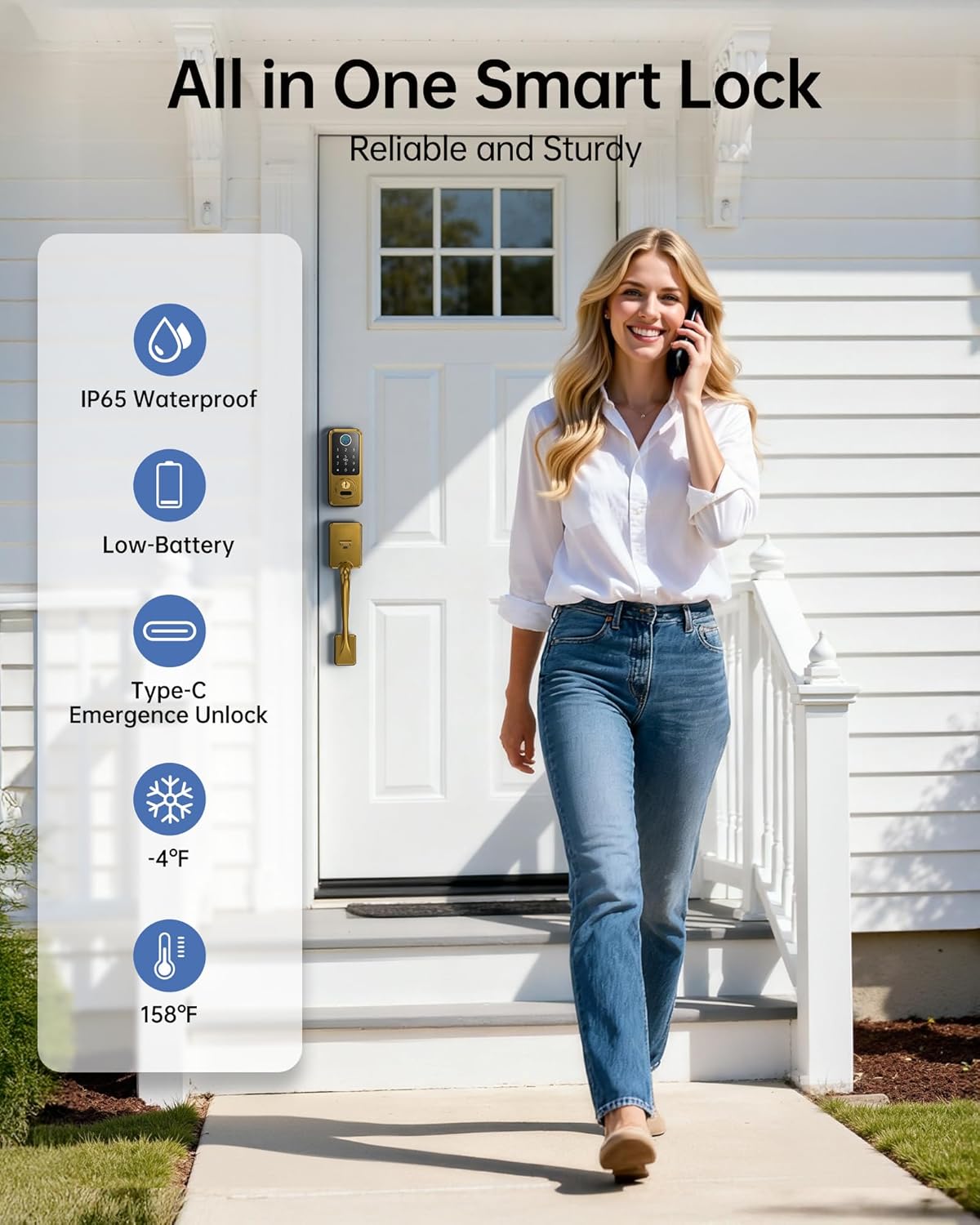
ภาพ: เหนือview of the smart lock's robust features including IP65 waterproofing, low battery alerts, Type-C emergency unlock, and temperature resilience.
8. การรับประกันและการสนับสนุน
Hornbill provides comprehensive after-sales support for your product:
- บริการลูกค้า: มีบริการให้ความช่วยเหลือตลอด 24 ชั่วโมง 7 วันต่อสัปดาห์
- การส่งคืน: นโยบายการคืนสินค้าภายใน 30 วัน
- การทดแทน: One-year replacement warranty.
- การสนับสนุนด้านเทคนิค: การสนับสนุนทางเทคนิคตลอดอายุการใช้งาน
For assistance, please contact the Hornbill after-sales support team.