
1. สินค้าหมดview
The Cuifati 50000mAh Solar Power Bank is a robust and versatile portable charging solution designed for outdoor enthusiasts and emergency preparedness. Featuring a high-capacity battery and solar charging capabilities, it ensures your devices remain powered in various environments.
คุณสมบัติหลัก:
- ความจุขนาดใหญ่ 50,000mAh: Provides multiple recharges for smartphones, tablets, and other USB-powered devices.
- ความสามารถในการชาร์จพลังงานแสงอาทิตย์: Allows for emergency recharging using sunlight, ideal for off-grid situations.
- Crush-Proof Aluminum Alloy Casing: Durable exterior offers protection against impacts and aids in heat dissipation.
- Integrated LED Campแสง: Features high-brightness LED with constant, breathing, and SOS flashing modes for illumination and emergency signaling.
- การชาร์จอย่างรวดเร็วอเนกประสงค์: Supports USB-A, Type-C, and QC Fast Charging protocols for efficient power delivery to a wide range of digital devices.
- ระบบป้องกันหลายจุด: Built-in safeguards against overcharge, overvoltage, overcurrent, overpower, overdischarge, and temperature fluctuations.

ภาพที่ 1.1: ด้านหน้า view of the Cuifati Solar Power Bank, showcasing the integrated solar panel.

ภาพที่ 1.2: ด้านข้าง view displaying the various charging ports and the LED light panel.
2. การตั้งค่าและการใช้งานเบื้องต้น
2.1 การชาร์จพาวเวอร์แบงค์
Before first use, fully charge the power bank using a wall adapter to ensure optimal battery performance. Solar charging is primarily for emergency use and maintaining charge, not for rapid full charging.
- Via USB Wall Adapter: Connect the included USB charging cable (or a compatible Type-C cable) to the power bank's input port and plug the other end into a USB wall adapter (not included). The indicator lights will show charging progress.
- ผ่านแผงโซลาร์เซลล์: Place the power bank in direct sunlight. The solar indicator light will illuminate, indicating that solar charging is active. For best results, ensure the solar panel is clean and unobstructed.

ภาพที่ 2.1: ด้านบน view of the power bank, showing the solar panel and a USB charging cable.
2.2 การตรวจสอบระดับแบตเตอรี่
กดปุ่มเปิดปิดหนึ่งครั้งเพื่อ view the current battery level indicated by the LED lights.
3. คู่มือการใช้งาน
3.1 การชาร์จอุปกรณ์ภายนอก
Connect your device's charging cable to one of the power bank's output ports (USB-A or Type-C). The power bank will automatically begin charging your device. If charging does not start, press the power button once.
3.2 Using the LED Campแสง
The integrated LED light offers multiple modes for various situations.
- เปิด/ปิด: Long press the power button to turn the LED light on or off.
- โหมดวงจร: Once the light is on, short press the power button to cycle through the modes: Constant Brightness > Breathing Light > SOS Flashing > Burst Flash.

Image 3.1: The power bank demonstrating its LED bright light feature, useful for campไอเอ็นจีหรือเหตุฉุกเฉิน
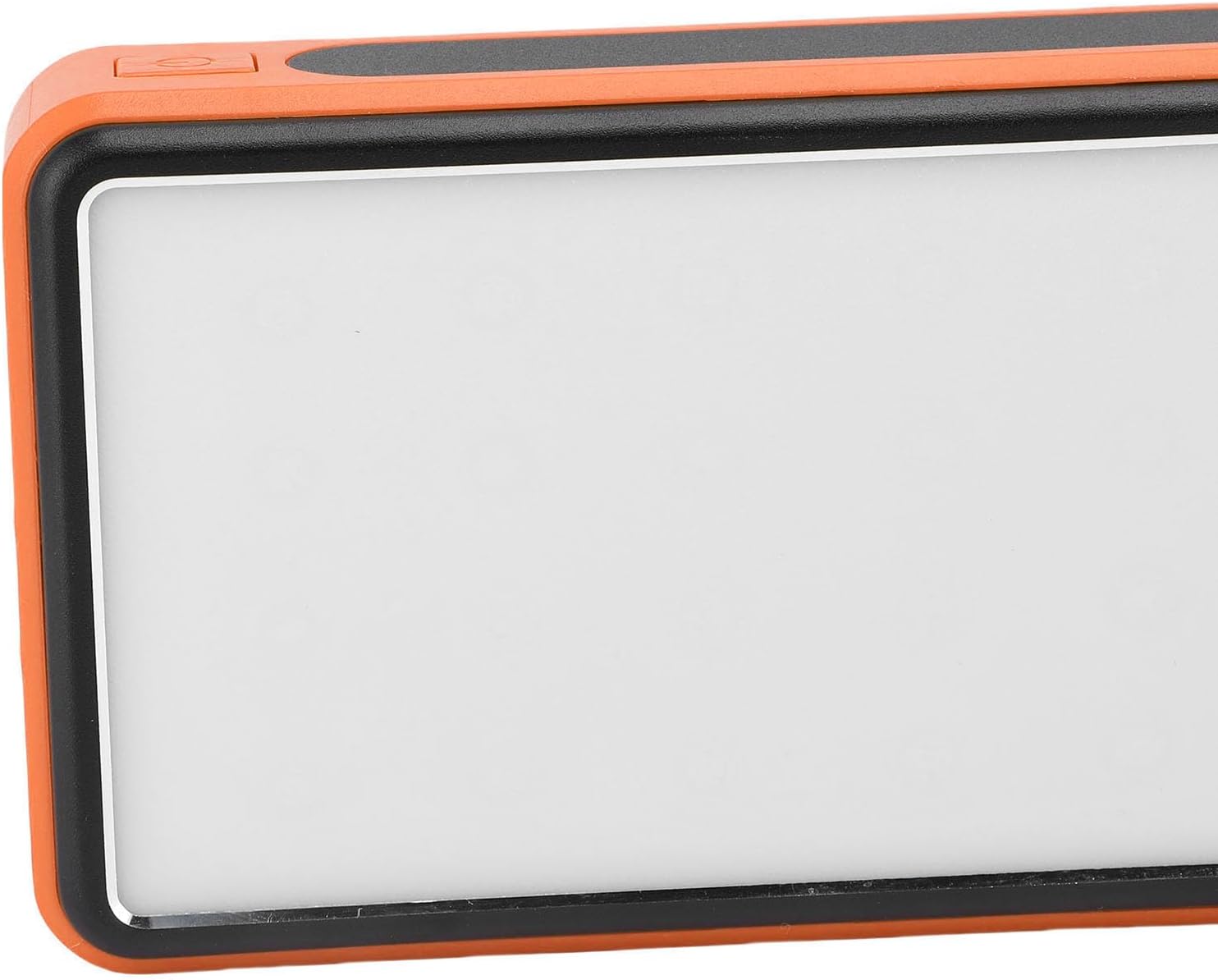
ภาพที่ 3.2: ด้านข้าง view highlighting the power button used for operating the device and LED light.
4. การบำรุงรักษาและการดูแล
- การทำความสะอาด: Wipe the power bank with a soft, dry cloth. Avoid using harsh chemicals or abrasive materials. Ensure the solar panel is clean for efficient charging.
- พื้นที่จัดเก็บ: Store the power bank in a cool, dry place away from direct sunlight and extreme temperatures. For long-term storage, charge the power bank to about 50-75% every 3-6 months to preserve battery health.
- สภาพแวดล้อม : While crush-proof, avoid intentional drops or impacts. Do not expose to water or high humidity.

Image 4.1: Icons representing the power bank's multiple protection features, including overcharge, overvoltage, and temperature prevention.
5 การแก้ไขปัญหา
- พาวเวอร์แบงค์ไม่ชาร์จ: Ensure the charging cable is securely connected to both the power bank and the power source. Try a different cable or wall adapter. For solar charging, ensure direct sunlight and a clean solar panel.
- อุปกรณ์ไม่ชาร์จจากพาวเวอร์แบงค์: Ensure the power bank has sufficient charge. Press the power button once to activate output. Try a different USB port or charging cable.
- ไฟ LED ไม่ทำงาน: Long press the power button to turn it on. If it still doesn't work, ensure the power bank has sufficient charge.
- การชาร์จช้า: Ensure you are using a fast-charging compatible cable and your device supports fast charging. Solar charging is inherently slower than wall charging.
6. ข้อมูลจำเพาะ
| คุณสมบัติ | ข้อมูลจำเพาะ |
|---|---|
| ความจุของแบตเตอรี่ | 50,000mAh |
| อุปกรณ์ที่รองรับ | Smartphones, Tablets, USB-powered devices (including some laptops) |
| โปรโตคอลการชาร์จ | USB-A, Type-C, QC Fast Charging |
| โหมดไฟ LED | Constant, Breathing, SOS Flashing, Burst Flash |
| Casinวัสดุ g | โลหะผสมอลูมิเนียม |
| สี | ส้ม |
| ขนาดแพ็คเกจ | 19 x 13 x 5 ซม. |
| น้ำหนัก | 552 กรัม |
| ประเทศต้นกำเนิด | จีน |
7. ข้อมูลการรับประกัน
This Cuifati Solar Power Bank comes with a การรับประกันจากผู้ผลิต 2 ปี นับจากวันที่ซื้อ การรับประกันนี้ครอบคลุมความบกพร่องของวัสดุและฝีมือการผลิตภายใต้การใช้งานปกติ ไม่ครอบคลุมความเสียหายที่เกิดจากการใช้งานผิดวิธี อุบัติเหตุ การดัดแปลงโดยไม่ได้รับอนุญาต หรือการสึกหรอตามปกติ โปรดเก็บหลักฐานการซื้อไว้เพื่อเรียกร้องการรับประกัน
8. การสนับสนุน
For technical support, warranty claims, or further inquiries, please contact Cuifati customer service. Refer to the product packaging or the retailer's webเว็บไซต์สำหรับข้อมูลการติดต่อล่าสุด
We recommend visiting the official Cuifati webเว็บไซต์สำหรับลงทะเบียนผลิตภัณฑ์ คำถามที่พบบ่อย และแหล่งข้อมูลสนับสนุนเพิ่มเติม