
การแนะนำ
This manual provides comprehensive instructions for the hygger Battery Backup Aquarium Air Pump, Model HG267. Designed for reliable oxygen supply, this pump features automatic AC/DC switching, multiple operating modes, and adjustable airflow, suitable for aquariums up to 120 gallons, fish transportation, and outdoor fishing. Please read these instructions carefully before use to ensure proper operation and longevity of your device.
มีอะไรอยู่ในกล่อง
ในแพ็คเกจประกอบด้วย:
- 1 x hygger Aquarium Air Pump
- หินฟองอากาศ 2 ชิ้น
- 2 x Air Tubes
- 2 x Check Valves
- อะแดปเตอร์ 1 x DC
- 1 x คู่มือผู้ใช้

Image: Contents of the hygger HG267 air pump package, including the pump, air stones, tubes, check valves, adapter, and manual.
คุณสมบัติหลัก
- Automatic AC/DC Switching: Seamless transition to battery power during outages, ensuring continuous oxygen supply.
- แบตเตอรี่ที่ใช้งานได้ยาวนาน: Built-in 5000mAh*2 lithium battery provides up to 20 hours of continuous operation on a full charge.
- โหมดการทำงานหลายแบบ: Offers Continuous, Intermittent, and Feeding modes with adjustable settings for varied aeration needs.
- การไหลเวียนอากาศปรับได้: Digital display and touch-sensitive buttons allow for precise control over airflow levels.
- Powerful Dual Outlet: 10W pump delivers up to 254 GPH airflow, suitable for efficiently oxygenating tanks up to 120 gallons.
- การทำงานที่เงียบเป็นพิเศษ: มัลติเอสtage noise reduction technology and shock-absorbing pads keep operating noise below 35 decibels.
- การใช้งานที่หลากหลาย: Ideal for indoor aquariums, ponds, fish transportation, and outdoor fishing (Note: Not waterproof).
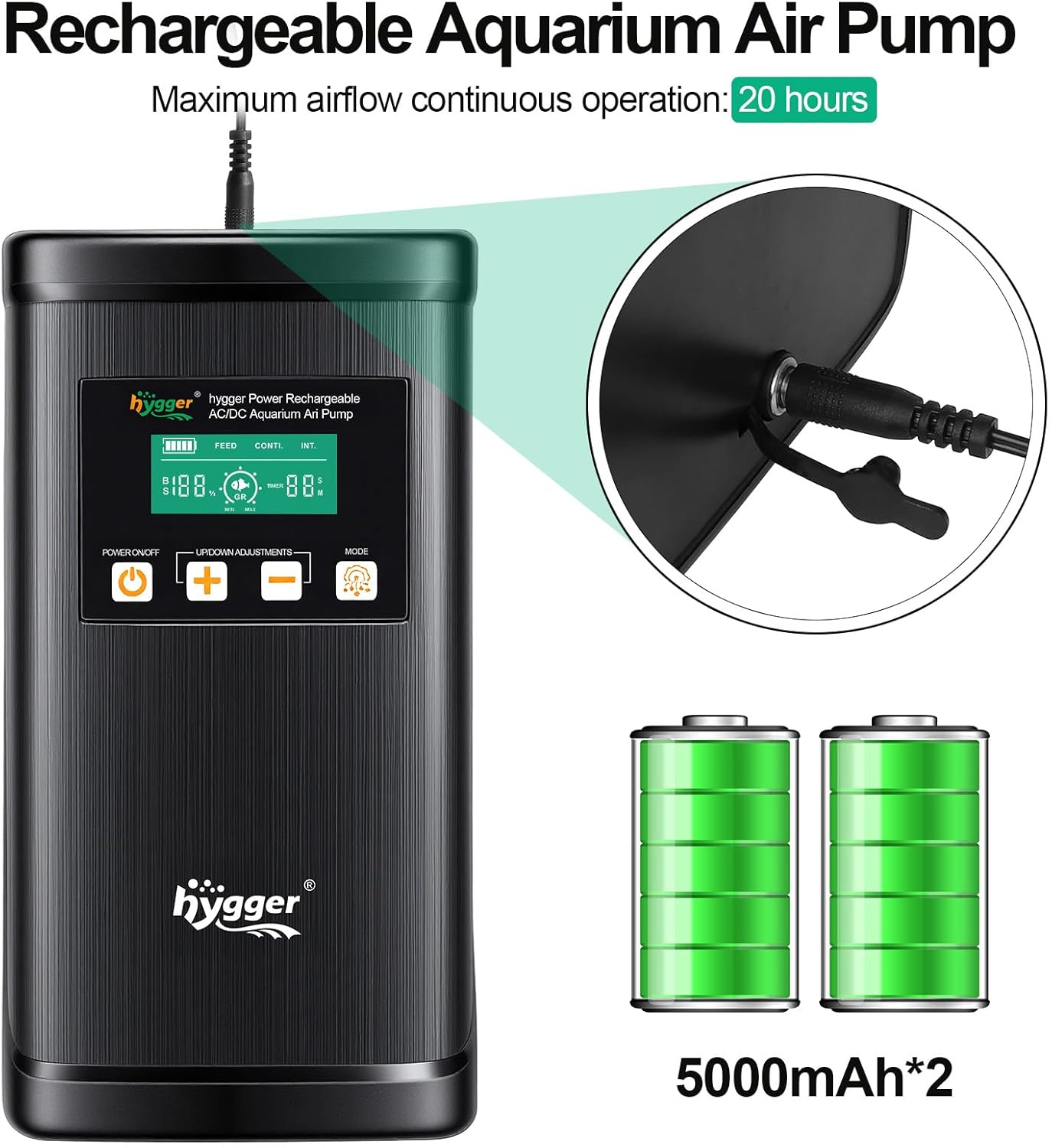
Image: The hygger air pump highlighting its rechargeable battery and 20-hour continuous operation capability.
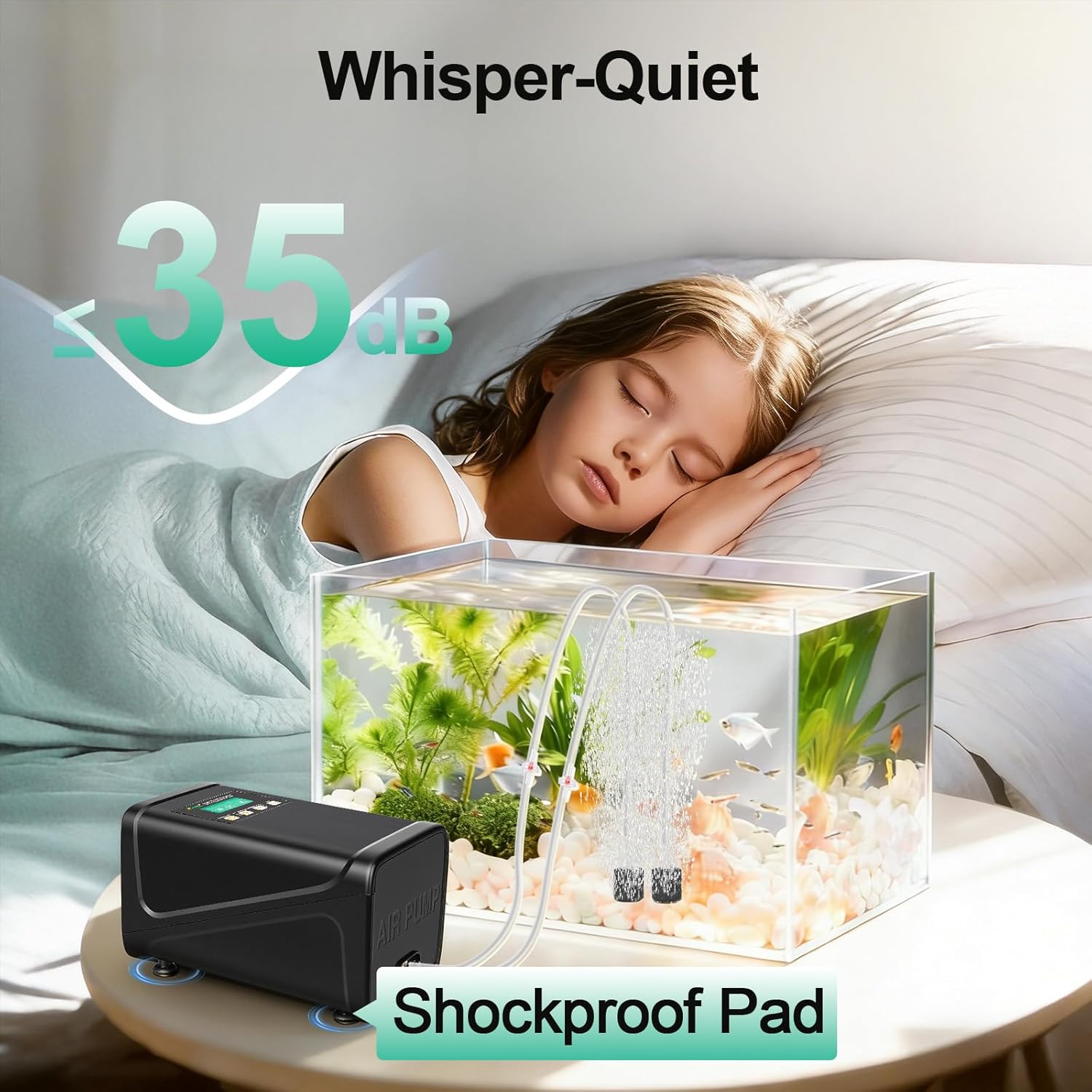
Image: Depiction of the hygger air pump's ultra-quiet operation, showing a noise level of 35dB.
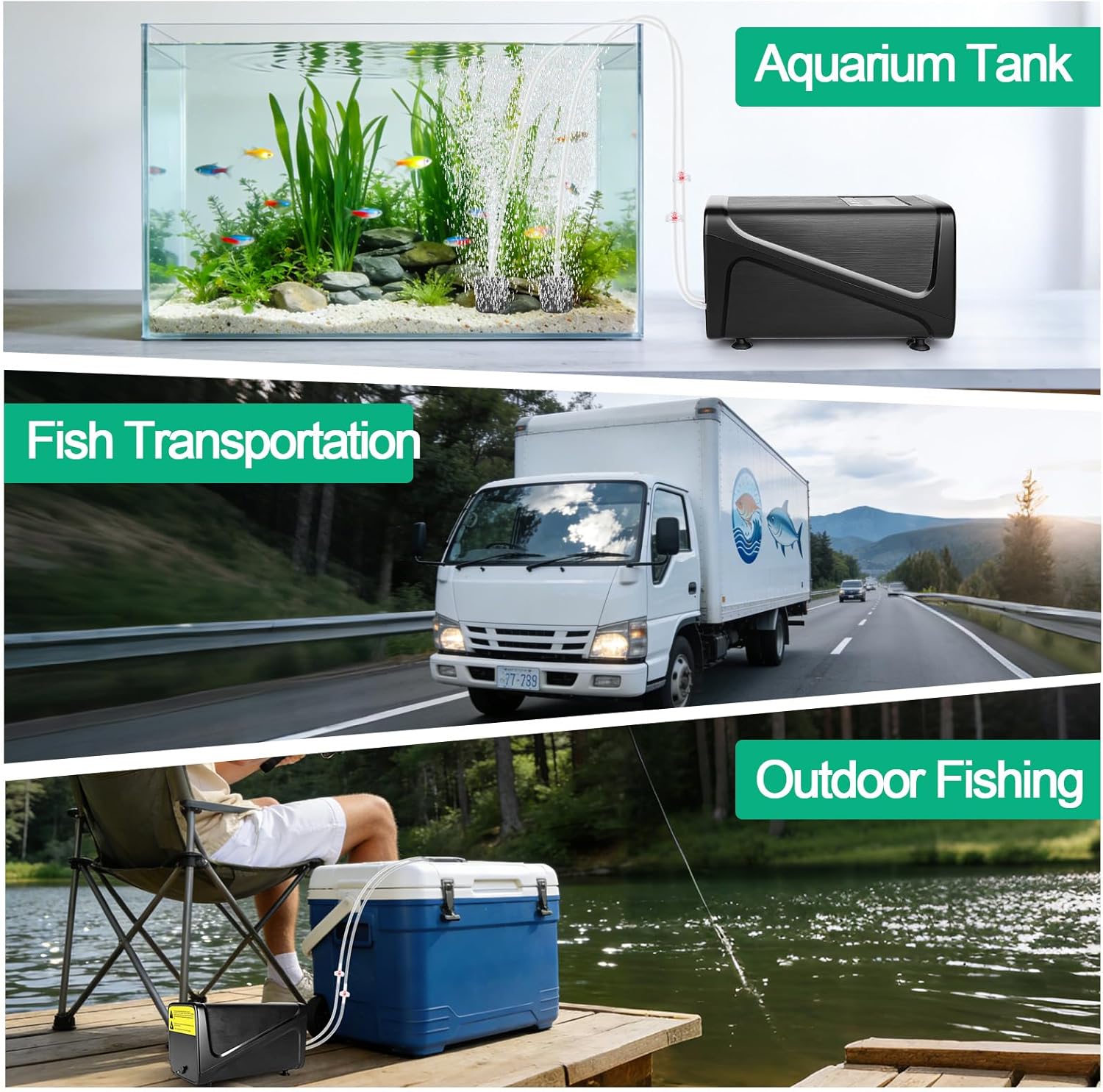
ภาพ: อดีตamples of the hygger air pump's versatile uses, including for aquariums, fish transportation, and outdoor fishing.
คำแนะนำการตั้งค่า
- แกะส่วนประกอบออก: Carefully remove all items from the packaging and ensure all listed components are present.
- Connect Air Tubes and Air Stones:
- If using check valves, cut the air tube into two sections.
- Install a check valve between the two air tube sections, ensuring the "IN" side faces the pump and the "OUT" side faces the air stone.
- Connect one end of the air tube to an air outlet on the pump.
- Connect the other end of the air tube to an air stone. Repeat this process for the second air outlet.

Image: Step-by-step guide for connecting air tubes, check valves, and air stones to the pump.
- การวางตำแหน่งปั๊ม:
- If not using check valves, ensure the air pump is placed above the water level to prevent water backflow into the pump.
- If using check valves, the pump can be placed below the water level, as the check valves will prevent backflow.

Image: Illustration demonstrating correct air pump placement relative to water level, with and without check valves.
- การเชื่อมต่อไฟฟ้า: Connect the DC adapter to the pump's power input and then plug the adapter into a standard electrical outlet. The pump will automatically begin charging its internal battery and operate in AC mode.
คำแนะนำการใช้งาน
เปิด/ปิดเครื่อง
กดปุ่ม เปิด/ปิดเครื่อง button (labeled with a power symbol) on the control panel to turn the pump on or off.
AC/DC Automatic Switching
When the pump is connected to AC power, it functions as a standard air pump. In the event of a power outage, the pump will automatically switch to its internal lithium battery (DC power) to ensure an uninterrupted oxygen supply to your aquarium or bait bucket.

Image: Visual representation of the air pump operating on AC power and automatically switching to battery power during an outage.
การเลือกโหมดการทำงาน
กดปุ่ม โหมด button (labeled with a gear symbol) to cycle through the three available operating modes:
- Continuous Mode (CONTI.): Provides a steady and constant stream of bubbles for maximum aeration. The airflow rate can be adjusted in this mode.
- Intermittent Mode (INT.): Produces bubbles with customizable on/off cycles. This mode helps conserve battery power while maintaining adequate oxygen levels. The duration of the on/off cycles can be set.
- Feeding Mode (FEED): Temporarily pauses aeration for a user-defined period, allowing fish to feed without being disturbed by bubbles. After the set time, the pump will automatically resume operation in the previously selected mode.

Image: Explanations and visual examples of the three oxygenation modes: Continuous, Intermittent, and Feeding.
Adjusting Airflow and Time Settings
ใช้ UP/DOWN ADJUSTMENTS ปุ่ม (+ และ -) to modify settings:
- In Continuous Mode, these buttons adjust the airflow intensity.
- In Intermittent Mode, they adjust the duration of the on/off cycles.
- In Feeding Mode, they set the pause duration.
The smart digital display provides real-time feedback on current airflow levels, battery indicator, and time settings.

Image: Close-up of the hygger air pump's control panel, showing the digital display, power button, adjustment buttons, and mode button.

Image: Visual demonstration of varying bubble intensity with adjustable flow rate settings.
วิดีโอสาธิต
Video: A demonstration of the hygger Battery Backup Aquarium Air Pump's features and operation, provided by the seller.
การซ่อมบำรุง
- Air Stone Cleaning/Replacement: Regularly clean the air stones to prevent mineral buildup and clogging, which can reduce airflow. Replace air stones when they become too dirty or worn to maintain optimal performance.
- เช็คกรองอากาศ: Periodically inspect and clean the internal air filter (if applicable) to ensure efficient air intake and prevent dust or debris from entering the pump mechanism.
- การดูแลแบตเตอรี่: For extended storage, fully charge the battery before storing the pump in a cool, dry place. Avoid completely draining the battery frequently to prolong its lifespan.
- การทำความสะอาดภายนอก: Wipe the exterior of the pump with a soft, damp cloth. Do not immerse the pump in water as it is not waterproof.
การแก้ไขปัญหา
| ปัญหา | สาเหตุที่เป็นไปได้ | สารละลาย |
|---|---|---|
| ไม่มีการไหลเวียนของอากาศ | Pump not powered on; Power adapter disconnected; Battery depleted; Kinked or blocked air tube; Clogged air stone; Incorrectly installed check valve. | Press the POWER ON/OFF button; Ensure DC adapter is securely plugged in; Charge the battery; Straighten or clear air tubes; Clean or replace air stones; Verify check valve direction (IN to pump, OUT to air stone). |
| การไหลเวียนของอากาศอ่อนแอ | Low airflow setting; Clogged air stones; Leaks in air tubing connections; Low battery charge. | Increase airflow using the + button; Clean or replace air stones; Check all connections for airtight seals; Recharge the pump. |
| ปั๊มมีเสียงดัง | Unstable placement; Damaged shock-absorbing pads; Loose internal components. | Place the pump on a flat, stable surface; Check and adjust shock-absorbing pads; If noise persists, contact customer support. |
| Battery Not Charging / Holding Charge | Faulty DC adapter or power outlet; Battery degradation. | Verify DC adapter and power outlet functionality; If the issue persists, the battery may need replacement or the unit may require service. |
ข้อมูลจำเพาะ
| คุณสมบัติ | รายละเอียด |
|---|---|
| ยี่ห้อ | เพลิดเพลิน |
| หมายเลขรุ่น | HG267 |
| สี | สีดำ |
| วัสดุ | พลาสติก |
| แหล่งพลังงาน | Corded Electric (AC/DC Automatic Switching) |
| ประเภทแบตเตอรี่ | Lithium-ion (5000mAh*2) |
| ความจุการไหลของอากาศ | 4.23 gpm (254 GPH) |
| Max Tank Size | มากถึง 120 แกลลอน |
| ระดับเสียง | สูงสุด 35 เดซิเบล |
| ส่วนประกอบที่รวมอยู่ | Aquarium air pump, DC adapter, Manual, 2 air stones, 2 air tubes, 2 check valves |
การรับประกันและการสนับสนุน
ผลิตภัณฑ์ Hygger ชิ้นนี้มาพร้อมกับ รับประกัน 2 ปี นับจากวันที่ซื้อ การรับประกันนี้ครอบคลุมถึงข้อบกพร่องจากการผลิตและการทำงานผิดปกติภายใต้การใช้งานปกติ
For technical support, warranty claims, or any questions regarding your hygger Battery Backup Aquarium Air Pump, please contact hygger customer service. Refer to the contact information provided in your product packaging or visit the official hygger webเว็บไซต์เพื่อขอความช่วยเหลือ