
การแนะนำ
This manual provides detailed instructions for the setup, operation, and maintenance of your Bmax Mini PC B1 Pro. Please read this manual thoroughly before using the device to ensure proper functionality and to prevent damage.
เนื้อหาแพ็คเกจ
เมื่อแกะกล่องแล้ว โปรดตรวจสอบว่าสินค้าทั้งหมดที่ระบุไว้ด้านล่างนี้มีอยู่และอยู่ในสภาพดี:
- Bmax Mini PC B1 Pro unit
- อะแดปเตอร์แปลงไฟ
- สาย HDMI
- คู่มือการใช้งาน (เอกสารนี้)
- ขายึด (ถ้ามี)
If any items are missing or damaged, please contact Bmax customer support.
สินค้าเกินview
The Bmax Mini PC B1 Pro is a compact computing solution designed for home and office use. It features various ports for connectivity and expansion.
Internal Chassis View
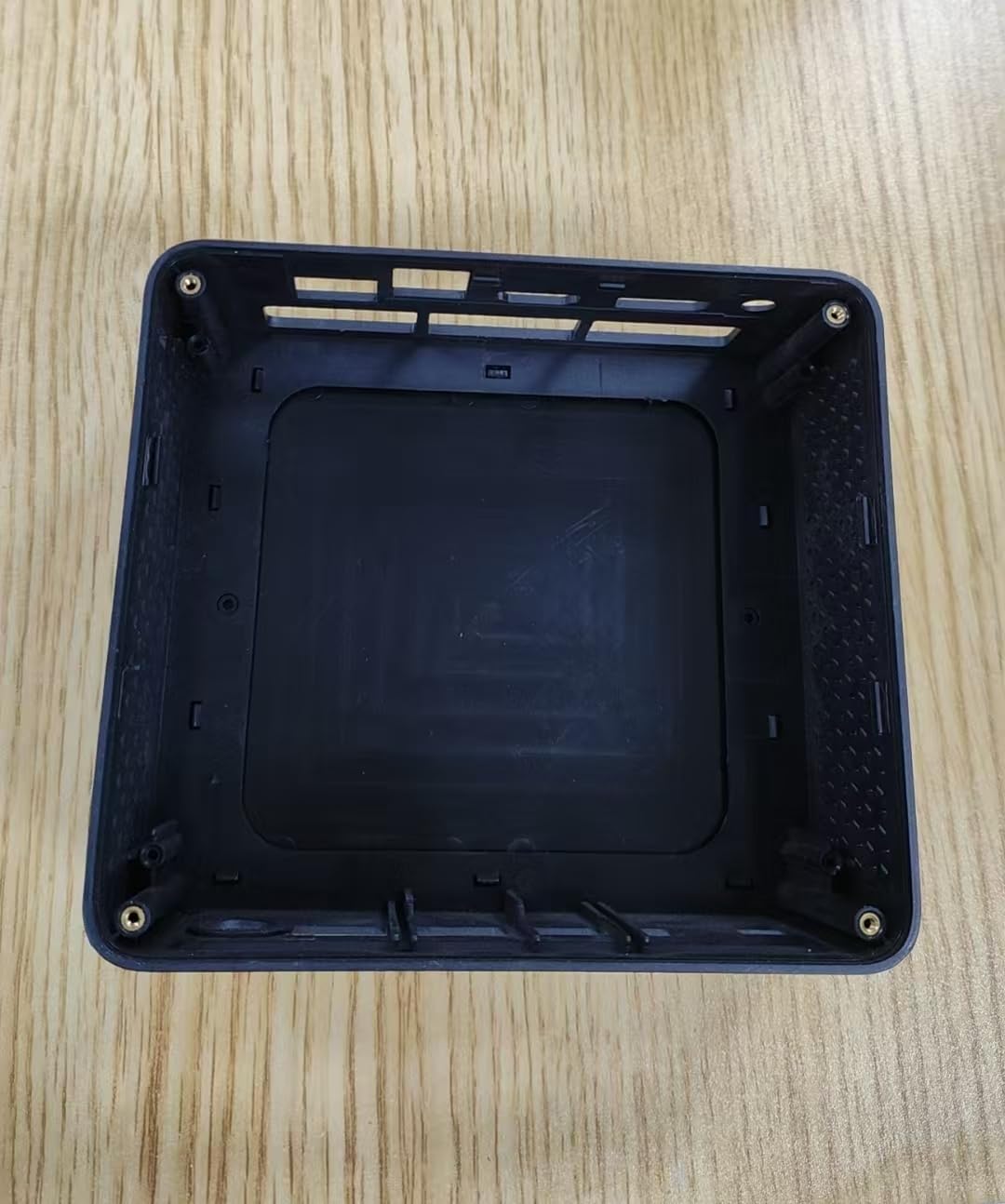
This image displays the internal housing of the Bmax Mini PC B1 Pro, showing the structural components and mounting points within the device's casing. It illustrates the design of the enclosure without the internal electronic components installed.
Port Layout (Typical)
The B1 Pro typically includes the following ports:
- พอร์ต HDMI: For connecting to a display (supports 4K 60Hz).
- พอร์ต USB 3.0: Two ports for high-speed data transfer and peripheral connection.
- พอร์ต USB 2.0: Two ports for connecting standard peripherals.
- พอร์ตกิกะบิตอีเทอร์เน็ต: สำหรับการเชื่อมต่อเครือข่ายแบบใช้สาย
- กำลังไฟเข้า: สำหรับการเชื่อมต่ออะแดปเตอร์ไฟฟ้า
- แจ็คเสียง: สำหรับหูฟังหรือลำโพง
การตั้งค่า
1. การเชื่อมต่ออุปกรณ์ต่อพ่วง
- Connect your monitor or TV to the พอร์ต HDMI โดยใช้สาย HDMI
- Connect your keyboard and mouse to the available พอร์ต USB (USB 2.0 or USB 3.0).
- (Optional) For a wired internet connection, connect an Ethernet cable to the พอร์ต Gigabit Ethernet.
- (Optional) Connect speakers or headphones to the แจ็คเสียง.
2. เปิดเครื่อง
- เชื่อมต่ออะแดปเตอร์เพาเวอร์เข้ากับ power input port on the Mini PC.
- เสียบอะแดปเตอร์ไฟฟ้าเข้ากับเต้ารับไฟฟ้าที่ผนัง
- กดปุ่ม ปุ่มเปิดปิด (location may vary, typically on the front or side) to turn on the device.
- The power indicator light will illuminate, and the system will begin to boot.
3. การกำหนดค่าเริ่มต้น
Follow the on-screen instructions to complete the initial setup of the operating system (e.g., Windows, Linux). This typically includes setting up user accounts, network connections, and regional settings.
คำแนะนำการใช้งาน
การใช้งานพื้นฐาน
- เปิด/ปิดเครื่อง: Press the power button to turn on. To shut down, use the operating system's shutdown function. A short press of the power button can put the device to sleep.
- เริ่มต้นใหม่อีกครั้ง: ใช้ฟังก์ชันรีสตาร์ทของระบบปฏิบัติการ
- การเชื่อมต่ออุปกรณ์ USB: Insert USB drives, external hard drives, or other peripherals into the available USB 2.0 or USB 3.0 ports.
กำลังเชื่อมต่อกับเครือข่าย
- ไวไฟ : The B1 Pro supports Dual-Band Wi-Fi. Access your operating system's network settings, select your desired Wi-Fi network, and enter the password.
- อีเธอร์เน็ต: If you connected an Ethernet cable during setup, the system should automatically detect and connect to the wired network.
- บลูทูธ: The B1 Pro features Bluetooth 5.0. Enable Bluetooth in your operating system settings to pair with compatible devices like keyboards, mice, or headphones.
การแสดงผลเอาท์พุต
The Mini PC supports 4K resolution at 60Hz via its HDMI port. Ensure your display and HDMI cable are compatible with these specifications for optimal performance.
การซ่อมบำรุง
- การทำความสะอาด: Use a soft, dry cloth to clean the exterior of the Mini PC. Avoid liquid cleaners directly on the device. Use compressed air to clear dust from vents periodically.
- การอัปเดตซอฟต์แวร์: อัปเดตระบบปฏิบัติการและไดรเวอร์ของคุณเป็นประจำเพื่อให้มั่นใจถึงประสิทธิภาพและความปลอดภัยที่เหมาะสมที่สุด
- การระบายอากาศ : Ensure the Mini PC is placed in a well-ventilated area to prevent overheating. Do not block the ventilation holes.
การแก้ไขปัญหา
| ปัญหา | สาเหตุที่เป็นไปได้ | สารละลาย |
|---|---|---|
| ไม่มีไฟฟ้า | ไม่ได้เชื่อมต่ออะแดปเตอร์ไฟหรือเต้ารับไฟฟ้าชำรุด | ตรวจสอบการเชื่อมต่อสายไฟ ลองใช้ปลั๊กไฟอื่นดู |
| ไม่มีเอาต์พุตแสดงผล | Incorrect HDMI connection, faulty cable, or incorrect input selected on monitor. | Ensure HDMI cable is securely connected. Try a different HDMI cable. Select correct input source on your monitor. |
| เชื่อมต่อ Wi-Fi ไม่ได้ | รหัสผ่านไม่ถูกต้อง, อยู่นอกช่วงที่กำหนด หรือมีปัญหาที่เราเตอร์ | Verify Wi-Fi password. Move closer to the router. Restart router. |
| ประสิทธิภาพการทำงานช้า | Too many applications running, insufficient storage, or outdated drivers. | Close unnecessary applications. Free up disk space. Update operating system and drivers. |
For further assistance, please contact Bmax customer support.
ข้อมูลจำเพาะ
| คุณสมบัติ | รายละเอียด |
|---|---|
| แบบอย่าง | บีทูโปร |
| โปรเซสเซอร์ | Intel Celeron (2.4 GHz) |
| แรม | แอลพีดีดีอาร์4 |
| พื้นที่จัดเก็บ | 128 GB SSD (PCIE x 4 interface) |
| กราฟฟิก | Integrated, 8 GB Graphics RAM |
| ระบบปฏิบัติการ | OS (Pre-installed or user-installable) |
| พอร์ต USB | พอร์ต USB 2 จำนวน 3.0 พอร์ต, พอร์ต USB 2 จำนวน 2.0 พอร์ต |
| เอาท์พุตวิดีโอ | HDMI (supports 4K 60Hz) |
| เครือข่าย | Gigabit Ethernet, Dual-Band Wi-Fi, Bluetooth 5.0 |
| ขนาด | 10.5 x 6 x 2.8 นิ้ว |
| น้ำหนัก | 1.3 ปอนด์ |
| วัตถุประสงค์การใช้ | Business, Home & Office |
ข้อมูลด้านความปลอดภัย
- อย่าให้อุปกรณ์สัมผัสกับอุณหภูมิ ความชื้น หรือแสงแดดโดยตรง
- หลีกเลี่ยงการทำอุปกรณ์หล่นหรือกระแทกอย่างรุนแรง
- อย่าพยายามถอดประกอบหรือซ่อมแซมอุปกรณ์ด้วยตนเอง โปรดติดต่อช่างผู้ชำนาญการ
- ใช้เฉพาะอะแดปเตอร์ที่ให้มาเท่านั้น
- เก็บอุปกรณ์ให้ห่างจากของเหลว
การรับประกันและการสนับสนุน
The Bmax Mini PC B1 Pro comes with a standard manufacturer's warranty. Please refer to the warranty card included in your package or visit the official Bmax webเว็บไซต์สำหรับข้อกำหนดและเงื่อนไขการรับประกันโดยละเอียด
For technical support, troubleshooting, or service inquiries, please contact Bmax customer support through their official channels. Contact information can typically be found on the Bmax webไซต์หรือบนบรรจุภัณฑ์ผลิตภัณฑ์
Bmax Official Webเว็บไซต์: Visit the Bmax Store on Amazon