
1. บทนำ
Thank you for choosing the Dragon Touch OB20 4G/WiFi Cellular Security Camera. This manual provides essential information for setting up, operating, and maintaining your camera to ensure optimal performance and security. The OB20 is a versatile outdoor surveillance solution featuring 4K resolution, a unique 3-lens design with 10x optical zoom, 360° PTZ (Pan-Tilt-Zoom) capabilities, and AI tracking. It supports both 4G LTE (USA only) and WiFi connectivity, powered by a 12000mAh battery and a 9W solar panel for continuous operation. An included 64GB SD card provides local storage.
2. เนื้อหาบรรจุภัณฑ์
โปรดตรวจสอบว่ารายการทั้งหมดที่ระบุไว้ด้านล่างมีอยู่ในแพ็คเกจของคุณหรือไม่:
- Dragon Touch OB20 Security Camera
- แผงโซล่าเซลล์
- สกรูยึดและตัวล็อค
- สายชาร์จ (USB)
- คู่มือการใช้งาน (เอกสารนี้)
- การ์ด Micro SD ขนาด 64GB (ติดตั้งมาแล้วหรือซื้อแยกต่างหาก)
Video: Unboxing the Dragon Touch OB20 4G LTE Cellular Security Camera, showing the camera, solar panel, and accessories.
3. สินค้าหมดview
The Dragon Touch OB20 camera features a dual-camera system with a fixed 4K bullet lens and a 2K PTZ lens, providing comprehensive coverage and detailed imaging.

ภาพ: รายละเอียด view of the Dragon Touch OB20 camera highlighting its 4K bullet cam and 2K PTZ cam with dual lenses.
ส่วนประกอบหลัก:
- Upper 4K Bullet Lens: Provides a 120° fixed wide-angle view.
- Lower 2K PTZ Dual-Lens: Offers 360° smart tracking and 10x optical zoom.
- เสาอากาศ: For 4G LTE and WiFi connectivity.
- เซ็นเซอร์ PIR: For accurate motion detection.
- ลำโพงและไมโครโฟน: สำหรับการสื่อสารด้วยเสียงสองทาง
- Spotlights & Siren: For active deterrence.
- ช่องเสียบแผงโซลาร์เซลล์: For connecting the solar charging panel.
- ช่องเสียบการ์ด Micro SD: Supports up to 128GB for local storage (64GB included).
- ปุ่มรีเซ็ต: เพื่อคืนค่าการตั้งค่าจากโรงงาน
4. การตั้งค่า
4.1 การติดตั้งทางกายภาพ
- เลือกตำแหน่ง: Select a mounting location that provides optimal sunlight exposure for the solar panel and a clear view for surveillance. Ensure the camera is within range of your WiFi network if using WiFi mode, or has good 4G signal if using cellular mode.
- ติดตั้งกล้อง: Use the provided mounting bracket and screws to securely attach the camera to a wall or pole. Ensure the camera is positioned to cover the desired area.
- ติดตั้งแผงโซล่าเซลล์: Attach the solar panel to the camera's mounting bracket or a separate location that receives direct sunlight for most of the day. Connect the solar panel cable to the camera's charging port.

ภาพ: อดีตamples of camera placement for multi-directional coverage, illustrating front, back, and side views.
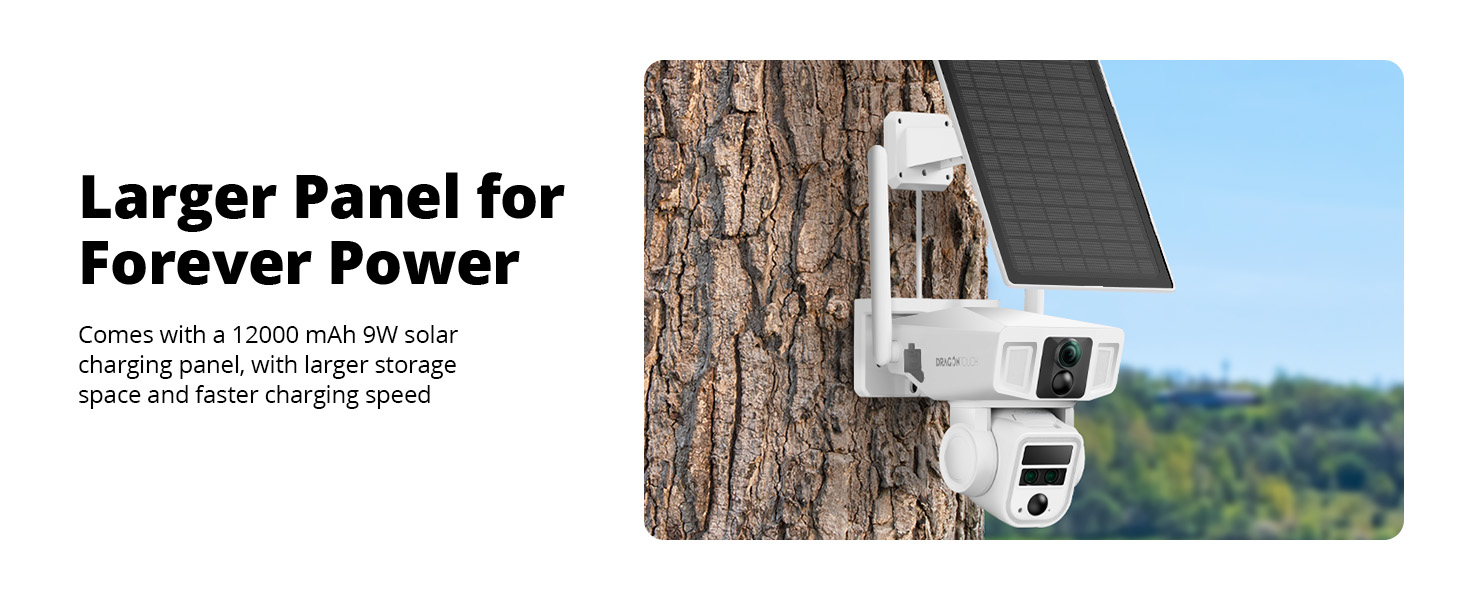
Image: The Dragon Touch OB20 camera mounted with its solar panel, demonstrating a typical outdoor installation.
4.2 การติดตั้งและการจับคู่แอปพลิเคชัน
- ดาวน์โหลดแอป: ค้นหา the recommended companion app (e.g., 'NIVIEW' or 'Dragon Touch Security') on the App Store (iOS) or Google Play Store (Android).
- สร้างบัญชี: เปิดแอปพลิเคชันและทำตามคำแนะนำบนหน้าจอเพื่อสร้างบัญชีผู้ใช้ใหม่
- เพิ่มอุปกรณ์: Power on the camera. In the app, select 'Add Device' or the '+' icon. Follow the prompts to scan the QR code on the camera or manually enter its ID.
- การกำหนดค่าเครือข่าย:
- สำหรับ WiFi: Select your 2.4GHz WiFi network and enter the password. The camera does not support 5GHz WiFi.
- For 4G LTE (USA ONLY): Insert a compatible data SIM card (e.g., T-Mobile, AT&T-data plan, Freedom POP) into the camera's SIM card slot. The camera will automatically connect to the 4G network.

Image: Diagram illustrating the dual 4G and Wi-Fi connectivity modes of the Dragon Touch OB20 camera.
5. คู่มือการใช้งาน
5.1 สด View & การเล่น
Access the live feed from your camera via the mobile app. You can switch between the 4K bullet lens and the 2K PTZ lens views. Recorded footage can be accessed and played back from the Micro SD card or cloud storage (if subscribed).
5.2 PTZ Control & Optical Zoom
Use the directional controls within the app to pan (horizontal) and tilt (vertical) the 2K PTZ camera. The 10x optical zoom allows you to magnify specific areas without losing image quality.
5.3 การติดตาม AI
When enabled, the camera's AI tracking feature will automatically detect and follow moving subjects within its field of view, ensuring continuous surveillance of activity.

Image: A person walking past a house, with the camera's AI tracking feature highlighted on a smartphone screen.
5.4 เสียงสองทาง
Utilize the built-in microphone and speaker for real-time two-way communication through the app. This allows you to speak to visitors or deter intruders.
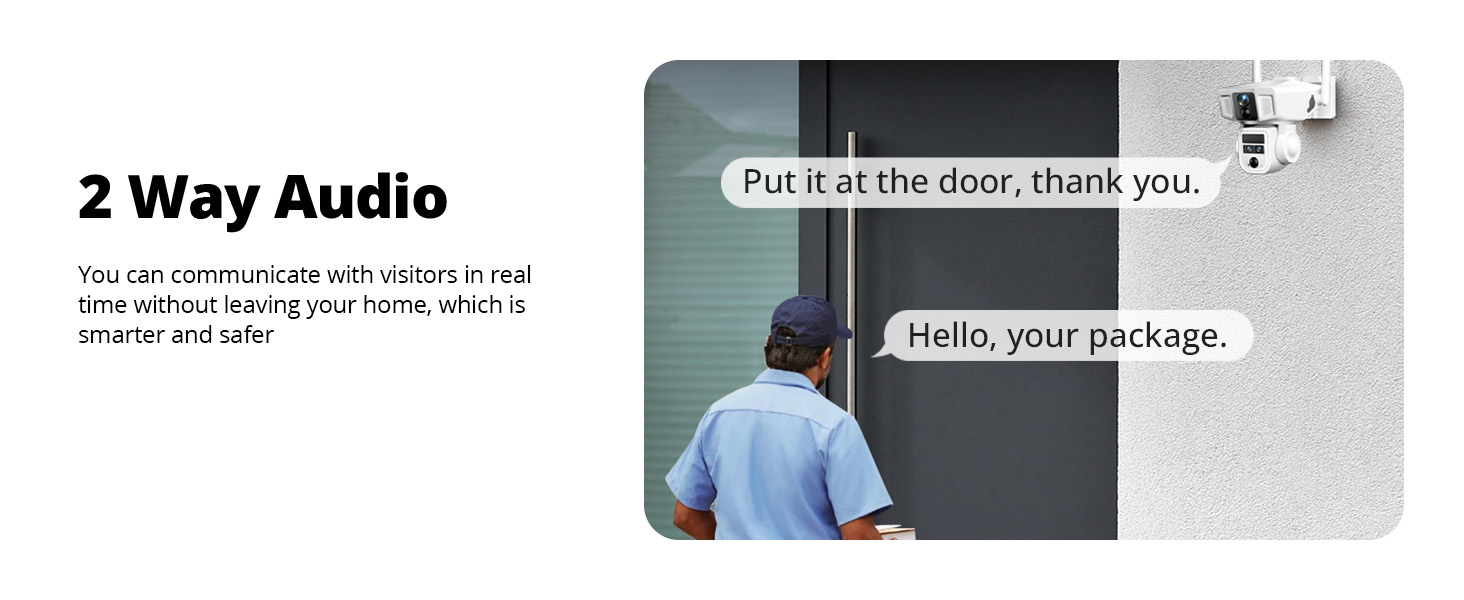
Image: A visual representation of the two-way audio function, where a user can communicate with a person at their door via the camera.
5.5 การตรวจจับการเคลื่อนไหวและการแจ้งเตือน
The PIR sensors provide accurate motion alerts. When motion is detected in a designated area or time period, the camera can activate warning lights, a 105-decibel siren, and send real-time notifications to your phone.

Image: An illustration of the AI motion-activated alarm system, showing motion detection, siren alarm, notification push, and two-way talk features in action against an intruder.
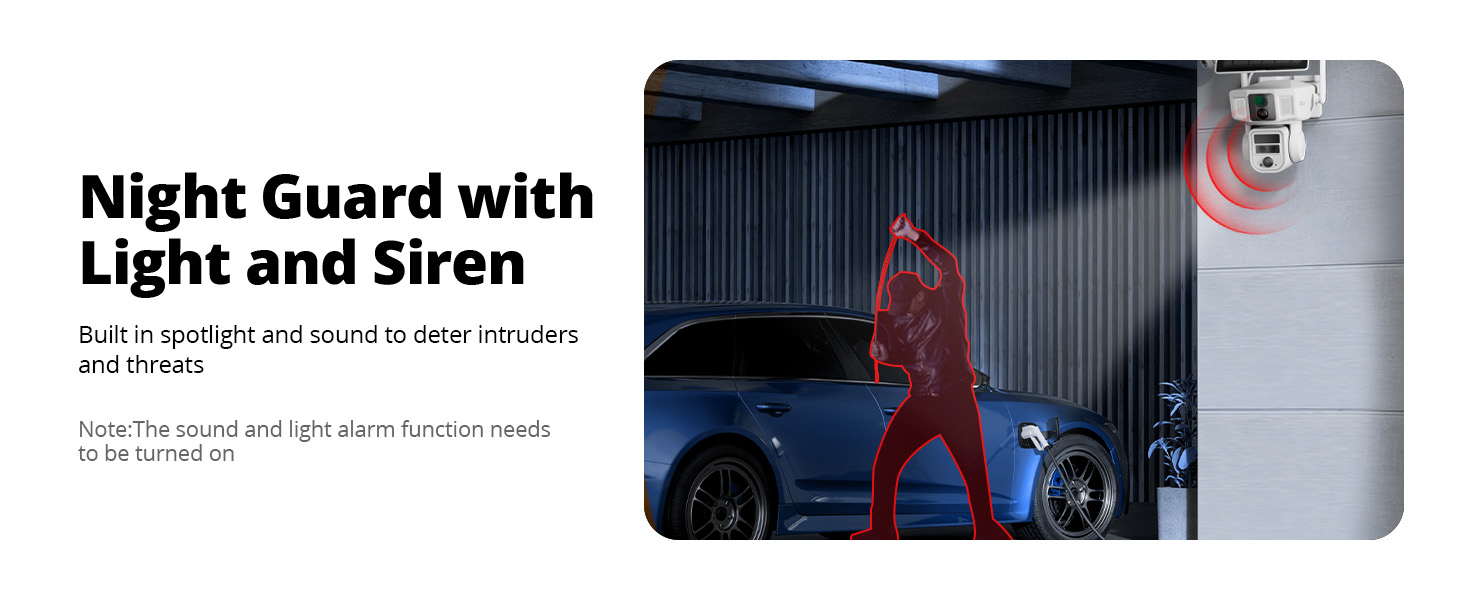
Image: The Night Guard feature of the camera, showing a spotlight and siren deterring an intruder near a car at night. Note: The sound and light alarm function needs to be turned on.
5.6 การบันทึกและจัดเก็บข้อมูล
The camera supports local storage on a Micro SD card (up to 128GB, 64GB included). Cloud storage options may also be available through the app for additional backup and features.
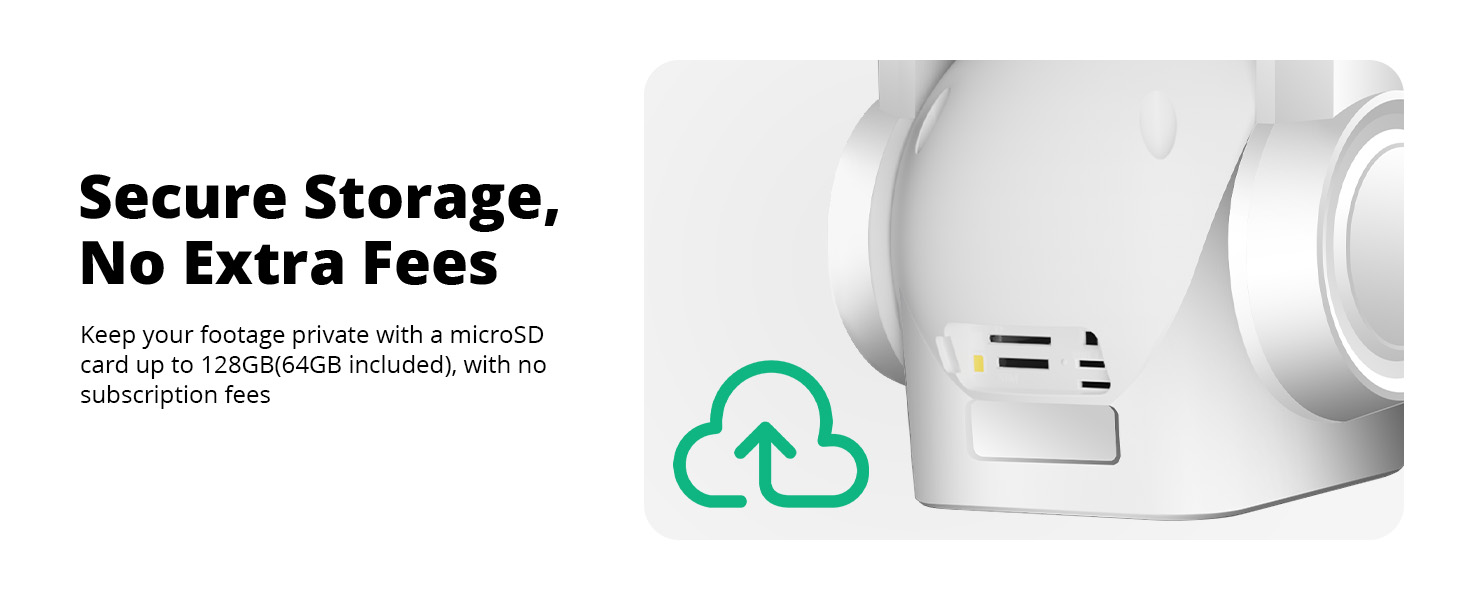
Image: A close-up of the camera's side, indicating secure local storage with a microSD card slot, supporting up to 128GB (64GB included).
6. การบำรุงรักษา
6.1 Battery Charging (Solar)
The camera is equipped with a 12000mAh battery and a 9W high-speed solar charging panel. Ensure the solar panel is positioned to receive maximum direct sunlight to keep the battery charged. In periods of low sunlight, the camera can be charged via the USB charging cable.
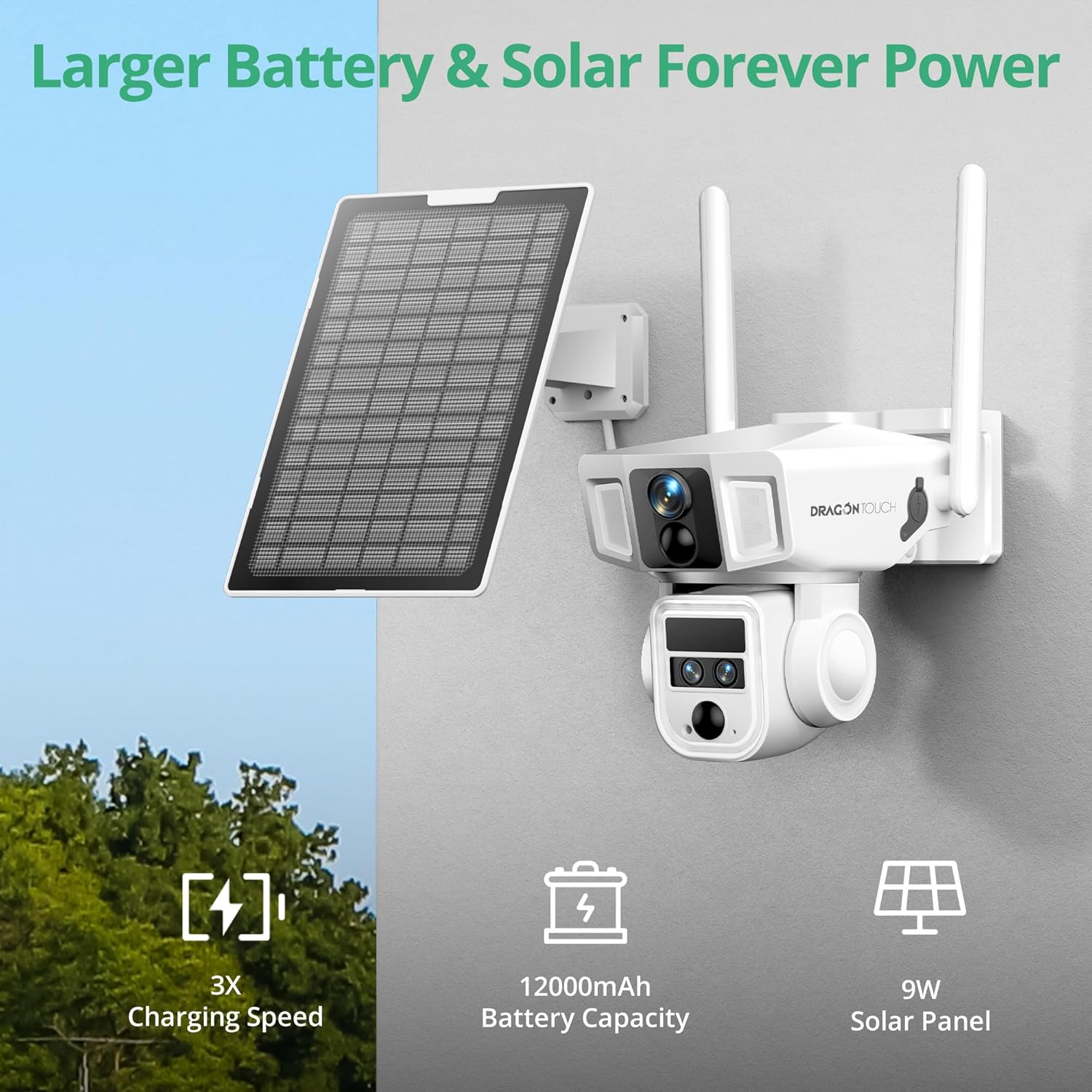
Image: The camera mounted with its solar panel, emphasizing the large battery capacity and efficient solar charging.
6.2 การทำความสะอาด
ทำความสะอาดเลนส์กล้องและแผงโซลาร์เซลล์ด้วยผ้านุ่มเป็นประจำamp cloth to ensure clear images and efficient charging. Avoid using harsh chemicals.
การอัปเดตเฟิร์มแวร์ 6.3 รายการ
ตรวจสอบแอปพลิเคชันบนมือถือเป็นระยะเพื่อดูว่ามีเฟิร์มแวร์เวอร์ชั่นอัปเดตหรือไม่ การอัปเดตเฟิร์มแวร์ของกล้องให้ทันสมัยอยู่เสมอจะช่วยให้กล้องทำงานได้อย่างมีประสิทธิภาพสูงสุด มีความปลอดภัย และสามารถเข้าถึงฟีเจอร์ใหม่ๆ ได้
7 การแก้ไขปัญหา
- กล้องเชื่อมต่อไม่ได้: Ensure the camera is powered on and within range of your WiFi network or has a strong 4G signal. Check the SIM card installation if using 4G. Try restarting the camera and your router.
- คุณภาพของภาพต่ำ: Clean the camera lenses. Ensure there are no obstructions. Check your network connection speed.
- แบตเตอรี่ไม่ชาร์จ: Verify the solar panel is clean and receiving direct sunlight. Check the connection between the solar panel and the camera. Charge the camera directly using the USB cable if necessary.
- การแจ้งเตือนการเคลื่อนไหวที่ผิดพลาด: Adjust the PIR sensor sensitivity settings in the app. Define specific detection zones to minimize unwanted alerts.
- การควบคุม PTZ ไม่ตอบสนอง: Check your network connection. Restart the camera.
- ปัญหาเกี่ยวกับแอป: Ensure the app is updated to the latest version. Clear the app's cache or reinstall it.
8. ข้อมูลจำเพาะ
| ยี่ห้อ | สัมผัสแห่งมังกร |
| ชื่อรุ่น | โอบี20 |
| เทคโนโลยีการเชื่อมต่อ | Wired, Wireless (4G LTE, Wi-Fi 2.4GHz) |
| ความละเอียดในการจับภาพวิดีโอ | 4K (Bullet Lens), 2K (PTZ Lens) |
| ซูมออปติคอล | 10 เท่า |
| ฟังก์ชัน PTZ | 360° Pan, Tilt, AI Tracking |
| ความจุของแบตเตอรี่ | 12000mAh |
| แหล่งพลังงาน | ใช้พลังงานแสงอาทิตย์ (แผงโซลาร์เซลล์ 9 วัตต์) |
| การจัดเก็บข้อมูลภายในเครื่อง | Micro SD Card (up to 128GB, 64GB included) |
| ทนทานต่อสภาพอากาศ | กันน้ำระดับ IP66 |
| คุณสมบัติพิเศษ | 2-Way Audio, Night Vision, PTZ Technology, Weather Proof, AI Tracking |
| ขนาดรายการ | 2.94 x 2.4 x 2.24 นิ้ว |
9. การรับประกันและการสนับสนุน
9.1 ข้อมูลการรับประกัน
Your Dragon Touch OB20 camera comes with a standard manufacturer's warranty. Please refer to the warranty card included in your package for specific terms and conditions. Extended warranty options may be available for purchase.
9.2 การสนับสนุนลูกค้า
For technical assistance, troubleshooting, or any questions regarding your Dragon Touch OB20 camera, please contact our customer support team:
- Webเว็บไซต์: Visit the official Dragon Touch webไซต์สำหรับคำถามที่พบบ่อยและทรัพยากรสนับสนุน
- อีเมล: Refer to your warranty card or product packaging for customer service email.
- โทรศัพท์: โปรดตรวจสอบหมายเลขโทรศัพท์ฝ่ายบริการลูกค้าได้จากบัตรรับประกันหรือบรรจุภัณฑ์ของผลิตภัณฑ์
Please have your model number (OB20) and purchase information ready when contacting support.