
1. ข้อมูลด้านความปลอดภัย
Please read all safety instructions carefully before using the innioasis G1 MP3 Player. Keep this manual for future reference.
- อย่าให้เครื่องสัมผัสกับอุณหภูมิที่สูงหรือต่ำเกินไป แสงแดดโดยตรง หรือความชื้นสูง
- หลีกเลี่ยงการทำอุปกรณ์หล่นหรือกระแทกอย่างรุนแรง
- ห้ามถอดประกอบหรือซ่อมแซมอุปกรณ์ด้วยตนเอง การกระทำดังกล่าวจะทำให้การรับประกันเป็นโมฆะ
- ใช้สาย USB-C ที่ให้มาเท่านั้นสำหรับการชาร์จ
- เก็บอุปกรณ์ให้ห่างจากน้ำและของเหลวอื่นๆ
- การฟังที่ระดับเสียงสูงเป็นเวลานานอาจทำให้สูญเสียการได้ยิน
2. เนื้อหาบรรจุภัณฑ์
ตรวจสอบว่ามีรายการทั้งหมดอยู่ในแพ็คเกจของคุณ:
- 1 x innioasis G1 MP3 Player
- การ์ด SD ขนาด 64GB จำนวน 1 อัน (ติดตั้งมาแล้วหรือซื้อแยกต่างหาก)
- สายชาร์จ USB-C 1 เส้น
- 1 x Wired headphones
- 1 x คู่มือผู้ใช้

Image: The innioasis G1 MP3 Player, USB-C cable, wired headphones, 64GB SD card, and user manual included in the package.
3. อุปกรณ์โอเวอร์view
The innioasis G1 MP3 Player features a compact design with a 4-inch full-touch screen. It includes physical buttons for power and volume control, and ports for charging and headphones.

ภาพ: ด้านหน้า view of the innioasis G1 MP3 Player displaying various preinstalled applications on its touch screen.
คุณสมบัติหลัก:
- หน้าจอสัมผัสขนาด 4 นิ้ว
- Android OS with 1.9GHz Octa-core CPU and 2GB RAM
- 80GB Storage (16GB ROM + 64GB TF card), expandable up to 1TB
- การเชื่อมต่อบลูทูธ 4.2
- Wi-Fi (2.4GHz และ 5GHz)
- Pre-installed streaming apps (Spotify, Spotify Kids, Amazon Music, Pandora, Tidal, Deezer, Audible)
- การควบคุมโดยผู้ปกครอง
- FM Radio, Voice Recorder, Video Player, Ebook Reader, Calculator, Clock, Gallery, Browser, Calendar
4. การตั้งค่า
4.1 การชาร์จเริ่มต้น
Before first use, fully charge the device using the provided USB-C cable and a compatible power adapter (not included). The battery indicator on the screen will show charging status.
4.2 เปิด/ปิดเครื่อง
- การเปิดเครื่อง: กดปุ่มเปิด/ปิดด้านข้างของอุปกรณ์ค้างไว้จนกว่าหน้าจอจะสว่างขึ้น
- วิธีปิดเครื่อง: กดปุ่มเปิด/ปิดค้างไว้ จากนั้นเลือก "ปิดเครื่อง" จากตัวเลือกบนหน้าจอ
4.3 การตั้งค่าภาษาและเวลา
Upon first startup, you may be prompted to select your preferred language and set the date and time. Follow the on-screen instructions.
4.4 การเชื่อมต่อ Wi-Fi
To access streaming services and online features, connect your device to a Wi-Fi network:
- ไปที่ การตั้งค่า > เครือข่ายและอินเตอร์เน็ต > ไวไฟ.
- สลับ Wi-Fi On.
- เลือกเครือข่ายที่คุณต้องการจากรายการ
- ป้อนรหัสผ่านหากได้รับแจ้งและแตะ เชื่อมต่อ.

Image: The innioasis G1 MP3 Player displaying its home screen with app icons, illustrating its strong network connection capabilities.
5. คู่มือการใช้งาน
5.1 การนำทางพื้นฐาน
The device features a full touch screen for navigation. Swipe left/right to browse app pages, tap an icon to open an app, and use the navigation buttons at the bottom of the screen (Back, Home, Recent Apps) to move between screens and applications.
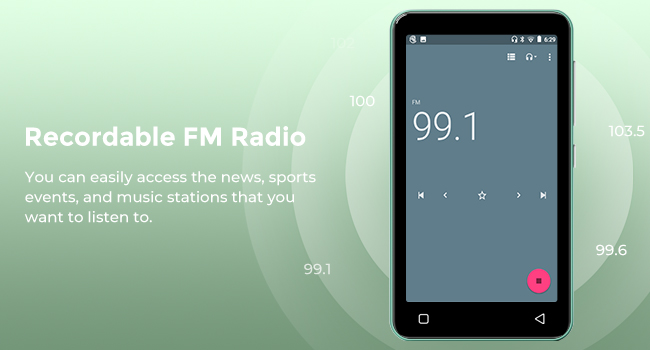
Image: A hand demonstrating touch screen interaction on the innioasis G1 MP3 Player, highlighting its ease of use.
5.2 การเล่นเพลง
The innioasis G1 supports various audio formats including MP3, FLAC, WAV, AAC, APE, OGG, M4A, WMA, and MP2.
- Local Music Player: Open the "Music" app to play files stored on the device or SD card. You can create playlists, search for songs, and use the graphic equalizer to adjust sound.
- แอปสตรีมมิ่ง: Access pre-installed apps like Spotify, Spotify Kids, Amazon Music, Pandora, Tidal, and Deezer. Ensure you are connected to Wi-Fi for streaming.

Image: The innioasis G1 MP3 Player displaying its local music player interface, showing song categories, search function, playlist creation, and equalizer options.
5.3 การเชื่อมต่อบลูทูธ
Connect your MP3 player to Bluetooth headphones, speakers, or car stereos.
- ไปที่ การตั้งค่า > อุปกรณ์ที่เชื่อมต่อ > บลูทูธ.
- สลับบลูทูธ On.
- Make sure your Bluetooth accessory is in pairing mode.
- Select your accessory from the list of available devices to pair.
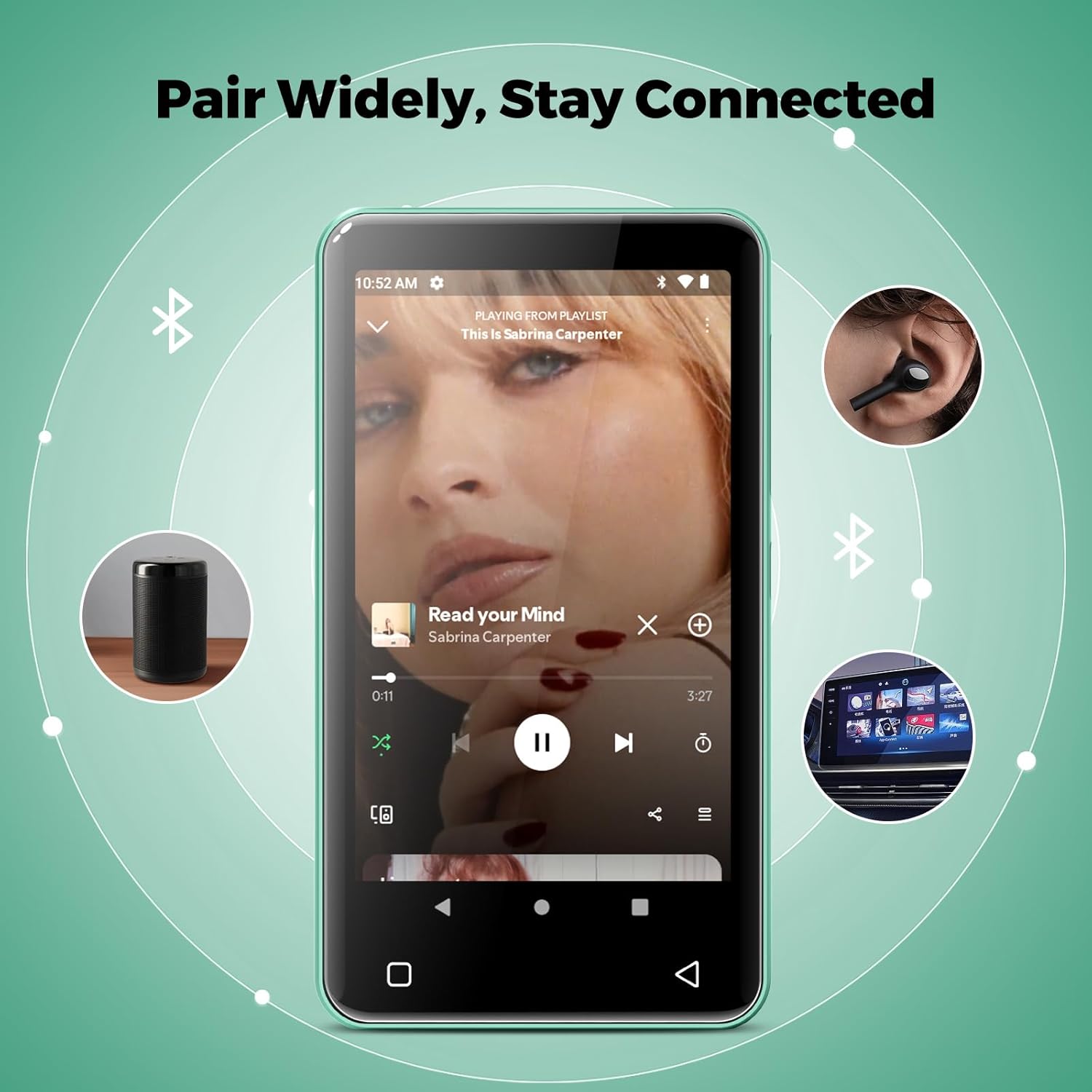
Image: The innioasis G1 MP3 Player showing its Bluetooth connection capabilities, pairing with headphones, a portable speaker, and a car stereo system.
5.4 การควบคุมโดยผู้ปกครอง
The device includes parental control features to manage app access and settings.
- ไปที่ การตั้งค่า > การควบคุมโดยผู้ปกครอง.
- Set a parental control password.
- You can enable/disable app installation, limit internet usage, and restrict device usage time.
- Preloaded apps can be removed, and settings can be locked with the passcode.

Image: The innioasis G1 MP3 Player displaying its parental control settings, including options for password management, app installation, internet usage limits, and device usage limits.
5.5 File โอนย้าย
To transfer music, videos, and other files from a computer:
- เชื่อมต่อเครื่องเล่น MP3 เข้ากับคอมพิวเตอร์ของคุณโดยใช้สาย USB-C
- On the MP3 player, swipe down from the top of the screen to open the notification panel.
- Tap the USB notification (e.g., "USB charging this device") and select "File transfer" or "MTP".
- Your computer should now recognize the device as a removable storage drive. You can drag and drop files to the internal storage or the SD card.
5.6 แอปพลิเคชันอื่น ๆ
The innioasis G1 comes with several other useful applications:
- วิทยุ FM: Tune into local radio stations. Some models may support recording.
- เครื่องเล่นวิดีโอ: Supports 1080P HD video playback and various formats including AVI, MKV, MP4, MPEG, MOV, VOB, WMV, WEBM, DIVX, F4V, FLV, XviD, 3GP.
- เครื่องบันทึกเสียง: บันทึกเสียงโดยใช้ไมโครโฟนในตัว
- Ebook Reader: Access pre-loaded Audible for audiobooks and other e-book formats.
- Calculator, Clock, Gallery, Browser, Calendar: Standard utility apps for daily use.
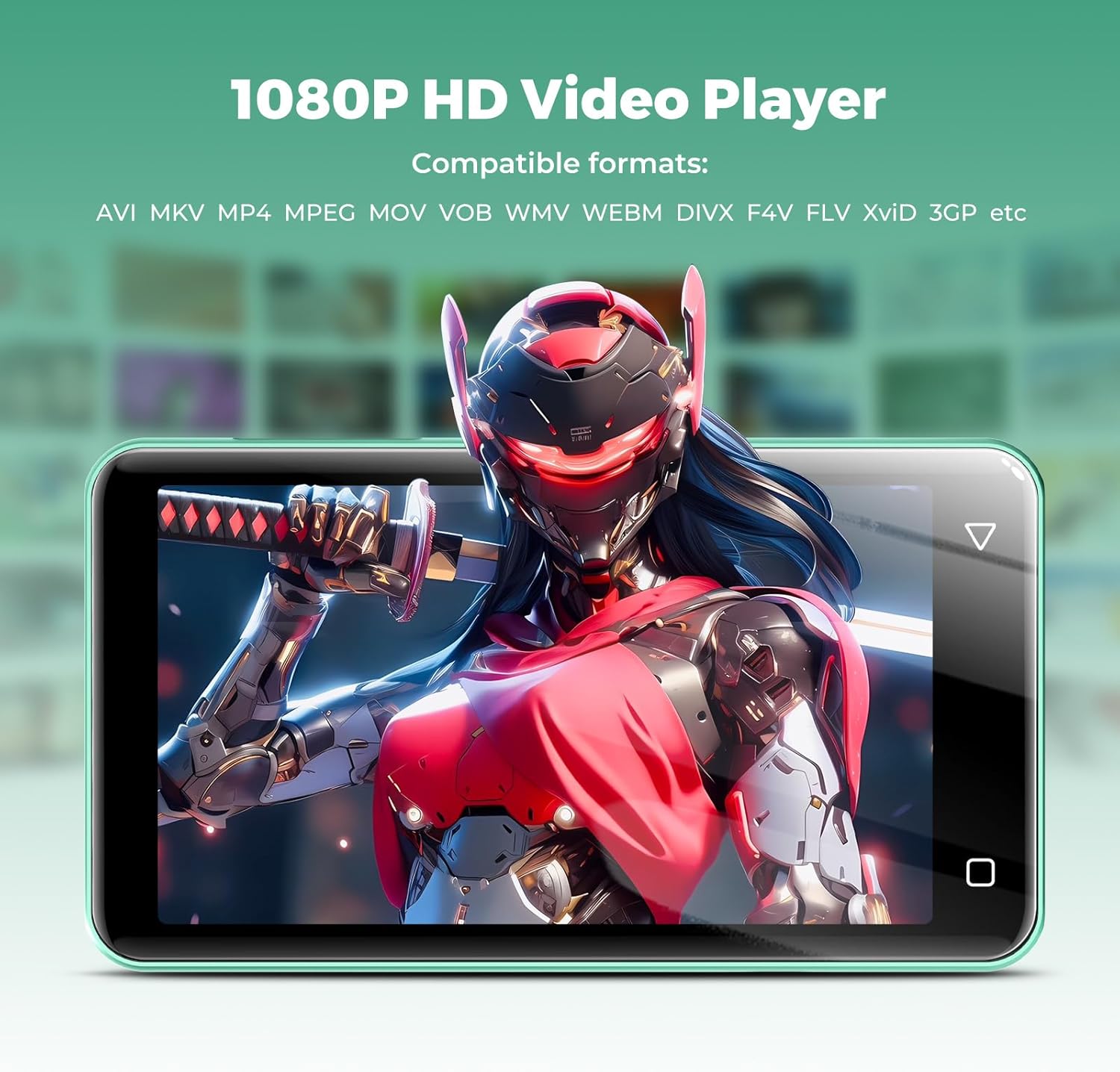
Image: The innioasis G1 MP3 Player displaying a high-definition video on its screen, illustrating its 1080P HD video playback capability.
6. การบำรุงรักษา
- การทำความสะอาด: ใช้ผ้านุ่มและแห้งเช็ดทำความสะอาดอุปกรณ์ ห้ามใช้น้ำยาทำความสะอาดหรือสเปรย์
- การดูแลแบตเตอรี่ To prolong battery life, avoid fully discharging the battery frequently. Charge the device regularly. If storing for a long period, charge it to about 50% every few months.
- การอัปเดตซอฟต์แวร์: Periodically check for software updates in the device settings to ensure optimal performance and security.
7 การแก้ไขปัญหา
| ปัญหา | วิธีแก้ปัญหาที่เป็นไปได้ |
|---|---|
| อุปกรณ์ไม่เปิดเครื่อง | Ensure the battery is charged. Connect to a charger for at least 30 minutes. If unresponsive, press and hold the power button for 10-15 seconds to force a restart. |
| ไม่สามารถเชื่อมต่อ Wi-Fi ได้ | Check if Wi-Fi is enabled in settings. Verify the Wi-Fi password. Restart your router and the MP3 player. Ensure you are within range of the Wi-Fi signal. |
| อุปกรณ์บลูทูธไม่จับคู่ | Ensure Bluetooth is enabled on both devices and the accessory is in pairing mode. Move the devices closer together. Try restarting both devices. |
| แอปทำงานช้าหรือไม่ตอบสนอง | Close unused background apps. Clear app cache in Settings > Apps. Restart the device. Ensure sufficient storage space is available. |
| ไม่สามารถโอนได้ files ไป/มาจากคอมพิวเตอร์ | Ensure the USB-C cable is properly connected and functioning. On the MP3 player, select "File transfer" mode from the USB notification. Try a different USB port or computer. |
| คุณภาพเสียงไม่ดี | Check headphone connection. Test with different headphones. Adjust equalizer settings in the music player. Ensure audio fileไม่เสียหาย |
8. ข้อมูลจำเพาะ
- ชื่อรุ่น : G1
- ขนาดสินค้า : 0.39 x 2.56 x 4.13 นิ้ว
- น้ำหนักสินค้า: 5.9 ออนซ์
- ผู้ผลิต: อินนิโอเอซิส
- ความจุหน่วยความจำ: 80 GB (16GB ROM + 64GB TF card)
- พื้นที่เก็บข้อมูลที่ขยายได้: Up to 1TB (SDXC/SDHC compatible)
- ขนาดหน้าจอ: 4 นิ้ว
- เทคโนโลยีการเชื่อมต่อ: Bluetooth 4.2, Wi-Fi (2.4GHz & 5GHz)
- คุณสมบัติพิเศษ: Equalizer, FM Radio, Hi-Res Audio, Video Playback, Voice Recorder, Parental Controls
- อุปกรณ์ที่รองรับ: หูฟัง, หูฟังแบบครอบหู
- ประเภทสื่อ : Micro SD, Micro SDHC, Micro SDXC, SD Card, SDHC
- แบตเตอรี่: 1500mAh (up to 25 hours music, 5 hours video playback)

Image: The innioasis G1 MP3 Player screen displaying battery life indicators for video (5 hours) and music (25 hours) playback.
9. การรับประกันและการสนับสนุน
The innioasis G1 MP3 Player comes with a standard manufacturer's warranty. For detailed warranty information, please refer to the warranty card included in your package or contact innioasis customer support.
If you encounter any issues or have questions about your device, please contact innioasis customer support through their official webไซต์หรือข้อมูลการติดต่อที่ให้ไว้ในบรรจุภัณฑ์ผลิตภัณฑ์