
การแนะนำ
This manual provides instructions for the installation, operation, and maintenance of your Luqeeg Smart Sprinkler Timer Automatic. This device allows for automated and remote control of your garden irrigation system via a mobile application and voice commands, enhancing watering efficiency and convenience.
เนื้อหาแพ็คเกจ
- 1 x WiFi Water Timer
- อะแดปเตอร์ 1 ตัว
- 1 x สกรู
- คู่มือภาษาอังกฤษ 1 เล่ม
การตั้งค่า
1. การติดตั้งแบตเตอรี่
The Luqeeg Smart Sprinkler Timer requires 4 x AA batteries (not included) for operation. Open the battery compartment, insert the batteries according to the polarity markings, and securely close the compartment.
2. การติดตั้งทางกายภาพ
Attach the sprinkler timer to your outdoor faucet. Ensure the connection is secure to prevent leaks. The timer features a 3/4 inch NPT thread specification for standard hose connections. Connect your garden hose to the outlet of the sprinkler timer.
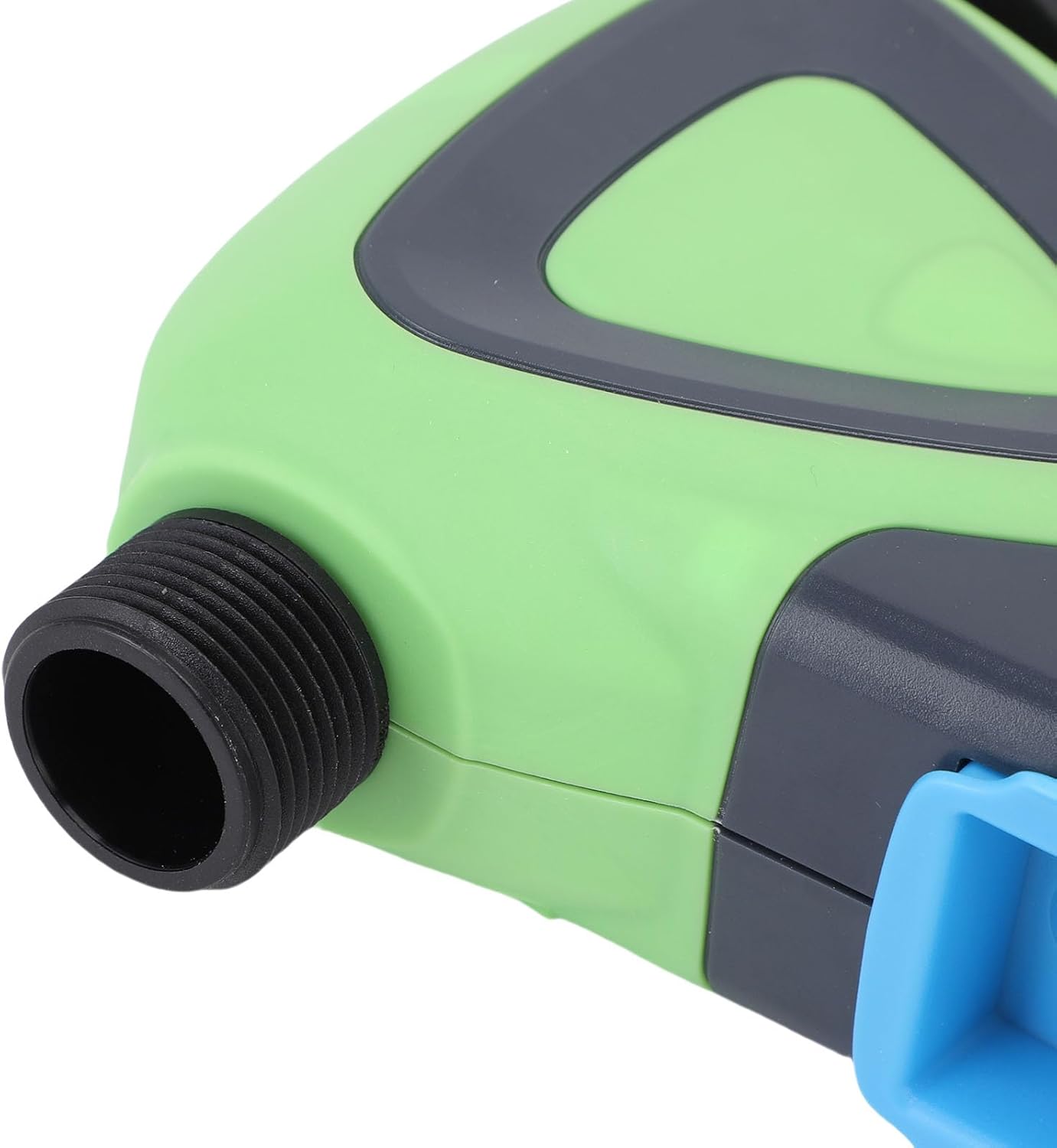
ภาพ: ระยะใกล้ view of the Luqeeg Smart Sprinkler Timer's threaded inlet and outlet for hose connection.
3. การดาวน์โหลดแอปและการจับคู่อุปกรณ์
Download the compatible mobile application (refer to the included English Manual for specific app details). Follow the in-app instructions to add your Luqeeg Smart Sprinkler Timer. The device connects via a Zigbee hub to your 2.4GHz WiFi network. Ensure your WiFi network is 2.4GHz for successful pairing.
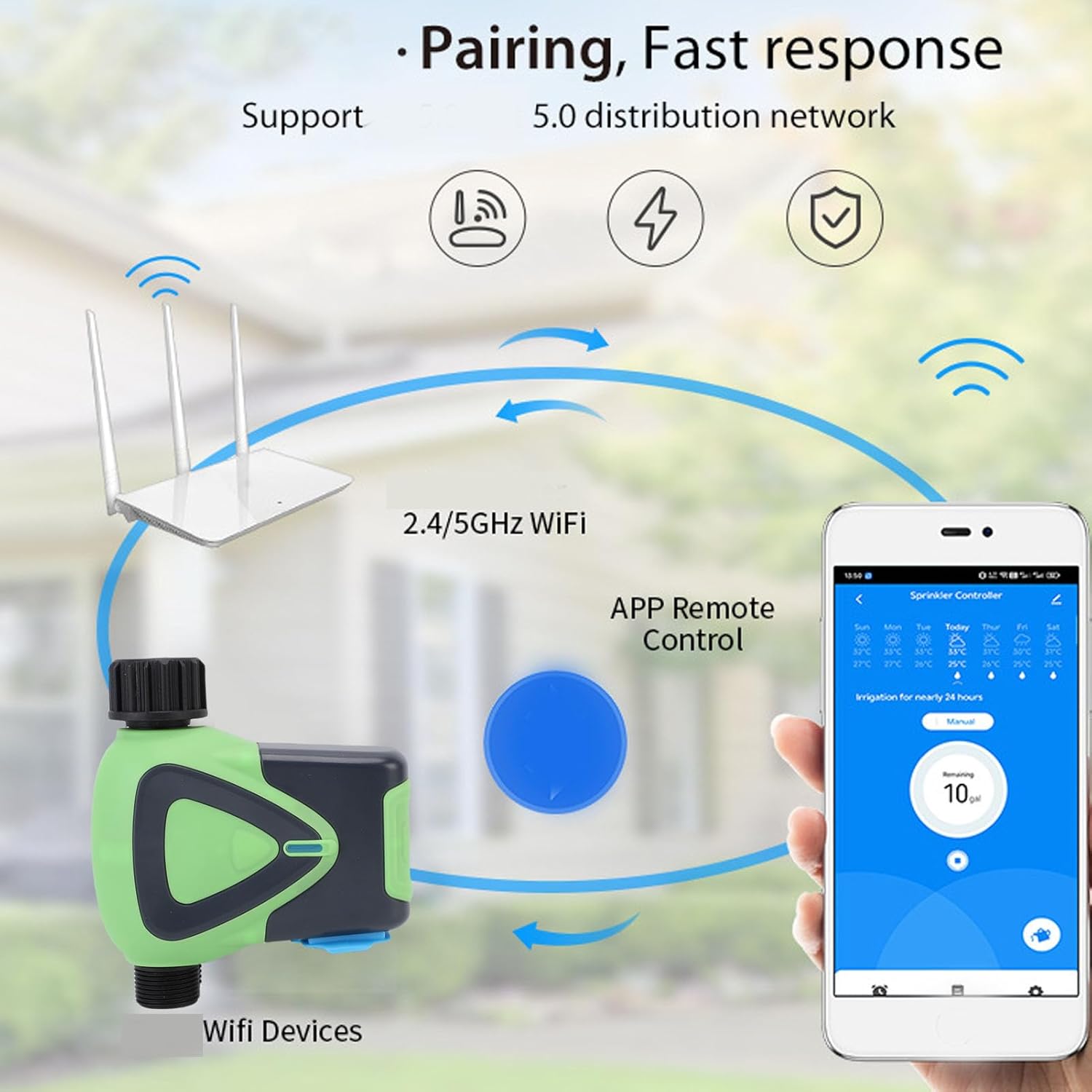
Image: Diagram illustrating the pairing process, showing the smart sprinkler timer, a WiFi router, and a smartphone displaying the control app.
คำแนะนำการใช้งาน
1. การควบคุมระยะไกลผ่านแอป
Once paired, you can manage your irrigation schedules and settings remotely using the mobile application. This includes setting watering times, durations, and activating manual watering modes.

Image: A smartphone displaying the app interface for remote watering control, with an icon representing a watering can.
2. การควบคุมด้วยเสียง
The sprinkler timer supports voice activation through compatible smart assistants. Link your device to your preferred voice assistant (e.g., Google Assistant) to control watering with voice commands.
3. Scheduling and Rain Delay
Set up customized watering schedules within the app. The system also supports a rain delay function, allowing you to pause watering during rainy periods to conserve water and prevent overwatering.
4. Family Collaboration
The app allows you to add family members for shared management of the sprinkler timer. This enables multiple users to monitor and adjust watering settings.
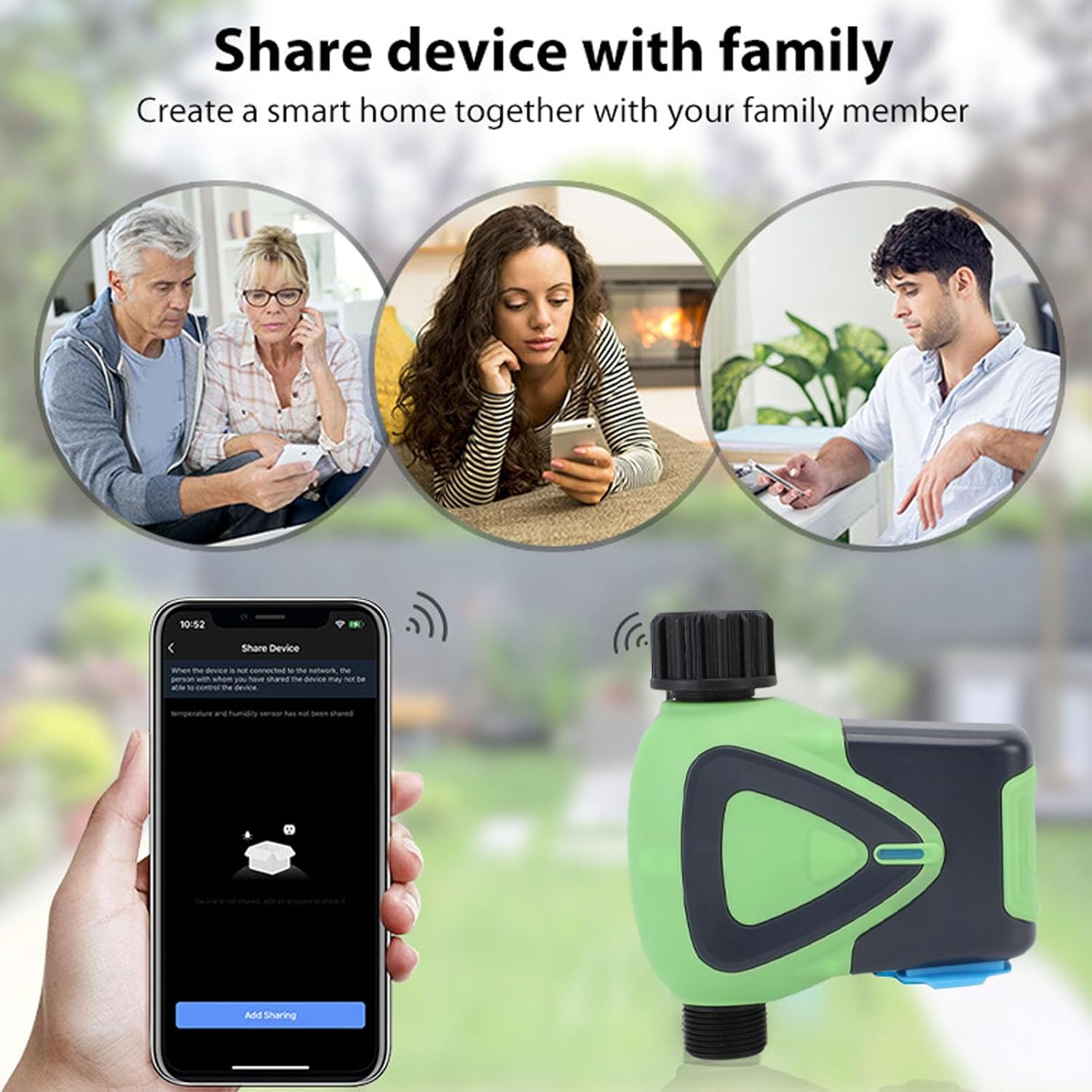
Image: Illustration depicting family members sharing control of the smart device via their smartphones.
5. Watering Records
The application maintains a record of past watering activities, including irrigation amounts and times. This feature helps in monitoring water usage and optimizing schedules.

Image: A smartphone screen showing the "Watering Records" section of the app, listing irrigation amounts and dates.
การซ่อมบำรุง
To ensure optimal performance and longevity of your Luqeeg Smart Sprinkler Timer, follow these maintenance guidelines:
- การเปลี่ยนแบตเตอรี่: Replace the 4 x AA batteries when the low battery indicator appears in the app or on the device.
- การทำความสะอาด: ควรทำความสะอาดภายนอกของอุปกรณ์เป็นระยะด้วยผ้าเนื้อนุ่มและแห้งamp ผ้า. อย่าใช้สารเคมีที่รุนแรงหรือน้ำยาทำความสะอาดที่มีฤทธิ์กัดกร่อน
- ฤดูหนาว: ในพื้นที่ที่มีอุณหภูมิเยือกแข็ง ให้ถอดตัวตั้งเวลาสปริงเกลอร์ออกจากก๊อกน้ำและเก็บไว้ในที่ร่มเพื่อป้องกันความเสียหายจากน้ำแข็งตัว
- ระดับการกันน้ำ: The device has an IP65 waterproof rating, meaning it is protected against low-pressure water jets from any direction. However, avoid submerging the device in water.
การแก้ไขปัญหา
- อุปกรณ์ไม่จับคู่:
- ตรวจสอบให้แน่ใจว่าเครือข่าย WiFi ของคุณเป็น 2.4GHz
- Verify the Zigbee hub is properly connected and functioning.
- Check if the device is within the 45m wireless distance range of the hub/router.
- Restart the device and attempt pairing again.
- ไม่มีการไหลของน้ำ:
- ตรวจสอบว่าก๊อกน้ำเปิดเต็มที่หรือไม่
- Ensure batteries are charged and correctly installed.
- Verify the watering schedule in the app is active and correctly configured.
- Check for any blockages in the hose or timer.
- ปัญหาการเชื่อมต่อแอพ:
- ตรวจสอบให้แน่ใจว่าสมาร์ทโฟนของคุณมีการเชื่อมต่ออินเทอร์เน็ตที่ใช้งานได้
- อัปเดตแอปให้เป็นเวอร์ชั่นล่าสุด
- Restart your smartphone and the sprinkler timer.
- การรดน้ำที่ไม่ถูกต้อง:
- Review your watering schedule and settings in the app.
- Check for any rain delay settings that might be active.
ข้อมูลจำเพาะ
| ข้อมูลจำเพาะ | ค่า |
|---|---|
| ประเภทสินค้า | เครื่องตั้งเวลาน้ำ WiFi |
| วัสดุ | เอบีเอส |
| แหล่งจ่ายไฟ | แบตเตอรี่ AA 4 ก้อน (ไม่รวม) |
| ขนาดท่อ | 3/4 นิ้ว |
| ข้อมูลจำเพาะของเธรด | นพ. |
| การใช้พลังงานขณะสแตนด์บาย | 200uA |
| ไร้มาตรฐาน | IEEE802.11b, จี, เอ็น |
| ความถี่ไร้สาย | 2.4กิกะเฮิรตซ์ |
| ระยะทางไร้สาย | 45ม. |
| ระดับการกันน้ำ | IP65 |
| แรงดันน้ำทำงาน | 0.03MPa ถึง 1MPa |
| อุณหภูมิในการทำงาน | -10°C ถึง 60°C (14°F ถึง 140°F) |
| ความชื้นในการทำงาน | 1% to 95%RH (non condensing) |
| ขนาดสินค้า | Approx. 137x126x54mm (5.4x5.0x2.1in) |
| หมายเลขรุ่น | Luqeegfzgw1dqgay |
| ยี่ห้อ | ลูกกีก |

Image: The Luqeeg Smart Sprinkler Timer with its approximate dimensions indicated.