
การแนะนำ
Thank you for choosing the CUIFATI 7W 5V ETFE Monocrystalline Portable Solar Panel Charger. This device is designed to provide a portable and efficient power source for your electronic devices using solar energy. Please read this manual carefully before using the product to ensure proper operation and longevity.
ข้อมูลด้านความปลอดภัย
- Do not expose the solar panel to extreme temperatures or direct flame.
- หลีกเลี่ยงการทำตกหรือให้แผงได้รับแรงกระแทกรุนแรง
- Keep the solar panel dry. Do not immerse it in water or other liquids.
- Do not attempt to disassemble or modify the solar panel. This may void the warranty and cause damage.
- เก็บให้พ้นจากมือเด็ก
- ควรจัดให้มีการระบายอากาศที่เหมาะสมขณะชาร์จเพื่อป้องกันความร้อนสูงเกินไป
เนื้อหาแพ็คเกจ
ตรวจสอบว่ามีรายการทั้งหมดอยู่ในแพ็คเกจของคุณ:
- 1 x CUIFATI 7W 5V ETFE Monocrystalline Portable Solar Panel Charger
สินค้าเกินview
The CUIFATI solar panel is designed for portability and durability, featuring ETFE technology for high temperature resistance. It includes a USB output for direct device charging.
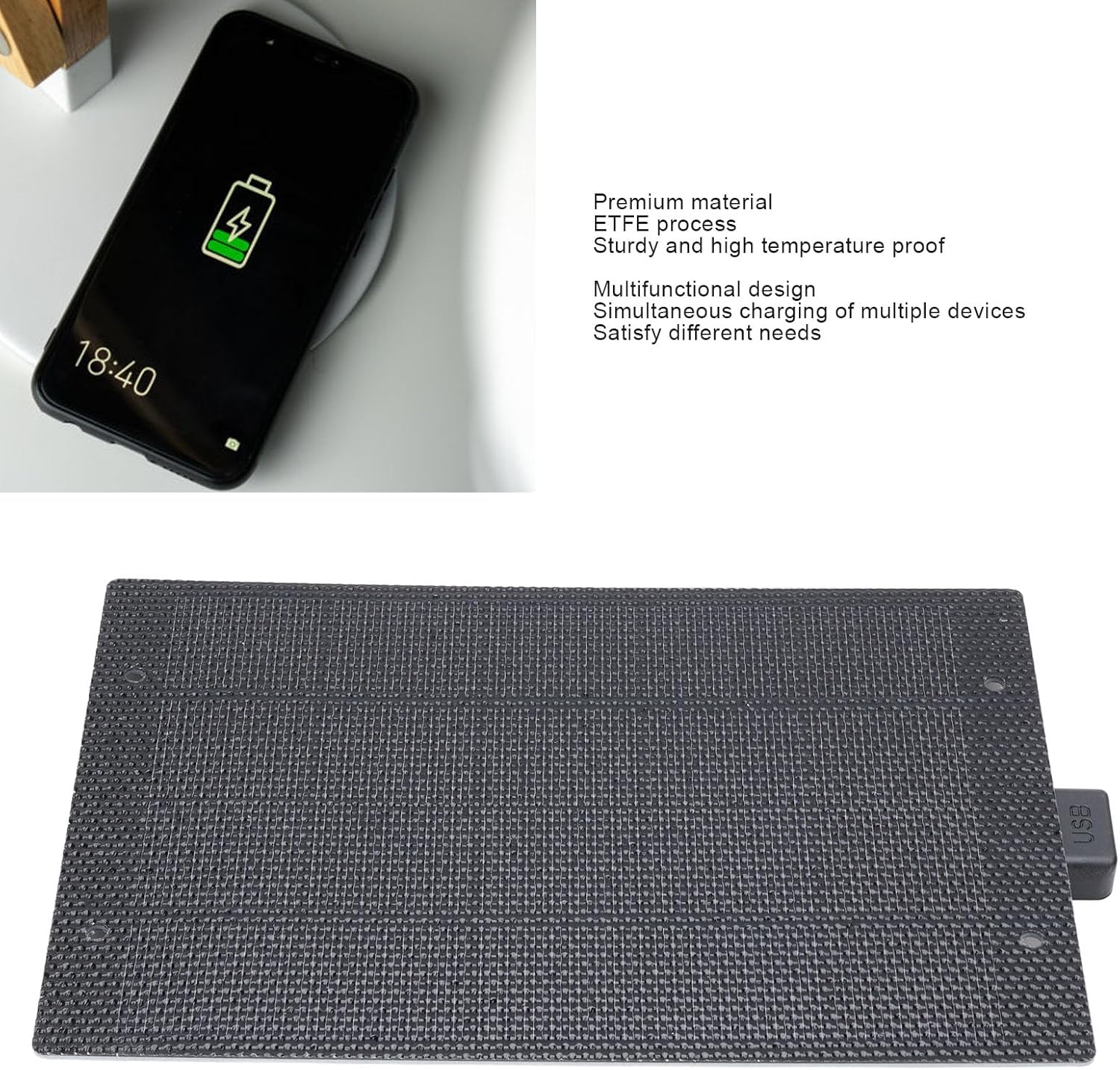
ภาพ: ด้านหน้า view of the CUIFATI 7W 5V ETFE Monocrystalline Portable Solar Panel. This image shows the textured surface of the solar panel.
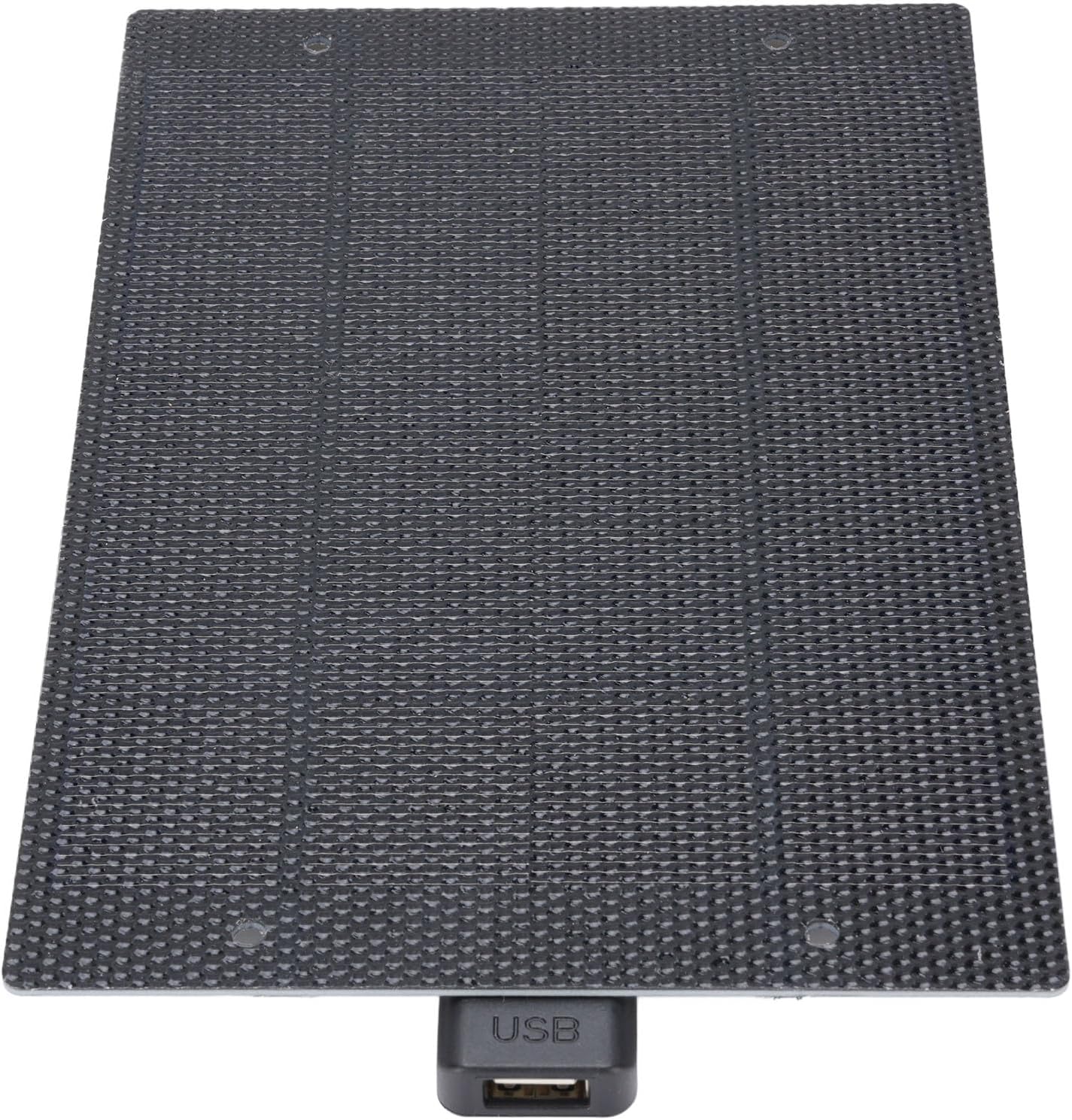
ภาพ: ระยะใกล้ view of the CUIFATI solar panel showing the integrated USB output port.
การตั้งค่า
- Unpack the Solar Panel: Carefully remove the solar panel from its packaging.
- เลือกตำแหน่ง: Select a location with direct sunlight. The more direct the sunlight, the more efficient the charging will be. Avoid shaded areas.
- วางตำแหน่งแผง: Place the solar panel facing the sun. For optimal performance, ensure the panel is angled directly towards the sun's rays.
คำแนะนำการใช้งาน
To charge your electronic devices using the CUIFATI solar panel:
- เชื่อมต่ออุปกรณ์ของคุณ: Plug your device's USB charging cable into the USB output port of the solar panel.
- สถานที่ในแสงแดด: Ensure the solar panel is exposed to direct sunlight. Charging will begin automatically.
- ตรวจสอบการชาร์จ: Observe your device's charging indicator to confirm it is receiving power. Charging speed may vary depending on sunlight intensity.
- เงื่อนไขที่เหมาะสมที่สุด: For best results, use the solar panel on clear, sunny days. Cloudy conditions will reduce charging efficiency.

Image: The CUIFATI solar panel connected via USB cable to a smartphone, demonstrating the charging process.
การซ่อมบำรุง
- การทำความสะอาด: เช็ดพื้นผิวแผงโซล่าเซลล์ด้วยผ้านุ่มๆ เป็นประจำamp cloth to remove dust and dirt. A clean surface ensures maximum sunlight absorption.
- พื้นที่จัดเก็บ: เมื่อไม่ใช้งาน ควรเก็บแผงโซลาร์เซลล์ไว้ในที่แห้งและเย็น หลีกเลี่ยงแสงแดดโดยตรงและอุณหภูมิที่สูงหรือต่ำเกินไป
- การตรวจสอบ: Periodically inspect the panel and its USB port for any signs of damage or wear.
การแก้ไขปัญหา
| ปัญหา | สาเหตุที่เป็นไปได้ | สารละลาย |
|---|---|---|
| อุปกรณ์ไม่ชาร์จ | แสงแดดไม่เพียงพอ | ย้ายแผงโซล่าเซลล์ไปยังตำแหน่งที่มีแสงแดดส่องถึงโดยตรงและไม่มีสิ่งกีดขวาง |
| อุปกรณ์ไม่ชาร์จ | Panel surface is dirty. | ทำความสะอาดพื้นผิวแผงโซลาร์เซลล์ด้วยวัสดุที่อ่อนนุ่มและแห้งamp ผ้า. |
| อุปกรณ์ไม่ชาร์จ | สายเคเบิลหรืออุปกรณ์ USB ผิดพลาด | Try using a different USB cable or test with another device to isolate the issue. |
| ความเร็วในการชาร์จช้า | Partial shading or cloudy weather. | Ensure the panel is in full sunlight. Charging speed is dependent on solar intensity. |
ข้อมูลจำเพาะ
| คุณสมบัติ | รายละเอียด |
|---|---|
| ประเภทสินค้า | เครื่องชาร์จแผงโซล่าเซลล์ |
| วัสดุ | Monocrystalline, ETFE Technology |
| กำลังขับ | 7W |
| เล่มที่tagอี เอาท์พุต | 5V |
| ประเภทขั้วต่อ | ยูเอสบี 2.0 |
| ชื่อรุ่น | CUIFATIy72e0gx3sn |
| ขนาด | Approximately 198mm x 133mm (7.79in x 5.23in) |

Image: Diagram showing the dimensions of the CUIFATI solar panel, approximately 198mm by 133mm.
การรับประกันและการสนับสนุน
For warranty information or technical support, please refer to the documentation provided with your purchase or contact Cuifati customer service. Keep your proof of purchase for warranty claims.
ผู้ผลิต: CUIFATI
ยี่ห้อ: กุยฟาติ