
1. บทนำ
Thank you for choosing LC-dolida Bluetooth Headphones. This manual provides essential information for setting up, operating, and maintaining your device. Please read it carefully to ensure optimal performance and longevity of your headphones.
These wireless headphones are designed for comfort and extended use, featuring a long battery life and Bluetooth 5.4 connectivity for stable audio transmission.
2. เนื้อหาบรรจุภัณฑ์
- LC-dolida Bluetooth Headphones
- สายชาร์จ USB
- คู่มือการใช้งาน
3. สินค้าหมดview
Familiarize yourself with the components of your LC-dolida Bluetooth Headphones.

รูปที่ 3.1: LC-dolida Bluetooth Headphones in use, showcasing the comfortable headband and integrated audio components.

รูปที่ 3.2: Design features for comfort, including dispersed pressure and a secure wrap around the head.
The headphones feature a soft, breathable headband with integrated speakers. Control buttons are typically located on the side of the headband for easy access to power, volume, and playback functions. A charging port is also integrated for convenient power replenishment.
4. การตั้งค่า
4.1 การชาร์จหูฟัง
Before first use, fully charge your headphones. Connect the provided USB charging cable to the charging port on the headphones and to a USB power source (e.g., computer, wall adapter).
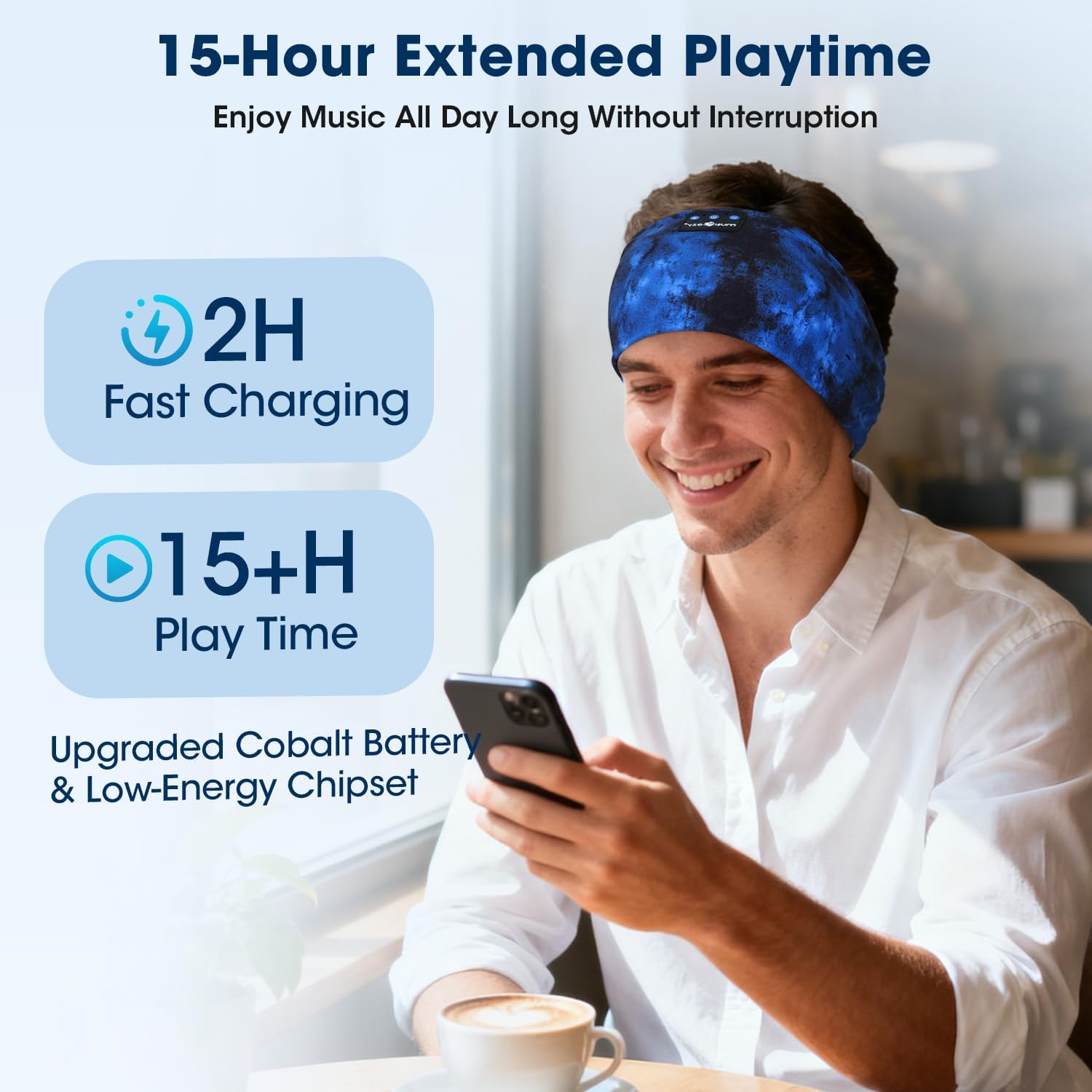
- การชาร์จเต็มจะใช้เวลาประมาณ 2 ชั่วโมง
- การชาร์จเร็วเพียง 3 นาที สามารถใช้งานได้นานถึง 1.5 ชั่วโมง
- ไฟ LED จะแสดงสถานะการชาร์จ (เช่น สีแดงเมื่อกำลังชาร์จ สีน้ำเงินเมื่อชาร์จเต็มแล้ว)
รูปที่ 4.1: Charging and battery life details, showing 2 hours for a full charge and over 15 hours of playtime.
4.2 การจับคู่บลูทูธ
ในการเชื่อมต่อหูฟังของคุณกับอุปกรณ์:
- ตรวจสอบให้แน่ใจว่าหูฟังได้รับการชาร์จและปิดเครื่องแล้ว
- กดปุ่มเปิด/ปิดค้างไว้จนกระทั่งไฟ LED แสดงสถานะกะพริบเป็นสีน้ำเงินและสีแดง แสดงถึงโหมดจับคู่
- บนอุปกรณ์ของคุณ (สมาร์ทโฟน แท็บเล็ต ฯลฯ) เปิดใช้งานบลูทูธและค้นหาอุปกรณ์ที่มีอยู่
- Select "LC-dolida B0FLX7FYB2" (or similar name) from the list of found devices.
- Once connected, the LED indicator will typically flash blue slowly or turn solid blue.
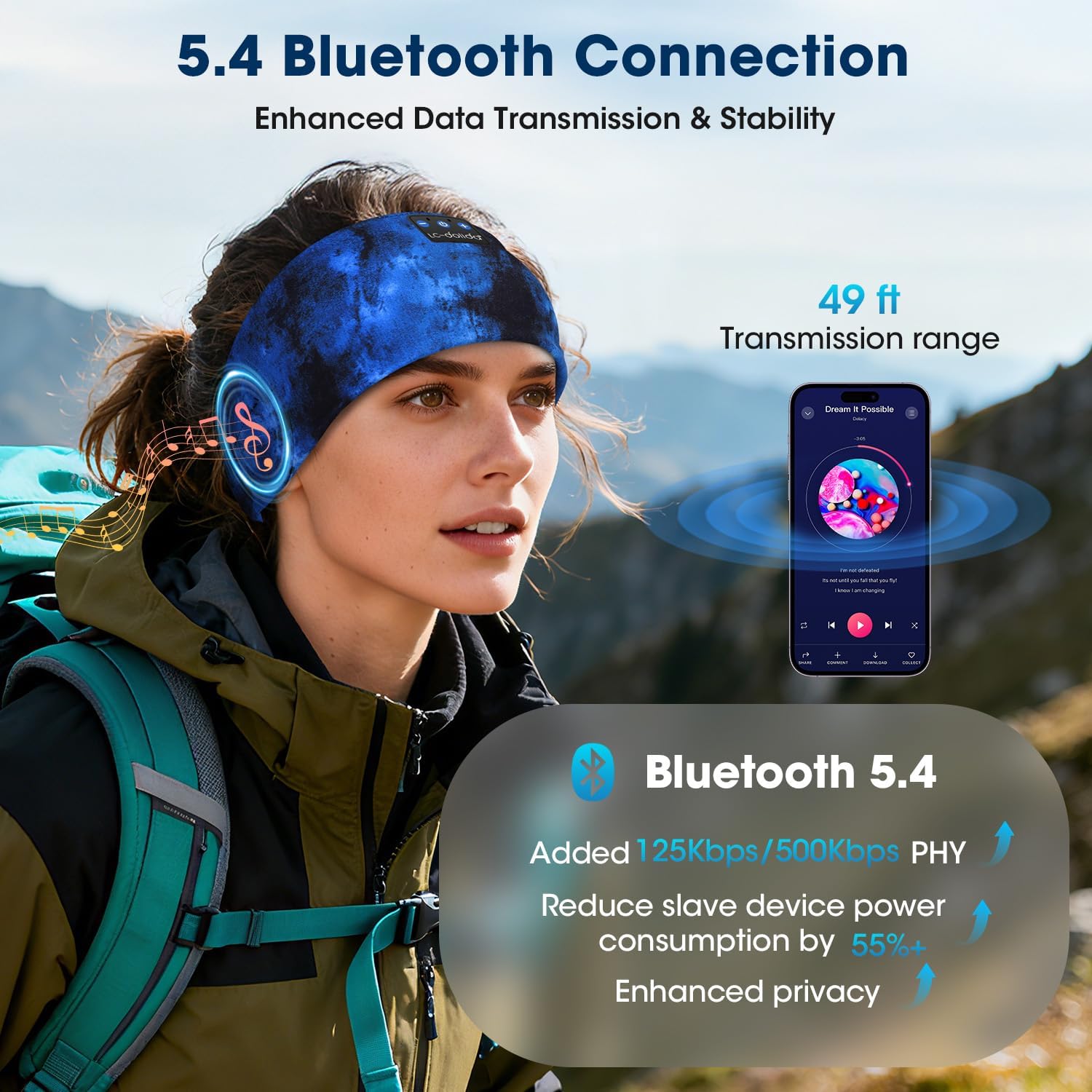
The headphones utilize Bluetooth 5.4 for enhanced data transmission and stability, offering a transmission range of up to 49 feet (approximately 15 meters).

รูปที่ 4.2: Bluetooth 5.4 connectivity details, highlighting improved data rates and power efficiency.
5. คู่มือการใช้งาน
5.1 เปิด/ปิดเครื่อง
- เปิดเครื่อง: กดปุ่มเปิด/ปิดค้างไว้ 3 วินาที ไฟ LED จะกะพริบเป็นสีน้ำเงิน
- หมดแรง: กดปุ่มเปิด/ปิดค้างไว้ 3 วินาที ไฟ LED จะกะพริบเป็นสีแดงแล้วดับลง
5.2 การเล่นเพลง
- เล่น/หยุดชั่วคราว: กดปุ่มมัลติฟังก์ชั่นหนึ่งครั้ง
- เพลงถัดไป: กดปุ่มเพิ่มระดับเสียงค้างไว้
- แทร็กก่อนหน้า: กดปุ่มลดระดับเสียงค้างไว้
- ปรับระดับเสียงขึ้น: กดปุ่มเพิ่มระดับเสียงสั้นๆ
- ลดเสียงลง: กดปุ่มลดระดับเสียงสั้นๆ
5.3 การจัดการการโทร
ไมโครโฟนในตัวช่วยให้สามารถโทรแบบแฮนด์ฟรีได้
- รับสาย: กดปุ่มมัลติฟังก์ชั่นหนึ่งครั้ง
- วางสาย: กดปุ่มมัลติฟังก์ชันหนึ่งครั้งในระหว่างการโทร
- ปฏิเสธสาย: กดปุ่มมัลติฟังก์ชั่นค้างไว้ 2 วินาที
- เปิดใช้งาน Voice Assistant: กดปุ่มมัลติฟังก์ชั่นสองครั้ง
รูปที่ 5.1: Hands-free calling functionality with the built-in microphone.
5.4 การสวมหูฟัง
The headband is designed for an ergonomic fit and is adjustable to accommodate various head sizes, typically ranging from 20.5 to 23.6 inches in circumference. Position the headband comfortably over your head, ensuring the speakers are aligned with your ears for optimal sound.

รูปที่ 5.2: Adjustable headband size for a comfortable fit.
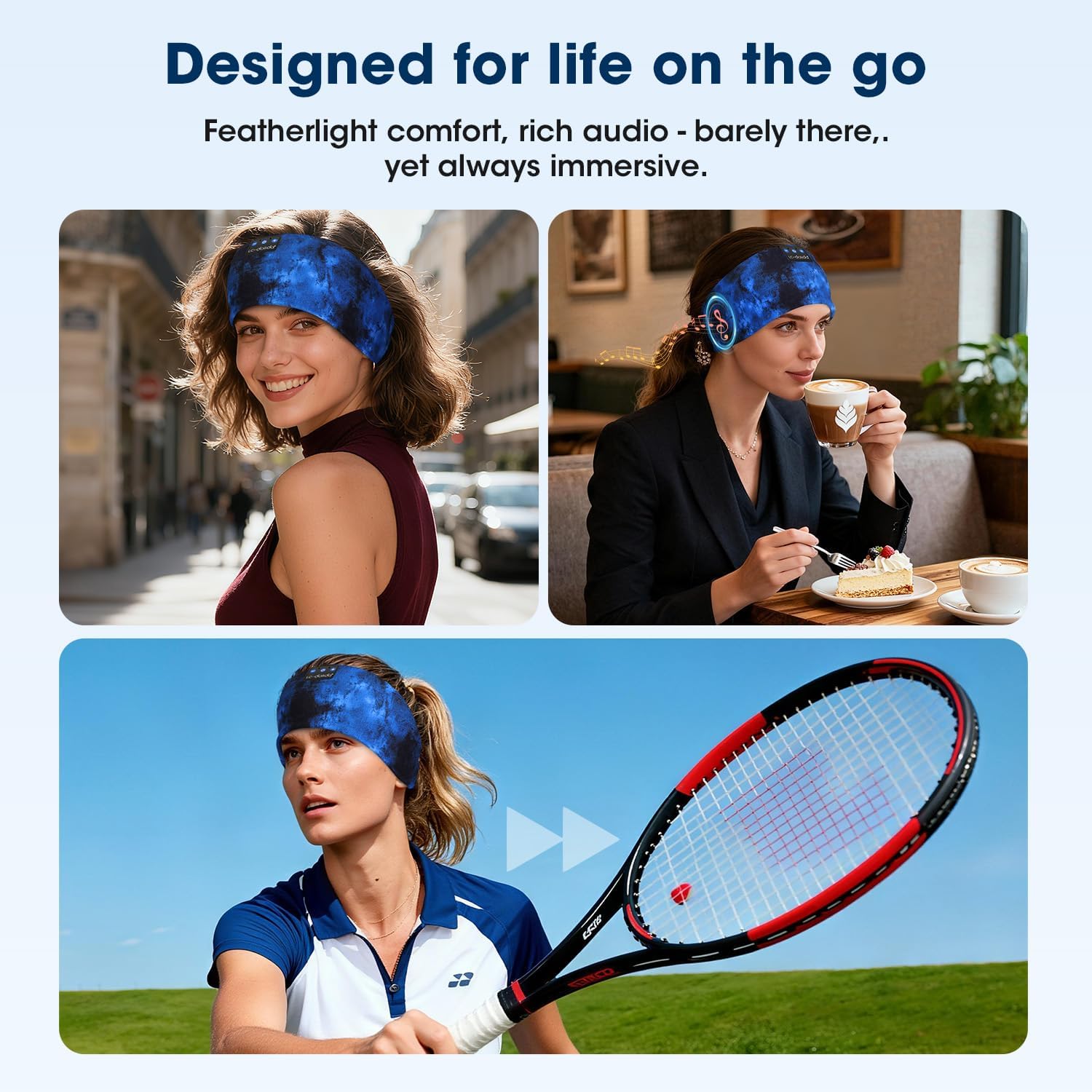
รูปที่ 5.3: Headphones designed for versatile use in different environments.
6. การบำรุงรักษา
6.1 การทำความสะอาด
The headband is made from advanced breathable, moisture-wicking, and quick-dry material. For cleaning, gently wipe the headband with a damp cloth. Ensure the electronic components (speakers, control panel) do not come into contact with excessive moisture. Allow to air dry completely before use.
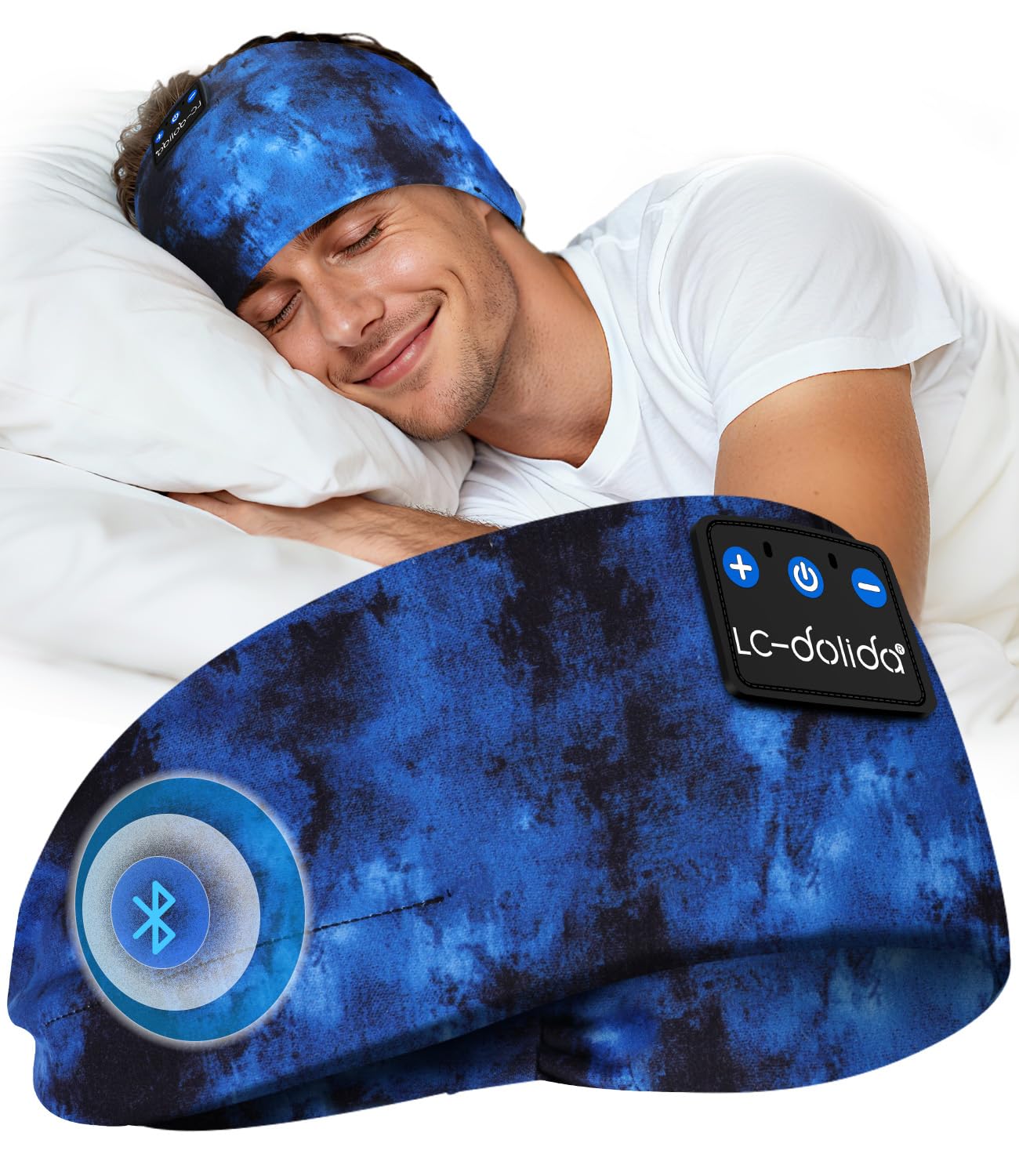
รูปที่ 6.1: Close-up of the breathable fabric used in the headband.
6.2 พื้นที่จัดเก็บ
Store the headphones in a cool, dry place away from direct sunlight and extreme temperatures. Avoid placing heavy objects on top of the headphones to prevent damage.
7 การแก้ไขปัญหา
- หูฟังไม่เปิด: ตรวจสอบให้แน่ใจว่าหูฟังชาร์จเต็มแล้ว เสียบปลั๊กแล้วลองอีกครั้ง
- ไม่สามารถจับคู่กับอุปกรณ์:
- ตรวจสอบให้แน่ใจว่าได้เปิดใช้งานบลูทูธบนอุปกรณ์ของคุณแล้ว
- ตรวจสอบให้แน่ใจว่าหูฟังอยู่ในโหมดจับคู่ (ไฟ LED กระพริบเป็นสีน้ำเงินและสีแดง)
- ย้ายหูฟังให้เข้าใกล้อุปกรณ์ของคุณมากขึ้น
- ปิดและเปิดหูฟังและอุปกรณ์ของคุณใหม่อีกครั้ง จากนั้นลองจับคู่ใหม่อีกครั้ง
- ไม่มีเสียง:
- ตรวจสอบระดับเสียงทั้งบนหูฟังและอุปกรณ์ที่เชื่อมต่อของคุณ
- ตรวจสอบให้แน่ใจว่าหูฟังเชื่อมต่อผ่านบลูทูธอย่างถูกต้องแล้ว
- ลองเล่นเสียงจากแอปพลิเคชันหรือแหล่งอื่น
- คุณภาพเสียงไม่ดีหรือการเชื่อมต่อไม่เสถียร:
- ตรวจสอบให้แน่ใจว่าไม่มีสิ่งกีดขวางระหว่างหูฟังและอุปกรณ์ของคุณ
- ย้ายออกห่างจากอุปกรณ์ไร้สายอื่นๆ ที่อาจก่อให้เกิดการรบกวน
- Ensure the headphones are within the 49-foot transmission range.
8. ข้อมูลจำเพาะ
| ยี่ห้อ | LC-โดลิดา |
| หมายเลขรุ่น | B0FLX7FYB2 |
| เทคโนโลยีการเชื่อมต่อ | ไร้สาย (Bluetooth) |
| เทคโนโลยีไร้สาย | บลูทูธ 5.4 |
| การวางตำแหน่งหู | On-Ear (integrated into headband) |
| ระดับความต้านทานต่อน้ำ | ทนน้ำ |
| วิธีการควบคุม | เสียง |
| อายุการใช้งานแบตเตอรี่ | นานถึง 15 ชั่วโมง |
| ชาร์จเร็ว | 3 นาที เล่นได้ 1.5 ชั่วโมง |
| ขนาด | 20 x 10.1 x 2.7 ซม. |
| น้ำหนัก | 90 กรัม |
9. ข้อมูลด้านความปลอดภัย
- อย่าให้หูฟังสัมผัสกับอุณหภูมิหรือความชื้นที่สูงเกินไป
- หลีกเลี่ยงการทำหูฟังตกหรือได้รับแรงกระแทกรุนแรง
- ห้ามถอดประกอบหรือดัดแปลงหูฟัง เนื่องจากอาจทำให้การรับประกันเป็นโมฆะและก่อให้เกิดความเสียหายได้
- เก็บให้พ้นจากมือเด็ก
- กำจัดผลิตภัณฑ์ด้วยความรับผิดชอบตามข้อบังคับท้องถิ่น
10. การรับประกันและการสนับสนุน
For warranty information or technical support, please refer to the documentation included with your purchase or contact LC-dolida customer service through their official webไซต์หรือผู้ค้าปลีกที่ซื้อผลิตภัณฑ์