
1. บทนำ
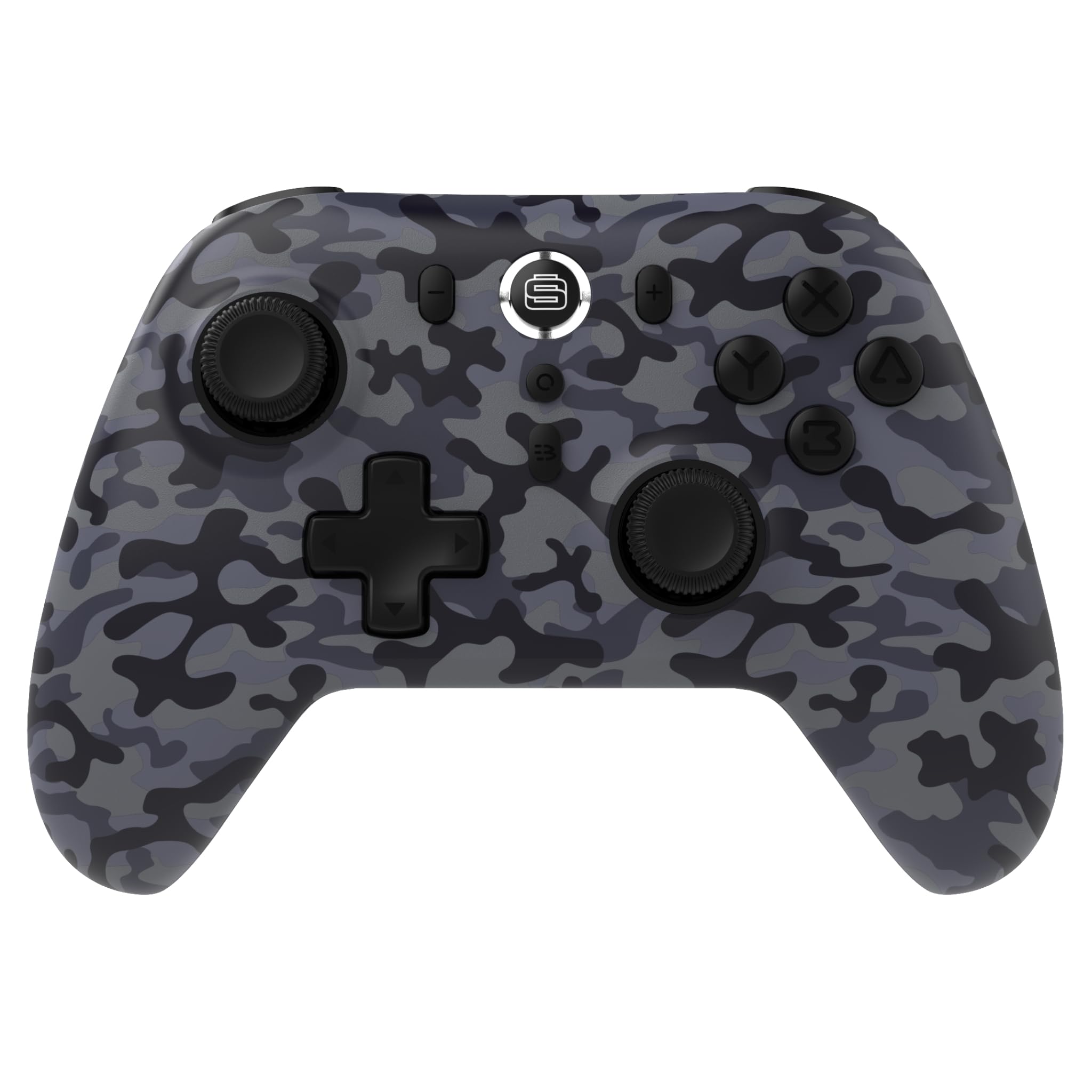
Thank you for choosing the Surge Wireless Pro Controller. This multi-platform Bluetooth controller is designed to enhance your gaming experience across various devices, including Nintendo Switch/Switch 2, Windows PC, Android, and iOS. Featuring Hall Effect sticks and triggers, adjustable turbo functionality, and customizable vibration feedback, this controller offers precision and comfort. Please read this manual thoroughly before use to ensure optimal performance and longevity of your device.
2. คุณสมบัติของผลิตภัณฑ์
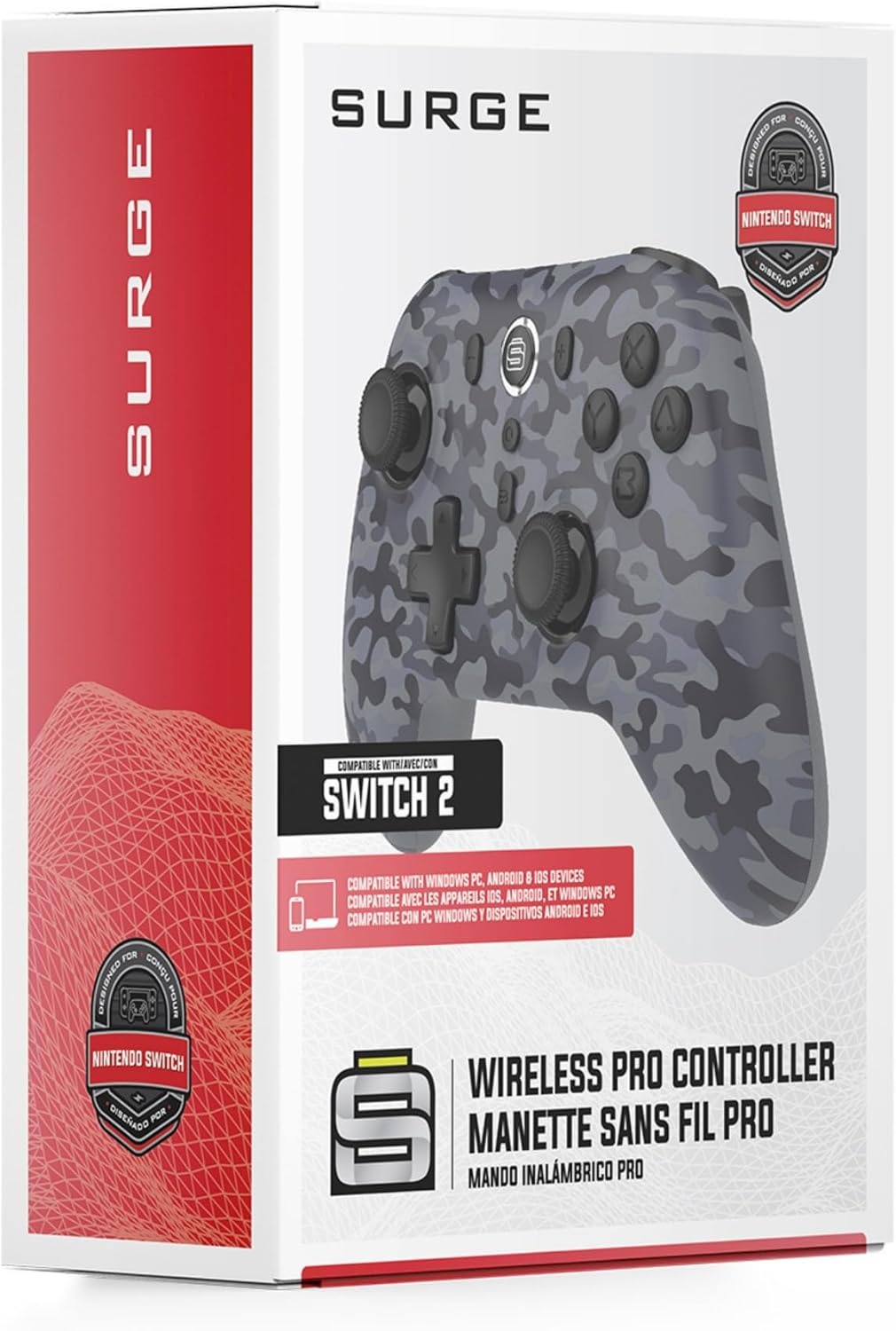
- ความเข้ากันได้กับหลายแพลตฟอร์ม: Compatible with Nintendo Switch/Switch 2 (Note: No C Button/Audio Port), Windows PC, Steam Deck, Android, and iOS devices.
- Hall Effect Thumb Sticks & Triggers: Delivers precision control and prevents stick drift, ensuring accurate input.
- ฟังก์ชันเทอร์โบ: Offers 3 adjustable turbo levels for rapid-fire control in compatible games.
- ข้อเสนอแนะการสั่นสะเทือน: Choose from 4 vibration levels for tailored haptic feedback, enhancing immersion.
- การควบคุมการเคลื่อนไหว: Supports motion controls for compatible games on supported platforms.
- Console Wake Up: Ability to wake your Nintendo Switch console from sleep mode instantly (Nintendo Switch Only).
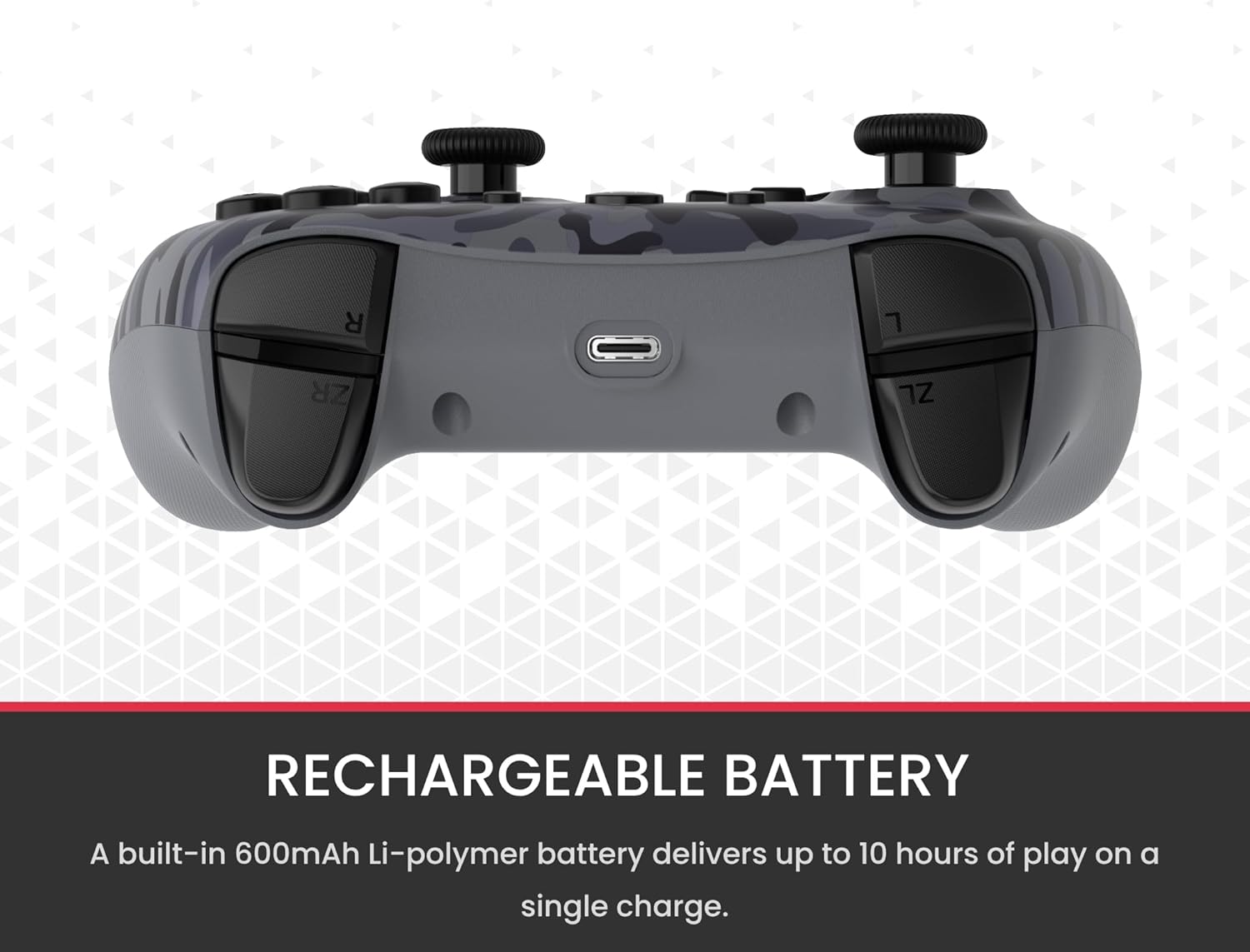
- แบตเตอรี่แบบชาร์จไฟได้: A built-in 600mAh Li-polymer battery provides up to 10 hours of gameplay on a single charge.
- สายชาร์จ USB-C: Includes a 1-meter USB-C cable for convenient recharging.

3. เนื้อหาบรรจุภัณฑ์
โปรดตรวจสอบให้แน่ใจว่ามีสินค้าทั้งหมดอยู่ในแพ็คเกจของคุณ:
- 1 x Surge Wireless Pro Controller (Model: SG60096)
- สายชาร์จ USB-C 1 เส้น (1 เมตร)
- 1 x คู่มือผู้ใช้
4. การตั้งค่าและการจับคู่
4.1. การชาร์จคอนโทรลเลอร์
Before first use, fully charge the controller using the provided USB-C cable. Connect the USB-C end to the controller's charging port and the USB-A end to a power source (e.g., console, PC, USB wall adapter). The LED indicators on the controller will show charging status.
4.2. Pairing with Nintendo Switch/Switch 2
- จากเมนู HOME เลือก ตัวควบคุม, แล้ว เปลี่ยนกริป/สั่งซื้อ.
- บนตัวควบคุม ให้กด . ค้างไว้ ปุ่มจับคู่ (usually a small button on the top edge or back) for a few seconds until the player LEDs begin to flash.
- เมื่อจับคู่แล้ว LED ของเครื่องเล่นที่ตรงกับหมายเลขคอนโทรลเลอร์จะยังคงติดสว่าง
- To wake the console from sleep mode, press the ปุ่มโฮม บนตัวควบคุม
4.3. Pairing with Windows PC
- ตรวจสอบให้แน่ใจว่าพีซีของคุณเปิดใช้งานบลูทูธแล้ว
- บนตัวควบคุม ให้กด . ค้างไว้ ปุ่มจับคู่ until the LEDs flash rapidly.
- บนพีซีของคุณ ไปที่ การตั้งค่าบลูทูธและอุปกรณ์อื่นๆ, แล้ว เพิ่มบลูทูธหรืออุปกรณ์อื่น ๆ.
- เลือก บลูทูธ และเลือก
เอกสารที่เกี่ยวข้องเอสจี60096
RELATED DOCUMENTคู่มือผู้ใช้คอนโทรลเลอร์ไร้สาย SURGE SwitchPad Pro สำหรับ Nintendo Switchคู่มือการใช้งานสำหรับคอนโทรลเลอร์ไร้สาย SURGE SwitchPad Pro (รุ่น: IX-SW055) สำหรับ Nintendo Switch ประกอบด้วยวิธีการตั้งค่า คุณสมบัติ การชาร์จ การซิงโครไนซ์ การแก้ไขปัญหา และข้อความตามข้อกำหนดของ FCCView document →RELATED DOCUMENTSmarthome The Gadget Guide - เล่มที่ 130: อุปกรณ์และแกดเจ็ตสำหรับบ้านอัจฉริยะสำรวจตัวเลือกที่ดีที่สุดสำหรับอุปกรณ์บ้านอัจฉริยะ ผลิตภัณฑ์ระบบอัตโนมัติ และเทคโนโลยีล้ำสมัยจากแคตตาล็อก Gadget Guide ของ Smarthome ค้นพบผลิตภัณฑ์ด้านความปลอดภัย ระบบเสียง/วิดีโอ ระบบไฟ ระบบควบคุมอุณหภูมิ และอื่นๆ จากแบรนด์ชั้นนำView document →RELATED DOCUMENTLondon Drugs Boxing Week Sale: Deals on Electronics, Home Goods, and More!Discover incredible Boxing Week deals at London Drugs. Shop online starting December 24th for savings on electronics, appliances, health & beauty, toys, and more. Sale runs December 26, 2023 - January 1, 2024.View document →RELATED DOCUMENTการประมูลสินค้าไฮเอนด์ - ซาคราเมนโต - 11 สิงหาคม | BIDRL.COMรายการสินค้าที่มีจำหน่ายในการประมูลระดับไฮเอนด์ ซึ่งจัดขึ้นที่ 840 ถนนนอร์ทเท็นสตรีท เมืองแซคราเมนโต เมื่อวันที่ 11 สิงหาคม ประกอบด้วยสินค้าอิเล็กทรอนิกส์ ของใช้ในบ้าน ซอฟต์แวร์ และอื่นๆ อีกมากมาย รายละเอียดการประมูลและเงื่อนไขการชำระเงินรวมอยู่ด้วยView document →Ask a question about this manual
Ask about setup, troubleshooting, compatibility, parts, safety, or missing instructions. Manuals+ will review the question and use this page’s manual context to help answer it.


