
การแนะนำ
This manual provides comprehensive instructions for the installation, operation, adjustment, and maintenance of the JET 16-inch JWP-16OS Wood Planer, stock number 708531. It includes detailed information on setting up the machine, operating procedures, adjusting belts and knives, and an electrical wiring diagram schematic. Additionally, the manual features clear exploded view diagrams with corresponding parts lists and descriptions to assist with service and repairs.
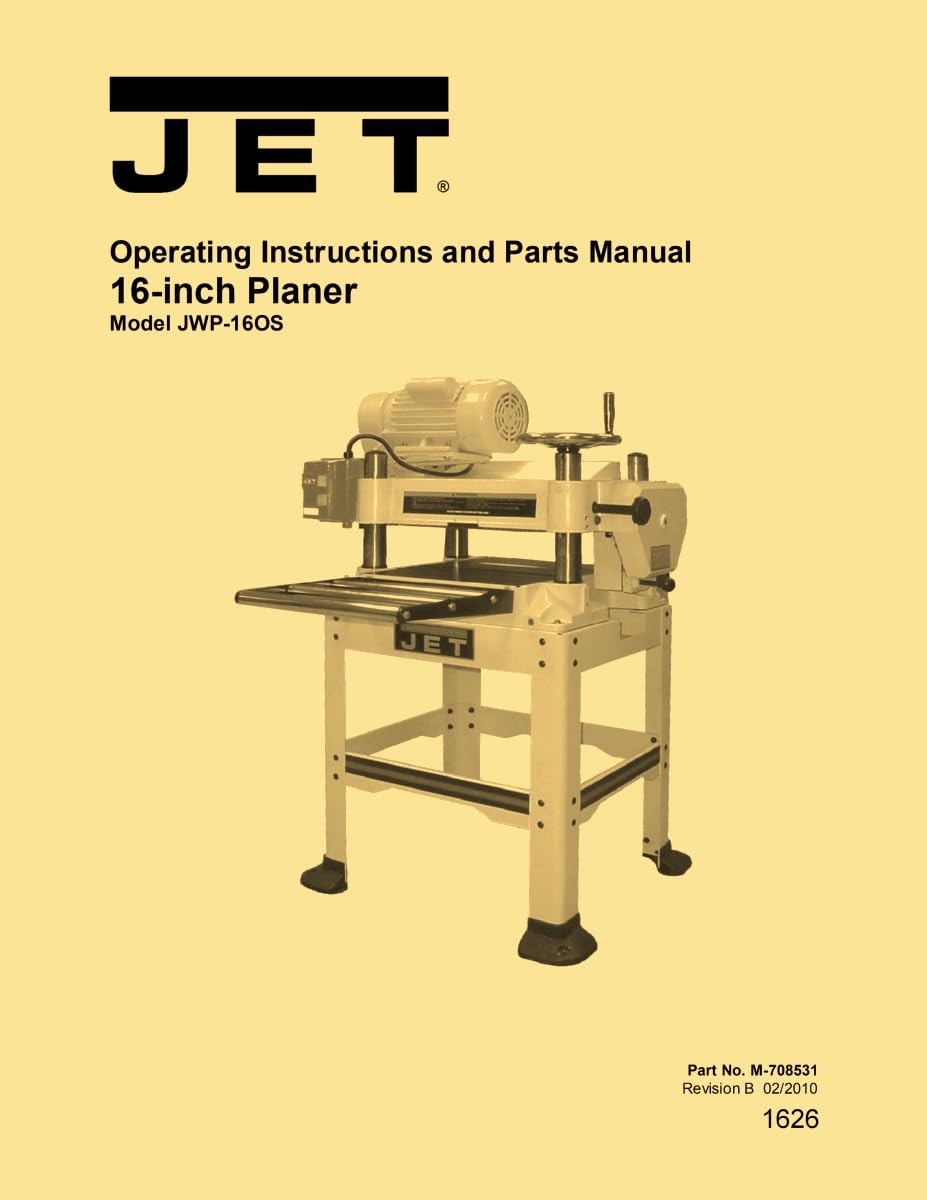
Image: Cover of the JET 16-inch JWP-16OS Wood Planer Operator's Instruction Service Parts Manual.
ข้อมูลด้านความปลอดภัย
คำเตือน
Always read and understand all safety warnings and instructions before operating the planer. Failure to follow these instructions may result in serious injury or damage to the machine. Ensure all guards are in place and functioning correctly. Disconnect power before performing any maintenance or adjustments.
สติ๊กเกอร์ความปลอดภัย
Familiarize yourself with the location and meaning of all safety decals on the planer. Do not remove or obscure any safety decals. Replace any damaged or unreadable decals immediately.
สินค้าเกินview
Features of the JWP-16OS Planer
The JET JWP-16OS Wood Planer is designed for precision woodworking tasks, offering robust construction and reliable performance. Key features include a powerful motor, adjustable feed rates, and a durable cutterhead system for smooth finishes.
ข้อมูลจำเพาะ
- แบบอย่าง: JWP-16OS
- จำนวนสต็อค: 708531
- Planer Size: 16 นิ้ว
- ความยาวการพิมพ์ด้วยตนเอง: 33 หน้า
- ขนาดตามคู่มือ: 11 x 8.5 x 0.5 นิ้ว
- สำนักพิมพ์ : Ozark Tool Manuals
- วันที่เผยแพร่ : วันที่ 3 กันยายน 1950
การแกะกล่องและสินค้าคงคลัง
การรับ
Upon receiving your JET JWP-16OS Planer, carefully inspect the packaging for any signs of damage. Report any shipping damage to the carrier immediately. Retain all packaging materials until the planer has been fully assembled and tested.
สต๊อกอะไหล่
Unpack all components and compare them against the packing list provided with your planer. Ensure all parts are present and undamaged before proceeding with assembly. Contact customer service if any parts are missing or damaged.
การประกอบ
ยืนประกอบ
Assemble the stand according to the following exploded view diagram and parts list. Ensure all fasteners are securely tightened.

ภาพ: ระเบิด view diagram of the JET JWP-16OS Planer Stand Assembly, showing components and their arrangement.
Stand Assembly Parts List
| หมายเลขดัชนี | หมายเลขชิ้นส่วน | คำอธิบาย | ขนาด | ปริมาณ |
|---|---|---|---|---|
| 1 | JWP16OS-401 | Upper Side Brace (L) | 1 | |
| 2 | JWP16OS-402 | Upper Front Brace | 2 | |
| 3 | JWP16OS-403 | Down Side Brace (R) | 2 | |
| 4 | JWP16OS-404 | Down Front Brace | 2 | |
| 5 | ทีเอส-1550081 | Flat Washer | M8 | 48 |
| 6 | ทีเอส-0201021 | น็อตหกเหลี่ยม | 5/16"-18 | 32 |
| 7 | JWP16OS-407 | สายฟ้าขนส่ง | 5/16"-18x1-1/4" | 32 |
| 8 | ทีเอส-1540061 | น็อตหกเหลี่ยม | M8 | 12 |
| 9 | ทีเอส-1515021 | สกรูหัวจมแบน | M8x20 | 8 |
| 10 | JWP16OS-410 | เท้า | 4 | |
| 12 | JWP16OS-412 | ขา | 4 | |
| 13 | JWP16OS-413 | Upper Side Brace (R) | 1 |
Planer Unit Placement
Carefully lift the planer unit and place it onto the assembled stand. Ensure it is properly aligned with the mounting holes. Secure the planer unit to the stand using the provided hardware.
กล่องสตาร์ท
Mount the starter box in an easily accessible location on the planer stand. Connect the wiring according to the electrical diagram provided in the full manual.
handwheel
Attach the handwheel to its designated shaft. Ensure it turns freely and engages properly with the height adjustment mechanism.
Extension Rollers
Install the extension rollers as per the instructions to support longer workpieces. Refer to the 'Adjustments' section for proper alignment.
Dust Collection Hood
Attach the dust collection hood to the planer's dust port. Connect it to a suitable dust collection system to maintain a clean and safe working environment.
การเชื่อมต่อไฟฟ้า
สายไฟต่อพ่วง
When using an extension cord, ensure it is of adequate gauge for the planer's power requirements and as short as possible to minimize voltage drop. Refer to the planer's specifications for recommended cord sizes.
การปรับเปลี่ยน
เกินview
Proper adjustment of the planer components is crucial for achieving accurate and smooth planing results. Follow these instructions carefully for optimal performance.
Control and Adjustments
Familiarize yourself with all control knobs, levers, and adjustment points on the planer before operation.
รอกและสายพาน
Regularly inspect pulleys and belts for wear and proper tension. Replace worn belts promptly.
การจัดตำแหน่งรอก
Ensure all pulleys are correctly aligned to prevent premature belt wear and ensure efficient power transmission.
ความตึงของสายพาน
Adjust belt tension as needed to prevent slippage without overtightening, which can damage bearings.
Table Rollers
Two table rollers (A, Fig. 14) ease stock movement as it is fed through the planer. The height of the rollers is dependent on the type of wood being planed. When planing rough stock, set the rollers slightly high to keep the lumber from dragging along the table. Smooth lumber should be planed with the rollers set just above the plane of the table.

Image: Diagrams illustrating the adjustment of table rollers (Figure 13, 14, 15) and extension rollers (Figure 16) on the JET JWP-16OS Planer.
The two table rollers are preset at the factory at 0.004" above the table. The height adjustment range is from 0 to 0.06" (Fig. 15).
To adjust the rollers (refer to Figure 15):
- ตัดการเชื่อมต่อเครื่องจากแหล่งพลังงาน
- Select a side (left or right) and lay a steel ruler or straightedge across both rollers (A).
- On the side selected, loosen the screws (B) with an Allen wrench, and turn the eccentric screw (C) (12mm hex head adjustment) to raise or lower the rollers to the desired level. Use a feeler gauge to measure the clearance between the table and the bottom of the straightedge.
- When the proper height is achieved, tighten screws (B).
Adjust the rollers from the opposite side of the table in the same manner.
สำคัญ: Measure in several places. This measurement must be consistent across the entire table.
ลูกกลิ้งขยาย
อ้างอิงจากรูปที่ 16:
Place a straight edge (A) over the extension roller (B) and the table to make sure the extension roller and table are at the same height.
การปรับความลึกของการตัด
Adjust the depth of cut using the handwheel. Ensure the depth indicator is set correctly for the desired material removal.
Knife Adjustment
Proper knife adjustment is critical for a smooth finish and to prevent snipe. Follow the detailed instructions in the full manual for precise knife setting.
Removing and Replacing Knives
Refer to the full manual for safe and correct procedures for removing dull knives and installing new ones. Always use appropriate safety gear.
การปรับตาราง
Ensure the planer table is flat and parallel to the cutterhead for accurate planing.
Checking Work Table Parallel to Cutterhead
Periodically check the work table's parallelism to the cutterhead using a straightedge and feeler gauges.
Adjusting Work Table Parallel to Cutterhead (Fine Adjustment)
Perform fine adjustments to the table for minor deviations from parallelism.
Adjusting Work Table Parallel to Cutterhead (Major Adjustment)
For significant adjustments, follow the major adjustment procedure outlined in the full manual.
Transmitting Rollers
Inspect and adjust transmitting rollers for proper feeding of material.
Infeed & Outfeed Roller Spring Tension Adjustment
Adjust the spring tension on the infeed and outfeed rollers to ensure consistent pressure on the workpiece.
Anti-Kickback
Verify that the anti-kickback fingers are functioning correctly to prevent workpiece kickback during operation.
Checking and Adjusting the Feed Roller Height
Ensure the feed rollers are set at the correct height for optimal material feeding.
กระปุกเกียร์
Refer to the full manual for any necessary adjustments or maintenance related to the gearbox.
การดำเนินการ
Table Locks
Engage the table locks before operation to prevent movement of the table during planing.
ฟีดพลังงาน
Select the appropriate power feed rate for the type of wood and desired finish.
handwheel
Use the handwheel to precisely adjust the planing depth.
Depth Limiter
Set the depth limiter to prevent accidental over-planing.
การเริ่มต้นเริ่มต้น
Before initial startup, ensure all safety checks are complete and the machine is properly assembled and adjusted. Run a test piece to verify settings.
การซ่อมบำรุง
ทั่วไป
Regular maintenance is essential for the longevity and performance of your planer. Keep the machine clean and free of dust and debris.
การลับมีด
Dull knives can lead to poor finish quality and increased motor strain. Sharpen or replace knives as needed. Refer to the full manual for sharpening procedures.
การหล่อลื่น
Follow the lubrication schedule outlined in the full manual. Use recommended lubricants for all moving parts to ensure smooth operation and prevent wear.
อุปกรณ์เสริม
Explore available optional accessories to enhance the functionality and versatility of your JET JWP-16OS Planer. Consult your dealer or the full manual for a list of compatible accessories.
การแก้ไขปัญหา
การแก้ไขปัญหาประสิทธิภาพ
If you encounter issues with planing quality, such as snipe, uneven cuts, or rough surfaces, refer to the troubleshooting section in the full manual for diagnostic steps and solutions.
Mechanical Troubleshooting
For mechanical issues like unusual noises, vibrations, or component malfunctions, consult the detailed mechanical troubleshooting guide in the complete manual.
รายการชิ้นส่วน
This section provides detailed exploded views and parts lists for various assemblies of the JWP-16OS Planer, facilitating identification and ordering of replacement parts.
Parts List for the JWP-16OS Planer
Refer to the full manual for comprehensive parts lists for all major assemblies.
หัวหน้าชุด
Detailed diagrams and parts for the cutterhead assembly.
Head Assembly Parts List
A complete list of components for the head assembly.
การประกอบฐาน
Diagrams and parts for the main base structure of the planer.
Base Assembly Parts List
A complete list of components for the base assembly.
ชุดกล่องเกียร์
Detailed diagrams and parts for the gearbox assembly.
Gear Box Assembly Parts List
A complete list of components for the gearbox assembly.
การรับประกันและการสนับสนุน
For information regarding product warranty, technical support, or to order replacement parts, please contact JET customer service or refer to the warranty card included with your original purchase. Always provide your model number (JWP-16OS) and stock number (708531) when seeking support.