
1. สินค้าหมดview
The NBCP Wireless Guitar Controller is designed to enhance your rhythm gaming experience on Xbox Series X|S, Xbox One, and PC. It features a 2.4G wireless connection for seamless gameplay and an authentic design for immersive performance.
คุณสมบัติหลัก:
- Exclusive Game Compatibility: Designed for Rock Band 4 (Xbox Series X|S & Xbox One) and Fortnite Festival (PC). Not compatible with Guitar Hero, Clone Hero, or Rock Band 1.
- Easy 2.4G Guided Connection: Utilizes a 2.4G USB dongle for stable, lag-free wireless connection.
- Authentic Performance Design: Equipped with 5 responsive fret buttons, a smooth strum bar, whammy bar, and motion tilt for Star Power activation.
- Portable & Lightweight Build: Features a detachable neck for easy storage and transport, along with an adjustable strap for comfort.
- แบตเตอรี่ใช้งานได้ยาวนาน: Powered by 4 AA batteries (not included) with a low-battery alert LED.

Image: The NBCP Wireless Guitar Controller is compatible with Rock Band 4 on Xbox Series X|S and Xbox One consoles.
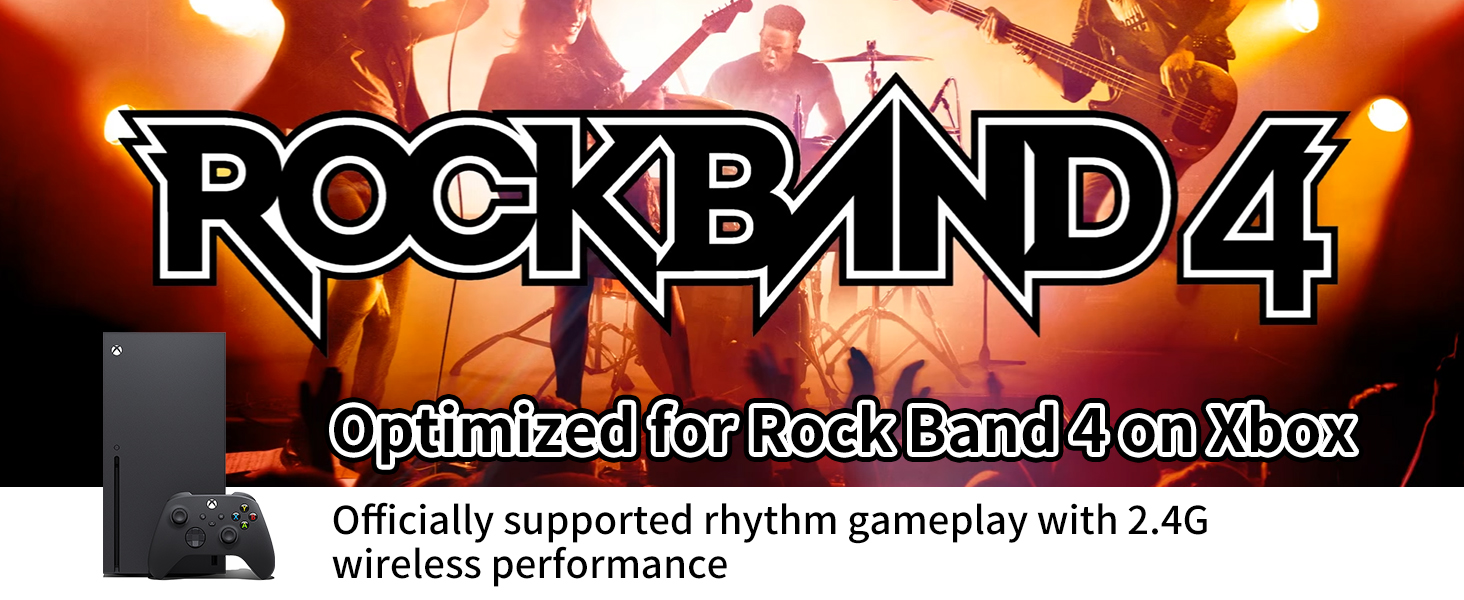
Image: The NBCP Wireless Guitar Controller is ready for Fortnite Festival on PC, offering epic rhythm battles.
2. การตั้งค่าและการเชื่อมต่อ
2.1 การระบุส่วนประกอบ
- ตัวควบคุมกีต้าร์ไร้สาย
- ดองเกิล USB 2.4G
- สายปรับได้
2.2 การติดตั้งแบตเตอรี่
- Locate the battery compartment on the back of the guitar controller.
- เปิดฝาช่องใส่แบตเตอรี่
- ใส่แบตเตอรี่ AA 4 ก้อน (ไม่รวมอยู่ในชุด) โดยตรวจสอบให้แน่ใจว่าขั้วบวก/ลบถูกต้อง
- ปิดฝาช่องใส่แบตเตอรี่ให้แน่น
2.3 Wireless Connection (Xbox Series X|S / Xbox One)
- โปรดตรวจสอบให้แน่ใจว่าเครื่อง Xbox ของคุณเปิดอยู่
- Plug the 2.4G USB dongle firmly into an available USB port on your Xbox Series X|S or Xbox One console.
- Turn on your existing Xbox controller and ensure it is connected to the console.
- Press the sync button on the guitar controller (usually a small button near the connection indicator lights).
- The indicator lights on the guitar and dongle will flash and then become solid when successfully paired.
- If connection fails, ensure the dongle is fully inserted and check battery levels. Avoid using a PC dongle by mistake.
2.4 Wireless Connection (PC)
- ตรวจสอบให้แน่ใจว่าพีซีของคุณเปิดอยู่
- Plug the 2.4G USB dongle firmly into an available USB port on your PC.
- The PC should automatically recognize the device.
- Turn on the guitar controller.
- The indicator lights on the guitar and dongle will flash and then become solid when successfully paired.
- If connection fails, ensure the dongle is fully inserted and check battery levels.
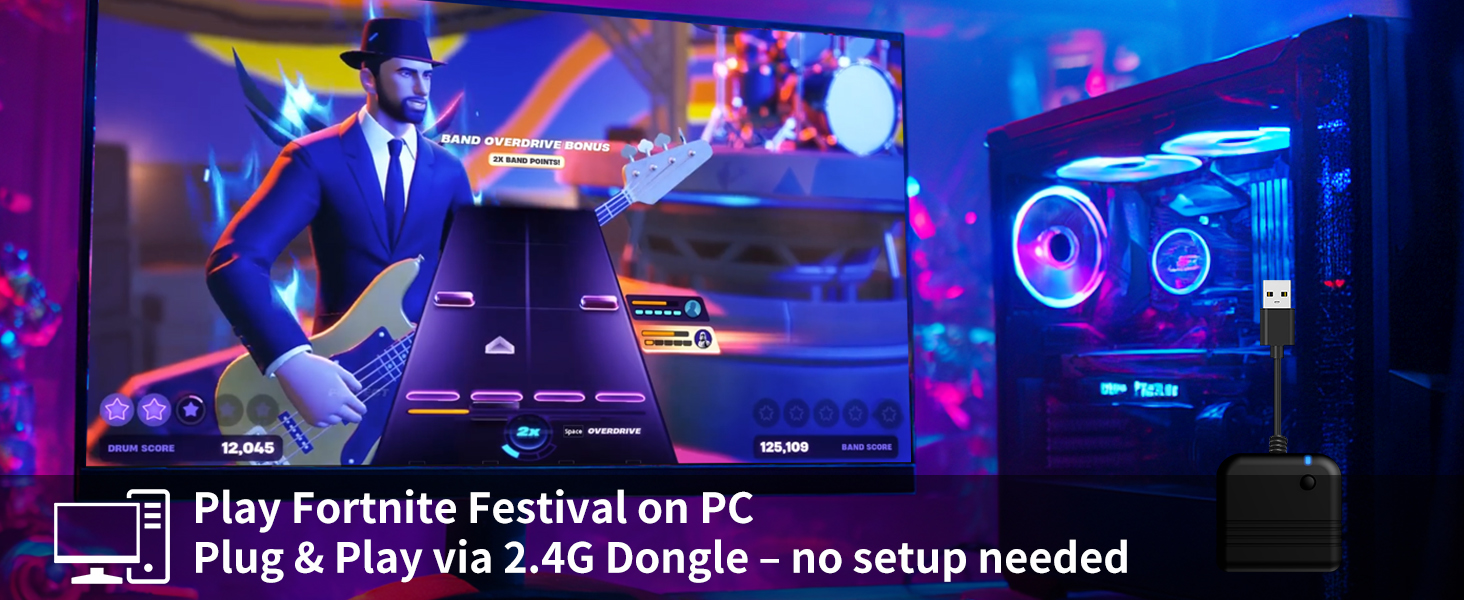
Image: Guided 2.4G Pairing System illustrating how to connect the dongle to the console and pair via an Xbox controller.
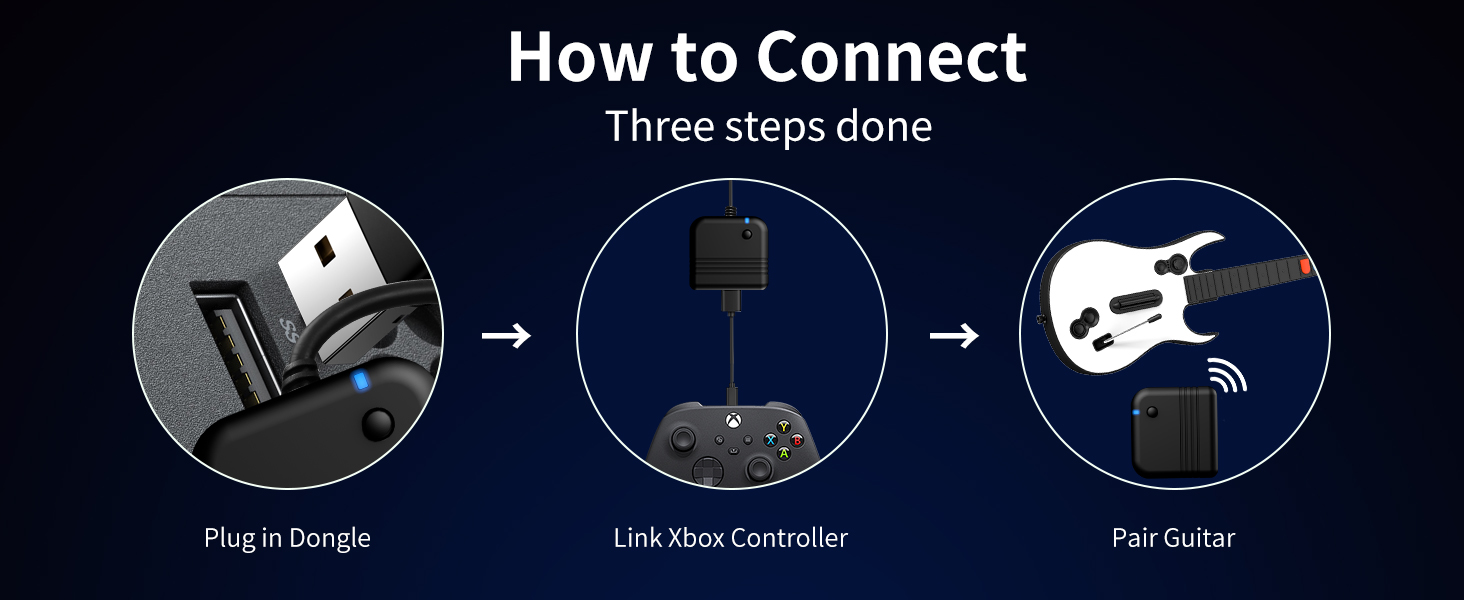
Image: A three-step guide demonstrating the connection process: plug in the dongle, link an Xbox controller, then pair the guitar.
3. คู่มือการใช้งาน
3.1 การควบคุมขั้นพื้นฐาน
- Fret Buttons: Five colored buttons on the neck for playing notes. Press the corresponding button and strum simultaneously.
- Strum Bar: Located on the body of the guitar, used to play notes by moving it up or down.
- แวมมี่บาร์: Use during sustained notes to alter the pitch for special effects.
- Motion Tilt Sensor: Tilt the guitar upwards to activate Star Power in compatible games.
- ปุ่มนำทาง: Standard Xbox/PC controller buttons (e.g., A, B, X, Y, D-pad, Start, Select) for menu navigation and in-game actions.
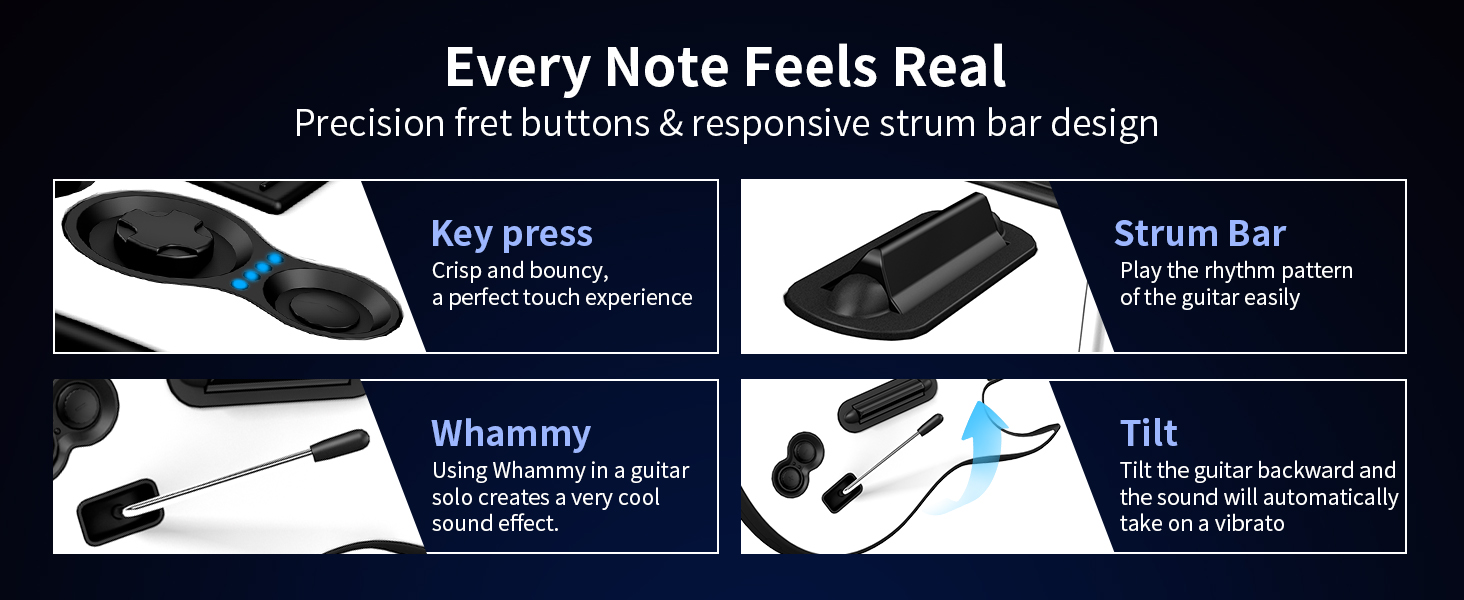
Image: A player's hand on the fret buttons and strum bar, demonstrating the responsive design for an authentic feel.
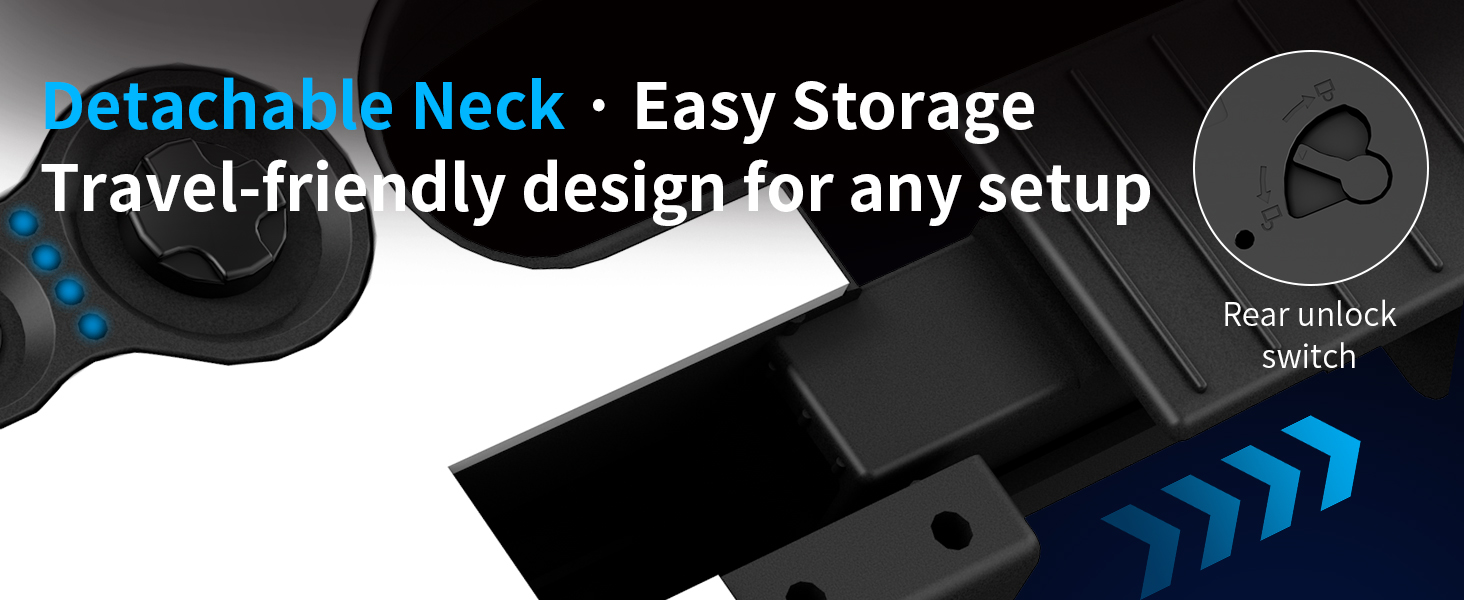
Image: An illustration detailing the functionality of the key press, strum bar, whammy bar, and tilt sensor for realistic gameplay.
3.2 Detachable Neck
The guitar controller features a detachable neck for convenient storage and transport. To detach, locate the unlock switch on the rear of the guitar body, press it, and carefully slide the neck out. To reattach, align the neck with the body and slide it in until it clicks securely into place.
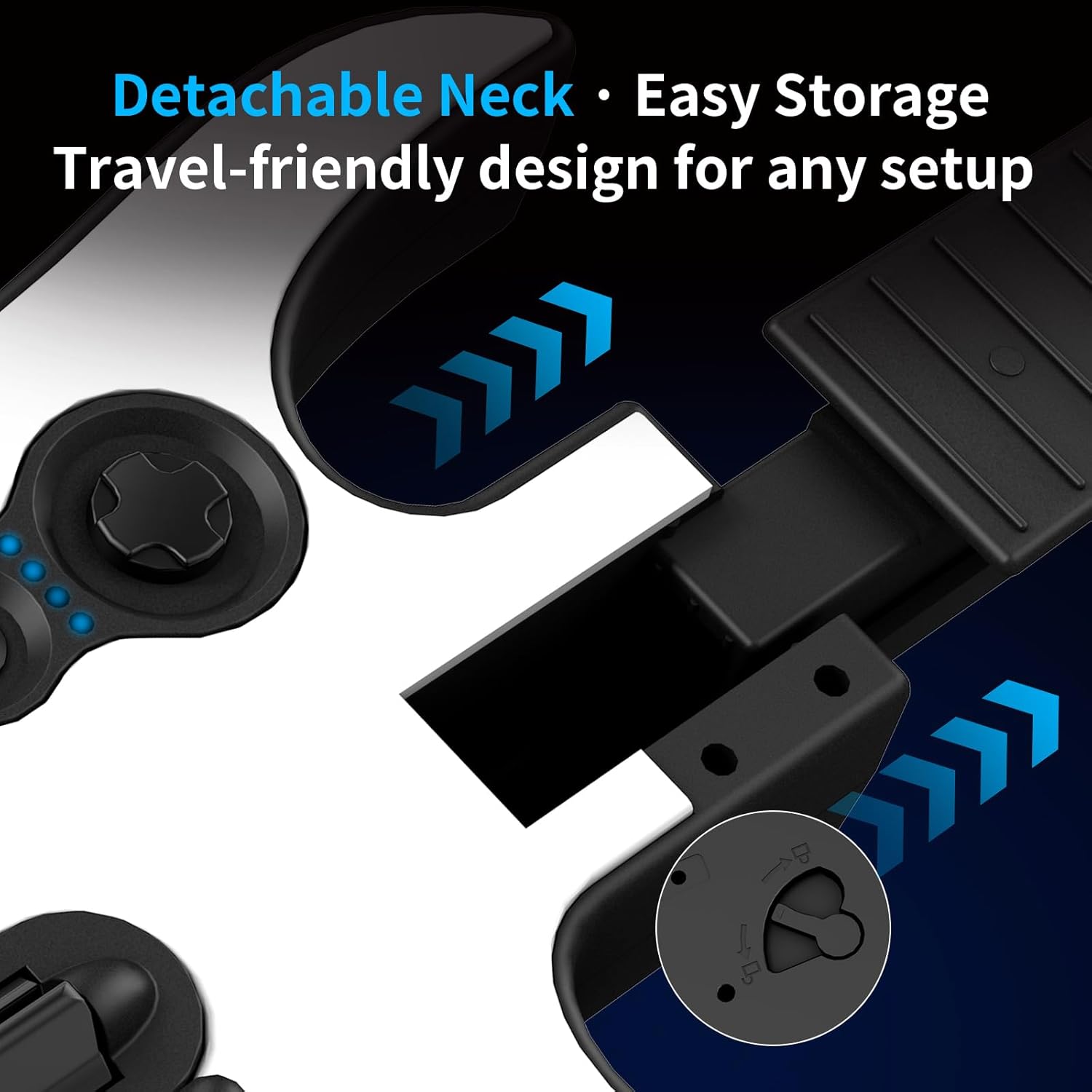
ภาพ: ภาพระยะใกล้ view of the detachable neck mechanism, showing the rear unlock switch for easy assembly and disassembly.
3.3 เอาต์พุตเสียง
The guitar controller includes a 3.5mm audio jack. Connect wired headphones to this jack for private audio playback, allowing you to play without disturbing others. This jack also supports microphone input for compatible headsets.
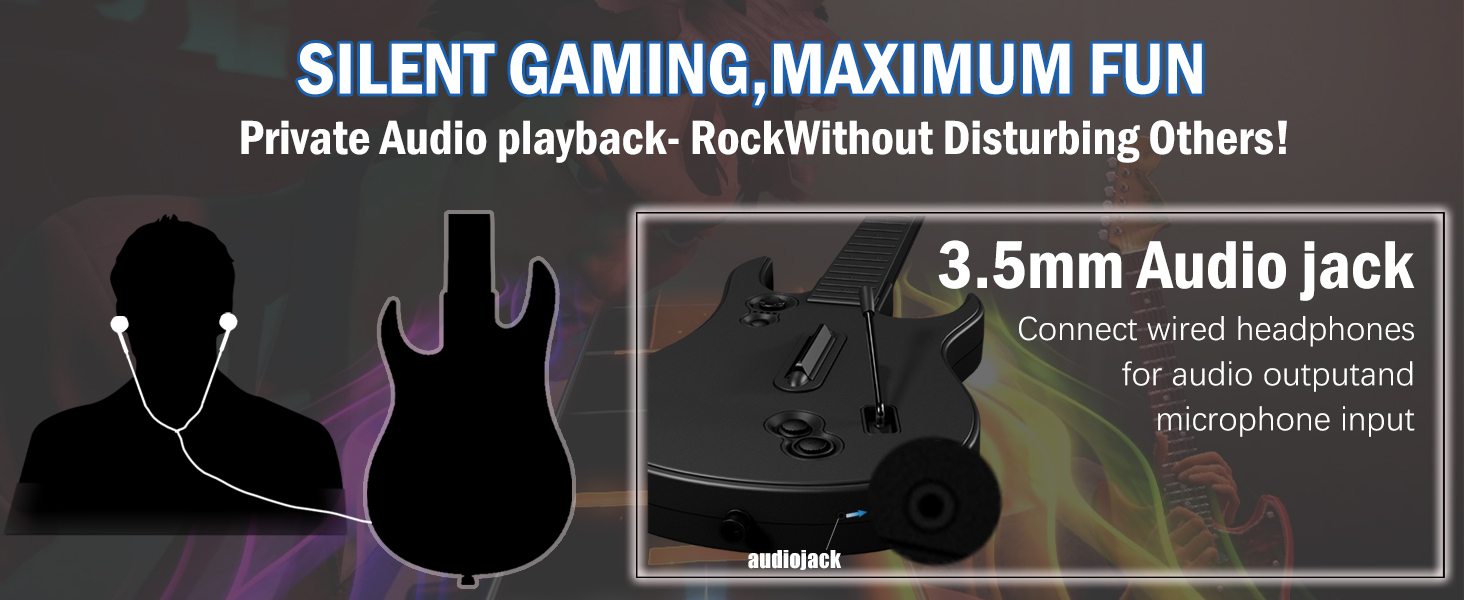
Image: An illustration demonstrating the use of the 3.5mm audio jack for private audio playback with headphones.
4. การดูแลรักษา
- การทำความสะอาด: Wipe the controller with a soft, dry cloth. Do not use abrasive cleaners or solvents.
- พื้นที่จัดเก็บ: Store the guitar controller in a cool, dry place away from direct sunlight and extreme temperatures. The detachable neck allows for more compact storage. An anti-oxidation sponge is included for safe storage.
- การดูแลแบตเตอรี่ ถอดแบตเตอรี่ออกหากไม่ได้ใช้งานตัวควบคุมเป็นเวลานาน เพื่อป้องกันการรั่วไหล
5 การแก้ไขปัญหา
- ตัวควบคุมไม่เชื่อมต่อ:
- Ensure the 2.4G USB dongle is fully inserted into the console/PC.
- Verify that the guitar controller has fresh batteries installed. Low batteries can cause connection failure.
- For Xbox, ensure your existing Xbox controller is connected and functioning before attempting to pair the guitar.
- Confirm you are using the correct dongle for your system (Xbox/PC specific dongles may exist, though this model is advertised for both).
- Try restarting your console/PC and the guitar controller.
- ความล่าช้าหรือการหน่วงเวลาอินพุต:
- Ensure there are no obstructions between the guitar controller and the USB dongle.
- Minimize interference from other wireless devices operating on the 2.4GHz frequency.
- ตรวจสอบระดับแบตเตอรี่ แบตเตอรี่เหลือน้อยอาจส่งผลต่อประสิทธิภาพการทำงาน
- ปุ่มไม่ตอบสนอง:
- ตรวจสอบระดับแบตเตอรี่
- Ensure the neck is securely attached if it was previously detached.
- Clean any debris around the buttons or strum bar.
- ความเข้ากันได้ของเกม:
- Remember, this controller is specifically designed for Rock Band 4 (Xbox) and Fortnite Festival (PC). It is not compatible with Guitar Hero, Clone Hero, Rock Band 1, or microphone-based games.
6. ข้อมูลจำเพาะผลิตภัณฑ์
| หมายเลขรุ่น | X615W |
| ผู้ผลิต | กสทช |
| น้ำหนักสินค้า | 2.86 ปอนด์ |
| ขนาดแพ็คเกจ | 17.44 x 13.58 x 3.46 นิ้ว |
| การเชื่อมต่อ | 2.4G Wireless (USB Dongle) |
| แหล่งพลังงาน | แบตเตอรี่ AA 4 ก้อน (ไม่รวม) |
7. การรับประกันและการสนับสนุน
NBCP is committed to providing responsive after-sales support for all users of the X615W Wireless Guitar Controller.
7.1 นโยบายการคืนสินค้า
This product is subject to a 30-day return policy for refund or replacement, as per standard retail terms.
7.2 การสนับสนุนลูกค้า
For any questions, troubleshooting assistance, or warranty claims, please contact NBCP customer support through the retailer's platform or visit the official NBCP store page for contact information.
เยี่ยมชม NBCP Store สำหรับข้อมูลเพิ่มเติม