
1. บทนำ
This manual provides essential information for the safe and effective use of your Unitron Charger RIC S. Designed for simplicity and reliability, this magnetic charging case ensures your Unitron Moxi Smile hearing aids are always ready for use. Please read these instructions carefully before operating the device.

Figure 1: The Unitron Charger RIC S, a compact charging case for hearing aids.
2. การตั้งค่า
- แกะกล่องเครื่องชาร์จ: Carefully remove the Unitron Charger RIC S from its packaging.
- เชื่อมต่อกับพลังงาน: Use the provided USB cable to connect the charger to a compatible USB power source (e.g., wall adapter, computer USB port). Ensure the power source provides 1.45 Volts output.
- ค่าใช้จ่ายเริ่มต้น: For first-time use, fully charge the Unitron Charger RIC S before placing your hearing aids inside. The indicator light on the charger will show its charging status.
3. คู่มือการใช้งาน
3.1 การชาร์จเครื่องช่วยฟัง
- เปิดเครื่องชาร์จ: Lift the lid of the Unitron Charger RIC S.
- สถานที่ติดตั้งเครื่องช่วยฟัง: Gently place your Unitron Moxi Smile hearing aids into their respective charging slots. The magnetic pull-in technology will automatically align them for secure placement.

Figure 2: Magnetic pull-in insertion guides hearing aids into the correct charging position, ensuring a secure connection without manual adjustments.
- ตรวจสอบการชาร์จ: The indicator lights on the hearing aids will illuminate to show that charging has begun. Once fully charged, the lights will change or turn off, depending on the hearing aid model.
- ระยะเวลาในการชาร์จ: A full charge typically takes approximately 3 hours, providing reliable everyday power for your hearing aids.
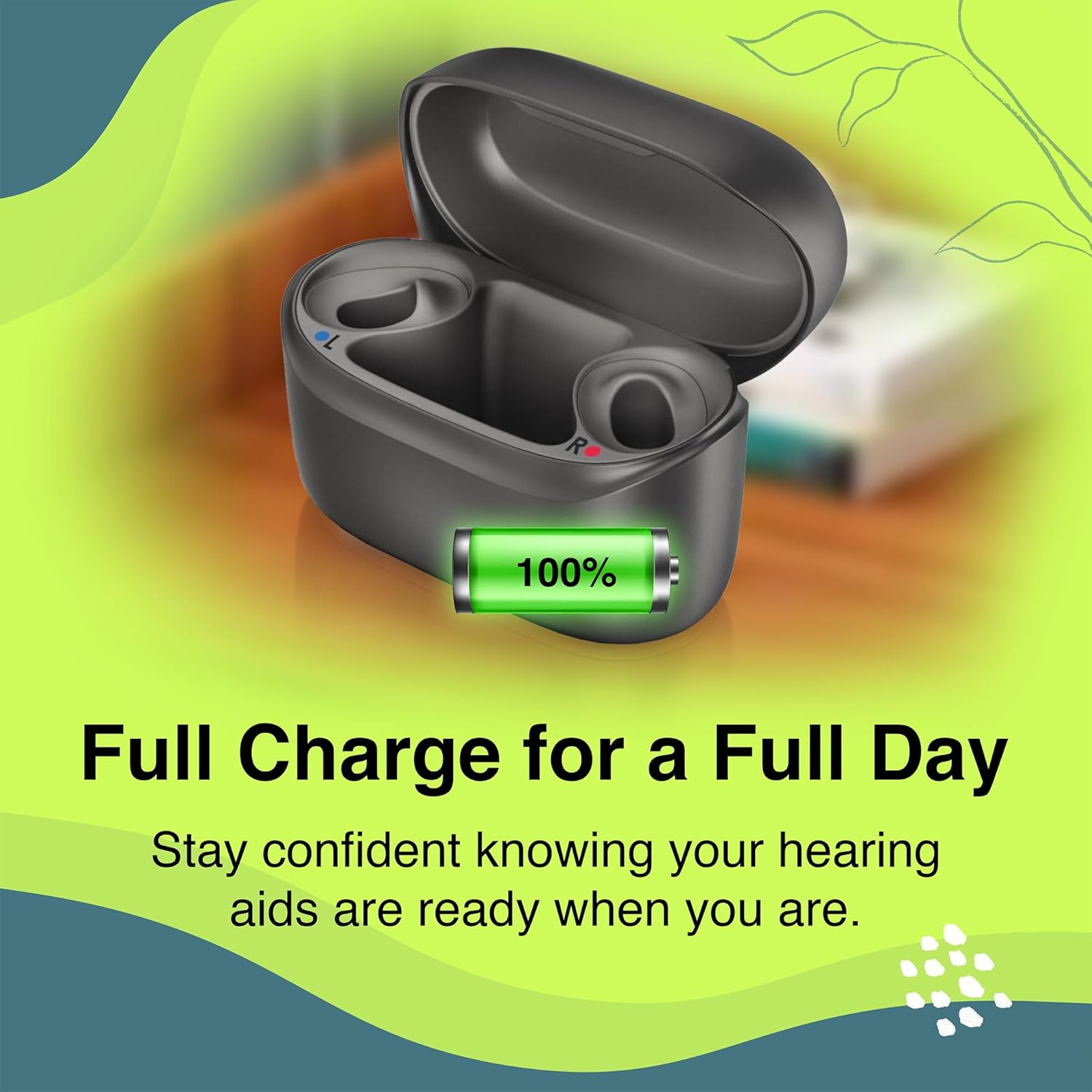
Figure 3: The charger provides a full charge, ensuring your hearing aids are ready for a complete day of use.
3.2 Automatic Functionality
- เปิด/ปิดอัตโนมัติ: Hearing aids automatically turn on when removed from the charger and turn off when placed back into the charger.
4. คุณสมบัติ
- Effortless Magnetic Charging: Designed with magnetic pull-in technology that guides your hearing aids into place for secure, reliable charging every time.
- Made for Unitron Moxi Smile: Specifically compatible with Unitron Moxi Smile hearing aids, ensuring a precise fit and consistent charging performance.

Figure 4: The charger is optimized for perfect compatibility with Unitron Moxi Smile and Relate 5.0 hearing aids.
- Simple Drop-and-Go Design: No complicated setup required. Just place your devices into the charger and let the magnetic alignment do the work.
- Compact and Travel Ready: Sleek, lightweight design makes it easy to take with you at home or on the go without adding bulk.

Figure 5: The compact and portable design of the charger makes it ideal for both home use and travel.
- Reliable Everyday Power: Keeps your hearing aids charged and ready, helping you stay connected throughout your day without interruptions.
5. การบำรุงรักษา
- การทำความสะอาด: Use a soft, dry cloth to clean the exterior of the charger. Do not use liquids or abrasive cleaners.
- พื้นที่จัดเก็บ: เก็บที่ชาร์จไว้ในที่เย็นและแห้ง ห่างจากแสงแดดโดยตรงและอุณหภูมิที่สูงหรือต่ำเกินไป
6 การแก้ไขปัญหา
- เครื่องช่วยฟังชาร์จไฟไม่เข้า:
- ตรวจสอบให้แน่ใจว่าเครื่องชาร์จเชื่อมต่อกับแหล่งจ่ายไฟอย่างถูกต้อง
- Verify that the hearing aids are correctly seated in their magnetic charging slots.
- Check the charging indicator lights on both the charger and the hearing aids.
- Charger Indicator Light Not On:
- Confirm the USB cable is securely plugged into both the charger and the power adapter.
- Try a different USB cable or power adapter to rule out a faulty accessory.
7. ข้อมูลจำเพาะ
- ยี่ห้อ: Unitron (Manufactured by Oticon)
- แบบอย่าง: Charger RIC S
- ปริมาณการส่งออกtage: 1.45 โวลต์
- ประเภทตัวเชื่อมต่อ: ยูเอสบี
- จำนวนหน่วย: 1.0 จำนวน
- ความเข้ากันได้: Specifically designed for Unitron Moxi Smile hearing aids.
8. การรับประกันและการสนับสนุน
For warranty information and technical support, please refer to the documentation included with your purchase or contact your authorized Unitron/Oticon dealer or the seller directly. Keep your proof of purchase for any warranty claims.