
การแนะนำ
The GRIFEMA GA2902B is a compact digital indoor thermometer and hygrometer designed to provide accurate and real-time measurements of temperature and humidity. Its clear LCD display includes comfort indicators, making it easy to monitor environmental conditions in various indoor settings such as homes, greenhouses, nurseries, and cellars. This manual will guide you through the setup, operation, and maintenance of your device.
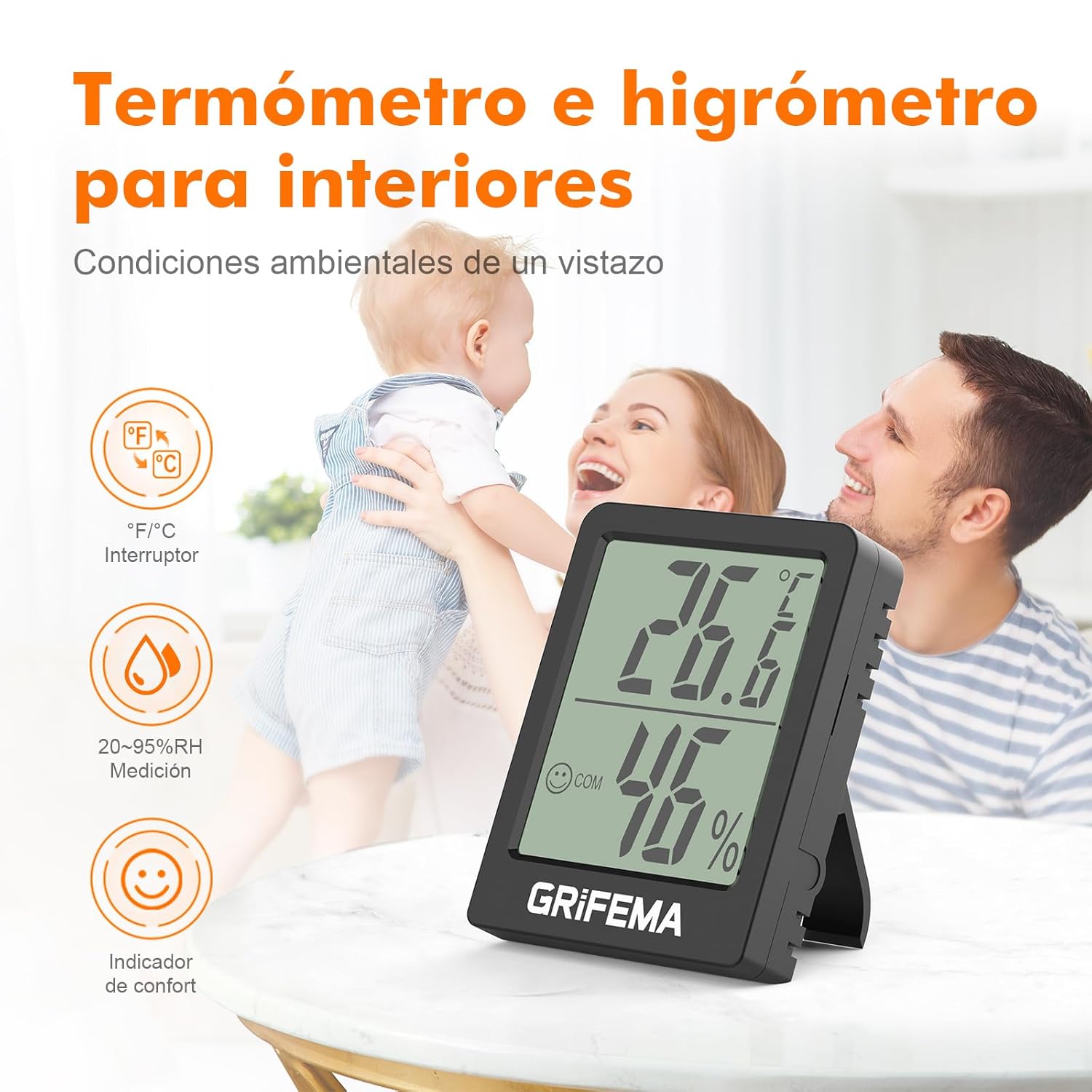
Image: The GRIFEMA GA2902B device displaying temperature and humidity, along with comfort indicators.
คำแนะนำการตั้งค่า
- การติดตั้งแบตเตอรี่: The device comes with a CR2032 button cell battery. Locate the battery compartment on the back of the device. If a protective plastic tab is present, gently pull it out to activate the battery. If the battery is not pre-installed, open the compartment (often secured with a small screw), insert the CR2032 battery with the positive (+) side facing up, and close the compartment.

ภาพ: ด้านหลัง view of the device, highlighting its compact design and the battery compartment.
- การแสดงผลเริ่มต้น: Once the battery is activated, the LCD screen will immediately display the current temperature and humidity readings. Allow a few minutes for the device to stabilize and provide accurate readings for its environment.
- การจัดวาง: The GRIFEMA GA2902B offers flexible placement options:
- โต๊ะ: Extend the integrated kickstand on the back of the device to place it upright on any flat surface.
- การติดแม่เหล็ก: Utilize the magnetic base on the back to attach the device to metallic surfaces such as refrigerators or metal shelves.

Image: Demonstrates the flexible placement options: using the kickstand on a table and magnetic attachment to a vertical surface.
คำแนะนำการใช้งาน
- การอ่านจอแสดงผล: The large LCD screen clearly shows:
- อุณหภูมิ: Displayed in large digits at the top.
- ความชื้น: Displayed in large digits at the bottom, followed by "% RH".
- ตัวบ่งชี้ความสะดวกสบาย: A small smiley face icon indicates the comfort level based on temperature and humidity.
- ใบหน้ายิ้มแย้ม: Indicates comfortable conditions (typically 20-26 °C and 40-70% RH).
- สีหน้าเป็นกลาง: Indicates slightly outside comfortable range.
- หน้าเศร้า: Indicates uncomfortable conditions (too dry or too humid/hot/cold).

Image: Close-up of the display, illustrating the temperature, humidity, and comfort indicator, along with the precision sensor details.
- การแปลงหน่วย (°C/°F): To switch between Celsius (°C) and Fahrenheit (°F), press the small button located on the back of the device. Each press will toggle the temperature unit.
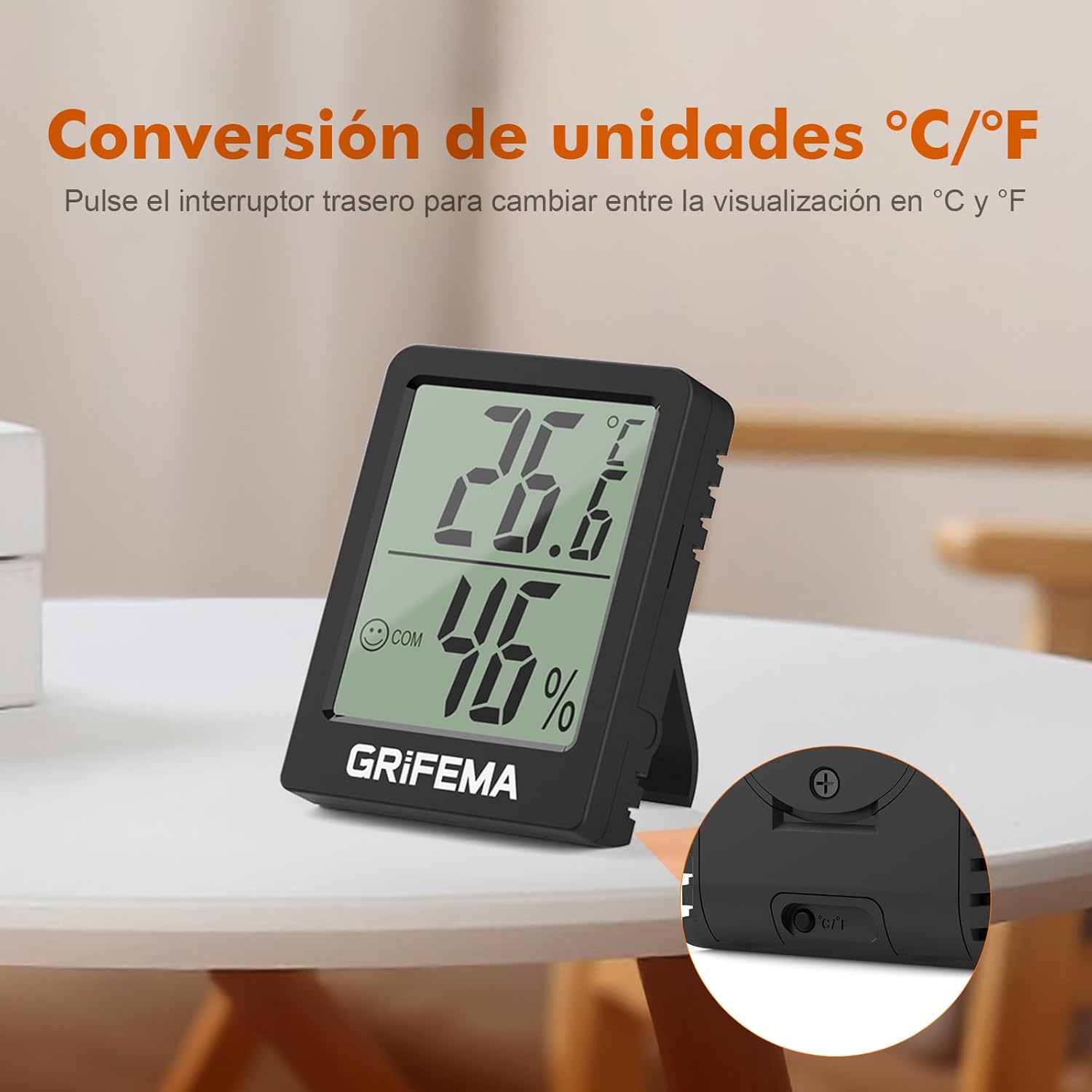
Image: The back of the device, highlighting the button for switching between Celsius and Fahrenheit.
- การอัปเดตแบบเรียลไทม์: The device updates its temperature and humidity readings every 10 seconds, ensuring you always have the most current environmental data.
การซ่อมบำรุง
- การเปลี่ยนแบตเตอรี่: The CR2032 button cell battery typically lasts for at least one and a half years due to the device's low power consumption. When the display becomes dim or stops functioning, it's time to replace the battery.
- ค้นหาช่องใส่แบตเตอรี่ที่ด้านหลังของอุปกรณ์
- If secured, use a small screwdriver to open the compartment cover.
- ถอดแบตเตอรี่ CR2032 เก่าออก
- ใส่แบตเตอรี่ CR2032 ใหม่โดยให้ด้านบวก (+) หันขึ้น
- ปิดช่องใส่แบตเตอรี่ให้แน่น
- การทำความสะอาด: Wipe the device with a soft, dry cloth. Do not use abrasive cleaners or immerse the device in water. Ensure the ventilation holes on the sides are free from dust or obstructions to maintain accurate readings.
การแก้ไขปัญหา
| ปัญหา | สาเหตุที่เป็นไปได้ | สารละลาย |
|---|---|---|
| ไม่มีจอแสดงผลหรือจอแสดงผลมืด | แบตเตอรี่หมดหรือติดตั้งไม่ถูกต้อง | Replace the CR2032 battery or ensure it is correctly inserted with the protective tab removed. |
| การอ่านที่ไม่ถูกต้อง |
|
|
| Cannot switch between °C/°F | อาจกดปุ่มไม่ถูกต้องหรืออุปกรณ์ทำงานผิดปกติ | Ensure you are pressing the correct button firmly on the back. If the issue persists after battery replacement, contact customer support. |
ข้อมูลจำเพาะ
- แบบอย่าง: GA2902B
- ขนาด : ขนาด 5.8 ซม. (ยาว) x 4.5 ซม. (กว้าง) x 1.55 ซม. (หนา)
- น้ำหนัก: ประมาณ 40 กรัม
- ช่วงการวัดอุณหภูมิ: -10°C ถึง +50°C (14°F ถึง 122°F)
- ความแม่นยำของอุณหภูมิ: ±1 องศาเซลเซียส
- ช่วงการวัดความชื้น: ความชื้นสัมพัทธ์ 20% ถึง 95%
- อัตราการอัพเดท: ทุก ๆ 10 วินาที
- ประเภทแบตเตอรี่: 1 x CR2032 ปุ่มเซลล์ (รวมอยู่ด้วย)
- แสดง: LCD with comfort indicators
- ตัวเลือกการวางตำแหน่ง: Kickstand, Magnetic

Image: Detailed product dimensions of the GRIFEMA GA2902B.
การรับประกันและการสนับสนุน
For information regarding warranty coverage or technical support, please refer to the product packaging or contact GRIFEMA customer service directly through their official webไซต์หรือผู้ค้าปลีกที่ซื้อผลิตภัณฑ์