
การแนะนำ
This manual provides essential information for the proper use and care of your BoxWave DirectSync USB 3.0 A to USB 3.1 Type C Cable. This cable is designed for both charging and high-speed data transfer between compatible devices.
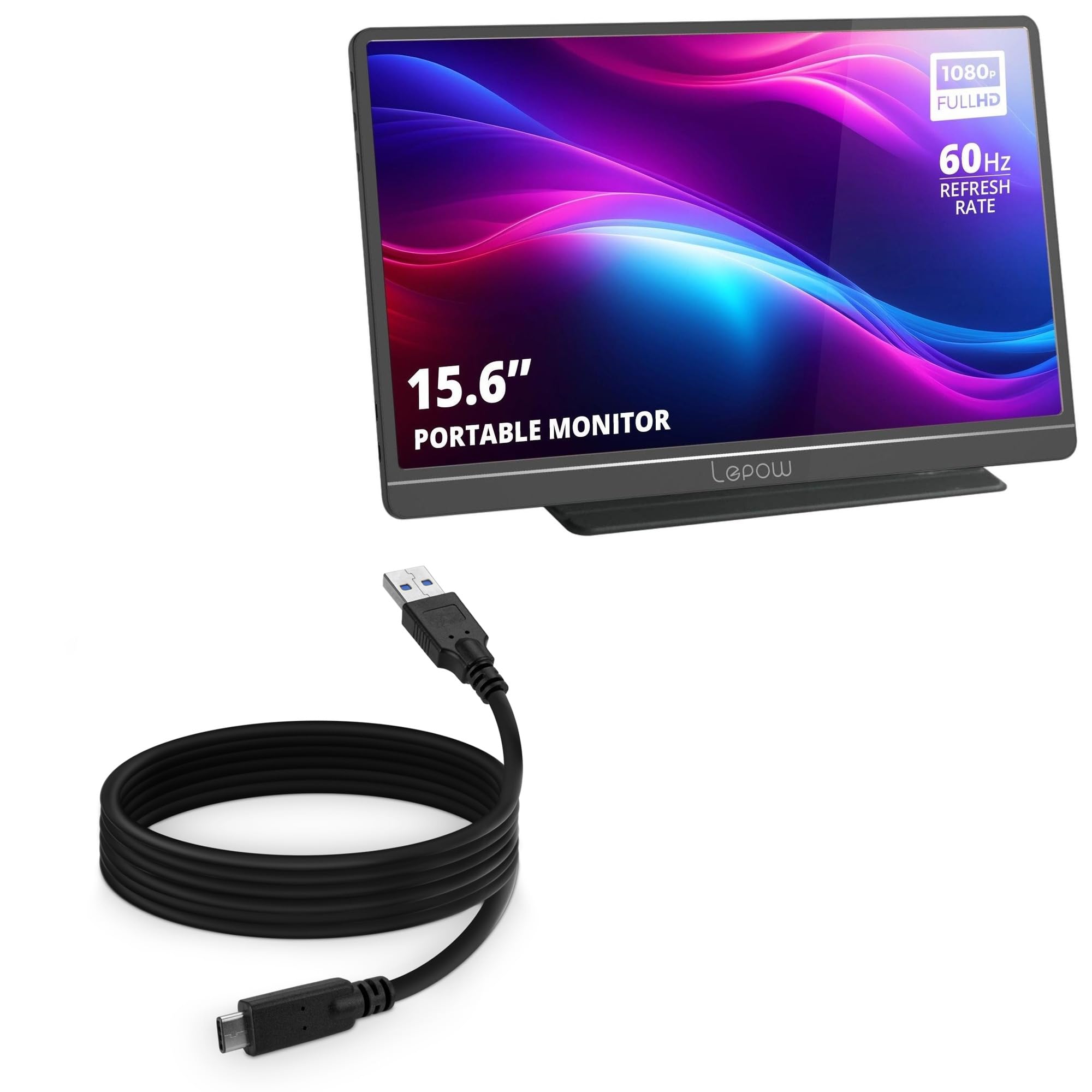
Image: The BoxWave DirectSync USB 3.0 A to USB 3.1 Type C Cable, coiled, showcasing its black color and connector types.
การตั้งค่า
- ระบุตัวเชื่อมต่อ: Locate the USB 3.0 Type-A connector (larger, rectangular end, typically blue inside) and the USB 3.1 Type-C connector (smaller, reversible end).
- เชื่อมต่อกับแหล่งจ่ายไฟ/ข้อมูล: Insert the USB 3.0 Type-A connector into a compatible USB 3.0 port on your computer, wall adapter, or power bank. Ensure the port is capable of providing sufficient power for charging or is a data-enabled port for syncing.
- เชื่อมต่อกับอุปกรณ์: Insert the USB 3.1 Type-C connector into the USB-C port of your compatible device, such as the RNRUO Portable Monitor Ultra Slim model RTDD2556VD or other USB-C enabled devices. The Type-C connector is reversible, allowing for easy connection in any orientation.

Image: A BoxWave DirectSync cable connecting a laptop to a smartphone, illustrating simultaneous charging and data transfer. The phone displays a '95% Charged' indicator.
คำแนะนำการใช้งาน
การชาร์จอุปกรณ์ของคุณ
To charge your device, connect the USB 3.0 Type-A end of the cable to a power source (e.g., a wall charger, power bank, or computer USB port) and the USB 3.1 Type-C end to your device. The cable supports efficient power delivery for charging compatible devices.
การถ่ายโอนข้อมูล
For data transfer, connect the USB 3.0 Type-A end to a USB 3.0 compatible port on your computer and the USB 3.1 Type-C end to your device. The cable supports Hi-Speed USB 3.1 data transfers, enabling speeds up to 5Gbps for quick file synchronization and backups.

Image: A BoxWave DirectSync cable connecting a tablet to a power bank on a wooden desk, demonstrating its use for charging portable devices.
ความยาวที่ยืดหยุ่น
The generous 6-foot length of the DirectSync cable provides flexibility, allowing you to comfortably use or charge your device even when the power source is not immediately adjacent.

Image: A BoxWave DirectSync cable plugged into a wall outlet, extending across a room to a device placed on a sofa, illustrating its 6-foot length for flexible use.
การซ่อมบำรุง
- การดูแลสายเคเบิล: Avoid sharp bends, kinks, or excessive pulling on the cable, especially near the connectors. This helps preserve the internal wiring and outer jacket.
- การทำความสะอาด: If the cable becomes dirty, gently wipe it with a soft, dry, lint-free cloth. Do not use harsh chemicals or abrasive cleaners.
- พื้นที่จัดเก็บ: When not in use, coil the cable loosely to prevent tangling and damage. Store it in a cool, dry place away from direct sunlight and extreme temperatures.
Reinforced Strain Relief
The DirectSync cable features reinforced rubberized grommet strain reliefs at both ends. This design provides protection against common wear and tear, reducing the risk of kinks or splitting at the connector points.

ภาพ: ภาพระยะใกล้ view of the USB-C and USB-A connectors of the BoxWave DirectSync cable, highlighting the reinforced strain relief design that prevents kinking and splitting.
การแก้ไขปัญหา
- อุปกรณ์ไม่ชาร์จ:
- ตรวจสอบให้แน่ใจว่าปลายทั้งสองข้างของสายเคเบิลเชื่อมต่ออย่างแน่นหนา
- Verify that the power source (wall adapter, computer port) is functional and providing power.
- Test the cable with another device or power source if possible.
- ปัญหาการโอนข้อมูล:
- Confirm both devices (computer and portable monitor/device) are powered on and configured for data transfer.
- Ensure the USB 3.0 Type-A port on your computer is functioning correctly.
- Check your device's settings to ensure it allows data transfer over USB.
- Slow Charging or Data Transfer:
- Ensure you are using a USB 3.0 compatible port on your computer for optimal data speeds. USB 2.0 ports will result in slower transfer rates.
- For charging, ensure your power adapter provides sufficient wattagสำหรับอุปกรณ์ของคุณ
ข้อมูลจำเพาะ
| ประเภทสินค้า | USB 3.0 A to USB 3.1 Type C Cable |
| แบบอย่าง | DirectSync |
| ความยาว | 6 ฟุต (1.8 เมตร) |
| ความเร็วในการถ่ายโอนข้อมูล | Up to 5 Gbps (USB 3.0/3.1 Gen 1) |
| ฟังก์ชันการทำงาน | Charge and Sync |
| สี | สีดำ |
| น้ำหนักสินค้า | 3 ออนซ์ |
| ผู้ผลิต | บ็อกซ์เวฟ |
การรับประกันและการสนับสนุน
BoxWave provides limited third-party technical support for your device (up to 3 inquiries via messaging). For further assistance or warranty information, please contact BoxWave Corporation directly through their official support channels.
Please note: The RNRUO Portable Monitor Ultra Slim model RTDD2556VD (15.6 in) device is not included with this cable.