
การแนะนำ
This manual provides detailed instructions for the setup, operation, and maintenance of your NBCP Wired PS5 Controller, Model 736D. Designed for enhanced gaming, this controller is compatible with PlayStation 5, PlayStation 4, PC, and Steam platforms, offering features such as Turbo burst, Hall-Effect Triggers, Dual Vibration, and a 6-Axis Gyroscope.
เนื้อหาแพ็คเกจ
- 1 x NBCP Wired PS5 Controller (Model 736D)
- 1 x Integrated 10ft USB Cable
- 1 x คู่มือการใช้งาน
สินค้าเกินview
The NBCP Wired PS5 Controller is engineered for precision and immersive gameplay across multiple platforms. Key features include:
- Turbo Burst Functionality: Automate repetitive actions for fast-paced games.
- Linear Hall-Effect Triggers: Provides precise and sensitive control, eliminating stick drift and ensuring long-lasting performance.
- การตอบรับการสั่นสะเทือนแบบคู่: Delivers lifelike sensations for an immersive gaming experience.
- ไจโรสโคป 6 แกน: Built-in motion, tilt, and rotation sensing for dynamic and enjoyable gameplay.
- 10ft USB Cable: Ensures a reliable, delay-free wired connection.
- 3.5mm Audio Jack & Microphone: For effortless in-game communication.
- ไฟหลากสี RGB: Customizable lighting to enhance your gaming setup.

Figure 1: NBCP Wired PS5 Controller (Rose Gold)
การตั้งค่า
1. ความเข้ากันได้กับหลายแพลตฟอร์ม
The controller is designed for plug-and-play functionality across various platforms. No additional drivers are needed for basic operation.
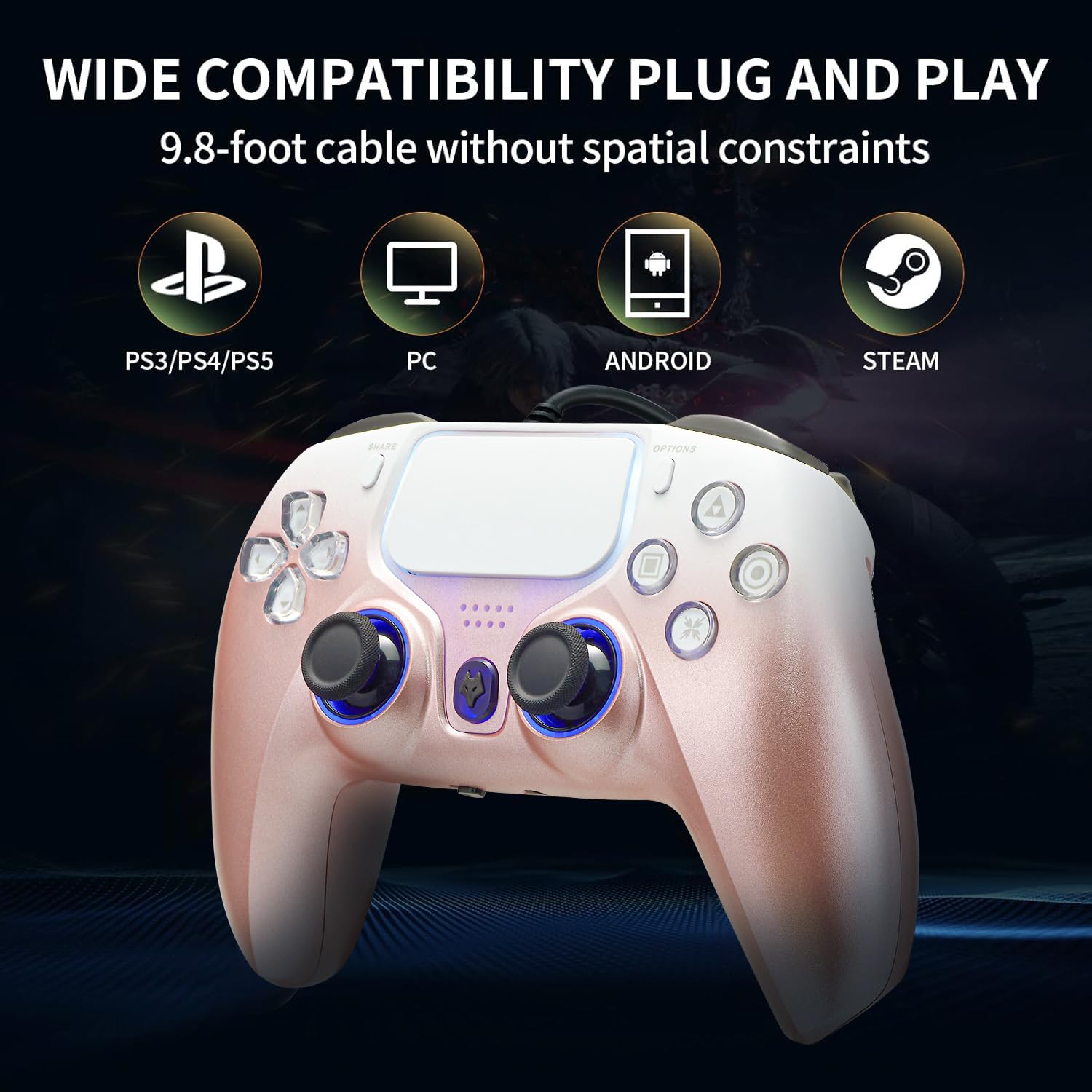
Figure 2: Wide Compatibility for PS5, PS4, PC, and Steam
2. การเชื่อมต่อพีซี
Connect the controller's USB cable directly to an available USB port on your PC. The system should automatically detect and install the necessary drivers. For Steam, the controller supports Steam mode and gyroscope functions. You can configure the controller in Steam settings under the "Controller" option.
3. PS5/PS4 Connection
Connect the controller's USB cable to a USB port on your PlayStation console. The controller will automatically connect and be ready for use.
4. Audio Setup on PS5 (for 3.5mm Headset)
To enable audio through the 3.5mm headset jack on the controller when connected to a PS5, follow these steps:
- Go to PS5 การตั้งค่า.
- นำทางไปที่ เครื่องประดับ.
- เลือก ผู้ควบคุม.
- เลือก วิธีการสื่อสาร.
- เลือก "Use USB Cable".
Ensure your standard TRRS gaming headset is plugged into the 3.5mm audio jack on the controller. Note: Apple EarPods are not supported due to CTIA/OMTP differences.

Figure 3: PS5 Audio Settings for Wired Controller
คำแนะนำการใช้งาน
1. การควบคุมพื้นฐาน
The controller features standard PlayStation button layouts, including directional keys, action buttons (Triangle, Circle, Cross, Square), L1/R1 bumpers, L2/R2 triggers, analog sticks, a touchpad, Share button, Options button, and a central PS button (Wolf logo).
2. ฟังก์ชันเทอร์โบ
Activate Turbo mode to automate rapid, continuous button presses. This feature is ideal for fast-paced games where quick, repeated inputs are beneficial. Refer to the included mini-manual for specific button combinations to activate and customize Turbo settings.

Figure 4: Turbo Function for Fast-Paced Games
3. Hall-Effect Triggers
The Hall-Effect Triggers utilize magnetic sensors instead of traditional potentiometers, providing precise and sensitive control. This technology significantly reduces the likelihood of stick drift and ensures a longer lifespan for the triggers.

Figure 5: Hall-Effect Triggers for Drift-Free Performance
4. มอเตอร์สั่นสะเทือนคู่
Experience enhanced tactile feedback with dual vibration motors. These motors provide precise rumble effects for a more immersive gaming experience, reacting to in-game actions.
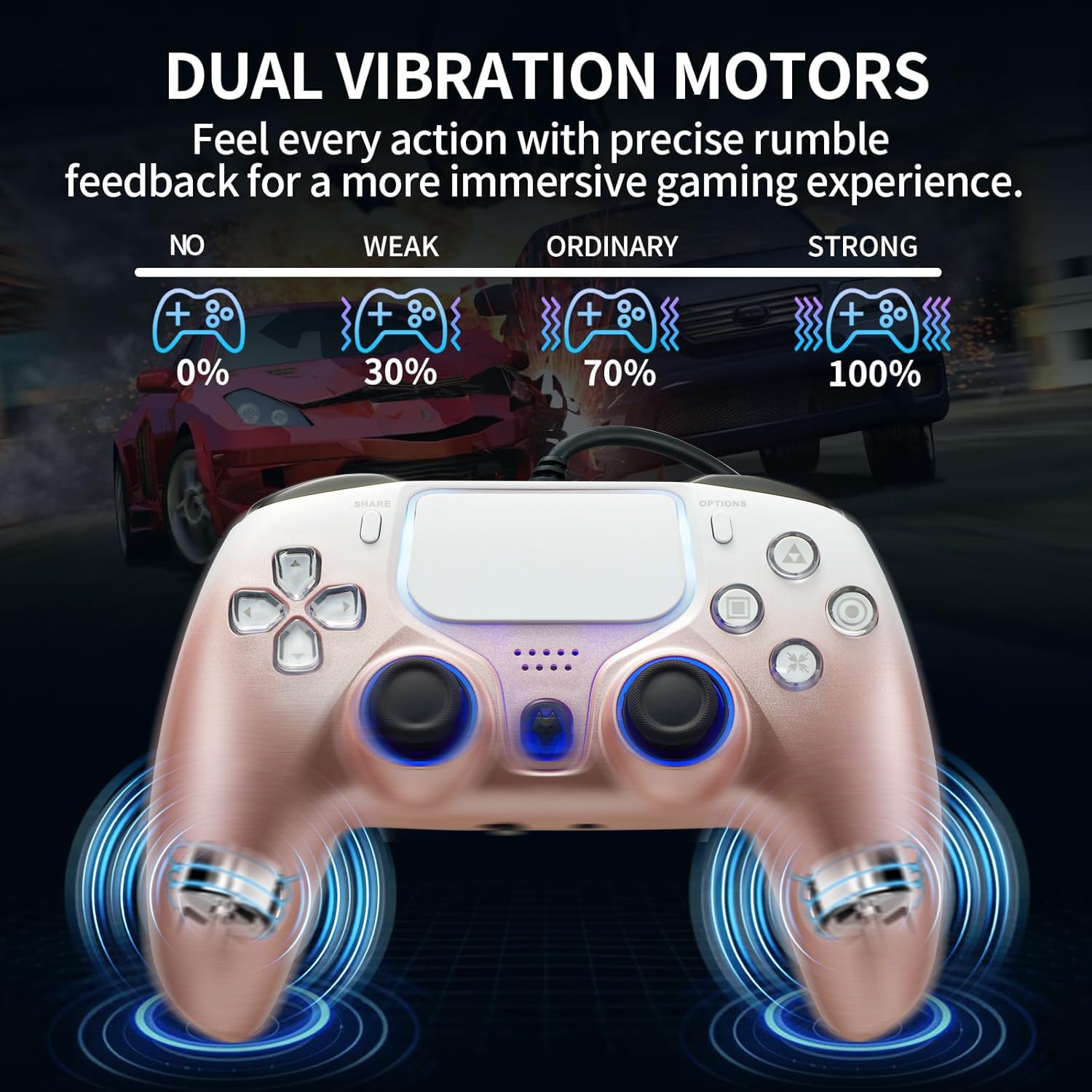
Figure 6: Dual Vibration Motors for Immersive Gameplay
5. ไจโรสโคป 6 แกน
The built-in 6-axis gyroscope detects motion, tilt, and rotation, allowing for dynamic and precise movement control in compatible games. This enhances the overall gaming experience with intuitive motion sensing.

Figure 7: 6-Axis Gyroscope for Dynamic Control
6. แสง RGB
The controller features RGB colorful lights around the analog sticks and touchpad. These lights can be customized to single colors or turned off. Refer to the instruction manual for specific button combinations to adjust lighting settings.
การซ่อมบำรุง
- รักษาตัวควบคุมให้สะอาดด้วยการเช็ดด้วยผ้าแห้งและนุ่ม
- หลีกเลี่ยงการให้ตัวควบคุมสัมผัสกับอุณหภูมิที่สูงหรือความชื้นสูงหรือแสงแดดโดยตรง
- ห้ามถอดชิ้นส่วนตัวควบคุมโดยเด็ดขาด เนื่องจากอาจทำให้การรับประกันเป็นโมฆะ
- Store the controller in a safe place to prevent damage to the cable or components.
การแก้ไขปัญหา
- ไม่มีพลังงาน/การเชื่อมต่อ: Ensure the USB cable is securely connected to both the controller and the console/PC. Try a different USB port.
- No Audio from Headset (PS5): Verify the PS5 communication method is set to "Use USB Cable" as described in the Setup section. Ensure your headset is a standard TRRS gaming headset.
- Buttons/Sticks Unresponsive: Disconnect and reconnect the controller. If issues persist on PC, check controller settings in your game or Steam.
- การปรับเทียบไจโรสโคป: Gyroscope testing and calibration can be performed in the Calibration and Advanced Settings page of the controller options on PC.
ข้อมูลจำเพาะ
| คุณสมบัติ | รายละเอียด |
|---|---|
| หมายเลขรุ่น | 736ดี |
| การเชื่อมต่อ | Wired (10ft / 3m USB Cable) |
| ความเข้ากันได้ | PlayStation 5, PlayStation 4, PC, Steam |
| ทริกเกอร์ | Linear Hall-Effect Triggers |
| การสั่นสะเทือน | มอเตอร์สั่นคู่ |
| การตรวจจับการเคลื่อนไหว | ไจโรสโคปแบบแกน 6 |
| เสียง | 3.5mm Headphone Jack, Built-in Microphone |
| อัตราการสำรวจความคิดเห็น | 500Hz (for precise, drift-free performance) |
| น้ำหนักสินค้า | 13.7 ออนซ์ |
| ขนาดแพ็คเกจ | 6.57 x 4.61 x 3.11 นิ้ว |
วิดีโอผลิตภัณฑ์อย่างเป็นทางการ
Video 1: NBCP Wired PS5 Controller Overviewวิดีโอนี้ให้ข้อมูลทั่วไปเกี่ยวกับview เกี่ยวกับคุณสมบัติและการออกแบบของตัวควบคุม
Video 2: NBCP Wired PS5 Game Controller Features. This video highlights various features of the NBCP wired controller.
การรับประกันและการสนับสนุน
For warranty information and customer support, please refer to the contact details provided on the product packaging or visit the official NBCP website. NBCP offers 24/7 service and step-by-step troubleshooting assistance.