

1. บทนำ
ขอบคุณสำหรับการซื้อasing the karuisrc K600GPS-C GPS Drone with Camera. This manual provides essential information for the safe operation, setup, and maintenance of your new drone. Please read this manual thoroughly before operating the drone to ensure proper usage and to maximize your flying experience.

Figure 1.1: The karuisrc K600GPS-C Drone and its Remote Control.
2. ข้อมูลด้านความปลอดภัย
Operating a drone requires attention to safety. Failure to follow these guidelines may result in injury, damage to property, or legal issues. Always prioritize safety during flight.
- การตรวจสอบก่อนบิน: ตรวจสอบให้แน่ใจว่าแบตเตอรี่ของโดรนและรีโมทคอนโทรลชาร์จเต็มแล้ว ตรวจสอบใบพัดว่ามีรอยชำรุดหรือไม่ และตรวจสอบให้แน่ใจว่าติดตั้งแน่นสนิทดีแล้ว
- สภาพแวดล้อม : Fly in open areas, away from people, animals, buildings, and trees. Avoid flying in strong winds, rain, snow, or fog.
- แนวสายตา: รักษาแนวสายตาให้คงที่กับโดรนในระหว่างการบิน
- Altitude and Distance: Adhere to local regulations regarding maximum flight altitude and distance.
- ความปลอดภัยของแบตเตอรี่: Use only the provided charger and batteries. Do not overcharge or puncture batteries. Store batteries in a cool, dry place.
- ความปลอดภัยของใบพัด: ให้มือ ใบหน้า และเสื้อผ้าหลวมๆ ออกห่างจากใบพัดที่กำลังหมุน
- การดำเนินงานอย่างมีความรับผิดชอบ: Do not operate the drone under the influence of alcohol or drugs. Respect privacy and do not fly over private property without permission.
- Weight Classification: This drone weighs under 249g, which may exempt it from certain registration requirements in some regions. Always check local aviation authority regulations.
3. เนื้อหาบรรจุภัณฑ์
ตรวจสอบว่าสินค้าทั้งหมดที่ระบุไว้ด้านล่างนี้รวมอยู่ในแพ็คเกจของคุณแล้ว หากมีสินค้าใดสูญหายหรือเสียหาย โปรดติดต่อฝ่ายสนับสนุนลูกค้า
- โดรน x 1
- รีโมทคอนโทรล x 1
- แบตเตอรี่ x 1
- Propeller x 4 (spare)
- ไขควง x 1
- สาย USB x1
- กระเป๋าถือ x 1
- 32GB SD Card x 1
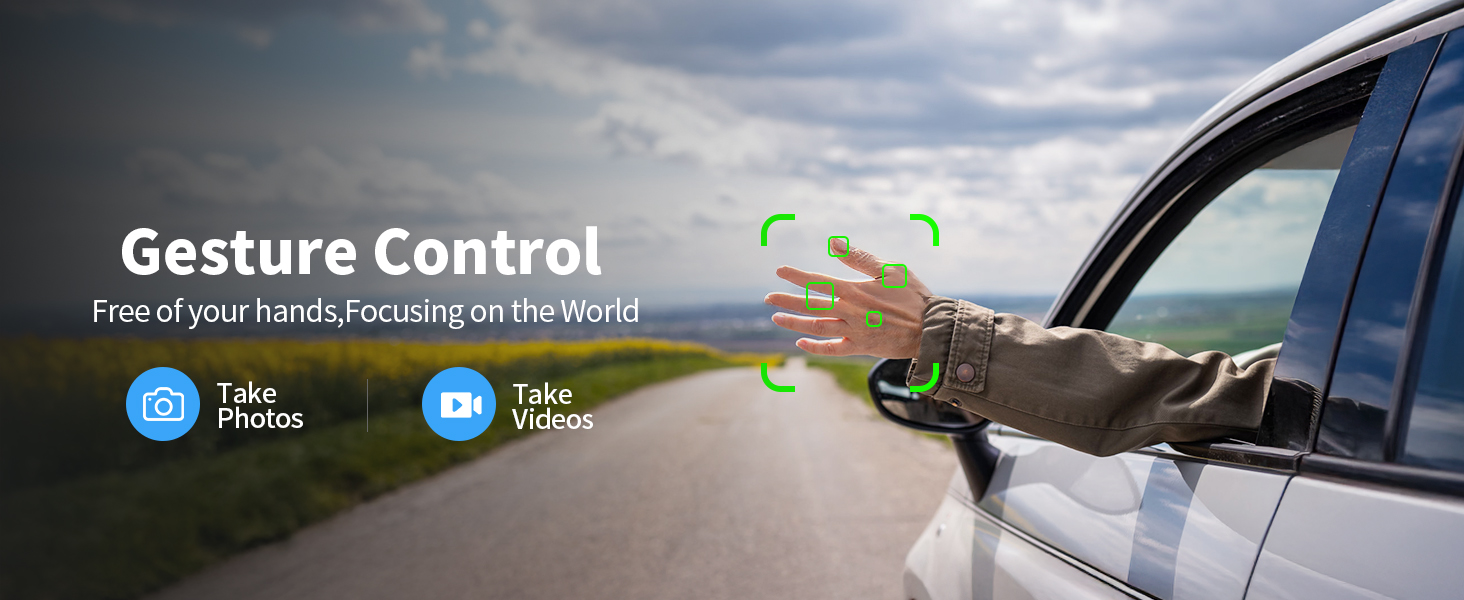
Figure 3.1: All components included in the K600GPS-C package.
4. สินค้าหมดview
4.1 ส่วนประกอบของโดรน
Familiarize yourself with the key parts of your K600GPS-C drone:
- ใบพัด: ใบพัดหมุนสี่ใบสำหรับสร้างแรงยกและแรงขับเคลื่อน
- มอเตอร์: ขับเคลื่อนใบพัด
- กล้อง HD: Front-facing camera for photo and video capture, with 90° electric adjustment.
- เซ็นเซอร์การไหลของแสง: ติดตั้งอยู่ด้านล่าง ช่วยให้ลอยตัวได้อย่างมั่นคงในที่ร่ม
- ช่องใส่แบตเตอรี่: Houses the drone's flight battery.
- โมดูล GPS: Enables precise positioning and intelligent flight features.

Figure 4.1: Detail of the drone's 1080p HD Camera with adjustable angle.
4.2 คุณสมบัติการควบคุมระยะไกล
The remote control is your primary interface for operating the drone. It features a built-in 4.5" HD LCD screen for real-time video transmission.
- หน้าจอ LCD HD ขนาด 4.5 นิ้ว: Displays live video feed from the drone's camera and flight data, eliminating the need for a smartphone.
- แท่งควบคุม: Left stick for throttle and yaw, right stick for pitch and roll.
- ปุ่มฟังก์ชั่น: Dedicated buttons for features like One-Key Takeoff/Landing, Auto Return, Photo/Video capture, and Speed Mode.
- เสาอากาศ: For stable signal transmission to the drone.

Figure 4.2: The remote control with integrated 4.5" HD LCD screen.
5. การตั้งค่า
5.1 การชาร์จแบตเตอรี่
ก่อนใช้งานครั้งแรก ควรชาร์จแบตเตอรี่โดรนและแบตเตอรี่รีโมทคอนโทรลให้เต็ม
- Connect the drone battery to the provided USB charging cable. Connect the USB cable to a 5V/2A USB power adapter (not included).
- The remote control supports TPC charging. Connect the remote control to a USB power source using the provided USB cable.
- Charging indicators will show the charging status. Once fully charged, disconnect the batteries.
5.2 การติดตั้งแบตเตอรี่
- เสียงหึ่งๆแบตเตอรี่: Insert the charged drone battery into the battery compartment on the rear of the drone until it clicks into place.
- แบตเตอรี่รีโมทคอนโทรล: The remote control has a built-in rechargeable battery. Ensure it is fully charged as per section 5.1.
5.3 การติดตั้งใบพัด
หากไม่ได้ติดตั้งใบพัดไว้ล่วงหน้าหรือจำเป็นต้องเปลี่ยน:
- จับคู่ใบพัดกับแขนมอเตอร์ที่ตรงกัน (โดยปกติจะมีเครื่องหมาย A และ B กำกับไว้)
- Use the provided screwdriver to securely attach the propellers to the motor shafts. Do not overtighten.
5.4 การจับคู่และการปรับเทียบเบื้องต้น
- วางโดรนไว้บนพื้นผิวเรียบ
- เปิดโดรน จากนั้นเปิดรีโมทคอนโทรล
- Wait for the drone and remote control to pair automatically. The indicator lights on the drone will change from flashing to solid.
- Perform gyroscope calibration by moving both control sticks to the bottom-right corner simultaneously until the drone lights flash rapidly and then become solid.
- For GPS mode, take the drone outdoors to an open area. Wait for the drone to acquire sufficient GPS satellites (indicator lights will confirm GPS lock).
6. การดำเนินการ
6.1 การควบคุมการบินขั้นพื้นฐาน
The K600GPS-C is designed for ease of use, making it suitable for beginners.
- การขึ้น/ลงจอดด้วยปุ่มเดียว: Press the dedicated button on the remote control to automatically take off or land.
- คันเร่ง (ก้านควบคุมด้านซ้ายขึ้น/ลง): Controls the drone's altitude.
- การหมุนตัว (ก้านควบคุมด้านซ้าย ซ้าย/ขวา): หมุนโดรนในแนวนอน
- ระดับเสียง (ก้านควบคุมด้านขวาขึ้น/ลง): บังคับโดรนให้เคลื่อนที่ไปข้างหน้าหรือถอยหลัง
- หมุน (จอยสติ๊กขวา ซ้าย/ขวา): Moves the drone left or right (sideways).
- โหมดความเร็ว: Adjust flight speed for different skill levels or wind conditions.
6.2 คุณสมบัติการบินอัจฉริยะ
Leverage the drone's advanced GPS capabilities for enhanced flight experiences.
- Intelligent Return to Home (RTH): The drone will automatically return to its takeoff point under the following conditions:
- Low Battery Return: When the battery level is critically low.
- Lost Signal Return: If the connection between the drone and remote control is lost.
- One-Key Return: Manually activated by pressing the RTH button on the remote.
- โหมดติดตามฉัน: The drone will automatically follow the remote control, keeping you centered in the frame. Ensure sufficient GPS signal for this feature.
- การควบคุมด้วยท่าทาง: Perform specific hand gestures in front of the camera to trigger photo or video recording. Refer to the remote control's display for gesture recognition indicators.

Figure 6.1: Intelligent Return to Home (RTH) functionality.

Figure 6.2: Drone utilizing Follow Me mode.
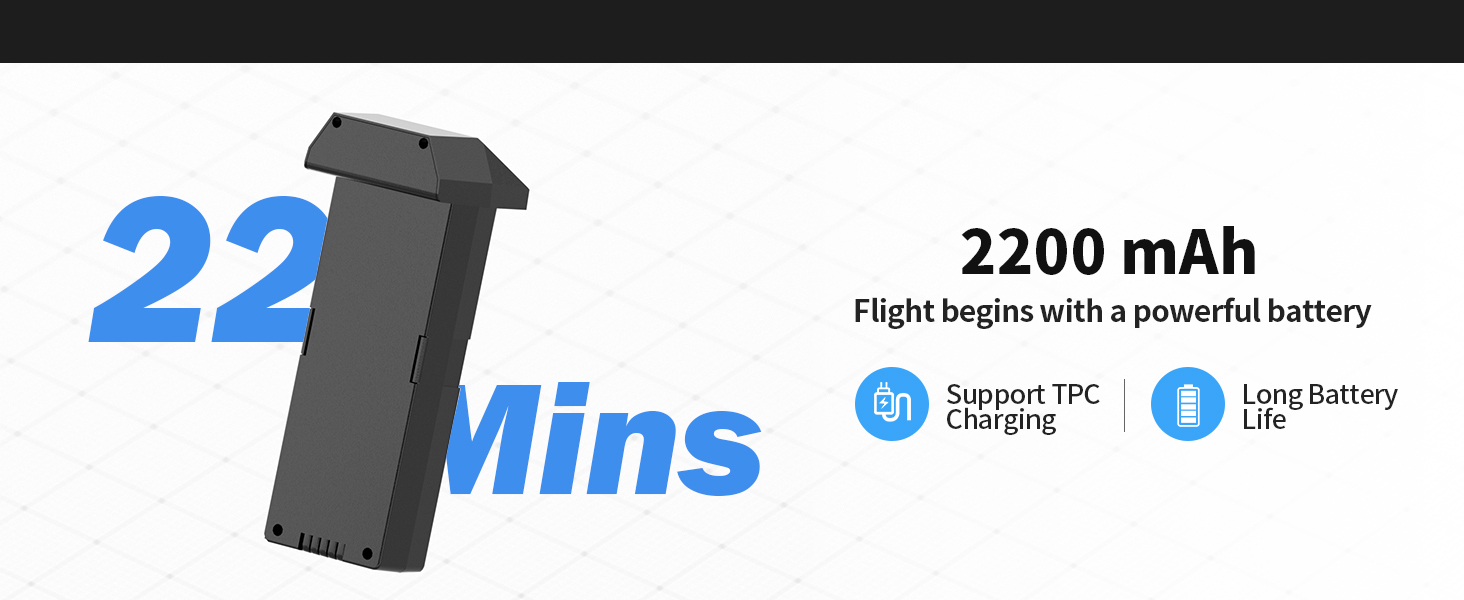
Figure 6.3: Gesture Control for photo and video capture.
6.3 Camera and SD Card Usage
The K600GPS-C is equipped with a 1080p HD camera capable of capturing high-quality photos and videos, stored on the included 32GB SD card.
- ถ่ายภาพ/วิดีโอ: ใช้ปุ่มเฉพาะบนรีโมทคอนโทรลเพื่อถ่ายภาพหรือเริ่ม/หยุดการบันทึกวิดีโอ
- มุมกล้องที่ปรับได้: The camera angle can be adjusted electrically via the remote control for optimal framing.
- การ์ด SD: Insert the 32GB SD card into the drone's SD card slot before flight. All captured media will be saved directly to this card.
- To access media, remove the SD card from the drone and insert it into a card reader connected to a computer.

Figure 6.4: SD Card slot for media storage.
7. การบำรุงรักษา
การบำรุงรักษาอย่างถูกต้องจะช่วยให้โดรนของคุณมีอายุการใช้งานยาวนานและมีประสิทธิภาพสูงสุด
- การทำความสะอาด: After each flight, gently wipe the drone and remote control with a clean, dry cloth. Remove any dust, dirt, or debris from the motors and propellers.
- การตรวจสอบใบพัด: Regularly check propellers for cracks, bends, or chips. Replace damaged propellers immediately using the provided spares.
- การดูแลแบตเตอรี่ Store batteries in a cool, dry place, away from direct sunlight and extreme temperatures. Do not store fully charged or completely depleted batteries for extended periods. Charge them to about 50% for long-term storage.
- พื้นที่จัดเก็บ: When not in use, store the drone and all accessories in the provided carrying case to protect them from damage.
8 การแก้ไขปัญหา
If you encounter issues with your K600GPS-C drone, refer to the following common problems and solutions:
| ปัญหา | สาเหตุที่เป็นไปได้ | สารละลาย |
|---|---|---|
| โดรนไม่ตอบสนองต่อการควบคุมระยะไกล | ไม่ได้เชื่อมต่อ แบตเตอรี่เหลือน้อย อยู่นอกระยะ | Ensure both drone and remote are powered on and paired. Recharge batteries. Fly within operational range. |
| โดรนลอยไปมาระหว่างบิน | Gyroscope not calibrated, strong wind. | ทำการปรับเทียบไจโรสโคปบนพื้นผิวเรียบ หลีกเลี่ยงการบินในสภาพที่มีลมแรง |
| Poor video transmission or freezing. | Interference, drone too far, low battery. | Fly in an open area away from obstacles. Keep drone within optimal transmission range (within 50 meters for best video). Ensure batteries are charged. |
| Drone does not return to home point accurately. | Weak GPS signal, strong wind, RTH initiated indoors. | Ensure strong GPS signal before takeoff. Avoid strong winds. RTH is designed for outdoor GPS-enabled flight. |
| แบตเตอรี่ไม่ชาร์จ | Faulty cable/adapter, battery issue. | Try a different USB cable and power adapter. If issue persists, contact customer support. |
9. ข้อมูลจำเพาะ
| คุณสมบัติ | รายละเอียด |
|---|---|
| ยี่ห้อ | คารุยส์อาร์ซี |
| ชื่อรุ่น | K600GPS-C |
| หมายเลขรุ่น | JRSMY2026043001 |
| ขนาด | ยาว 9 นิ้ว x กว้าง 7.3 นิ้ว x สูง 5 นิ้ว |
| น้ำหนักสินค้า | 2.27 pounds (under 249g for drone itself, total package weight is 2.27 lbs) |
| ความละเอียดในการจับภาพวิดีโอ | 1080p (4K quality photos) |
| เทคโนโลยีการเชื่อมต่อ | Wi-Fi (การส่งสัญญาณ 5GHz) |
| คุณสมบัติพิเศษ | Auto Follow, Auto-Landing, GPS Positioning, Gesture Control, 4.5" HD LCD RC Screen |
| ประเภทแบตเตอรี่ | ลิเธียมไอออน (2200 mAh) |
| รองรับการ์ด SD | Up to 32GB (32GB SD Card included) |
| ประเภทการควบคุม | รีโมทคอนโทรล |
| วัสดุ | พลาสติก |
| ระดับทักษะ | ทุกระดับ (เหมาะสำหรับผู้เริ่มต้น) |
10. การรับประกันและการสนับสนุน
karuisrc is committed to providing high-quality products and customer satisfaction. For any inquiries, technical support, or warranty claims, please contact us using the information below.
- โทรศัพท์ฝ่ายบริการลูกค้า: +44 7419 298225
- อีเมลฝ่ายบริการลูกค้า: Karuisrc@gmail.com
- นโยบายการคืนสินค้า: This product is eligible for a 30-day refund/replacement policy from the date of purchase. Please refer to your retailer's specific return guidelines for detailed information.
Figure 10.1: Dedicated customer support for karuisrc products.