
KOORUI S2721XO 27-Inch QD-OLED Gaming Monitor User Manual
รุ่น: S2721XO
1. บทนำ
This manual provides instructions for the setup, operation, maintenance, and troubleshooting of your KOORUI S2721XO 27-inch QD-OLED Gaming Monitor. Please read this manual thoroughly before using the product to ensure proper function and safety.
The KOORUI S2721XO monitor features a 27-inch QD-OLED panel with QHD (2560x1440) resolution, a 240Hz refresh rate, and a 0.03ms (GtG) response time. It supports HDR True Black 400 and AdaptiveSync technology for a smooth visual experience. Connectivity options include HDMI 2.1 and DisplayPort 1.4.
2. ข้อมูลด้านความปลอดภัย
- ตรวจสอบให้แน่ใจว่าวางจอภาพไว้บนพื้นผิวที่มั่นคงและเรียบเพื่อป้องกันการตกโดยไม่ได้ตั้งใจ
- อย่าให้จอภาพโดนฝนหรือความชื้นเพื่อหลีกเลี่ยงไฟฟ้าช็อต
- รักษาช่องระบายอากาศให้ชัดเจนเพื่อป้องกันความร้อนสูงเกินไป
- ใช้เฉพาะอะแดปเตอร์แปลงไฟที่ให้มาพร้อมกับจอภาพเท่านั้น
- หลีกเลี่ยงการสัมผัสหน้าจอด้วยวัตถุมีคม
- Disconnect the power cable from the outlet before cleaning or if the monitor will be unused for an extended period.
3. การตั้งค่า
3.1 เนื้อหาบรรจุภัณฑ์
ตรวจสอบว่ามีส่วนประกอบทั้งหมดอยู่ในแพ็คเกจ:
- KOORUI S2721XO Monitor
- ขาตั้งจอมอนิเตอร์ (ฐานและคอ)
- สายไฟ
- สาย DisplayPort (1.8 เมตร)
- คู่มือการใช้งาน (เอกสารนี้)
3.2 การประกอบขาตั้ง
- ยึดคอขาตั้งเข้ากับแผงจอภาพ ตรวจสอบให้แน่ใจว่าล็อคเข้าที่อย่างแน่นหนา
- ติดฐานขาตั้งเข้ากับส่วนคอของขาตั้ง ขันสกรูให้แน่นตามความจำเป็น
Alternatively, the monitor supports VESA 100x100mm mounting for compatible wall mounts or monitor arms.
รูปที่ 3.2.1: ด้านหลัง view of the monitor with VESA mount and stand attachment.

รูปที่ 3.2.2: ด้านหลัง view ของจอภาพพร้อมขาตั้งประกอบแล้ว
3.3 การเชื่อมต่อกับอุปกรณ์
The monitor provides multiple input options:
- HDMI2.1: Connect to a PC or gaming console using an HDMI 2.1 cable. The monitor has two HDMI 2.1 ports.
- ดิสเพย์พอร์ต 1.4: Connect to a PC using a DisplayPort 1.4 cable. A DisplayPort cable is included.
- เอาต์พุตเสียง: เชื่อมต่อลำโพงภายนอกหรือหูฟังเข้ากับแจ็คเสียง 3.5 มม.

รูปที่ 3.3.1: พอร์ตอินพุตของจอภาพ
After connecting the video cable, connect the power cable to the monitor and then to a power outlet.
4. การดำเนินการ
4.1 เปิด/ปิดเครื่อง
กดปุ่มเปิด/ปิด (โดยปกติจะอยู่ด้านหลังหรือด้านล่างของจอภาพ) เพื่อเปิดหรือปิดจอภาพ ไฟแสดงสถานะจะสว่างขึ้นเมื่อจอภาพเปิดอยู่
4.2 เมนูการแสดงผลบนหน้าจอ (OSD)
The monitor features a joystick controller for navigating the OSD menu. This allows for easy adjustment of various settings.
- กดจอยสติ๊ก: เปิดเมนู OSD
- Move joystick Up/Down: นำทางผ่านตัวเลือกเมนู
- Move joystick Left/Right: ปรับค่าหรือเข้าสู่เมนูย่อย
- กดอีกครั้ง: Confirms selection or exits a sub-menu.
4.3 การตั้งค่าการแสดงผล
Adjust the following settings via the OSD menu for optimal performance:
- ปณิธาน: Set to 2560x1440 (QHD) for the native display resolution.
- อัตราการรีเฟรช: Select 240Hz for the smoothest motion.
- อะแดปทีฟซิงค์: Enable AdaptiveSync (FreeSync compatible) to eliminate screen tearing and stuttering during gaming.
- HDR True Black 400: Activate HDR for enhanced contrast and color depth in compatible content.
- ช่วงสี: Adjust color settings, including DCI-P3 99% and sRGB 100% modes, for accurate color reproduction.
- ความสว่าง/คอนทราสต์: Fine-tune display brightness (average 280 nits) and contrast levels.
- Image Retention Refresh: This feature helps prevent burn-in on the OLED panel. It is recommended to keep this enabled.
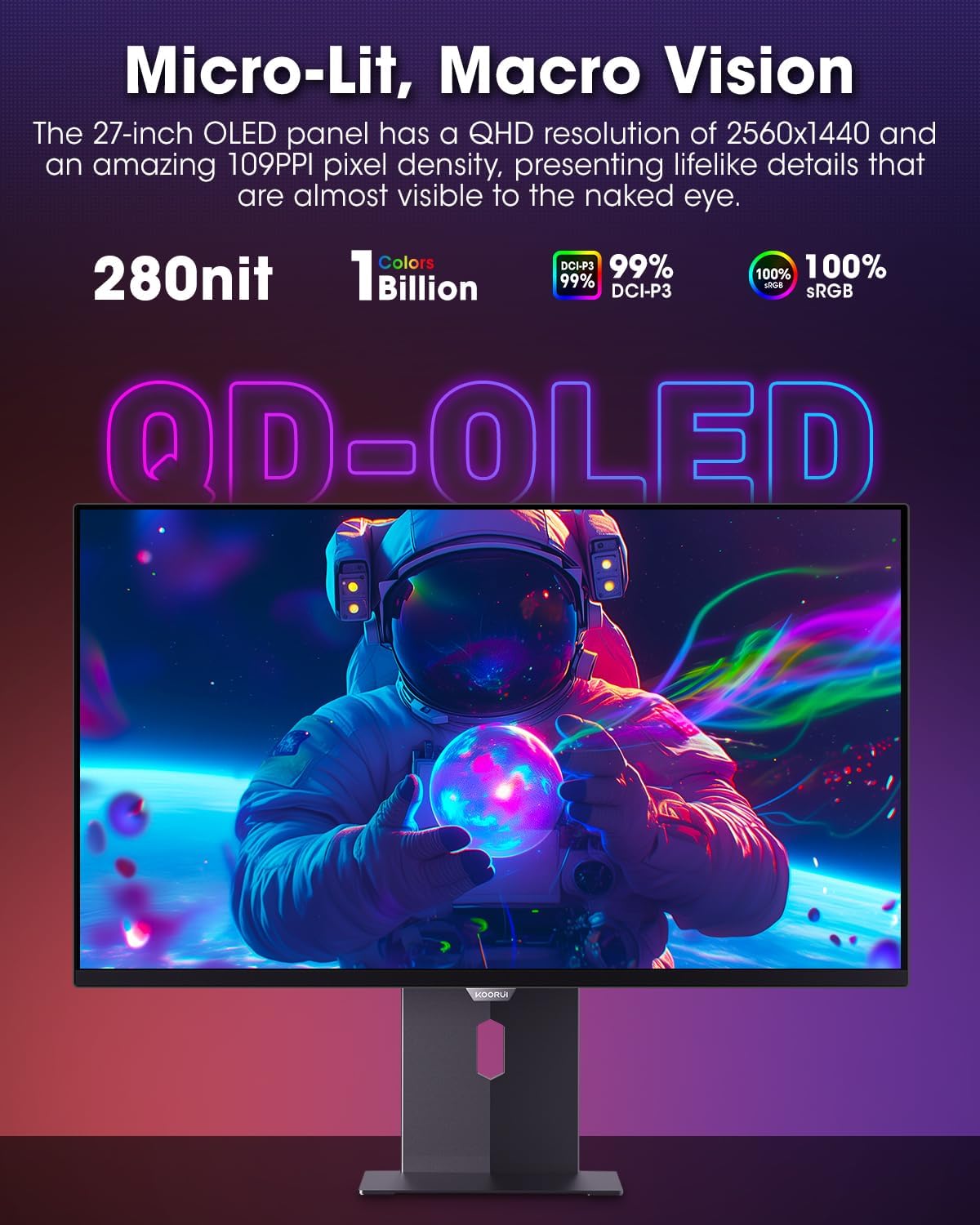
Figure 4.3.1: The QD-OLED panel delivers vivid colors and deep blacks.

Figure 4.3.2: High refresh rate and low response time for smooth gaming.
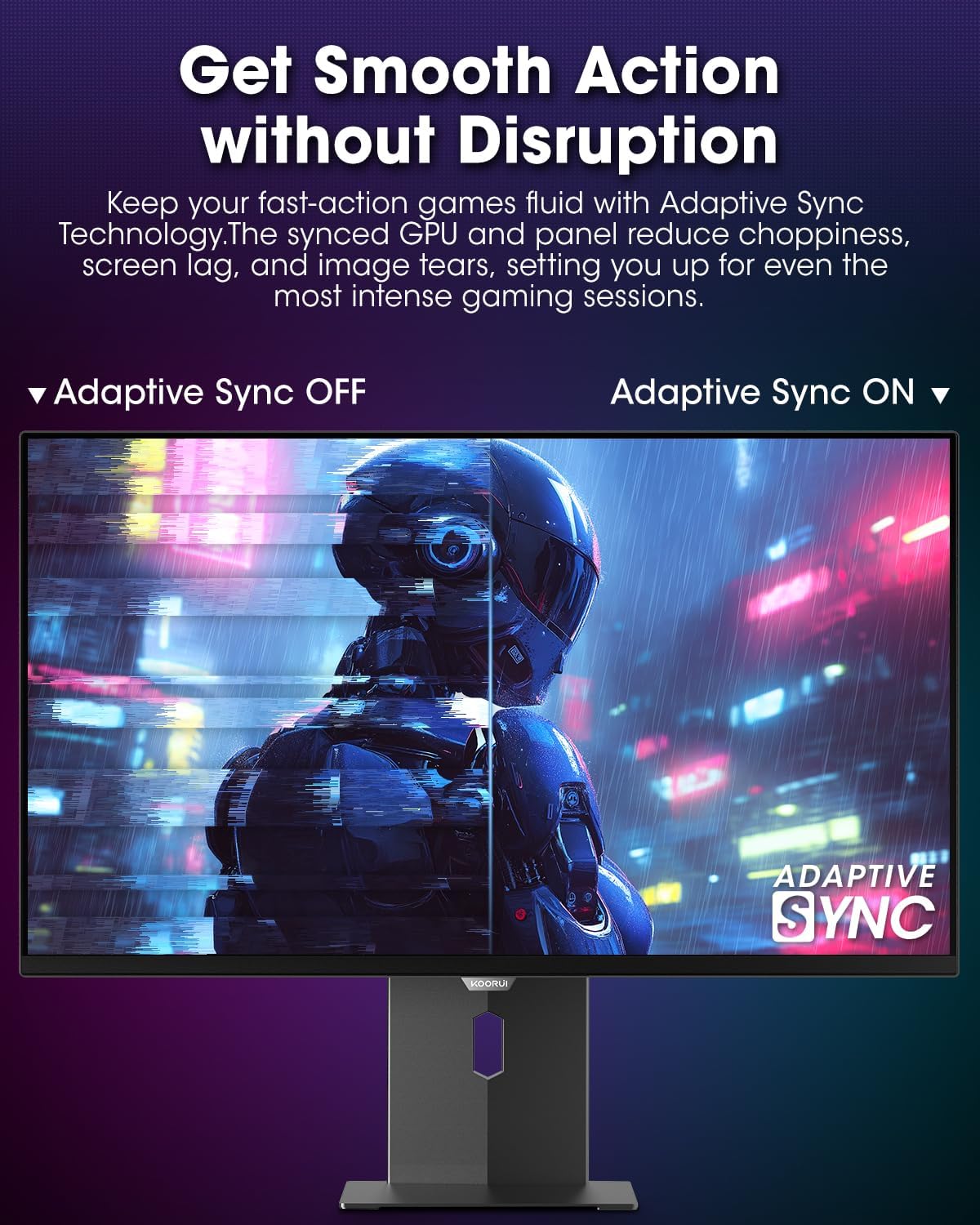
Figure 4.3.3: AdaptiveSync technology prevents screen tearing.
4.4 การปรับตามหลักสรีรศาสตร์
ขาตั้งจอภาพสามารถปรับแต่งได้หลากหลายเพื่อเพิ่มประสิทธิภาพ viewความสะดวกสบาย:
- การปรับความสูง: ยกหรือลดจอภาพให้อยู่ในระดับสายตา
- เอียง: ปรับมุมหน้าจอไปข้างหน้าหรือข้างหลัง
- หมุน: หมุนจอภาพในแนวนอน
- หมุน: หมุนจอภาพให้อยู่ในแนวตั้ง (โหมดภาพบุคคล)

รูปที่ 4.4.1: การปรับมุมเอียงของจอภาพ

Figure 4.4.2: Monitor pivot adjustment to portrait mode.
5. การบำรุงรักษา
- การทำความสะอาดหน้าจอ: ใช้ผ้านุ่มไม่เป็นขุยค่อยๆ งampล้างออกด้วยน้ำหรือน้ำยาทำความสะอาดหน้าจอ ห้ามฉีดน้ำยาทำความสะอาดลงบนหน้าจอโดยตรง
- การทำความสะอาด Casing: เช็ดจอภาพคasinเช็ดทำความสะอาดด้วยผ้าแห้งเนื้อนุ่ม หลีกเลี่ยงการใช้สารทำความสะอาดที่มีฤทธิ์กัดกร่อน
- การระบายอากาศ : Ensure the monitor's ventilation holes are not blocked to prevent overheating.
- หมดแรง: ปิดและถอดปลั๊กจอภาพทุกครั้งก่อนทำความสะอาด
6 การแก้ไขปัญหา
| ปัญหา | สาเหตุที่เป็นไปได้ | สารละลาย |
|---|---|---|
| ไม่มีภาพบนหน้าจอ | สายไฟถูกตัดการเชื่อมต่อ; สายวิดีโอถูกตัดการเชื่อมต่อ; เลือกแหล่งสัญญาณอินพุตไม่ถูกต้อง | ตรวจสอบการเชื่อมต่อสายไฟและสายวิดีโอ เลือกแหล่งอินพุตที่ถูกต้องผ่านเมนู OSD |
| ภาพกระพริบหรือฉีกขาด | AdaptiveSync not enabled; Graphics card driver issues. | Enable AdaptiveSync in OSD menu; Update graphics card drivers. |
| สีที่ปรากฏไม่ถูกต้อง | การตั้งค่าสีไม่ถูกต้อง; สายวิดีโอชำรุด | Reset color settings in OSD menu; Try a different video cable. |
| จอภาพไม่เปิด | สายไฟไม่ได้เชื่อมต่อ เต้าเสียบไฟฟ้าไม่ทำงาน | Ensure power cable is securely connected; Test power outlet with another device. |
7. ข้อมูลจำเพาะ
| คุณสมบัติ | รายละเอียด |
|---|---|
| ยี่ห้อ | คูรุย |
| หมายเลขรุ่น | S2721XO |
| ขนาดหน้าจอ | 27 นิ้ว |
| ประเภทจอภาพ | โอแอลอีดี QD |
| ปณิธาน | QHD จอไวด์สกรีน 1440p (2560 x 1440 พิกเซล) |
| อัตราการรีเฟรช | 240 เฮิรตซ์ |
| เวลาตอบสนอง | 0.03 Milliseconds (GtG) |
| อัตราส่วนคอนทราสต์ | 20,000,000:1 น. |
| ความสว่าง | 350 candela_per_square_meter (average 280 nits) |
| ช่วงสี | 99% DCI-P3 |
| รองรับ HDR | HDR True Black 400 |
| การซิงค์แบบปรับตัว | รองรับ FreeSync |
| การเชื่อมต่อ | 2x HDMI 2.1, 1x DisplayPort 1.4, 1x ช่องต่อเสียงออก |
| หลักสรีรศาสตร์ | Tilt, Height, Swivel, Pivot Adjustment |
| แท่นยึด VESA | 100x100มม. |
| ขนาดสินค้า | 21.58 x 61 x 51.2 ซม. ; 8.96 กก. |

รูปที่ 7.1: ขนาดจอภาพ
8. การรับประกันและการสนับสนุน
8.1 ข้อมูลการรับประกัน
The KOORUI S2721XO monitor comes with a รับประกันจำกัด 1 ปี. Please retain your proof of purchase for warranty claims. For detailed warranty terms and conditions, refer to the official KOORUI webไซต์หรือติดต่อฝ่ายสนับสนุนลูกค้า
8.2 การสนับสนุนลูกค้า
For technical assistance, troubleshooting, or warranty inquiries, please contact KOORUI customer support. Refer to the contact information provided on the official KOORUI webเว็บไซต์หรือเอกสารการซื้อของคุณ
You can also find additional support resources and FAQs on the KOORUI brand store on Amazon: KOORUI Amazon Store
9. วิดีโอผลิตภัณฑ์
KOORUI 4K OLED Gaming Monitor 240Hz (Seller Video)
วิดีโอนี้มีเนื้อหาเกี่ยวกับview of the KOORUI OLED Gaming Monitor, highlighting its key features such as high refresh rate and OLED display technology. While the title mentions "4K", the video content is generally applicable to high-performance OLED gaming monitors from KOORUI, including the S2721XO model's features like 240Hz refresh rate and fast response time.