
การแนะนำ
This manual provides essential information for the safe and efficient use of your Sony K55XR50 55-inch Bravia 5 Series 4K Mini LED Smart Google TV. Please read these instructions thoroughly before operating the television and retain them for future reference. This television features a 4K Mini LED display, the XR Processor for enhanced picture quality, AI Super Resolution, and integrated Google TV for smart functionality.
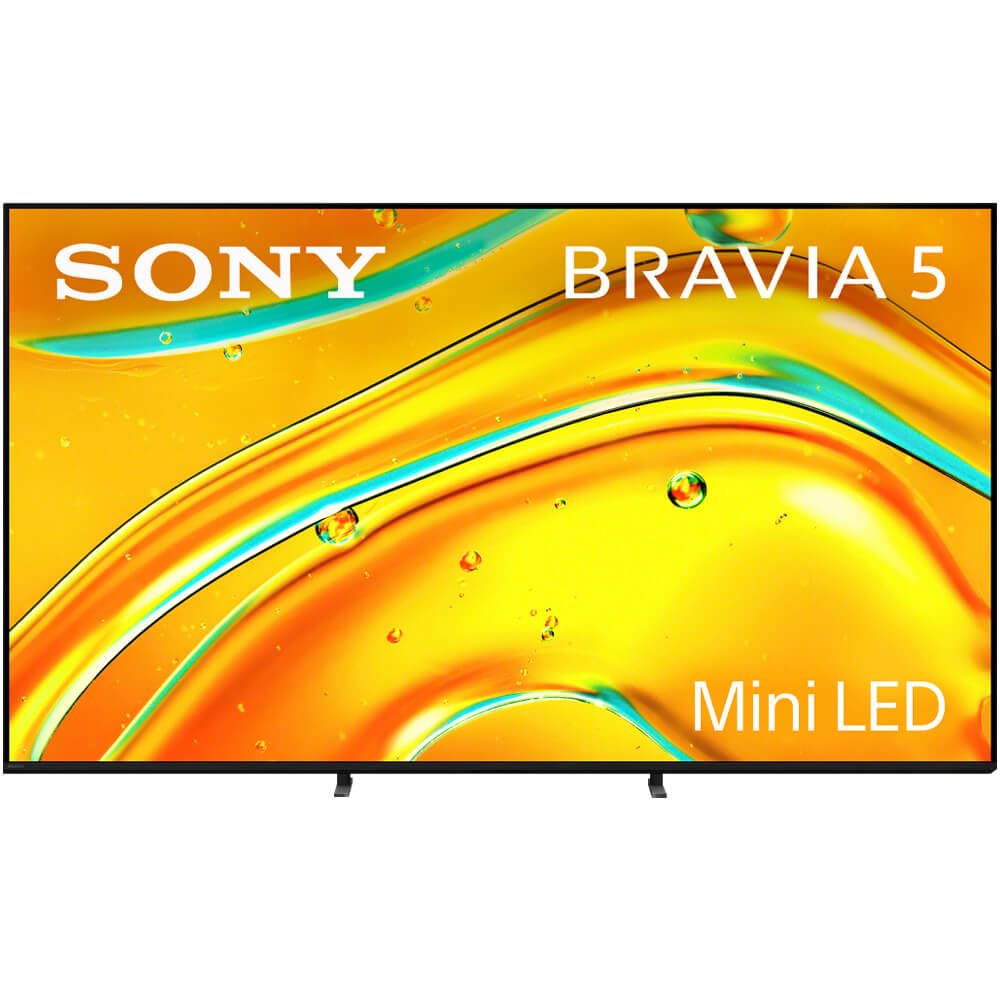
Image: The Sony K55XR50 television displayed in a contemporary living room environment, showcasing its sleek design and integration into home decor.
การตั้งค่า
1. การเปิดออกและการตรวจสอบ
Carefully remove the television and all accessories from the packaging. Inspect for any signs of damage. Keep packaging materials for potential future transport or service.
2. การติดตั้งขาตั้ง
If you are not wall-mounting the television, attach the included stands. Ensure the television is placed on a stable, level surface.

ภาพ: ภาพระยะใกล้ view of one of the television's stand bases, illustrating its design and how it supports the display.
- Align the stand brackets with the corresponding holes on the bottom of the television.
- ยึดขาตั้งด้วยสกรูที่ให้มา อย่าขันแน่นเกินไป
- Ensure both stands are firmly attached before placing the TV upright.
3. อุปกรณ์เชื่อมต่อ
Connect your external devices such as cable boxes, Blu-ray players, or gaming consoles to the HDMI ports. The television features 4 HDMI ports. For optimal 4K performance, use high-speed HDMI cables.
- สายไฟ: เชื่อมต่อสายไฟเข้ากับทีวีแล้วจึงเสียบเข้ากับเต้ารับที่ผนัง
- อุปกรณ์ HDMI: Use HDMI ports for video and audio input.
- อุปกรณ์ยูเอสบี: Connect USB storage devices to the USB ports.
- การเชื่อมต่อเครือข่าย: Connect an Ethernet cable for a wired internet connection or proceed to wireless setup during initial configuration.
4. ตัวช่วยเปิดเครื่องและการตั้งค่าเบื้องต้น
Plug in the power cord and press the power button on the remote control or the TV. Follow the on-screen instructions to complete the initial setup, including language selection, network connection, and Google TV account setup.
การใช้งานทีวีของคุณ
1. การควบคุมระยะไกลview
Familiarize yourself with the remote control buttons. Key functions include power, volume, channel, input selection, and navigation buttons for the Google TV interface.
2. การนำทางอินเทอร์เฟซ Google TV

Image: The Sony K55XR50 television screen showing the Google TV home interface, featuring various streaming app icons and content recommendations.
Use the directional pad and 'OK' button on your remote to navigate through the Google TV home screen. Access apps, streaming services (Disney Plus, Google TV, Netflix, Prime Video), and settings.
3. ฟังก์ชั่นพื้นฐาน
- เปิด/ปิดเครื่อง: กดปุ่มเปิดปิดบนรีโมท
- การควบคุมระดับเสียง: ใช้ปุ่มเพิ่ม/ลดระดับเสียง
- การเลือกอินพุต: Press the 'Input' button to switch between connected devices (HDMI 1, HDMI 2, etc.).
- การควบคุมด้วยเสียง: Use the built-in mic switch on the TV or the remote's microphone button to activate Google Assistant for voice commands.
4. คุณสมบัติอัจฉริยะและการเล่นเกม
Your TV supports various internet applications and offers exclusive features for PlayStation 5, making it ideal for gaming. Access the Game Menu for optimized gaming settings.
การบำรุงรักษาและการดูแล
1. Cleaning the Screen and Cabinet
- ควรถอดปลั๊กทีวีทุกครั้งก่อนทำความสะอาด
- ใช้ผ้าแห้งนุ่มเช็ดหน้าจอและตู้
- สำหรับรอยฝังแน่น ให้เช็ดเบาๆampชุบผ้าด้วยน้ำหรือน้ำยาทำความสะอาดหน้าจอสูตรอ่อนโยนที่ไม่กัดกร่อน ห้ามฉีดน้ำยาลงบนหน้าจอโดยตรง
- หลีกเลี่ยงการใช้สารเคมีรุนแรง แผ่นขัด หรือตัวทำละลาย
2. การอัปเดตซอฟต์แวร์
Ensure your TV's software is up to date for optimal performance and security. The TV will typically prompt you for updates, or you can manually check in the settings menu under 'System' > 'About' > 'System update'.
การแก้ไขปัญหา
ปัญหาทั่วไปและแนวทางแก้ไข
- ไม่มีไฟฟ้า: ตรวจสอบให้แน่ใจว่าสายไฟเสียบเข้ากับทั้งทีวีและเต้ารับที่ผนังอย่างแน่นหนา ลองใช้เต้ารับอื่น
- ไม่มีภาพ/เสียง: Check that the correct input source is selected. Verify all HDMI cables are properly connected.
- รีโมทคอนโทรลไม่ทำงาน: Replace the batteries (2 AAA alkaline batteries required). Ensure there are no obstructions between the remote and the TV.
- คุณภาพภาพไม่ดี: Check the source resolution. Adjust picture settings in the TV menu. Ensure your antenna or cable connection is secure.
- ไม่มีการเชื่อมต่ออินเทอร์เน็ต: Verify your Wi-Fi password or Ethernet cable connection. Restart your router and modem.
- ทีวีทำงานช้า/ไม่ตอบสนอง: ลองรีสตาร์ททีวีโดยถอดปลั๊กออกจากเต้าเสียบไฟสักสองสามนาที แล้วเสียบปลั๊กกลับเข้าไปใหม่
ข้อมูลจำเพาะ
| คุณสมบัติ | รายละเอียด |
|---|---|
| ขนาดหน้าจอ | 55 นิ้ว |
| เทคโนโลยีการแสดงผล | มินิแอลอีดี |
| ปณิธาน | 4K (3840 x 2160), 1080p, 720p |
| อัตราการรีเฟรช | 120 เฮิรตซ์ |
| โปรเซสเซอร์ | โปรเซสเซอร์ XR |
| ระบบปฏิบัติการ | กูเกิลทีวี |
| รองรับรูปแบบ HDR | ระบบภาพ Dolby |
| Integrated Surround Sound | ระบบเสียง Dolby Atmos |
| พอร์ต HDMI ทั้งหมด | 4 |
| พอร์ต USB | 1 (Total USB 3.0 Ports: 1) |
| เทคโนโลยีไร้สาย | บลูทู ธ Wi-Fi |
| ขนาด (D x W x H) | ลึก 54 นิ้ว x กว้าง 34 นิ้ว x สูง 7 นิ้ว |
| น้ำหนักสินค้า | 56 ปอนด์ |
| การใช้พลังงาน | 185 วัตต์ |
| ส่วนประกอบที่รวมอยู่ | คู่มือการใช้งาน |
ข้อมูลการรับประกัน
This Sony K55XR50 television comes with a การรับประกันจากผู้ผลิต 1 ปีโปรดเก็บหลักฐานการซื้อไว้เพื่อใช้ในการเคลมประกัน สำหรับเงื่อนไขและข้อกำหนดโดยละเอียด โปรดดูบัตรรับประกันที่แนบมากับผลิตภัณฑ์ของคุณ หรือไปที่เว็บไซต์ฝ่ายสนับสนุนอย่างเป็นทางการของ Sony webเว็บไซต์.
การสนับสนุนลูกค้า
For further assistance, technical support, or service inquiries, please contact Sony Customer Support. You can find contact information on the official Sony website or through the support section within your television's settings menu.
การสนับสนุนทางออนไลน์: เยี่ยม www.sony.com/electronics/support