
การแนะนำ
This manual provides instructions for the safe operation, installation, and maintenance of your jojofuny 30W Mini Ceiling Fan with LED Light and Remote Control. Please read this manual thoroughly before use and retain it for future reference.
เนื้อหาแพ็คเกจ
Verify that all items listed below are present and in good condition upon unpacking.
- 1 x jojofuny Mini Ceiling Fan with LED Light
- 1 x รีโมทคอนโทรล
- 1 x คู่มือผู้ใช้ (เอกสารนี้)

Image: The jojofuny Mini Ceiling Fan with LED Light and its accompanying remote control.
คำแนะนำเพื่อความปลอดภัย
ปฏิบัติตามข้อควรระวังด้านความปลอดภัยขั้นพื้นฐานเสมอเมื่อใช้เครื่องใช้ไฟฟ้า เพื่อลดความเสี่ยงต่อการเกิดไฟไหม้ ไฟฟ้าช็อต และการบาดเจ็บส่วนบุคคล
- โปรดตรวจสอบให้แน่ใจว่าได้ตัดกระแสไฟออกจากเบรกเกอร์แล้วก่อนทำการติดตั้ง ทำความสะอาด หรือบำรุงรักษา
- ห้ามใช้พัดลมกับสายไฟหรือปลั๊กที่ชำรุด
- Keep hands, hair, and loose clothing away from moving parts of the fan.
- เครื่องใช้ไฟฟ้านี้ออกแบบมาสำหรับใช้ภายในอาคารเท่านั้น
- อย่าให้พัดลมโดนน้ำหรือความชื้นมากเกินไป
- Use only the remote control provided with the unit.
การติดตั้งและการตั้งค่า
The jojofuny Mini Ceiling Fan is designed for easy installation into a standard E27 screw-in light socket.
- หมดแรง: Ensure the power to the light fixture is turned off at the circuit breaker before beginning installation. This prevents electric shock.
- สกรูเข้า: Carefully screw the fan light into a standard E27 light socket until it is secure. Do not overtighten.
- เปิดเครื่อง: เรียกคืนพลังงานที่เบรกเกอร์
- ทดสอบ: Use the remote control to test the fan and light functions.
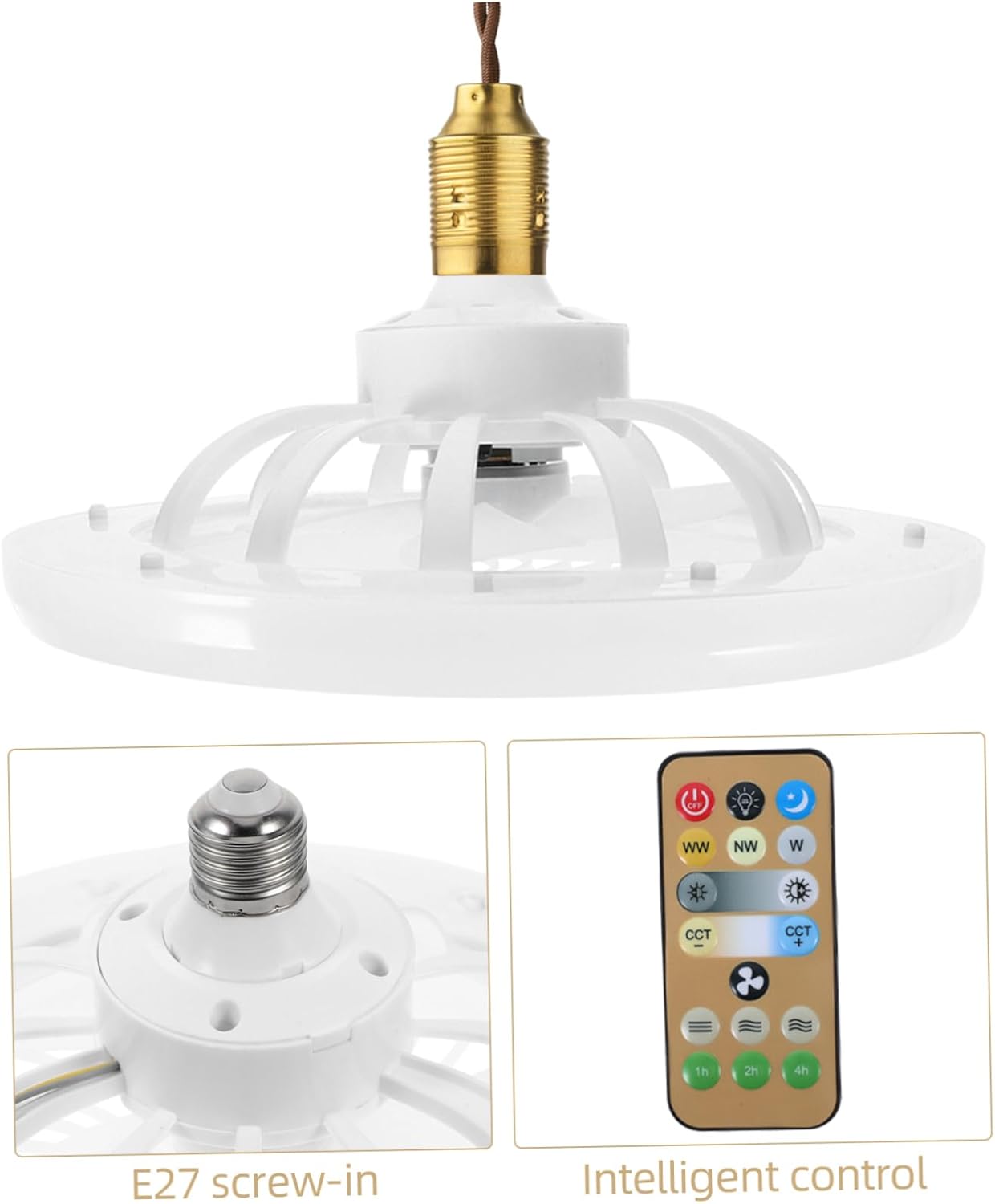
ภาพ: ระยะใกล้ view of the E27 screw-in base for installation, alongside the remote control.
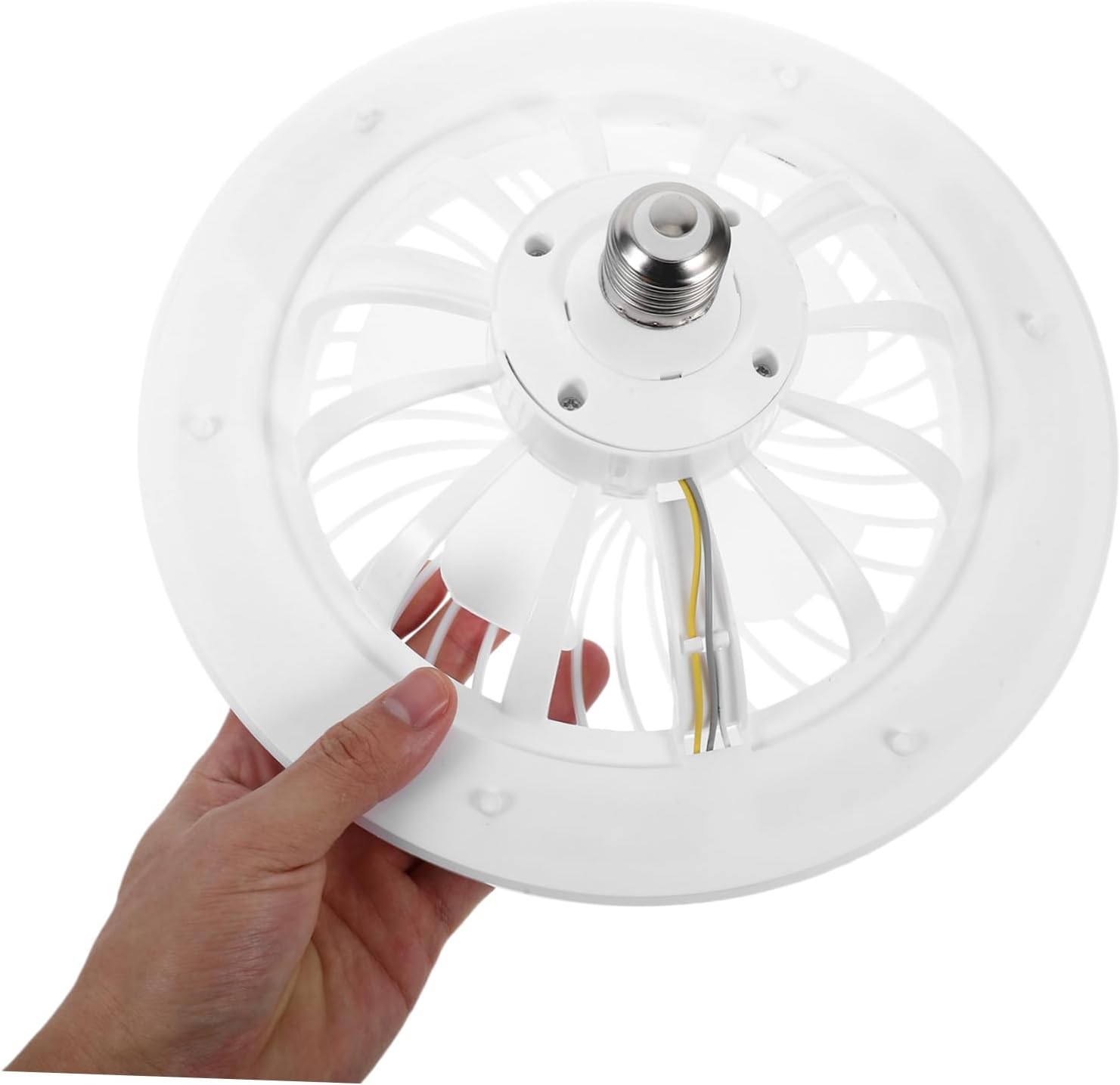
Image: A hand holding the fan light, illustrating its compact size and E27 screw-in base for easy handling.

Image: The mini ceiling fan installed and hanging from a ceiling fixture, ready for use.
คำแนะนำการใช้งาน
The fan and light functions are controlled via the included remote control.
ฟังก์ชั่นการควบคุมระยะไกล

Image: The remote control for the fan light, showing various buttons for light and fan speed adjustments.
- เปิด/ปิดเครื่อง: กดปุ่ม ปิด button to turn off both the fan and light. Press any function button (e.g., light on, fan speed) to turn the unit on.
- การควบคุมแสง:
- การปรับความสว่าง: Use the sun icon buttons (light up/down) to increase or decrease the light intensity.
- การปรับอุณหภูมิสี: ใช้ WW (แสงสีขาวนวล) NW (Neutral White), and W (Cool White) buttons to change the light color temperature.
- โหมดไฟกลางคืน: Press the moon icon button for a low-brightness, soft light setting.
- การควบคุมความเร็วพัดลม: Use the fan icon buttons (fan up/down) to adjust the fan speed to your preference.
- ฟังก์ชั่นจับเวลา: Set the fan/light to turn off automatically after 1 hour, 2 hours, or 4 hours using the respective buttons.

Image: A hand operating the remote control, demonstrating its use with the installed ceiling fan light.
การซ่อมบำรุง
Regular maintenance ensures optimal performance and longevity of your fan light.
- การทำความสะอาด: Always disconnect power at the circuit breaker before cleaning. Wipe the fan and light surfaces with a soft, damp cloth. Do not use abrasive cleaners, harsh chemicals, or solvents, as these may damage the finish.
- การกำจัดฝุ่น: Periodically remove dust from the fan blades and light cover to maintain efficient airflow and consistent light output. A soft brush or vacuum cleaner with a brush attachment can be used.
- การเปลี่ยนหลอดไฟ: The LED light source is integrated into the unit and is not user-replaceable. If the light fails, the entire unit may need servicing or replacement.
การแก้ไขปัญหา
If you encounter any issues with your fan light, refer to the table below for common problems and solutions.
| ปัญหา | สาเหตุที่เป็นไปได้ | สารละลาย |
|---|---|---|
| พัดลม/ไฟไม่ทำงาน | No power to the socket; Remote control battery is dead; Unit not screwed in properly. | Check circuit breaker and wall switch; Replace remote battery; Ensure unit is securely screwed into the E27 socket. |
| พัดลมทำงาน แต่ไฟไม่ติด | Light function is off on remote; Integrated LED failure. | Press the light ON button on the remote; Contact customer support if the integrated LED is faulty. |
| รีโมทคอนโทรลไม่ตอบสนอง | Remote battery is dead or low; Obstruction between remote and fan; Remote not paired (if applicable). | Replace remote battery; Ensure clear line of sight to the fan; Refer to pairing instructions if the remote requires it (not typically for this model). |
| พัดลมมีเสียงดังหรือสั่นมากเกินไป | Loose installation; Obstruction in fan blades; Damaged fan blades. | Ensure unit is securely installed in the socket; Check for and remove any obstructions; Inspect blades for damage. |
ข้อมูลจำเพาะ
Detailed technical specifications for the jojofuny Mini Ceiling Fan with LED Light.
| คุณสมบัติ | รายละเอียด |
|---|---|
| ยี่ห้อ | โจโจ้ฟันนี่ |
| หมายเลขรุ่น | QPW6304002SC263VF |
| แหล่งพลังงาน | E27 Screw-in (Remote Control: Battery Powered) |
| สี | สีขาว |
| ขนาดสินค้า | ลึก 10.16 นิ้ว x กว้าง 10.16 นิ้ว x สูง 4.33 นิ้ว (25.80 ซม. x 25.80 ซม. x 11.00 ซม.) |
| น้ำหนักสินค้า | 0.72 ปอนด์ (11.5 ออนซ์) |
| คุณสมบัติพิเศษ | Lightweight, Remote Control, Adjustable Brightness, Adjustable Color Temperature, Silent Operation |
| ส่วนประกอบที่รวมอยู่ | Fan Light, Remote Control |

Image: Diagram showing the dimensions of the fan light: 25.8cm (10.14in) diameter and 11cm (4.32in) height.
การรับประกันและการสนับสนุน
For warranty information or technical support, please contact jojofuny customer service. Refer to your purchase documentation for specific warranty terms and conditions.
For further assistance or to explore other jojofuny products, please visit the official jojofuny store on Amazon: jojofuny Amazon Store.