
1. บทนำ
Thank you for choosing the Cuifati MP3 Player. This device is designed to provide a versatile portable audio experience, featuring Bluetooth connectivity, HiFi sound quality, a voice recorder, FM radio, and e-book functionality. This manual will guide you through the setup, operation, and maintenance of your new MP3 player.
2. เนื้อหาบรรจุภัณฑ์
กรุณาทำเครื่องหมายในช่องสำหรับรายการต่อไปนี้:
- Cuifati MP3 Player
- สาย USB (ประเภท-C)
- คู่มือการใช้งาน
- Optional: Small Memory Card (16G/32G/64G, depending on purchase)
3. สินค้าหมดview
ทำความคุ้นเคยกับเค้าโครงและปุ่มควบคุมของอุปกรณ์

Image: Cuifati MP3 Player displaying its main menu interface with various function icons.

ภาพ: ด้านหน้า view of the Cuifati MP3 Player, highlighting its screen and control buttons.
The device features a 2.01-inch screen and intuitive navigation buttons for easy access to its functions.
4. การตั้งค่า
4.1 การเปิดเครื่องครั้งแรก
To turn on the device for the first time, press and hold the power button located on the side or top of the player until the screen illuminates.
4.2 การชาร์จอุปกรณ์
Before first use, fully charge the MP3 player. Connect the provided USB Type-C cable to the charging port on the device and the other end to a USB power adapter (not included) or a computer's USB port. A full charge typically takes approximately 2 hours and provides up to 48 hours of battery life.

Image: MP3 Player with its USB Type-C charging cable.
4.3 การขยายพื้นที่จัดเก็บข้อมูล
The MP3 player supports memory card expansion up to 128GB. Insert a compatible microSD card into the designated slot to store more music, videos, and other files.
5. คู่มือการใช้งาน
5.1 การนำทางพื้นฐาน
Use the circular navigation buttons to move through menus and select options. The central button typically acts as 'Enter' or 'Play/Pause', while the surrounding buttons control direction (Up, Down, Left, Right). A dedicated 'M' button often accesses menu options, and a 'Return' button navigates back.
5.2 การเล่นเพลง
The player supports various music formats including MP3, WMA, WAV, APE, FLAC, AAC-LC, M4A, and OGG. Navigate to the 'Music' icon on the main menu to browse and play your audio files. The device features HiFi lossless sound quality for an enhanced listening experience.

Image: Illustrates the HiFi sound quality feature of the MP3 player.
5.3 การเชื่อมต่อบลูทูธ
The MP3 player is equipped with Bluetooth 5.4 for stable wireless audio transmission. To connect to Bluetooth headphones or speakers:
- Go to the 'Bluetooth' menu on the player.
- ตรวจสอบให้แน่ใจว่าหูฟังหรือลำโพง Bluetooth ของคุณอยู่ในโหมดจับคู่
- เลือก 'ค้นหา devices' on the MP3 player.
- เลือกอุปกรณ์ของคุณจากรายการที่จะจับคู่
Note: The Bluetooth function only supports connection to Bluetooth headphones and Bluetooth speakers. It does not support file transfer or connection to smartphones.
5.4 วิทยุ FM
To use the FM radio function, connect wired headphones to the 3.5mm headphone jack. The wired headphones act as an antenna. Navigate to the 'FM' icon on the main menu to access radio functions, scan for stations, and listen.

Image: Demonstrates listening to FM radio with wired headphones.
5.5 เครื่องบันทึกเสียง
The device includes a voice recording function with lossless sound quality. Select the 'Record' icon to start, pause, and save audio recordings. This feature is useful for meetings, interviewหรือบันทึกส่วนตัว
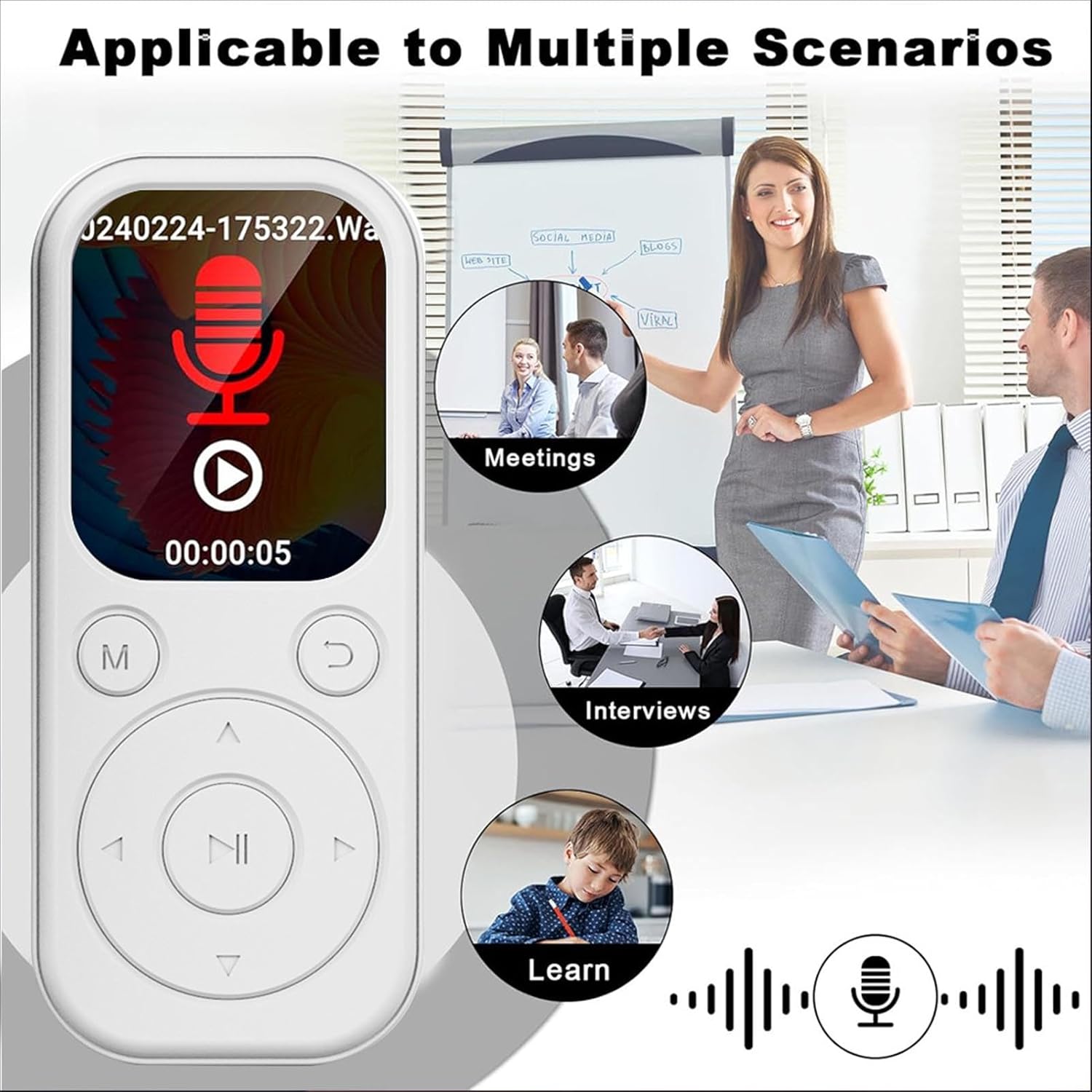
Image: MP3 Player showing its recording function, suitable for various scenarios.
5.6 เครื่องอ่านอีบุ๊ก
The MP3 player supports TXT format e-books. Transfer your TXT files to the device's storage and select the 'Ebook' icon to read them on the 2.01-inch screen.
5.7 Video and Picture Viewer
The device can play videos with a resolution of 240x288 in AVI format and display pictures. Use the 'Video' and 'Picture' icons to access these functions.
6. การบำรุงรักษา
- เก็บอุปกรณ์ให้แห้ง หลีกเลี่ยงการสัมผัสกับความชื้นหรือของเหลว
- ทำความสะอาดหน้าจอและตัวเครื่องด้วยผ้านุ่มและแห้ง ห้ามใช้น้ำยาทำความสะอาดที่มีฤทธิ์กัดกร่อน
- หลีกเลี่ยงอุณหภูมิที่สูงเกินไป อย่าให้อุปกรณ์โดนแสงแดดโดยตรงหรืออยู่ในสภาพแวดล้อมที่เย็นจัด
- Handle with care. Do not drop or subject the device to strong impacts.
- เก็บไว้ในสถานที่ที่ปลอดภัยเมื่อไม่ได้ใช้งาน
7 การแก้ไขปัญหา
7.1 Device Will Not Turn On
- ตรวจสอบให้แน่ใจว่าแบตเตอรี่ชาร์จเต็มแล้ว ต่ออุปกรณ์เข้ากับแหล่งจ่ายไฟและปล่อยให้ชาร์จอย่างน้อย 15 นาที ก่อนที่จะลองเปิดเครื่องอีกครั้ง
- If the device is unresponsive, try performing a soft reset (refer to the device's specific reset procedure if available, or hold the power button for an extended period).
7.2 ไม่สามารถเชื่อมต่อกับอุปกรณ์บลูทูธ
- Ensure both the MP3 player and the Bluetooth audio device are in pairing mode.
- Verify that the Bluetooth audio device is within range (typically 10 meters or 33 feet).
- Confirm that the Bluetooth function on the MP3 player is enabled.
- Remember that the MP3 player's Bluetooth only connects to headphones and speakers, not other devices like phones.
7.3 ไม่มีเสียงออกจากหูฟัง
- ตรวจสอบว่าได้เปิดระดับเสียงขึ้นหรือไม่
- ตรวจสอบให้แน่ใจว่าหูฟังเสียบเข้ากับแจ็ค 3.5 มม. อย่างถูกต้อง
- Test with another pair of headphones to rule out a faulty headphone issue.
8. ข้อมูลจำเพาะ
| ประเภทสินค้า | เครื่องเล่น MP3 |
| หมายเลขรุ่น | CUIFATIu1wiqvc6xd-13 |
| วัสดุ | เอบีเอส |
| ขนาด (กxยxส) | 92 x 39.8 x 8mm / 3.62 x 1.57 x 0.31in |
| น้ำหนัก | 26g / 0.9 oz (approx.) |
| สี | สีขาว |
| แบตเตอรี่ | แบตเตอรี่ลิเธียมไออน 500mAh ในตัว |
| หน้าจอ | 2.01 นิ้ว |
| เวอร์ชันบลูทูธ | 5.4 |
| พอร์ตชาร์จ | ประเภทซี |
| แจ็คหูฟัง | 3.5มม. |
| ความละเอียดวิดีโอ | ขนาด 240x288 |
| รูปแบบวิดีโอ | เอวีไอ |
| รูปแบบหนังสืออิเล็กทรอนิกส์ | ข้อความ |
| ระบบปฏิบัติการที่รองรับ | For Vista, for OS X 10, 12 above |
| ภาษาซอฟต์แวร์ | English, French, German, Russian, Spanish, Korean |
9. การรับประกันและการสนับสนุน
For warranty information and customer support, please refer to the documentation provided with your purchase or contact the retailer. Specific warranty terms may vary by region and seller.