
1. สินค้าหมดview
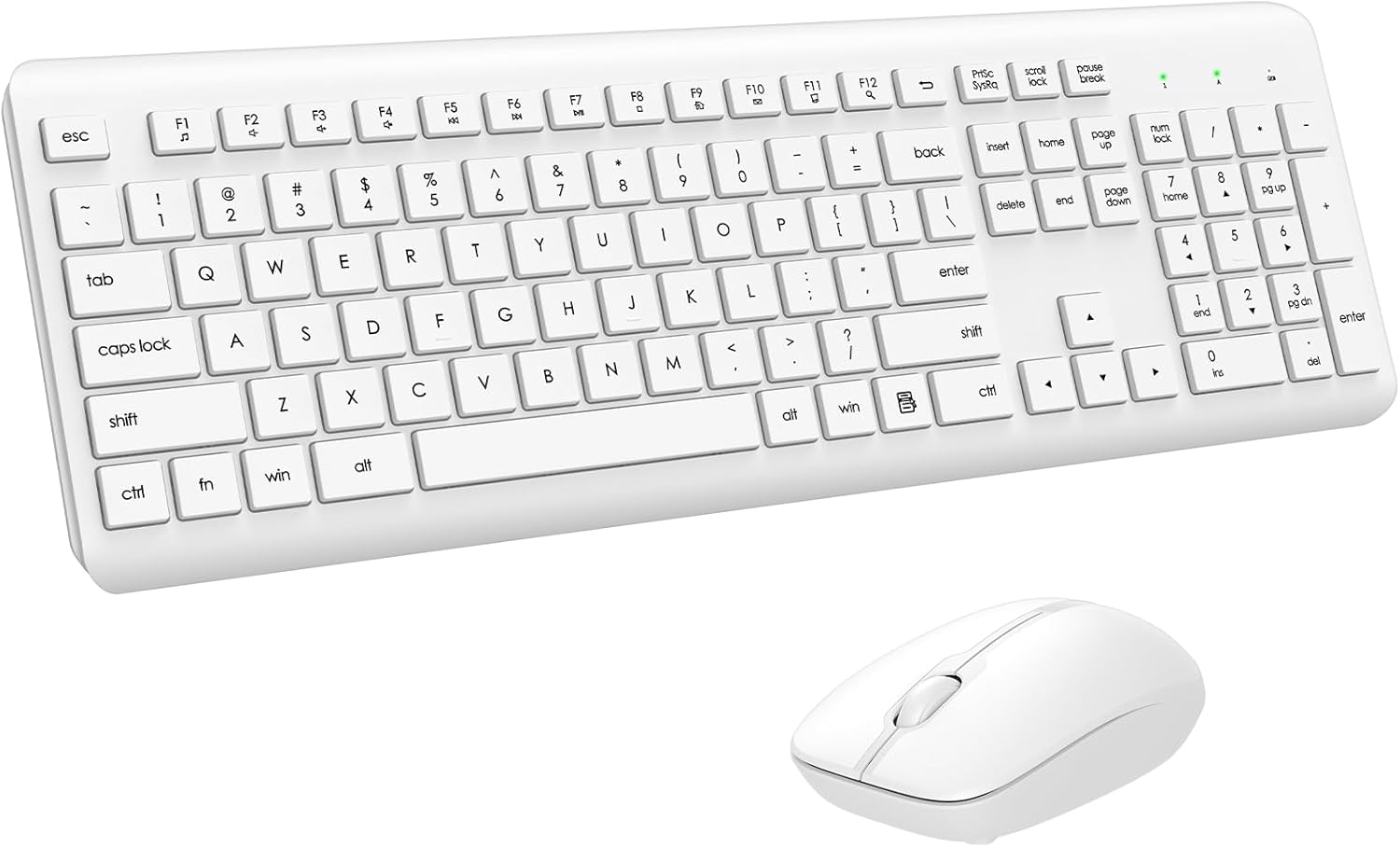
The EDJO Wireless Keyboard and Mouse Combo provides a full-size, silent, and ergonomic input solution for various computing environments. This combo utilizes a single 2.4G USB receiver for a stable and lag-free wireless connection.
2. เนื้อหาบรรจุภัณฑ์
ตรวจสอบว่ามีรายการทั้งหมดอยู่ในแพ็คเกจ:
- 1 x คีย์บอร์ดไร้สาย
- 1 x เมาส์ไร้สาย
- ตัวรับสัญญาณ USB 1 ชิ้น (โดยทั่วไปจะเก็บไว้ในช่องใส่แบตเตอรี่ของเมาส์)
- 1 x คู่มือผู้ใช้ (เอกสารนี้)

3. คำแนะนำในการตั้งค่า
3.1. การติดตั้งแบตเตอรี่
The keyboard and mouse require batteries for operation. Ensure correct polarity when inserting batteries.
- แป้นพิมพ์: Requires one AAA battery. Locate the battery compartment on the underside of the keyboard, open it, insert the battery, and close the compartment.
- หนู: Requires one AA battery. Locate the battery compartment on the underside of the mouse, open it, insert the battery, and close the compartment. The USB receiver is typically stored within this compartment.

3.2. การเชื่อมต่อตัวรับสัญญาณ USB
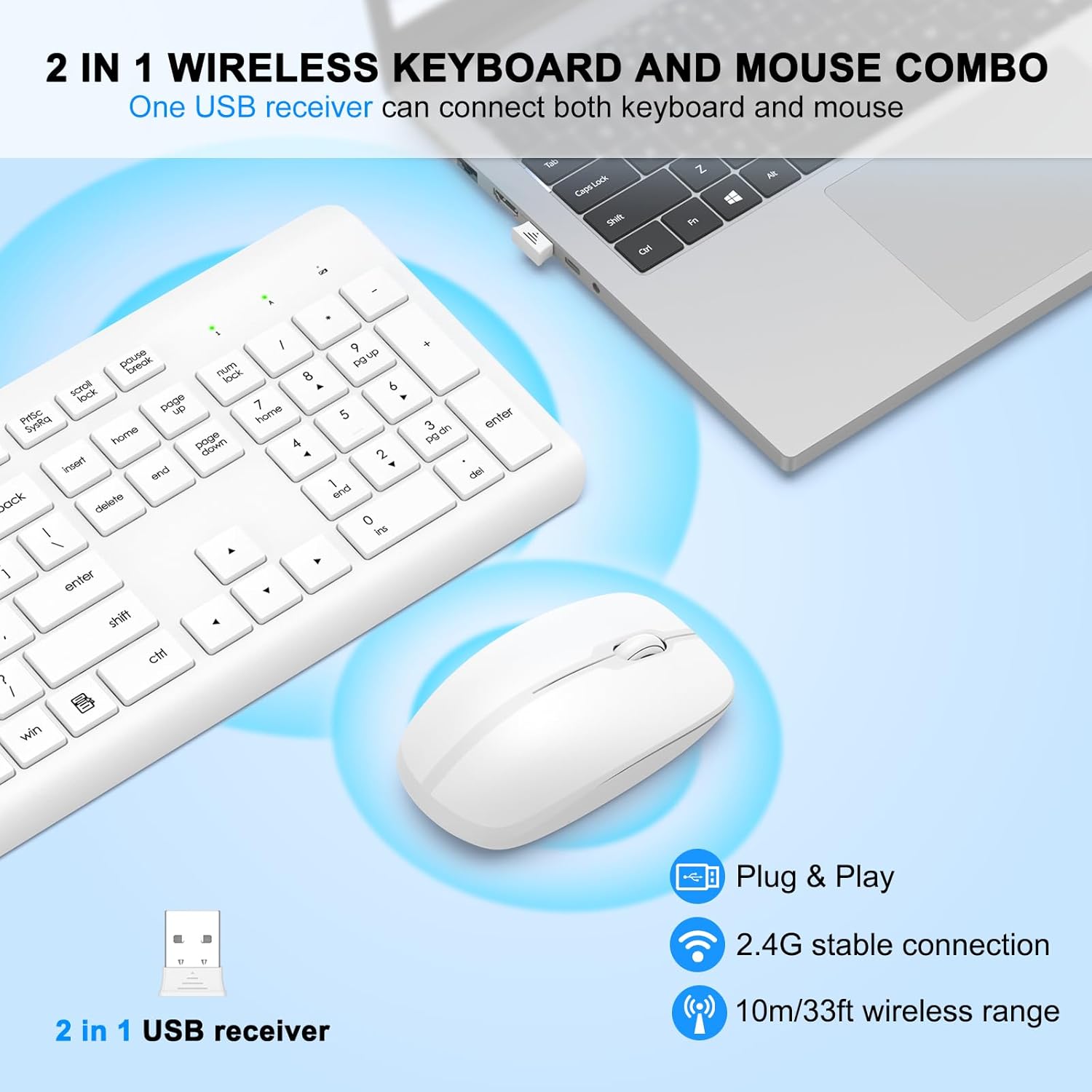
The keyboard and mouse share a single USB receiver for wireless connectivity.
- ถอดตัวรับสัญญาณ USB ออกจากช่องใส่แบตเตอรี่ของเมาส์
- Plug the USB receiver into an available USB port on your computer (desktop, laptop, Mac, etc.).
- Ensure the keyboard and mouse are powered on (check the ON/OFF switch on the mouse's underside).
- The devices are plug-and-play and should connect automatically within a few seconds. No additional drivers are typically required.

4. คู่มือการใช้งาน
4.1. คุณสมบัติของแป้นพิมพ์
The keyboard is a full-size layout with a numeric keypad and multimedia shortcut keys.
- ปุ่มลัดมัลติมีเดีย: The F1-F12 keys have secondary multimedia functions. To activate these, press the 'Fn' key simultaneously with the desired F-key. Functions include media player control, volume adjustment, email, homepage, and more.
- ขาตั้งปรับได้: The keyboard features adjustable tilt legs on the underside. Flip these out to achieve an 8-degree typing angle, which can enhance comfort and reduce wrist strain during extended use.
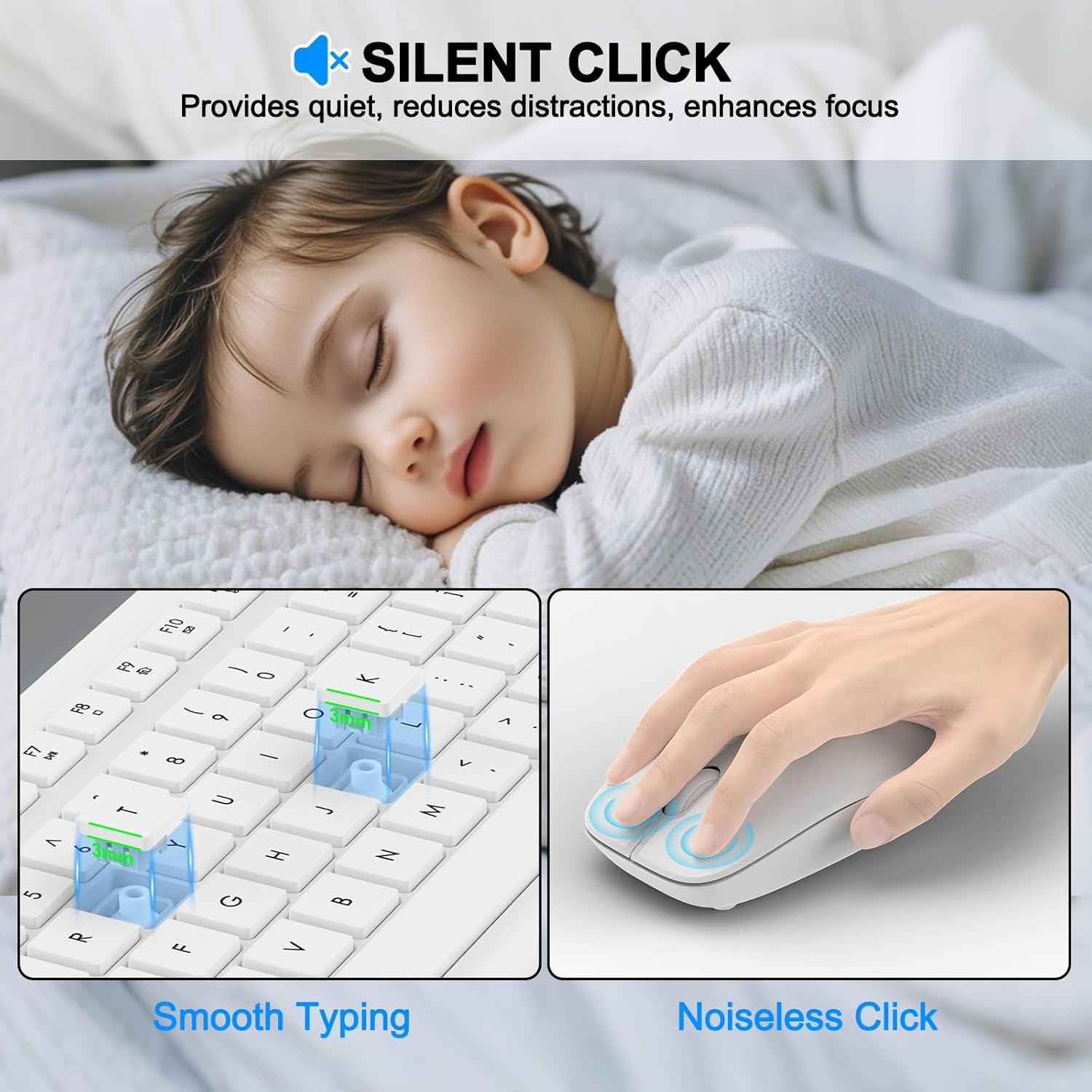
- การพิมพ์แบบเงียบ: The soft membrane keys are designed to provide a quiet typing experience, minimizing noise.
- ไฟ LED แสดงสถานะ: Three indicator lights are located above the numeric keypad for Power, Caps Lock, and Number Lock status.


4.2. คุณสมบัติของเมาส์
The optical mouse is designed for comfort and precise tracking.
- จุดต่อนิ้ว: The mouse operates at 1600 DPI, suitable for general use.
- คลิกเงียบ: The mouse utilizes silent micro-motion technology, resulting in minimal click noise.
- การออกแบบตามหลักสรีรศาสตร์: The contoured shape is designed to fit comfortably in hand for extended use.
4.3. ฟังก์ชันประหยัดพลังงาน
Both the keyboard and mouse are equipped with an automatic power-saving mode to conserve battery life.
- แป้นพิมพ์: Automatically enters sleep mode after 10 minutes of inactivity.
- หนู: Automatically enters sleep mode after 25 seconds of inactivity.
- ตื่นนอน: To reactivate either device, press any key on the keyboard or move/click the mouse.

4.4. ความเข้ากันได้
The wireless keyboard and mouse set supports a wide range of operating systems:
- วินโดวส์ 11, 10, 8, 7
- ระบบปฏิบัติการ Mac
- ระบบปฏิบัติการ Chrome
- ลินุกซ์
Compatible with devices such as laptops, desktop PCs, MacBooks, iMacs, Chromebooks, and more.

5. การบำรุงรักษา
5.1. การทำความสะอาด
The keyboard features a splash-proof design, making it resistant to minor spills. To clean the devices:
- Ensure both the keyboard and mouse are turned off.
- ใช้แบบนุ่มๆamp ผ้าเช็ดพื้นผิว
- For stubborn dirt, a small amount of mild soap solution can be used, followed by wiping with a clean, damp ผ้า.
- Avoid using harsh chemicals, abrasive cleaners, or submerging the devices in water.

5.2. การเปลี่ยนแบตเตอรี่
Replace batteries when performance degrades or devices stop responding. Refer to Section 3.1 for battery type and installation.
5.3. การจัดเก็บ
When storing the devices for an extended period, turn them off and remove the batteries to prevent leakage.
6 การแก้ไขปัญหา
If you encounter issues with your EDJO Wireless Keyboard and Mouse Combo, please refer to the following common solutions:
- ไม่มีการตอบสนองจากคีย์บอร์ด/เมาส์:
- ตรวจสอบให้แน่ใจว่าได้ติดตั้งแบตเตอรี่อย่างถูกต้องและแบตเตอรี่ไม่หมด หากจำเป็นให้เปลี่ยนแบตเตอรี่ใหม่
- Check if the mouse's ON/OFF switch is in the 'ON' position.
- ตรวจสอบว่าตัวรับสัญญาณ USB เสียบเข้ากับพอร์ต USB ที่ใช้งานได้บนคอมพิวเตอร์ของคุณอย่างแน่นหนา ลองใช้พอร์ต USB อื่น
- Move the keyboard and mouse closer to the USB receiver to rule out range issues (maximum 33 feet/10 meters).
- รีสตาร์ทเครื่องคอมพิวเตอร์ของคุณ
- การเชื่อมต่อล่าช้าหรือขาดๆ หายๆ:
- ตรวจสอบให้แน่ใจว่าไม่มีวัตถุโลหะขนาดใหญ่หรืออุปกรณ์ไร้สายอื่นๆ (เช่น เราเตอร์ Wi-Fi โทรศัพท์ไร้สาย) ที่ใช้งานอยู่ใกล้กับตัวรับสัญญาณมากเกินไป เพราะอาจทำให้เกิดการรบกวนได้
- Move the USB receiver to a different USB port, preferably one on the front of your computer or via a USB extension cable to improve line of sight.
- ตรวจสอบระดับแบตเตอรี่ แบตเตอรี่เหลือน้อยอาจส่งผลต่อความแรงของสัญญาณ
- เคอร์เซอร์เมาส์กระโดดหรือไม่แม่นยำ:
- ทำความสะอาดเซ็นเซอร์ออปติคัลที่อยู่ใต้เมาส์
- ควรใช้เมาส์บนพื้นผิวที่สะอาด ไม่สะท้อนแสง และเรียบเสมอกัน แนะนำให้ใช้แผ่นรองเมาส์
- คีย์เฉพาะไม่ทำงาน:
- Check for any debris under the keycap.
- Ensure the keyboard is not in a special mode (e.g., gaming mode if applicable, though this model does not specify one).
- If multiple keys are affected, try replacing the keyboard batteries.
7. ข้อมูลจำเพาะ
| คุณสมบัติ | ข้อมูลจำเพาะ |
|---|---|
| แบบอย่าง | B0F32PBV68 |
| การเชื่อมต่อ | 2.4 GHz ไร้สาย (ตัวรับสัญญาณ USB) |
| ช่วงสาย | สูงถึง 33 ฟุต (10 เมตร) |
| แบตเตอรี่คีย์บอร์ด | แบตเตอรี่ AAA 1 ก้อน (ไม่รวมอยู่ในชุด) |
| แบตเตอรี่เมาส์ | แบตเตอรี่ AA 1 ก้อน (ไม่รวม) |
| DPI ของเมาส์ | 1600 จุดต่อนิ้ว |
| ขนาดแป้นพิมพ์ | 42.8 ซม. x 14.5 ซม. x 3 ซม. (16.85 นิ้ว x 5.71 นิ้ว x 1.18 นิ้ว) |
| ขนาดของเมาส์ | 10.6 ซม. x 6.2 ซม. x 3.7 ซม. (4.17 นิ้ว x 2.44 นิ้ว x 1.46 นิ้ว) |
| น้ำหนักสินค้า | 1.57 ปอนด์ (ประมาณ 0.71 กก.) |
| คุณสมบัติพิเศษ | Ergonomic design, Silent keys/clicks, Multimedia hotkeys, Auto-sleep function, Splash-proof |
| อุปกรณ์ที่รองรับ | Laptop, Personal Computer, Windows, MacBook Pro, MacBook Air, iMac, Tablet, Television, Smartphone, Chromebook, Notebook |

8. การรับประกันและการสนับสนุน
EDJO provides a 12-month after-sales service for this product. If you encounter any issues or require support, please contact our customer service team. Refer to the product packaging or purchase platform for specific contact details.
For the most up-to-date support information, please visit the official EDJO store or contact the seller directly through your purchase platform.