
การแนะนำ
The Pilipane 4K High Definition Electronic Telescope Eyepiece (Model: Pilipane861auheg7f) is designed to enhance your observation experience, whether for astronomy or bird watching. This electronic eyepiece provides stunning 4K Ultra HD visuals, even in low-light conditions, and features a 3-inch color display for real-time viewing. Its versatile design allows for easy attachment to various optical telescopes and microscopes, and it supports expandable storage for continuous recording of your observations.
ข้อมูลด้านความปลอดภัย
- อย่าให้อุปกรณ์สัมผัสกับอุณหภูมิ ความชื้น หรือแสงแดดโดยตรง
- เก็บอุปกรณ์ให้ห่างจากน้ำและของเหลวอื่นๆ
- หลีกเลี่ยงการทำอุปกรณ์หล่นหรือกระแทกอย่างรุนแรง
- อย่าพยายามถอดประกอบหรือซ่อมแซมอุปกรณ์ด้วยตนเอง ติดต่อฝ่ายสนับสนุนลูกค้าเพื่อขอความช่วยเหลือ
- ใช้เฉพาะสายชาร์จและแหล่งจ่ายไฟที่ระบุไว้เท่านั้น
- เก็บให้พ้นจากมือเด็ก
การตั้งค่า
1. การแกะกล่อง
Carefully remove all components from the packaging. Ensure all parts are present before proceeding with setup.
2. การชาร์จอุปกรณ์
The electronic eyepiece comes with a built-in 850mAh lithium battery. Before first use, fully charge the device using the provided Type-C charging cable. Connect the cable to the Type-C port on the device and a suitable USB power adapter.
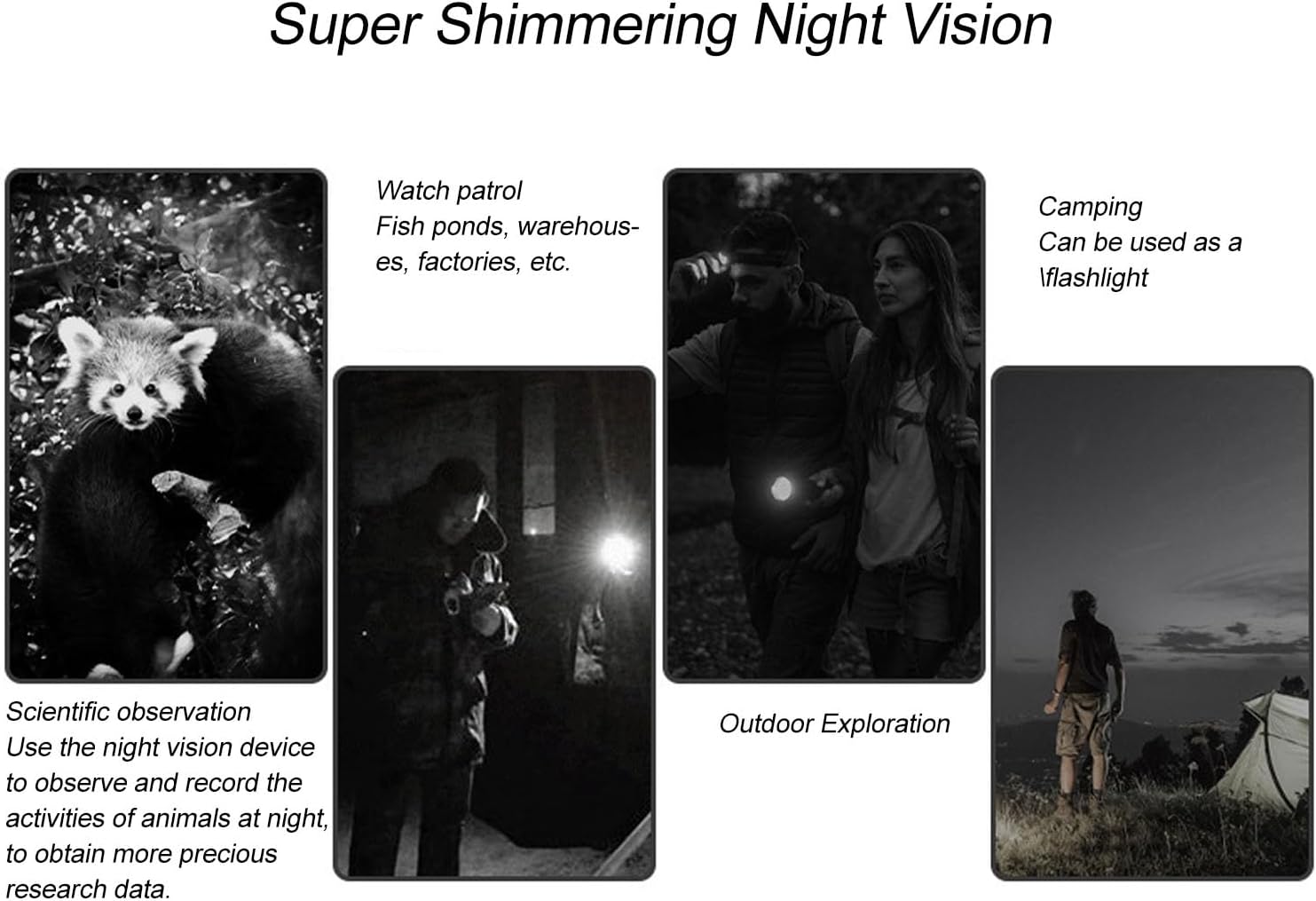
Figure 1: Device ports and indicators, including the 3-inch display and Type-C charging port.
3. การติดตั้งการ์ดหน่วยความจำ
The device supports small memory cards up to 128GB (not included) for recording. Locate the memory card slot and insert the card gently until it clicks into place. Ensure the card is inserted in the correct orientation.
4. Attaching to a Telescope or Microscope
This electronic eyepiece is designed for easy attachment to optical telescopes and microscopes with eyepiece diameters ranging from 22mm to 46mm. The device features a powerful magnetic interface for secure and seamless integration.
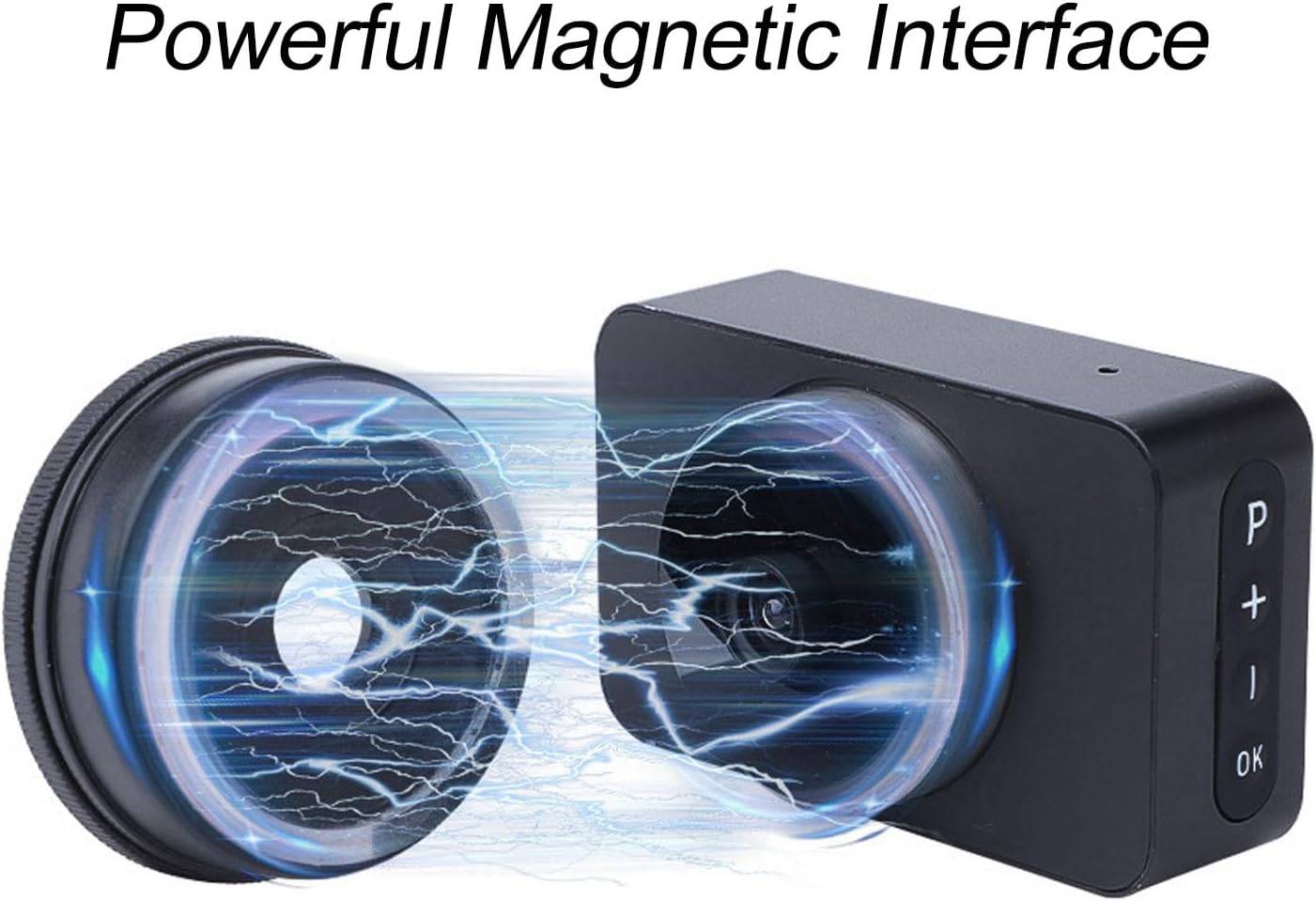
Figure 2: Magnetic interface for secure attachment.
Align the eyepiece with your telescope or microscope's eyepiece barrel and gently push until it is securely attached. The magnetic connection ensures a stable fit.

Figure 3: Electronic eyepiece attached to a telescope.
คำแนะนำการใช้งาน
1. เปิด/ปิดเครื่อง
Press and hold the power button (usually marked 'P' or a similar symbol) for a few seconds to turn the device on or off. The 3-inch color display will illuminate upon power-on.
2. เรียลไทม์ Viewกำลังทำ
Once powered on and attached to your optical instrument, the integrated 3-inch color display provides a live view of your observations. Use the controls on the device to adjust settings and focus for optimal clarity.

รูปที่ 4: แบบเรียลไทม์ viewing on the 3-inch display.
3. ดิจิตอลซูม
The device features 5 levels of digital zoom. Use the '+' and '-' buttons to adjust the magnification as needed for closer inspection of your subjects.
4. ความสามารถในการมองเห็นในเวลากลางคืน
Benefit from enhanced night vision, allowing for clear observations even in low-light conditions. This feature is particularly useful for nighttime astronomy sessions or observing nocturnal wildlife.

รูปที่ 5: อดีตamples of night vision use cases.
5 การบันทึกภาพถ่ายและวิดีโอ
Capture high-definition images and 4K Ultra HD videos of your observations. Press the 'OK' button to take a photo or start/stop video recording. Ensure a memory card is installed to save your recordings. The expandable storage capacity up to 128GB allows for continuous recording.
การซ่อมบำรุง
- การทำความสะอาด: Use a soft, dry cloth to clean the exterior of the device. For the lens and display, use a specialized optical cleaning cloth and solution. Avoid abrasive materials.
- พื้นที่จัดเก็บ: When not in use, store the electronic eyepiece in a cool, dry place, away from direct sunlight and extreme temperatures. Use a protective case if available.
- การดูแลแบตเตอรี่ เพื่อยืดอายุการใช้งานแบตเตอรี่ ควรหลีกเลี่ยงการคายประจุแบตเตอรี่จนหมดบ่อยๆ ควรชาร์จอุปกรณ์เป็นประจำ แม้ว่าจะไม่ได้ใช้งานเป็นเวลานานก็ตาม
การแก้ไขปัญหา
| ปัญหา | สาเหตุที่เป็นไปได้ | สารละลาย |
|---|---|---|
| อุปกรณ์ไม่เปิดเครื่อง | Low battery; Faulty power button | ชาร์จอุปกรณ์ให้เต็ม หากปัญหายังคงอยู่ โปรดติดต่อฝ่ายบริการลูกค้า |
| ไม่มีภาพแสดง | Eyepiece not properly attached; Lens cap on; Incorrect settings | Ensure secure attachment; Remove lens cap; Check focus and zoom settings. |
| ไม่สามารถบันทึกภาพถ่าย/วิดีโอได้ | No memory card; Memory card full; Memory card error | Insert a memory card; Delete old files or use a new card; Format the memory card (data will be lost). |
| คุณภาพของภาพไม่ดี | Dirty lens/display; Incorrect focus; Low light conditions | Clean lens and display; Adjust focus; Utilize night vision feature in low light. |
ข้อมูลจำเพาะ
- ยี่ห้อ: พิลิปาน
- ชื่อรุ่น : Pilipane861auheg7f
- หมายเลขรุ่นสินค้า: Pilipane861auheg7f
- ASIN: B0F274HC6R
- ผู้ผลิต: พิลิปาน
- ประเทศต้นกำเนิด: จีน
- ขนาดสินค้า (กว้าง x ยาว x สูง) : ขนาด 13 x 8 x 6 ซม. ; 40 กรัม
- ขนาดสินค้า : ขนาด 13P x 8L x 6H เซนติเมตร
- ประเภทโฟกัส: โฟกัสแบบแมนนวล
- อุปกรณ์ที่รองรับ: Smartphone, Tablet, Camera
- อัตราส่วนการซูม: 25x ถึง 75x
- คุณสมบัติพิเศษ: 4K Ultra HD Resolution and Real-time Display with 3-inch Color Screen
- Product Type Name: Microscopic Lenses and Caps
- แบตเตอรี่: 850mAh Lithium Battery (built-in)
- พอร์ตชาร์จ: ประเภทซี
- ขนาดหน้าจอ: 3 นิ้ว
- ซูมดิจิตอล: 5 ระดับ

รูปที่ 6: ขนาดผลิตภัณฑ์
ข้อมูลการรับประกัน
This product comes with a standard manufacturer's warranty. Please refer to the packaging or contact your retailer for specific warranty terms and conditions. Keep your proof of purchase for any warranty claims.
การสนับสนุนลูกค้า
For technical assistance, troubleshooting, or warranty inquiries, please contact Pilipane customer support. You can find more information and contact details on the official Pilipane brand store: