
1. บทนำ
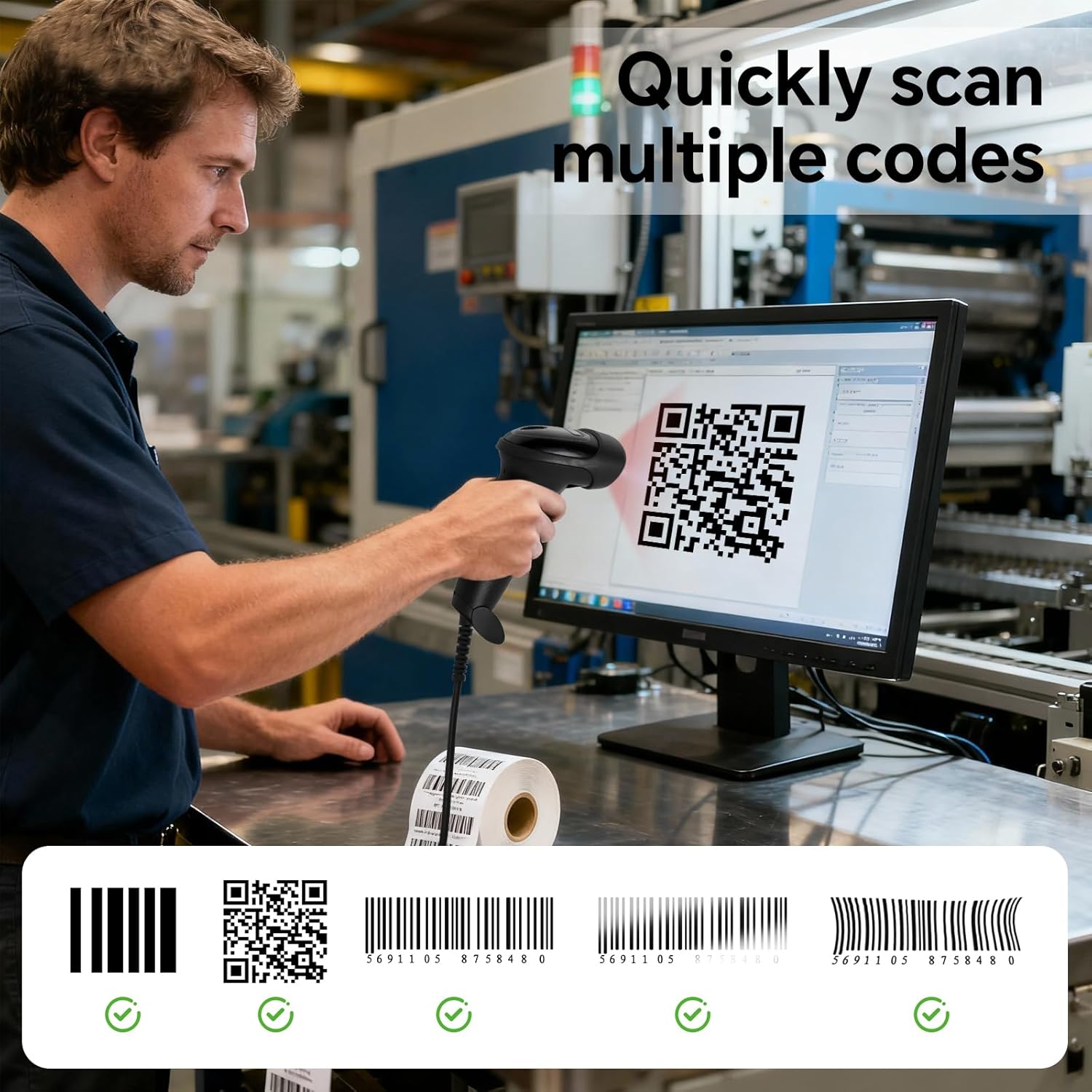
The YANZEO S200 is a high-speed, plug-and-play 2D barcode scanner designed for efficient data capture in various environments, including retail, inventory management, and point-of-sale (POS) systems. It features an advanced CMOS sensor for quick and accurate decoding of both 1D and 2D barcodes, including QR codes, Data Matrix, and PDF417, from paper labels and digital screens. Its robust design ensures durability in demanding work settings.
2. การตั้งค่า
2.1 การเชื่อมต่อเครื่องสแกนเนอร์
The YANZEO S200 barcode scanner is designed for simple plug-and-play operation. No additional drivers or software installation are required for most operating systems.
- Locate an available USB port on your computer (desktop, laptop, or tablet).
- Connect the USB cable from the scanner to the USB port on your device.
- The operating system will automatically detect and install the necessary device components. The scanner will be ready for use within seconds.

2.2 Using the Fixed Stand
The scanner comes with a fixed stand (YS2308-11 Holder) that enables hands-free scanning. This is particularly useful for high-volume scanning tasks.
- Place the scanner securely into the provided stand.
- For enhanced stability, the stand can be permanently affixed to a surface using screws or adhesive (not included).

3. การใช้งานเครื่องสแกนเนอร์
3.1 ขั้นตอนการสแกนขั้นพื้นฐาน
- Ensure the scanner is properly connected to your computer.
- เปิดแอปพลิเคชันที่คุณต้องการให้ข้อมูลที่สแกนปรากฏ (เช่น โปรแกรมแก้ไขข้อความ โปรแกรมสเปรดชีต หรือซอฟต์แวร์ POS)
- Aim the scanner's light beam at the barcode or QR code you wish to scan. Ensure the entire code is within the scanning area.
- Press the trigger button (for handheld use) or present the code to the scanner (for hands-free use).
- A successful scan is typically indicated by an audible beep and/or a visual confirmation light. The scanned data will appear in your active application.
3.2 โหมดการสแกน
The YANZEO S200 supports versatile scanning modes to suit different operational needs:
- โหมดการทำงานแบบแมนนวล: The scanner activates only when the trigger button is pressed. Ideal for precise, individual scans.
- โหมดตรวจจับอัตโนมัติ: เครื่องสแกนจะตรวจจับและสแกนบาร์โค้ดโดยอัตโนมัติเมื่อบาร์โค้ดปรากฏอยู่ในบริเวณที่สามารถสแกนได้ view, without needing to press the trigger. This mode is often used with the fixed stand for hands-free operation.
- โหมดการสแกนต่อเนื่อง: The scanner continuously emits its scanning beam, rapidly capturing any barcodes that pass through its field. Suitable for high-speed, repetitive scanning tasks.
3.3 โหมดการอัปโหลดข้อมูล
เครื่องสแกนนี้มีโหมดการอัปโหลดข้อมูลหลักสองโหมด:
- โหมดอัปโหลดทันใจ: Data is transmitted to the connected device immediately after each successful scan. This mode ensures real-time data synchronization.
- โหมดการจัดเก็บ: Scanned data is stored internally within the scanner's memory. This allows for offline operation, with data uploaded to the connected device at a later time, typically in a batch.

3.4 การสาธิตผลิตภัณฑ์ผ่านวิดีโอ
Watch this video for a visual demonstration of the YANZEO S200 barcode scanner in action.
4. การบำรุงรักษา
4.1 การทำความสะอาด
To ensure optimal performance and longevity of your scanner, regular cleaning is recommended:
- Use a soft, clean, lint-free cloth to wipe the scanner's exterior.
- สำหรับช่องสแกน ให้ใช้ผ้าทำความสะอาดเลนส์หรือผ้าเนื้อนุ่มเช็ดเบาๆampened with a mild, non-abrasive cleaning solution. Avoid harsh chemicals, solvents, or abrasive materials, as these can damage the device.
- ตรวจสอบให้แน่ใจว่าไม่มีของเหลวเข้าไปในตัวเครื่องสแกนเนอร์
4.2 การดูแลและการจัดการ
The YANZEO S200 is built with an IP54-rated housing, providing resistance to dust and water splashes, and can withstand drops from up to 1.5 meters. However, proper care is still essential:
- Avoid exposing the scanner to extreme temperatures, direct sunlight for prolonged periods, or high humidity.
- Do not attempt to disassemble or repair the scanner yourself. This will void the warranty and may cause damage.
- เก็บสแกนเนอร์ไว้ในสภาพแวดล้อมที่สะอาดและแห้งเมื่อไม่ได้ใช้งาน

5 การแก้ไขปัญหา
If you encounter issues with your YANZEO S200 barcode scanner, refer to the following common problems and solutions:
| ปัญหา | สาเหตุที่เป็นไปได้ | สารละลาย |
|---|---|---|
| เครื่องสแกนไม่ได้รับการยอมรับจากคอมพิวเตอร์ | การเชื่อมต่อ USB หลวม, พอร์ต USB มีปัญหา, ปัญหาระบบปฏิบัติการ | Ensure the USB cable is securely connected. Try a different USB port or a different computer. Restart your computer. |
| ไม่สามารถสแกนบาร์โค้ดได้ | Incorrect aiming, damaged barcode, unsupported barcode type, insufficient lighting, scanner in incorrect mode. | Ensure the scanner is aimed directly at the center of the barcode. Check if the barcode is clear and undamaged. Verify the barcode type is supported (1D/2D). Ensure adequate lighting. Check the scanner's operating mode (manual, auto-detection). |
| Scanned data appears incorrectly or not at all | Application not in focus, incorrect keyboard layout, scanner configuration issue. | Ensure the target application window is active and ready to receive input. Check your computer's keyboard layout settings. If using Storage Mode, ensure data has been uploaded. |
| No beep or light indication after scanning | Unsuccessful scan, scanner settings. | Confirm the barcode is valid and properly aimed. Check scanner configuration for sound and light indicators. |
6. ข้อมูลจำเพาะ
| คุณสมบัติ | รายละเอียด |
|---|---|
| ยี่ห้อ | หยานเซี่ยว |
| แบบอย่าง | S200 |
| เทคโนโลยีการเชื่อมต่อ | ยูเอสบี |
| อุปกรณ์ที่รองรับ | Desktop computer, Laptop, Tablet (Windows, Mac, Linux, Android) |
| แหล่งพลังงาน | Electric Cable (USB powered) |
| ปฏิบัติการฉบับที่tage | 5 โวลต์ (กระแสตรง) |
| ระดับการป้องกันน้ำและฝุ่น (IP) | IP54 (ป้องกันฝุ่นและน้ำกระเซ็น) |
| ความต้านทานการตก | สูงสุด 1.5 เมตร |
| บาร์โค้ดที่รองรับ | 1D and 2D codes (e.g., QR, Data Matrix, PDF417) |
7. ข้อมูลการรับประกัน
Specific warranty details for the YANZEO S200 barcode scanner are not provided in the product information. Please refer to the warranty policy provided by your retailer or contact YANZEO customer support for detailed warranty terms and conditions.
8. การสนับสนุน
For further assistance, technical support, or inquiries regarding your YANZEO S200 barcode scanner, please contact the vendor or manufacturer directly. Refer to your purchase documentation for specific contact information.