
การแนะนำ
This manual provides instructions for the YOUTHINK Electronic Digital Magnetic Timer, Model youtWqwRHQbpa7-12. This device is designed for precise time management in various settings, including cooking, baking, studying, and office tasks. Please read this manual thoroughly before using the timer to ensure proper operation and longevity.
การตั้งค่า
การติดตั้งแบตเตอรี่
- ค้นหาช่องใส่แบตเตอรี่ที่ด้านหลังของตัวจับเวลา
- ค่อยๆ เลื่อนฝาปิดช่องใส่แบตเตอรี่ลงด้านล่างเพื่อเปิด
- Insert three (3) AAA batteries (not included) into the compartment, ensuring the correct polarity (+/-) as indicated inside the compartment.
- เลื่อนฝาปิดช่องใส่แบตเตอรี่กลับเข้าที่จนกระทั่งล็อคเข้าที่อย่างแน่นหนา

ภาพ: ด้านหลัง view of the YOUTHINK Electronic Timer with the battery compartment open, showing slots for three AAA batteries.
คำแนะนำการใช้งาน
การตั้งเวลา
- The timer features a rotating outer ring. Turn the ring clockwise to increase the time and counter-clockwise to decrease the time.
- The display shows minutes (M) and seconds (S). The maximum setting is 99 minutes and 55 seconds.
- To set a specific time, rotate the outer ring until the desired minutes and seconds are displayed. For example, to set 5 minutes, rotate until '05:00' is shown.

ภาพ: ด้านหน้า view of the YOUTHINK Electronic Timer displaying '99:55', indicating the maximum time setting.
Starting and Pausing the Countdown
- After setting the desired time, press the button located at the bottom center of the display to start the countdown.
- To pause the countdown, press the button again.
- To resume the countdown, press the button once more.
Clearing the Timer
- To clear the current time setting or stop a running timer and reset it to '00:00', press and hold the button for approximately 3 seconds.
ฟังก์ชั่นปลุก
- When the countdown reaches '00:00', the timer will emit an audible alarm.
- To stop the alarm, press any button or rotate the outer ring.

ภาพ: ด้านหน้า view of the YOUTHINK Electronic Timer displaying '00:00' with 'M' for minutes and 'S' for seconds.
คุณสมบัติหลัก
- จอแสดงผลดิจิตอล: Large, clear black screen with white numbers for easy readability.
- การออกแบบแม่เหล็ก: The timer features a magnetic back, allowing it to be securely attached to metal surfaces such as refrigerators, freezers, or whiteboards.
- ขาตั้งแบบรวม: A foldable stand is included for convenient placement on flat surfaces like countertops or desks.
- การดำเนินการที่เรียบง่าย: Intuitive 1-touch operation and rotary setting for ease of use.

ภาพ: ด้านข้าง view of the YOUTHINK Electronic Timer, highlighting its integrated stand and magnetic back for versatile placement.
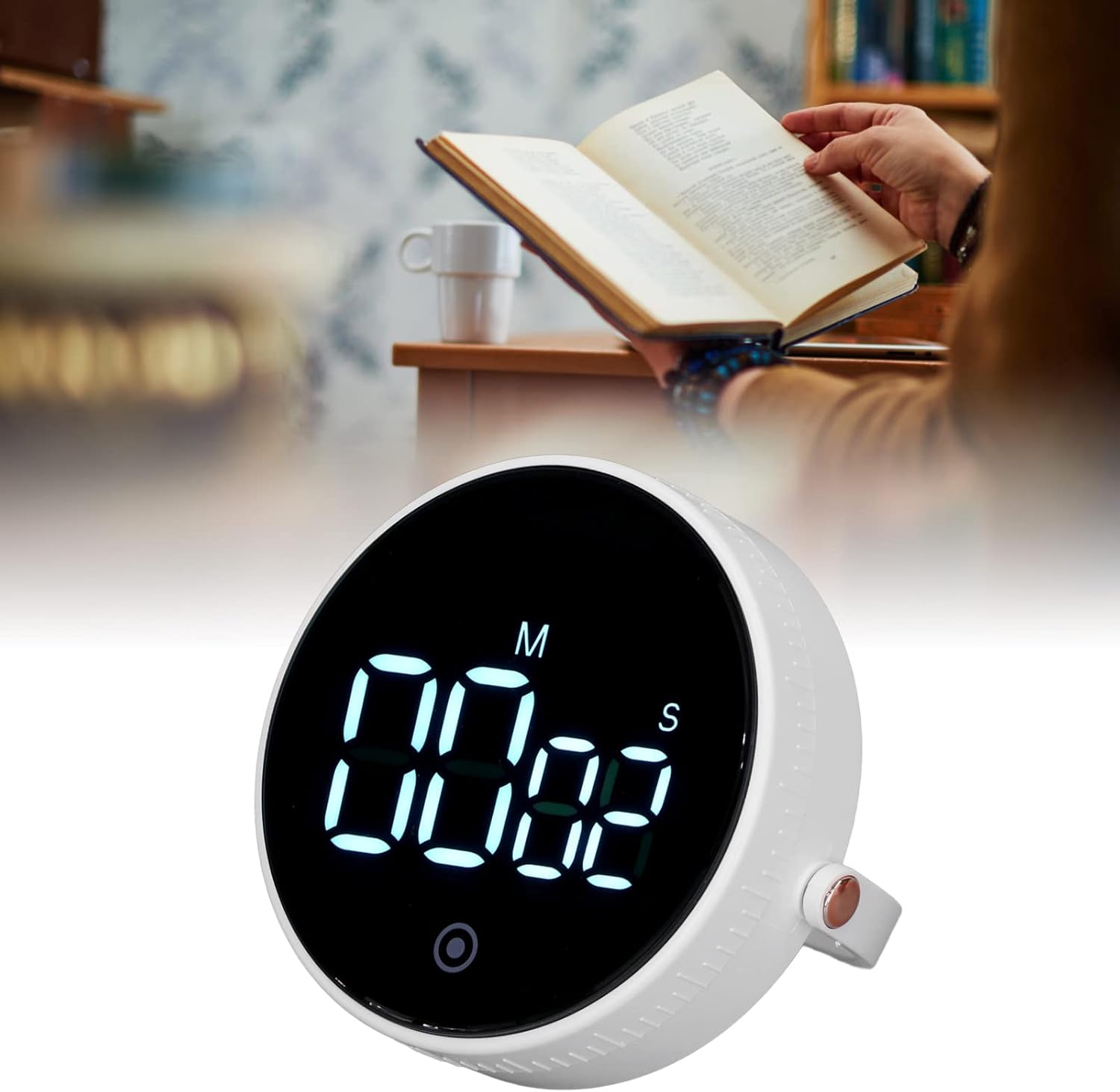
Image: The YOUTHINK Electronic Timer placed on a desk next to a person reading a book, demonstrating its use in a study environment.
การซ่อมบำรุง
การทำความสะอาด
- Wipe the timer with a soft, dry cloth.
- Do not use abrasive cleaners or immerse the timer in water.
การเปลี่ยนแบตเตอรี่
- When the display dims or the timer functions erratically, it is time to replace the batteries.
- โปรดทำตามขั้นตอนการติดตั้งแบตเตอรี่ที่ระบุไว้ในส่วน 'การตั้งค่า'
- ทิ้งแบตเตอรี่ที่ใช้แล้วอย่างรับผิดชอบตามข้อบังคับท้องถิ่น
การแก้ไขปัญหา
- ตัวตั้งเวลาไม่เปิด: Ensure batteries are inserted correctly with the right polarity and are not depleted. Replace batteries if necessary.
- จอภาพมืดหรือกะพริบ: This indicates low battery power. Replace the AAA batteries.
- ตัวจับเวลาไม่ตอบสนองต่อการกดปุ่ม: Try removing and reinserting the batteries to reset the device. If the issue persists, replace the batteries.
- Alarm is too quiet or not sounding: Ensure the timer is not obstructed. Check battery level.
ข้อมูลจำเพาะผลิตภัณฑ์
| คุณสมบัติ | ข้อมูลจำเพาะ |
|---|---|
| ประเภทสินค้า | เครื่องจับเวลาอิเล็กทรอนิกส์ |
| หมายเลขรุ่น | youtWqwRHQbpa7-12 |
| วัสดุ | เอบีเอส |
| แหล่งพลังงาน | แบตเตอรี่ AAA 3 ก้อน (ไม่รวมอยู่ในชุด) |
| ช่วงเวลา | Minutes 00-99, Seconds 00-55 |
| น้ำหนักผลิตภัณฑ์ | ประมาณ 92 กรัม / 3.2 ออนซ์ |
| ขนาดแพ็คเกจ | 4.33 x 3.54 x 2.36 นิ้ว |
| ผู้ผลิต | คุณคิด |
ข้อมูลการรับประกัน
For information regarding the product warranty, please refer to the documentation provided at the time of purchase or contact YOUTHINK customer support directly.
การสนับสนุนลูกค้า
If you encounter any issues or have questions not covered in this manual, please contact YOUTHINK customer support through the retailer's platform or the official YOUTHINK webเว็บไซต์เพื่อขอความช่วยเหลือ