
การแนะนำ
Thank you for choosing the TRANSFORMERS TF-T13 Wireless Ear Hanging Earbuds. This manual provides essential information for setting up, operating, and maintaining your earbuds to ensure optimal performance and longevity. Please read this manual thoroughly before using the product.
เนื้อหาแพ็คเกจ
ตรวจสอบว่ามีรายการทั้งหมดอยู่ในแพ็คเกจของคุณ:
- TRANSFORMERS TF-T13 Wireless Earbuds (Left and Right)
- เคสชาร์จไฟ
- สายชาร์จ USB
- คู่มือการใช้งาน

Image: The TRANSFORMERS TF-T13 earbuds, charging case, USB cable, and user manual as included in the package.
การตั้งค่า
1. การชาร์จหูฟังและเคส
ก่อนใช้งานครั้งแรก ควรชาร์จหูฟังและเคสชาร์จให้เต็ม
- วางหูฟังลงในกล่องชาร์จ โดยให้แน่ใจว่าใส่เข้าที่อย่างถูกต้อง
- เชื่อมต่อสายชาร์จ USB เข้ากับพอร์ตชาร์จบนเคสและแหล่งจ่ายไฟ USB ที่ใช้งานร่วมกันได้
- ไฟแสดงสถานะบนเคสจะแสดงสถานะการชาร์จ เมื่อชาร์จเต็มแล้ว ไฟจะระบุว่าชาร์จเต็มหรือดับลง
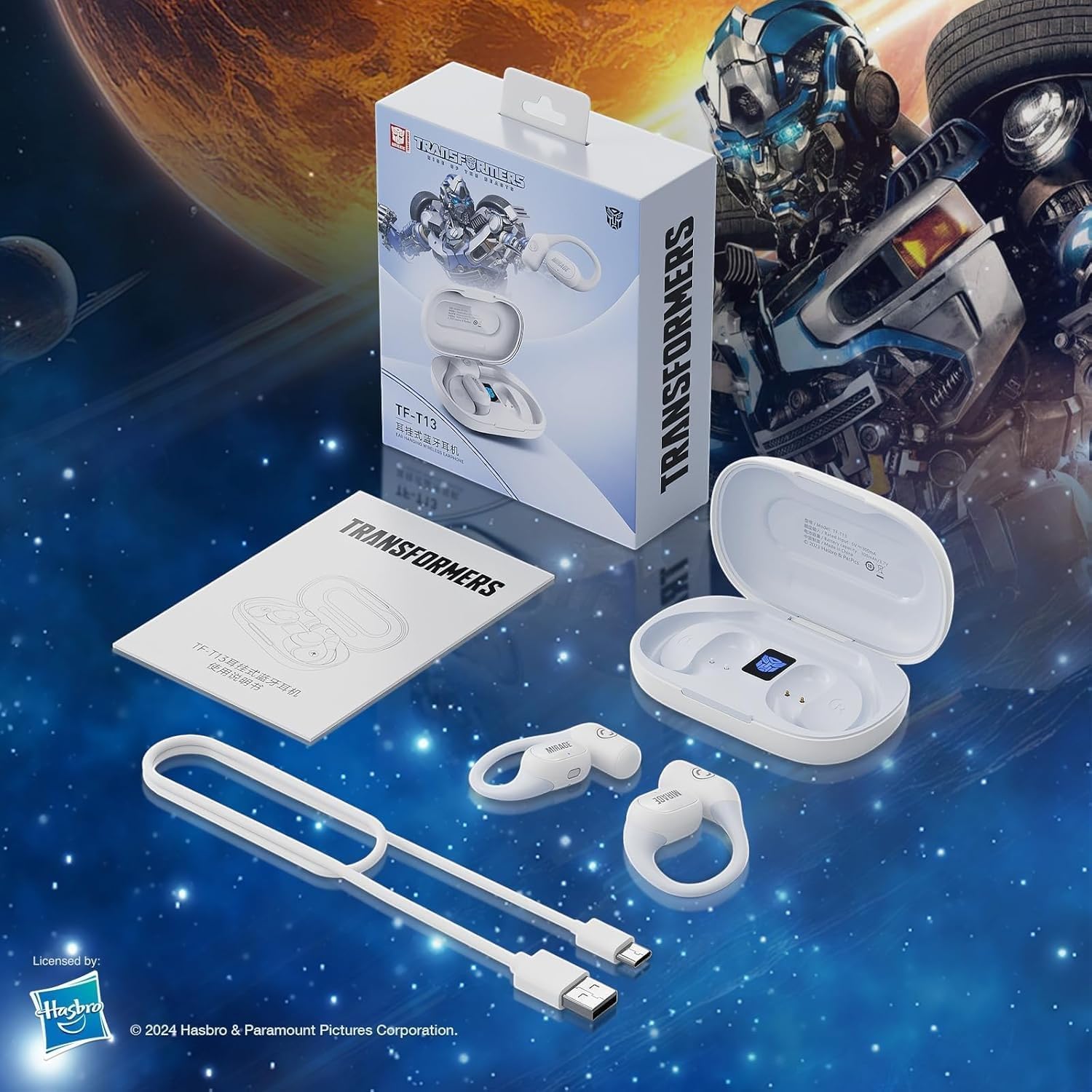
Image: The charging case displaying battery levels and charging status for the earbuds. A full charge provides approximately 6 hours of single use and up to 60 hours with the charging case.
2. การจับคู่กับอุปกรณ์
ทำตามขั้นตอนเหล่านี้เพื่อจับคู่เอียร์บัดของคุณกับอุปกรณ์ที่รองรับบลูทูธ:
- ตรวจสอบให้แน่ใจว่าหูฟังได้รับการชาร์จและใส่ไว้ในกล่องชาร์จ
- เปิดกล่องชาร์จ หูฟังจะเข้าสู่โหมดจับคู่โดยอัตโนมัติ ซึ่งจะแสดงด้วยไฟกระพริบบนหูฟัง
- บนอุปกรณ์ของคุณ (สมาร์ทโฟน แท็บเล็ต ฯลฯ) ไปที่การตั้งค่าบลูทูธและเปิดบลูทูธ
- ค้นหา available devices and select "TF-T13" from the list.
- เมื่อเชื่อมต่อสำเร็จแล้ว จะมีเสียงแจ้งเตือนเพื่อยืนยันการจับคู่ และไฟแสดงสถานะบนหูฟังจะหยุดกะพริบ
3. การสวมหูฟัง
The TF-T13 earbuds feature an ear-hanging design for a secure and comfortable fit.
- ระบุเอียร์บัดด้านซ้าย (L) และด้านขวา (R)
- Gently hook the earbud over your ear, ensuring the speaker portion is positioned comfortably over your ear canal.
- Adjust the ear hook for a snug and stable fit. The non-intrusive design and skin-friendly silicone earhook ensure comfort during extended wear.
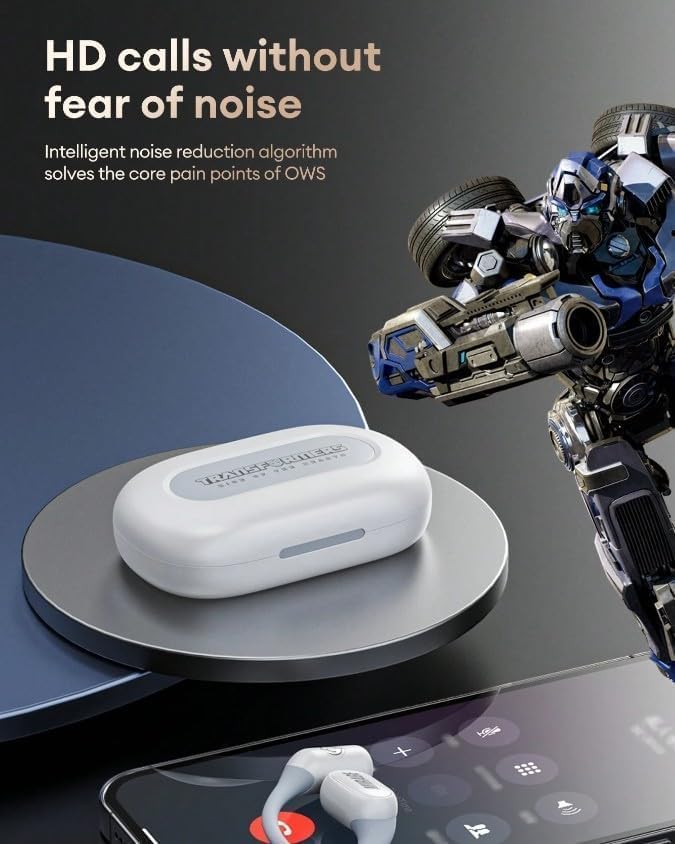
Image: An earbud being worn, demonstrating the open-ear, non-intrusive design with a skin-friendly silicone earhook for comfort and stability.
การใช้งานหูฟัง
การควบคุมพื้นฐาน
The TF-T13 earbuds feature touch controls for various functions:
- เล่น/หยุดชั่วคราว: แตะที่หูฟังข้างใดข้างหนึ่งเพียงครั้งเดียว
- เพลงถัดไป: แตะสองครั้งที่หูฟังด้านขวา
- แทร็กก่อนหน้า: แตะสองครั้งที่หูฟังด้านซ้าย
- ปรับระดับเสียงขึ้น: แตะสามครั้งที่หูฟังด้านขวา
- ลดเสียงลง: แตะสามครั้งที่หูฟังด้านซ้าย
- เปิดใช้งาน Voice Assistant: กดค้างที่หูฟังข้างใดข้างหนึ่งเป็นเวลา 2 วินาที
การโทรออกและรับสาย
The built-in microphone and open-style design ensure clear communication during calls.
- รับสาย: แตะที่หูฟังข้างใดข้างหนึ่งเพียงครั้งเดียว
- วางสาย: แตะที่หูฟังข้างใดข้างหนึ่งเพียงครั้งเดียวระหว่างการโทร
- ปฏิเสธสาย: กดค้างที่หูฟังข้างใดข้างหนึ่งเป็นเวลา 2 วินาที
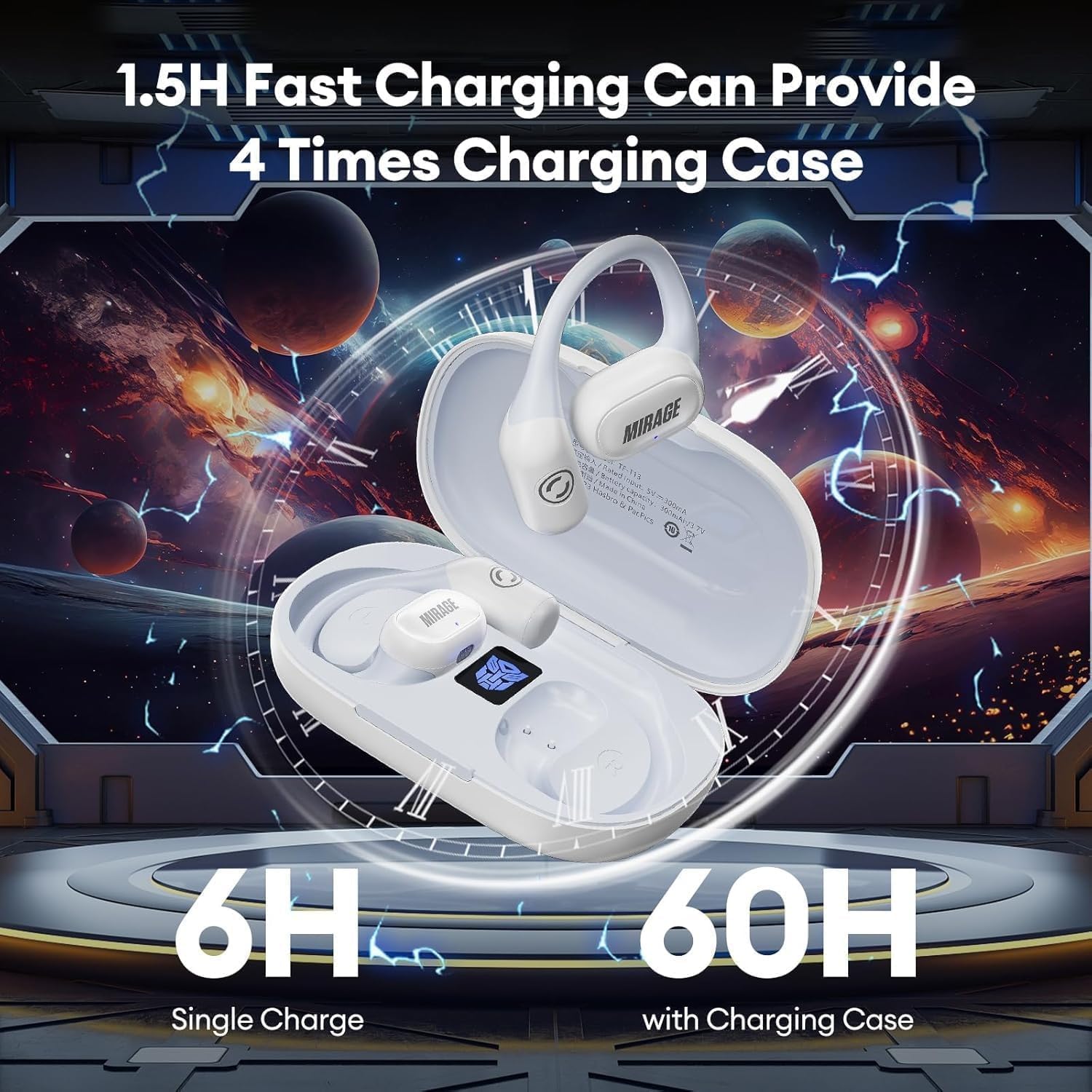
Image: The TF-T13 earbuds shown with a smartphone, illustrating their capability for high-definition calls with intelligent noise reduction.
Low Latency Mode for Gaming/Video
The TF-T13 earbuds feature low latency technology for synchronized audio during gaming or video playback.
- เปิดใช้งานโหมดความหน่วงต่ำ: (Specific gesture, e.g., Quadruple tap on right earbud - Refer to product packaging or quick start guide for exact gesture if not specified here.)
- This mode minimizes audio delay, providing a more immersive experience for gaming and video content.

Image: The TF-T13 earbuds depicted in a gaming scenario, highlighting their high-speed and stable transmission for an immersive gaming experience.
การซ่อมบำรุง
การทำความสะอาด
เพื่อรักษาประสิทธิภาพและสุขอนามัยที่เหมาะสมที่สุด:
- เช็ดหูฟังและกล่องชาร์จด้วยผ้าแห้งนุ่มที่ไม่เป็นขุย
- ห้ามใช้สารทำความสะอาดที่มีฤทธิ์กัดกร่อน แอลกอฮอล์ หรือตัวทำละลายเคมี
- ตรวจสอบให้แน่ใจว่าหน้าสัมผัสการชาร์จสะอาดและไม่มีเศษขยะ
พื้นที่จัดเก็บ
เมื่อไม่ได้ใช้งาน ให้เก็บหูฟังไว้ในกล่องชาร์จเพื่อป้องกันฝุ่นและความเสียหาย
- เก็บไว้ในที่แห้งและเย็น หลีกเลี่ยงอุณหภูมิที่สูงและแสงแดดโดยตรง
- หลีกเลี่ยงการทำตกหรือให้หูฟังและเคสได้รับแรงกระแทกรุนแรง
การแก้ไขปัญหา
If you encounter issues with your TF-T13 earbuds, refer to the following common solutions:
| ปัญหา | สารละลาย |
|---|---|
| หูฟังเอียร์บัดไม่จับคู่ | Ensure earbuds are charged. Turn off and on your device's Bluetooth. Forget "TF-T13" from your device's Bluetooth list and re-pair. |
| ไม่มีเสียงจากเอียร์บัดข้างเดียว | ใส่หูฟังทั้งสองข้างกลับเข้าไปในเคส ปิดเคส แล้วเปิดอีกครั้ง ตรวจสอบการตั้งค่าสมดุลเสียงของอุปกรณ์ |
| ปัญหาการชาร์จ | Check the charging cable and power adapter. Ensure charging contacts on earbuds and case are clean. |
| คุณภาพเสียงไม่ดี | Ensure earbuds are properly seated in your ears. Move closer to your connected device to avoid interference. |
ข้อมูลจำเพาะ
Key technical specifications for the TRANSFORMERS TF-T13 Wireless Ear Hanging Earbuds:
| คุณสมบัติ | รายละเอียด |
|---|---|
| ชื่อรุ่น | ทีเอฟ-ที13 |
| เทคโนโลยีการเชื่อมต่อ | ไร้สาย (บลูทูธ 5.4) |
| คุณภาพเสียง | HiFi Sound with Dual 16.2mm Drivers |
| การวางตำแหน่งหู | On Ear / Ear Hanging |
| การควบคุมเสียงรบกวน | Passive Noise Cancelling Technology, Intelligent Noise Reduction Algorithm for calls |
| ไมโครโฟน | ในตัวสำหรับการโทรแบบแฮนด์ฟรี |
| ความหน่วงเวลา | Low Latency Technology (optimized for gaming/sports) |
| อายุการใช้งานแบตเตอรี่ (การชาร์จครั้งเดียว) | ประมาณ 6 ชั่วโมง |
| อายุการใช้งานแบตเตอรี่ (พร้อมเคสชาร์จ) | Approx. 60 hours (4 times charging from case) |
| เวลาในการชาร์จ | ประมาณ 1.5 ชั่วโมงสำหรับการชาร์จเต็ม |
| สี | สีขาว (ตามรุ่นของผลิตภัณฑ์) |

ภาพ: ระเบิด view illustrating the dual 16.2mm drivers and components responsible for the HiFi sound quality and Bluetooth 5.4 connectivity.
การรับประกันและการสนับสนุน
ข้อมูลการรับประกัน
The TRANSFORMERS TF-T13 Wireless Ear Hanging Earbuds come with a รับประกัน 6 เดือน นับจากวันที่ซื้อสินค้า การรับประกันนี้ครอบคลุมถึงข้อบกพร่องจากการผลิตและฝีมือการผลิตภายใต้การใช้งานปกติ ไม่ครอบคลุมถึงความเสียหายที่เกิดจากการใช้งานผิดวิธี อุบัติเหตุ การดัดแปลงโดยไม่ได้รับอนุญาต หรือการสึกหรอตามปกติ
การสนับสนุนลูกค้า
For technical assistance, warranty claims, or any questions regarding your TRANSFORMERS TF-T13 earbuds, please contact your retailer or the manufacturer's customer support channel. Refer to your purchase documentation for specific contact details.