
1. บทนำ
This manual provides detailed instructions for the Varmilo Sword68 Sakura 65% Hotswap Wireless RGB Mechanical Keyboard. Please read this manual thoroughly before using the product to ensure proper operation and to maximize its lifespan. This keyboard features a full 6063 aluminum CNC case, multiple connectivity options, hot-swappable switches, and customizable RGB lighting.
2. ข้อมูลด้านความปลอดภัย
- เก็บแป้นพิมพ์ให้ห่างจากของเหลวและความชื้นมากเกินไปเพื่อป้องกันความเสียหาย
- หลีกเลี่ยงการให้คีย์บอร์ดสัมผัสกับอุณหภูมิที่สูงเกินไป
- ห้ามพยายามถอดประกอบหรือดัดแปลงแป้นพิมพ์ เนื่องจากอาจทำให้การรับประกันเป็นโมฆะและเกิดความเสียหายได้
- ใช้เฉพาะสาย USB-C ที่ให้มาสำหรับการชาร์จและการเชื่อมต่อแบบมีสายเท่านั้น
- เก็บให้พ้นจากมือเด็ก
3. เนื้อหาบรรจุภัณฑ์
ตรวจสอบว่ามีรายการทั้งหมดอยู่ในแพ็คเกจ:
- Varmilo Sword68 Mechanical Keyboard
- สาย USB-C
- ตัวดึงคีย์แคป (อาจรวมอยู่ด้วย)
- ตัวดึงสวิตช์ (อาจรวมอยู่ด้วย)
4. การตั้งค่า
4.1 การชาร์จเริ่มต้น
Before first use, connect the keyboard to a USB power source using the provided USB-C cable. The keyboard features a 4000mAh rechargeable battery. A full charge is recommended for optimal wireless performance.
4.2 ตัวเลือกการเชื่อมต่อ
The Varmilo Sword68 supports three connection modes:
- แบบมีสาย (USB-C): Connect the keyboard directly to your computer using the USB-C cable. The keyboard will automatically switch to wired mode.
- Bluetooth 5.0:
- Turn on the keyboard and switch to Bluetooth mode (refer to the keyboard's function keys for mode switching).
- บนอุปกรณ์ของคุณ (พีซี แล็ปท็อป สมาร์ทโฟน แท็บเล็ต) เปิดใช้งาน Bluetooth และค้นหาอุปกรณ์ใหม่
- Select 'Varmilo Sword68' from the list of available devices to pair.
- ไร้สาย 2.4 GHz:
- Insert the 2.4 GHz USB receiver into an available USB port on your computer.
- Switch the keyboard to 2.4 GHz wireless mode (refer to the keyboard's function keys for mode switching). The keyboard should automatically connect to the receiver.
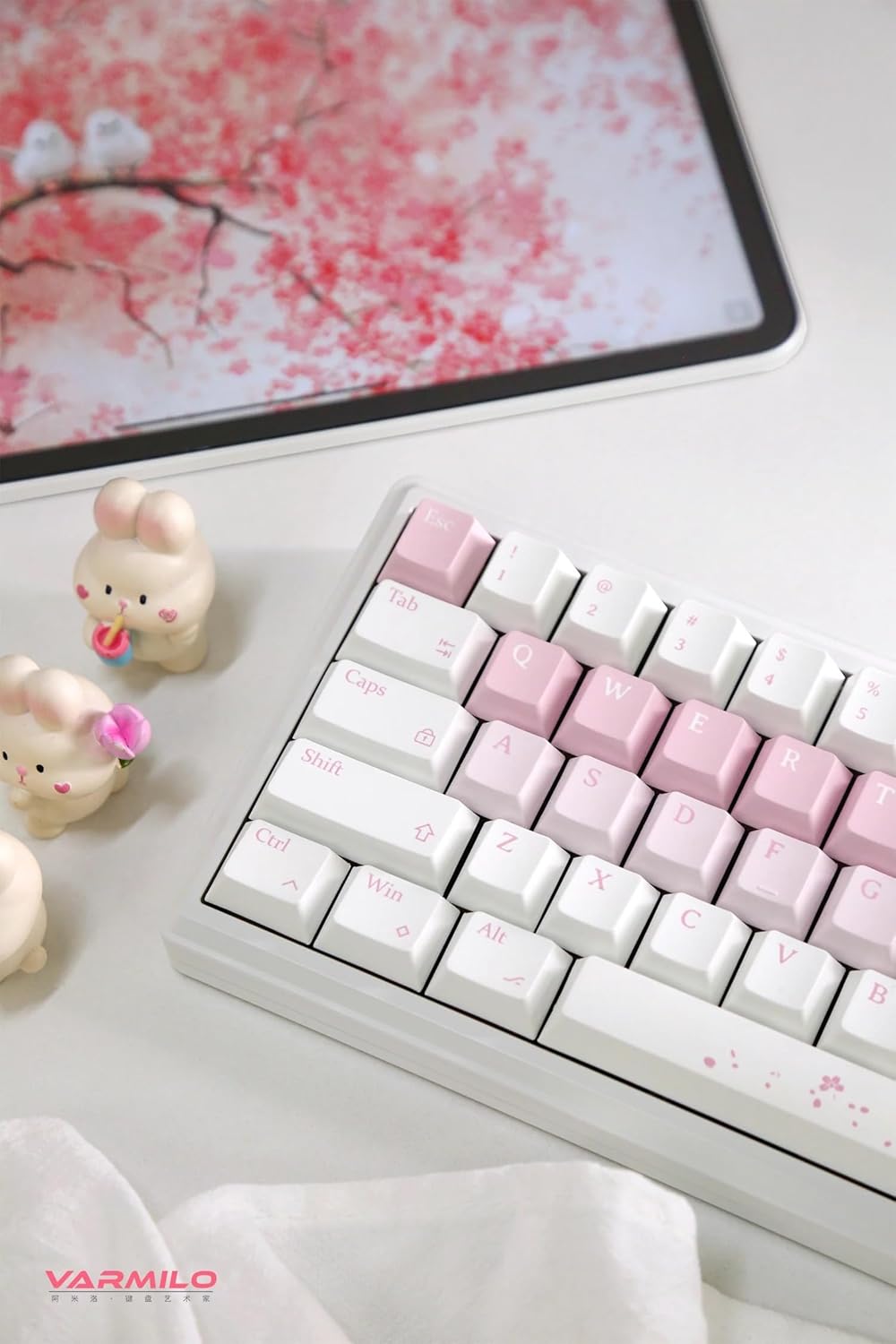
Image: The Varmilo Sword68 keyboard set up on a desk, demonstrating its compact size and aesthetic design alongside a tablet.
5. ปฏิบัติการ
5.1 ฟังก์ชันพื้นฐานของแป้นพิมพ์
The Varmilo Sword68 functions as a standard 65% mechanical keyboard. All keys perform their labeled functions. For secondary functions (accessed via the Fn key), refer to the keycap legends or the custom software.

ภาพ: รายละเอียด view of the Varmilo Sword68 keyboard's right side, highlighting the white and pink keycaps and the Sakura-themed spacebar and escape key.
5.2 RGB แบ็คไลท์
The keyboard features RGB backlighting. Lighting effects and colors can be customized using the dedicated software. Refer to the software's instructions for detailed customization options.
5.3 Custom Layout Control
The Varmilo Sword68 supports custom layout control through its software. This allows users to remap keys, create macros, and personalize the keyboard's functionality to suit their workflow or gaming preferences.
5.4 สวิตช์แบบ Hot-Swappable
The PCB is hot-swappable, allowing users to change mechanical switches without soldering. This feature supports both plate mount and PCB mount stabilizers. To replace a switch:
- ค่อยๆ ถอดคีย์แคปออกโดยใช้เครื่องมือถอดคีย์แคป
- ใช้เครื่องมือถอดสวิตช์เพื่อถอดสวิตช์ออกจากแผงวงจรพิมพ์อย่างระมัดระวัง
- จัดตำแหน่งขาของสวิตช์ใหม่ให้ตรงกับรูบนแผงวงจรพิมพ์ (PCB) แล้วกดให้แน่นจนกระทั่งล็อกเข้าที่ ตรวจสอบให้แน่ใจว่าขาไม่งอ

ภาพ: ภาพระยะใกล้ view of the Varmilo Sword68 keyboard, showcasing the arrangement of its white and pink keycaps and the decorative spacebar.
6. การบำรุงรักษา
6.1 การทำความสะอาดแป้นพิมพ์
เพื่อรักษารูปลักษณ์และการทำงานของแป้นพิมพ์:
- ถอดปลั๊กแป้นพิมพ์ออกจากแหล่งจ่ายไฟทั้งหมดก่อนทำความสะอาด
- ใช้ผ้านุ่มไม่เป็นขุยเช็ดเล็กน้อยampชุบน้ำหรือน้ำยาทำความสะอาดอ่อนๆ เพื่อเช็ดปุ่มและตัวเครื่อง
- สำหรับฝุ่นละอองและเศษต่างๆ ระหว่างคีย์แคป ให้ใช้ลมอัดหรือแปรงขนาดเล็ก
- หลีกเลี่ยงการใช้สารเคมีรุนแรงหรือวัสดุที่มีฤทธิ์กัดกร่อน
6.2 การดูแลรักษาปุ่มกดและสวิตช์
The Double Shot ABS keycaps are durable. If removing keycaps or switches, do so gently to avoid damaging the components or the PCB.
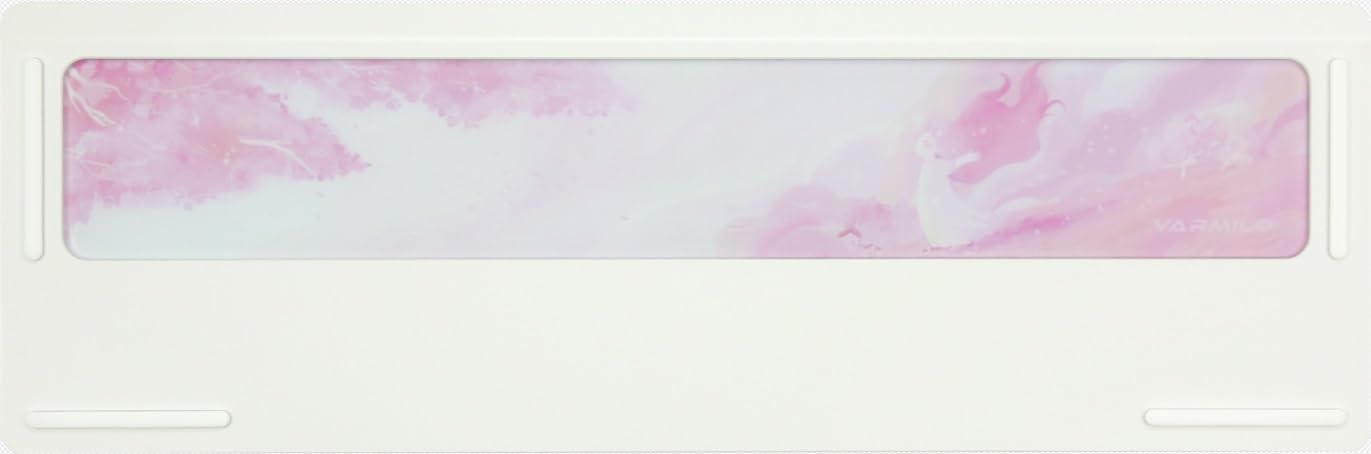
Image: The underside of the Varmilo Sword68 keyboard, revealing the frosted glass weight and rubber feet for stability.
7 การแก้ไขปัญหา
- แป้นพิมพ์ไม่ตอบสนอง: Ensure the USB-C cable is securely connected or that the wireless receiver is properly inserted and the keyboard is in the correct mode (wired, Bluetooth, 2.4 GHz). Check battery level if in wireless mode.
- ปัญหาการจับคู่บลูทูธ: Ensure the keyboard is in pairing mode and your device's Bluetooth is enabled. Try removing previous pairings and re-pairing.
- แสง RGB ไม่ทำงาน: Check the software settings for RGB control. Ensure the keyboard is not in a low-power mode that disables lighting.
- กุญแจไม่ลงทะเบียน: For hot-swappable switches, ensure the switch is fully seated and its pins are not bent. Try replacing the switch if the issue persists.
- การเชื่อมต่อไร้สายไม่เสถียร: Ensure the keyboard is within range of the receiver/device and there are no significant obstructions or interference sources.
8. ข้อมูลจำเพาะ
| ยี่ห้อ | วาร์มิโล |
| แบบอย่าง | ซอร์ด68 |
| ASIN | B0DMXL67WS |
| เทคโนโลยีการเชื่อมต่อ | บลูทูธ, USB-C |
| คำอธิบายแป้นพิมพ์ | เครื่องจักรกล |
| คุณสมบัติพิเศษ | มีไฟแบ็คไลท์ เปลี่ยนเลนส์ได้ขณะใช้งาน และชาร์จไฟได้ |
| รองรับสีแบ็คไลท์ของคีย์บอร์ด | อาร์จีบี |
| วัสดุ | อลูมิเนียม, โพลีคาร์บอเนต |
| ความจุของแบตเตอรี่ | 4000mAh |
| ปุ่มกด | ระบบ ABS แบบดับเบิ้ลช็อต |
| การดูดซับเสียง | โฟม Poron 3 ชิ้น, โฟม PET 2 ชิ้น, โฟม IXPE 1 ชิ้น |
| วัสดุตัวเรือน | 6063 Aluminum CNC with electrophoresis finish |
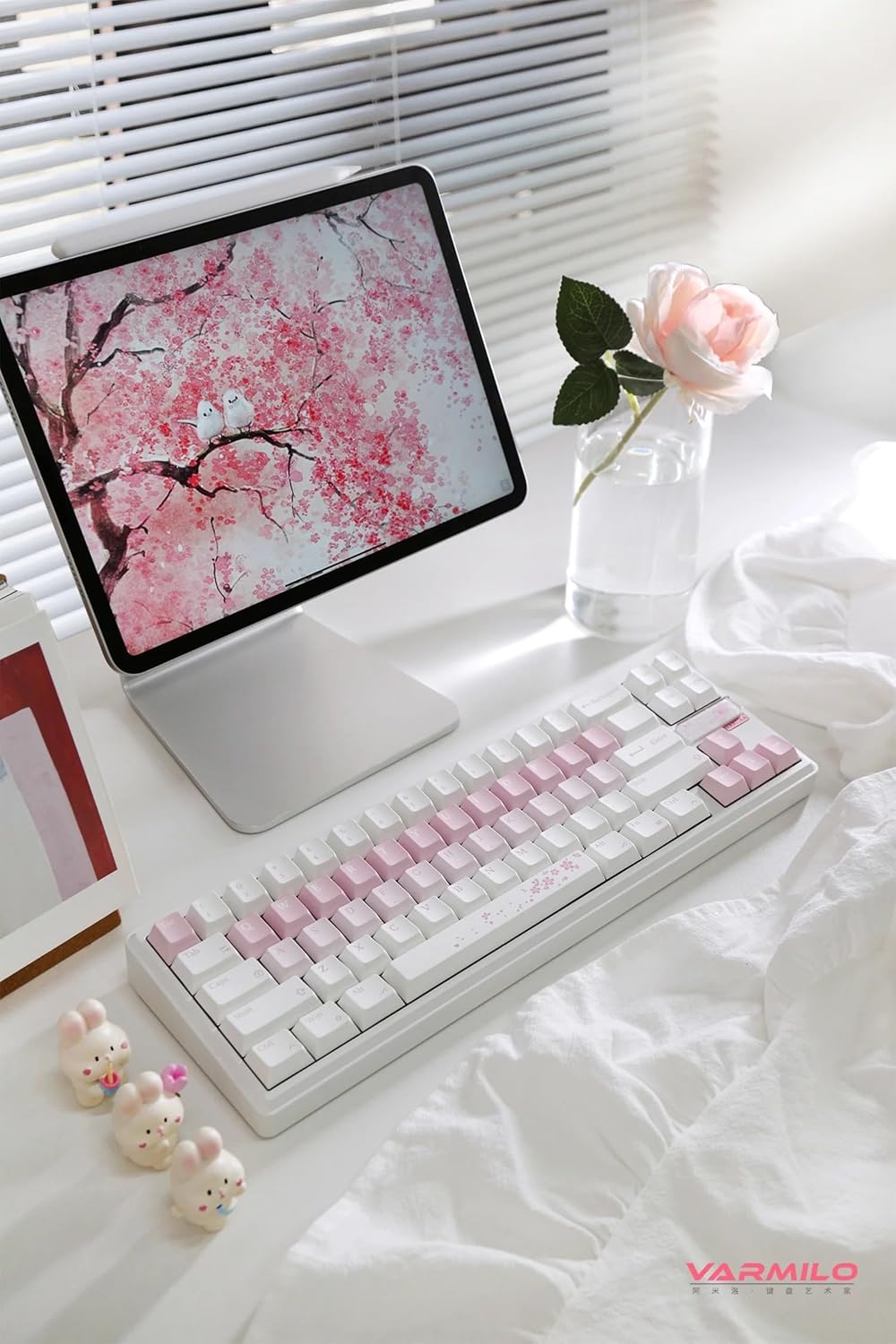
ภาพ: เสร็จสมบูรณ์ view of the Varmilo Sword68 keyboard in a desk setup, showcasinด้วยดีไซน์ที่สวยงามและขนาดกะทัดรัด
9. การรับประกันและการสนับสนุน
For warranty information, technical support, or service inquiries, please refer to the official Varmilo webหรือติดต่อฝ่ายสนับสนุนลูกค้าโดยตรง เก็บใบเสร็จรับเงินไว้เพื่อใช้ในการเคลมประกัน


