
1. บทนำ
Welcome to the user manual for your Knot EH-38 Smartwatch. This document provides essential information for the proper setup, operation, and maintenance of your device. Please read this manual thoroughly before using your smartwatch to ensure optimal performance and longevity.
2. ข้อมูลด้านความปลอดภัย
- Do not attempt to open or disassemble the smartwatch. This may void the warranty and cause damage.
- เก็บอุปกรณ์ให้ห่างจากอุณหภูมิที่สูง แสงแดดโดยตรง และความชื้นสูง
- Avoid exposing the smartwatch to strong impacts or vibrations.
- Use only the specified charging cable and power adapter to prevent damage.
- If you experience any discomfort or skin irritation while wearing the watch, discontinue use and consult a physician.
- อุปกรณ์นี้ไม่ใช่เครื่องมือแพทย์และไม่ควรใช้เพื่อการวินิจฉัยหรือการรักษาโรค
3. เนื้อหาบรรจุภัณฑ์
กรุณาตรวจสอบว่ามีรายการทั้งหมดอยู่ในแพ็คเกจของคุณ:
- Knot EH-38 Smartwatch
- สายชาร์จ
- คู่มือการใช้งาน (เอกสารนี้)
4. สินค้าหมดview
Familiarize yourself with the components of your Knot EH-38 Smartwatch.

รูปที่ 4.1: ด้านหน้า view of the Knot EH-38 Smartwatch. The watch features a black dial, a subtle rose gold outer ring indicating dates, and a black leather strap with white stitching. The watch face displays 'Knot Timepiece' and 'Made in Japan'.

รูปที่ 4.2: มุม view of the smartwatch, highlighting the watch face and the three control buttons located on the right side of the watch case.
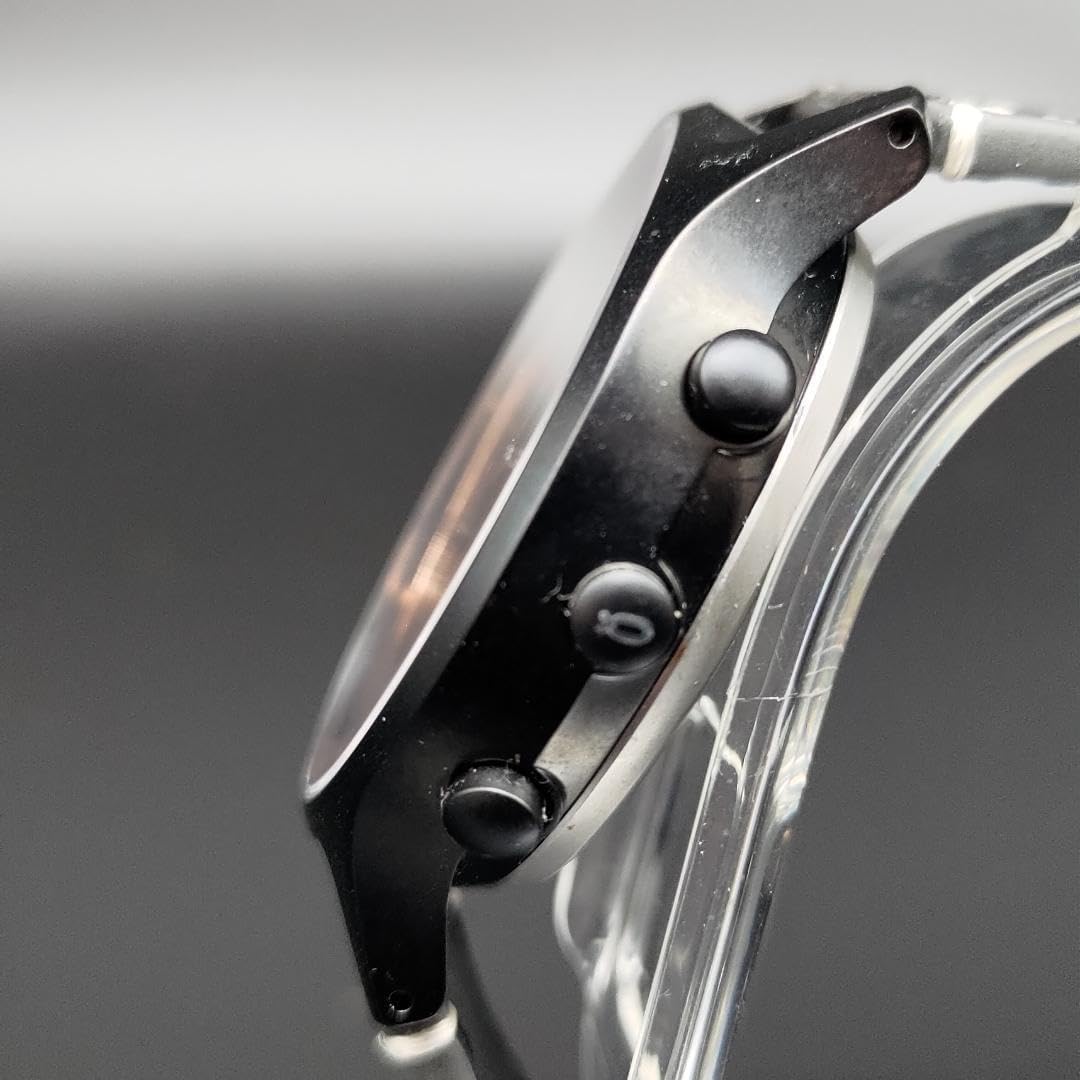
รูปที่ 4.3: ด้านระยะใกล้ view of the smartwatch, showing the three distinct black buttons used for various functions and navigation.

รูปที่ 4.4: ด้านโปรfile ของนาฬิกา ให้ภาพที่ชัดเจน view of its case thickness and design.

รูปที่ 4.5: หลัง view of the smartwatch case, displaying engraved product information including manufacturing details, material, water resistance, glass type, connectivity, and its limited edition number.
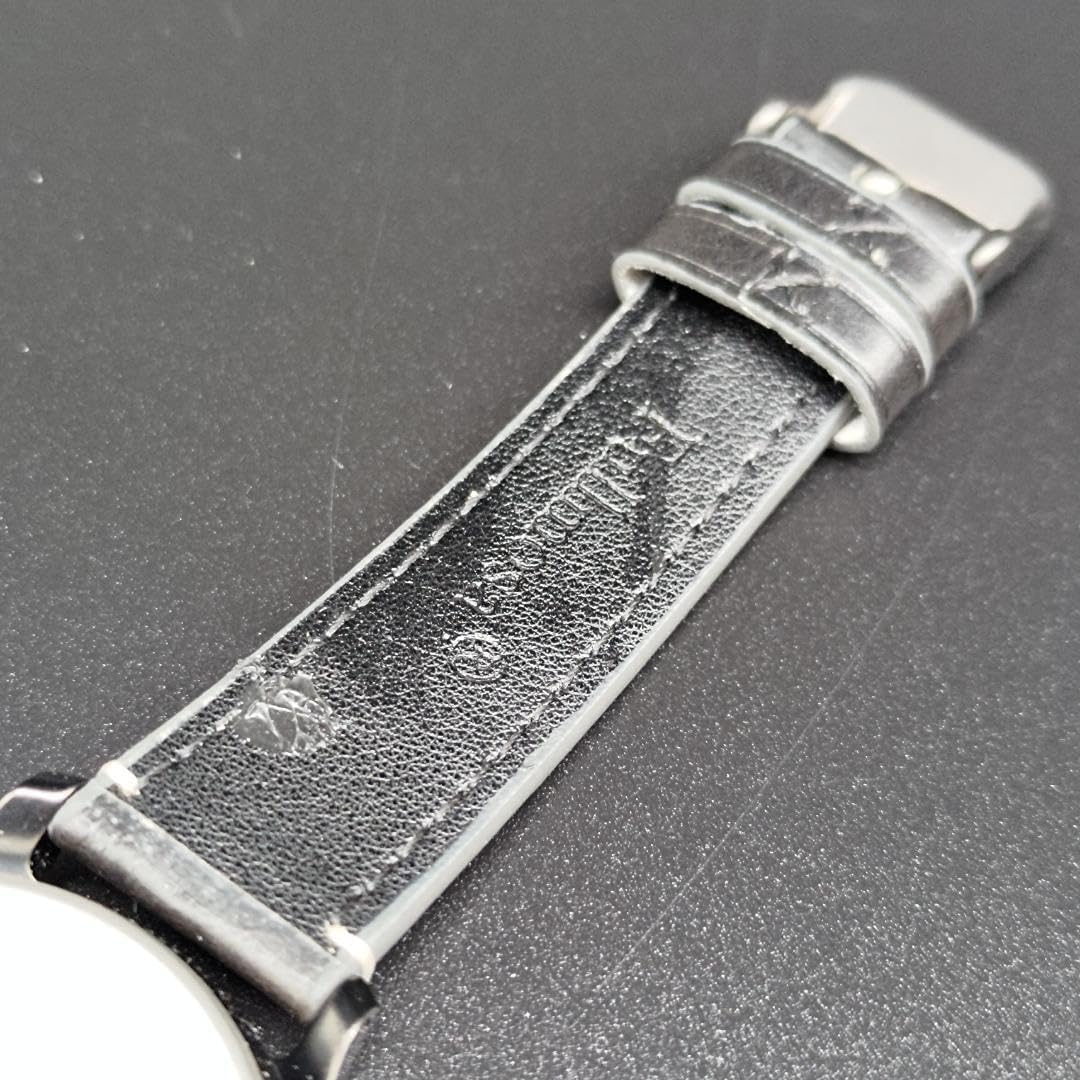
รูปที่ 4.6: Detail of the inner surface of the black leather strap, showing its texture and construction.

รูปที่ 4.7: View of the adjustment holes on the black leather strap, designed for a comfortable fit.

รูปที่ 4.8: Detail of the buckle end of the black leather strap, including the metal buckle.
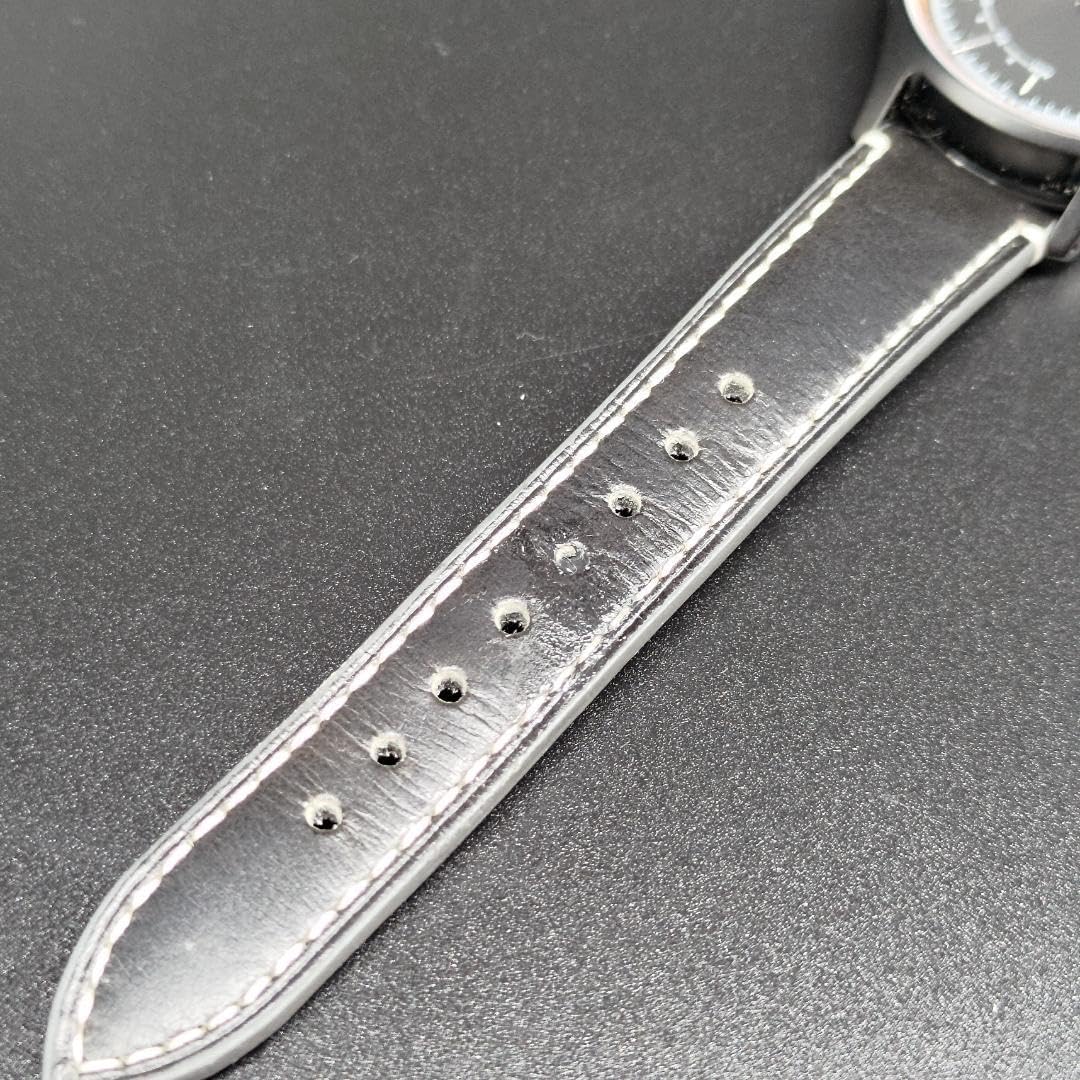
รูปที่ 4.9: View of the pointed end of the black leather strap, designed to pass through the buckle and keepers.
5. การตั้งค่า
5.1 การชาร์จเริ่มต้น
Before first use, fully charge your Knot EH-38 Smartwatch. Connect the charging cable to the charging port on the back of the watch and plug the other end into a USB power source. The watch will indicate charging status on its display.
5.2 เปิด/ปิดเครื่อง
- การเปิดเครื่อง: Press and hold the top button on the right side of the watch until the display illuminates.
- วิธีปิดเครื่อง: Navigate to the settings menu on the watch, then select 'Power Off'. Alternatively, press and hold the top button until the power-off option appears, then confirm.
5.3 การติดตั้งและการจับคู่แอป
To unlock the full functionality of your smartwatch, download the companion application from your smartphone's app store. ค้นหา "Knot Smartwatch App" or refer to the QR code provided in the watch packaging (if applicable).
- ติดตั้งแอปบนสมาร์ทโฟนของคุณ
- ตรวจสอบให้แน่ใจว่าได้เปิดใช้งาน Bluetooth บนสมาร์ทโฟนของคุณแล้ว
- Open the Knot Smartwatch App and follow the on-screen instructions to create an account or log in.
- เลือก 'เพิ่มอุปกรณ์' หรือ 'จับคู่อุปกรณ์ใหม่' ภายในแอป
- The app will search for available devices. Select 'Knot EH-38' from the list.
- หากระบบแจ้งให้ยืนยันการจับคู่ โปรดยืนยันคำขอจับคู่ทั้งบนสมาร์ทโฟนและสมาร์ทวอทช์ของคุณ
6. คู่มือการใช้งาน
6.1 การนำทางพื้นฐาน
- หน้าจอสัมผัส: Swipe left/right, up/down to navigate through menus and screens. Tap to select an item.
- ปุ่มบน: Typically acts as a 'Home' button or to wake/sleep the screen. A long press may access power options.
- ปุ่มกลาง: May be customizable for quick access to a specific function or app.
- ปุ่มด้านล่าง: Often used for 'Back' or to cycle through different modes.
6.2 เวลาและวันที่
The time and date on your EH-38 Smartwatch will typically synchronize automatically with your paired smartphone once connected via the app. If manual adjustment is needed, refer to the 'Settings' menu on the watch or within the companion app.
6.3 การแจ้งเตือน
Once paired with your smartphone, the EH-38 can display notifications for calls, messages, and other app alerts. Manage which notifications appear on your watch through the settings in the companion app.
6.4 การติดตามกิจกรรม
Your smartwatch may include features for tracking daily activity such as steps taken, distance covered, and calories burned. Access these features through dedicated watch faces or apps on the device. Detailed historical data is usually available in the companion smartphone app.
7. การบำรุงรักษา
7.1 การทำความสะอาด
- Wipe the watch case and screen with a soft, lint-free cloth. If necessary, slightly dampเทน้ำลงบนผ้า
- For the leather strap, avoid excessive moisture. Wipe with a dry cloth. If it gets wet, allow it to air dry completely before wearing.
- Do not use harsh chemicals, abrasive cleaners, or solvents, as these can damage the watch's finish and materials.
7.2 ความต้านทานต่อน้ำ
The Knot EH-38 Smartwatch is rated as กันน้ำ 3ATM. This means it is resistant to splashes, rain, and brief immersion in shallow water. It is ไม่เหมาะ for swimming, showering, or diving. Avoid pressing buttons while the watch is wet.
7.3 การดูแลแบตเตอรี่
- Charge the battery regularly, even if the watch is not in frequent use, to maintain battery health.
- หลีกเลี่ยงการปล่อยแบตเตอรี่จนหมดบ่อยครั้ง
- เก็บนาฬิกาไว้ในที่แห้งและเย็นเมื่อไม่ได้ใช้งานเป็นเวลานาน
8 การแก้ไขปัญหา
| ปัญหา | วิธีแก้ปัญหาที่เป็นไปได้ |
|---|---|
| นาฬิกาไม่เปิด | Ensure the watch is fully charged. Press and hold the top button for several seconds. |
| ไม่สามารถจับคู่กับสมาร์ทโฟนได้ | Check that Bluetooth is enabled on your phone and the watch. Restart both devices. Ensure the watch is in pairing mode. |
| การแจ้งเตือนไม่ปรากฏ | Verify that notification permissions are granted to the companion app on your smartphone. Check app settings for specific notification preferences. Ensure the watch is connected to the phone. |
| การติดตามกิจกรรมที่ไม่แม่นยำ | Ensure the watch is worn snugly on your wrist. Calibrate the device through the companion app if available. |
| อายุการใช้งานแบตเตอรี่สั้น | Reduce screen brightness, disable unnecessary notifications, or limit continuous heart rate monitoring (if applicable). Ensure proper charging habits. |
9. ข้อมูลจำเพาะ
| คุณสมบัติ | รายละเอียด |
|---|---|
| แบบอย่าง | อีเอช-38 |
| หมายเลขรุ่นผลิตภัณฑ์ | m20874808864 |
| รุ่นลิมิเต็ดอิดิชั่น | 002/300 |
| วัสดุตัวเรือน | สแตนเลส 316L |
| ความต้านทานต่อน้ำ | 3ตู้เอทีเอ็ม |
| ประเภทกระจก | กระจกแซฟไฟร์ |
| การเชื่อมต่อ | บลูทู ธ เชื่อมโยง |
| ต้นทาง | ผลิตในประเทศญี่ปุ่น |
| วางจำหน่ายครั้งแรกที่ Amazon.co.jp | 13 พฤศจิกายน 2024 |
| ASIN | B0DMWP172B |
10. การรับประกันและการสนับสนุน
Your Knot EH-38 Smartwatch comes with a standard manufacturer's warranty. Please refer to the warranty card included in your product packaging for specific terms and conditions. For technical support, troubleshooting assistance beyond this manual, or warranty claims, please contact Knot customer service through their official webเว็บไซต์หรือข้อมูลการติดต่อที่ให้มาพร้อมกับการซื้อของคุณ