
Introduction to the iMac M4
The Apple iMac M4 is a powerful all-in-one desktop computer featuring the advanced M4 chip, designed for efficiency and performance. This guide provides essential information to help you understand and utilize your new device, including its design features, display capabilities, and environmental considerations.
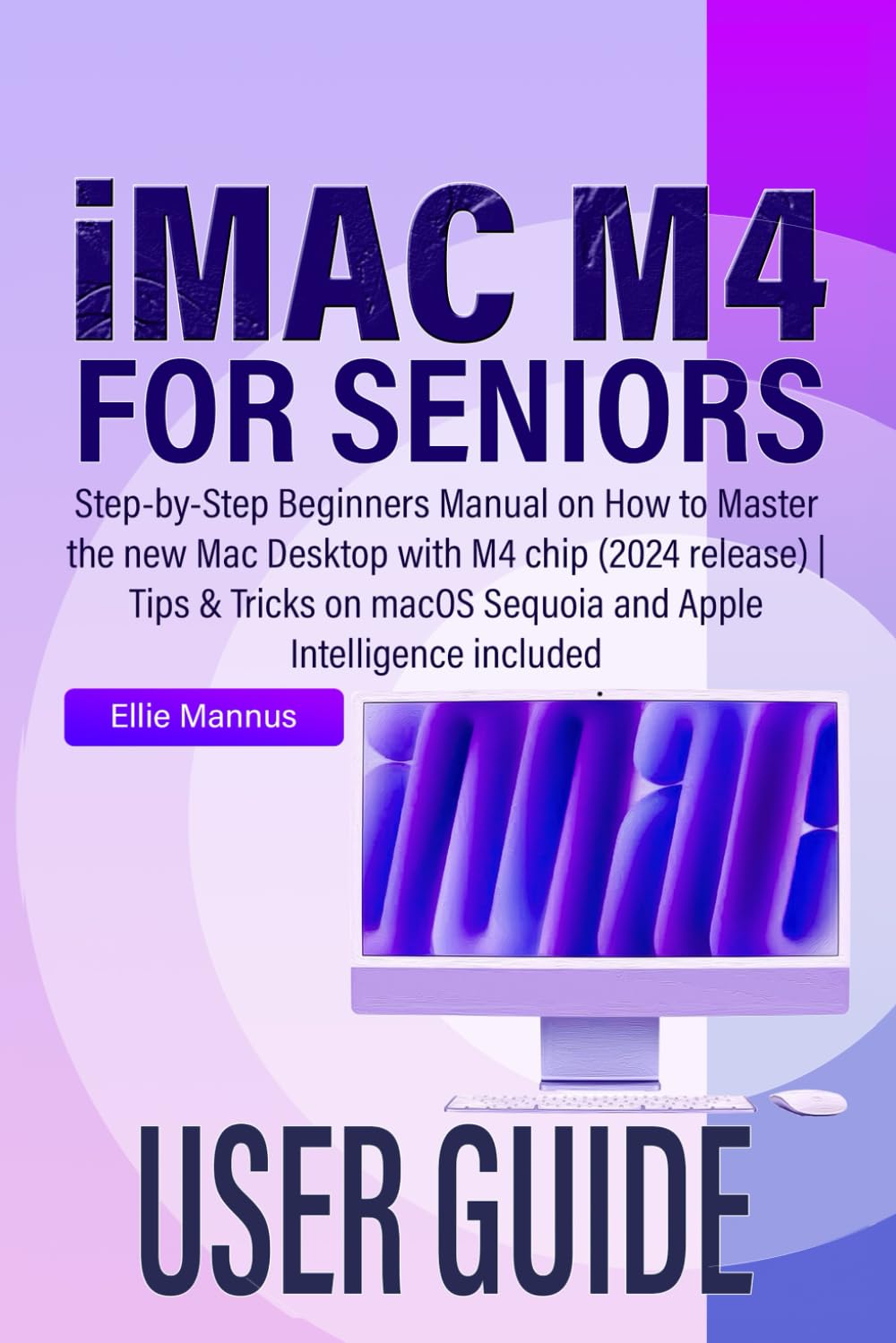
Image: Front cover of the "iMAC M4 USER GUIDE for seniors" book, featuring a purple and white abstract design.
การตั้งค่าและการกำหนดค่าเริ่มต้น
This section details the steps required to set up your new iMac M4 and perform initial configurations. Ensure all components are unpacked and connected correctly before powering on the device.
1. Unboxing and Connections
- Carefully remove the iMac from its packaging.
- Connect the power cable to the iMac and then to a power outlet.
- Connect the Magic Keyboard and Magic Mouse (or other peripherals) via Bluetooth or USB.
2. First Power On and macOS Setup Assistant
- กดปุ่มเปิด/ปิดที่อยู่ด้านหลังของ iMac
- Follow the on-screen instructions from the macOS Setup Assistant to select your language, region, and connect to a Wi-Fi network.
- Create or sign in with your Apple ID. This is crucial for accessing Apple services like iCloud and the App Store.
- Transfer data from an older computer if prompted, or choose to set up as a new Mac.
3. การปรับแต่ง
- Adjust display settings, wallpaper, and widgets via System Settings.
- Configure accessibility features for vision, hearing, mobility, and speech as needed.
Operating Your iMac M4 with macOS Sequoia
This section covers the fundamental operations of your iMac M4, focusing on navigation and essential applications within macOS Sequoia.
1. Navigating the macOS Interface
- ตัวค้นหา: จัดการของคุณ fileและโฟลเดอร์ต่างๆ เข้าถึงได้จาก Dock
- ท่าเรือ: A row of icons at the bottom (or side) of your screen for quick access to applications and documents.
- ศูนย์แจ้งเตือน: Access notifications and widgets from the top-right corner of the screen.
- สปอตไลท์: กด สั่งการ + สเปซบาร์ to quickly search for files, applications, and information.
2. iCloud and Photos
- iCloud: Store and synchronize your documents, photos, contacts, and more across all your Apple devices. Access iCloud settings in System Settings.
- Photos App: Organize, edit, and share your photos. Photos stored in iCloud are accessible here.
3. Productivity and Creativity
- Multiple Spaces: Organize your workspace by creating multiple desktops. Swipe with three or four fingers on your trackpad to switch between them.
- ปาฐกถาสำคัญ: Create presentations. Learn to add transitions, images, charts, video, and audio.
การบำรุงรักษาและแนวปฏิบัติที่ดีที่สุด
Regular maintenance ensures optimal performance and longevity of your iMac M4.
- การอัปเดตซอฟต์แวร์: Regularly check for and install macOS updates via System Settings > General > Software Update.
- ข้อมูลสำรอง: Use Time Machine to regularly back up your data to an external drive.
- Clean Storage: รีเป็นระยะๆview และลบสิ่งที่ไม่จำเป็นออก fileเพื่อเพิ่มพื้นที่จัดเก็บ
- การทำความสะอาดทางกายภาพ: ใช้ผ้าเนื้อนุ่มที่ไม่เป็นขุยเช็ดทำความสะอาดหน้าจอและภายนอก หลีกเลี่ยงสารเคมีรุนแรง
- การจัดการเวลาหน้าจอ: Utilize Screen Time features in System Settings to monitor and manage usage.
การแก้ไขปัญหาทั่วไป
This section provides solutions for common problems you might encounter with your iMac M4.
1. iMac Not Responding
- If an application is unresponsive, press สั่งการ + ตัวเลือก + เอสซี to open the Force Quit Applications window and close the problematic app.
- If the entire system is unresponsive, press and hold the power button until the iMac shuts down, then restart.
2 ปัญหาการเชื่อมต่อเครือข่าย
- Check your Wi-Fi connection in the menu bar. Ensure Wi-Fi is turned on and you are connected to the correct network.
- รีสตาร์ทเราเตอร์ Wi-Fi และโมเด็มของคุณ
- Go to System Settings > Network to diagnose and troubleshoot connection problems.
3. Peripheral Devices Not Working
- Ensure Bluetooth is enabled in System Settings > Bluetooth for wireless devices.
- Check USB connections for wired devices. Try a different USB port.
- Restart the iMac to reset device connections.
ข้อมูลจำเพาะ
Key technical specifications for the Apple iMac M4 (2024 release).
| คุณสมบัติ | รายละเอียด |
|---|---|
| โปรเซสเซอร์ | ชิป Apple M4 |
| ระบบปฏิบัติการ | macOS เซควอย่า |
| แสดง | Retina 4.5K display (specific size varies by model) |
| หน่วยความจำ | Configurable (e.g., 8GB, 16GB, 24GB unified memory) |
| พื้นที่จัดเก็บ | Configurable SSD (e.g., 256GB, 512GB, 1TB, 2TB) |
| การเชื่อมต่อ | Wi-Fi 6E, Bluetooth 5.3, Thunderbolt / USB 4 ports, USB 3 ports, Gigabit Ethernet (optional) |
| กล้อง | กล้อง FaceTime HD 1080p |
| เสียง | High-fidelity six-speaker system with force-cancelling woofers |
การรับประกันและการสนับสนุน
Your Apple iMac M4 comes with a standard limited warranty. For detailed information regarding warranty coverage, technical support, and service options, please refer to the official Apple webไซต์หรือติดต่อฝ่ายสนับสนุนของ Apple โดยตรง
- การสนับสนุนของ Apple Webเว็บไซต์: support.apple.com
- AppleCare: พิจารณาซื้อasing AppleCare+ for extended warranty and accidental damage protection.
- การบริการและการซ่อมแซม: For hardware issues, contact Apple Authorized Service Providers.