
การแนะนำ
This manual provides detailed instructions for the safe and effective use of your PANOX 8K 360 Action Camera, Model PIP225. Please read this manual thoroughly before operating the device and retain it for future reference.

Image: PANOX 8K 360 Action Camera with included accessories: 128GB Micro SD card, selfie stick, protective case, and remote control.
การตั้งค่า
1. อะไรอยู่ในกล่อง
- 360 กล้องถ่ายรูป
- ไม้เซลฟี่
- Removable Lens Guards
- การ์ด Micro SD (128GB)
- เคสป้องกัน
2. การระบุส่วนประกอบ
ทำความคุ้นเคยกับส่วนประกอบทางกายภาพของกล้อง:
- ปุ่มด้านข้าง: For quick menu access.
- ปุ่มเปิด/ปิด: To turn the camera on/off.
- พอร์ตชาร์จ: พอร์ต USB-C สำหรับชาร์จ
- ช่องใส่แบตเตอรี่: เป็นที่อยู่ของแบตเตอรี่แบบถอดได้
- ลำโพงในตัว: สำหรับการเล่นเสียง
Video: PANOX V3 basic functions introduction. This video demonstrates the location of side buttons, power button, charging port, battery compartment, and built-in speakers.
3. การติดตั้งแบตเตอรี่และการ์ด SD
- เปิดช่องใส่แบตเตอรี่
- ใส่แบตเตอรี่.
- Insert the Micro SD card into its slot.
- ปิดช่องใส่แบตเตอรี่ให้แน่น
Note: It is recommended to remove the battery before installing the SD card for easier access.
4. การตั้งค่าเริ่มต้นและการเชื่อมต่อ Wi-Fi
- กดปุ่มเปิด/ปิดค้างไว้เพื่อเปิดกล้อง
- Select your preferred language on the touchscreen.
- Swipe down from the top of the screen to access the Control Center.
- Navigate to "Settings" from the Control Center.
- Connect to a Wi-Fi network by selecting it and entering the password.
คำแนะนำการใช้งาน
1. การยิงปืนขั้นพื้นฐาน
The camera features a 3.0" touchscreen for intuitive control.
- Swipe left or right on the screen to adjust the viewมุมอิง
- Adjust shooting modes from the bottom of the camera interface.
- Adjust shooting parameters (e.g., shutter speed, exposure) on the right side of the camera interface.
- Use the menu at the bottom right corner to set countdown timers, resolution, frame rate, GPS recording, or interval shooting.
Video: PANOX V3 basic functions introduction. This video demonstrates basic camera operation, including adjusting viewing angles, shooting modes, and parameters.
2. โหมดการถ่ายภาพและคุณสมบัติ
Split-Screen Dual-Lens Recording
Capture front and rear views simultaneously with two synchronized 48MP lenses. The camera automatically generates split-screen videos, ideal for capturing both first-person and third-person perspectives without post-editing.

Image: PANOX 360 Action Camera displaying split-screen video mode, showing both front and rear views simultaneously on a motorcycle.
8K Ultra-Clear 360° Video & 12K Photo Capture
Record immersive 8K 360° video and highly detailed 12K panoramic photos using dual 48MP CMOS sensors. This mode is designed for cinematic clarity and flexible reframing.
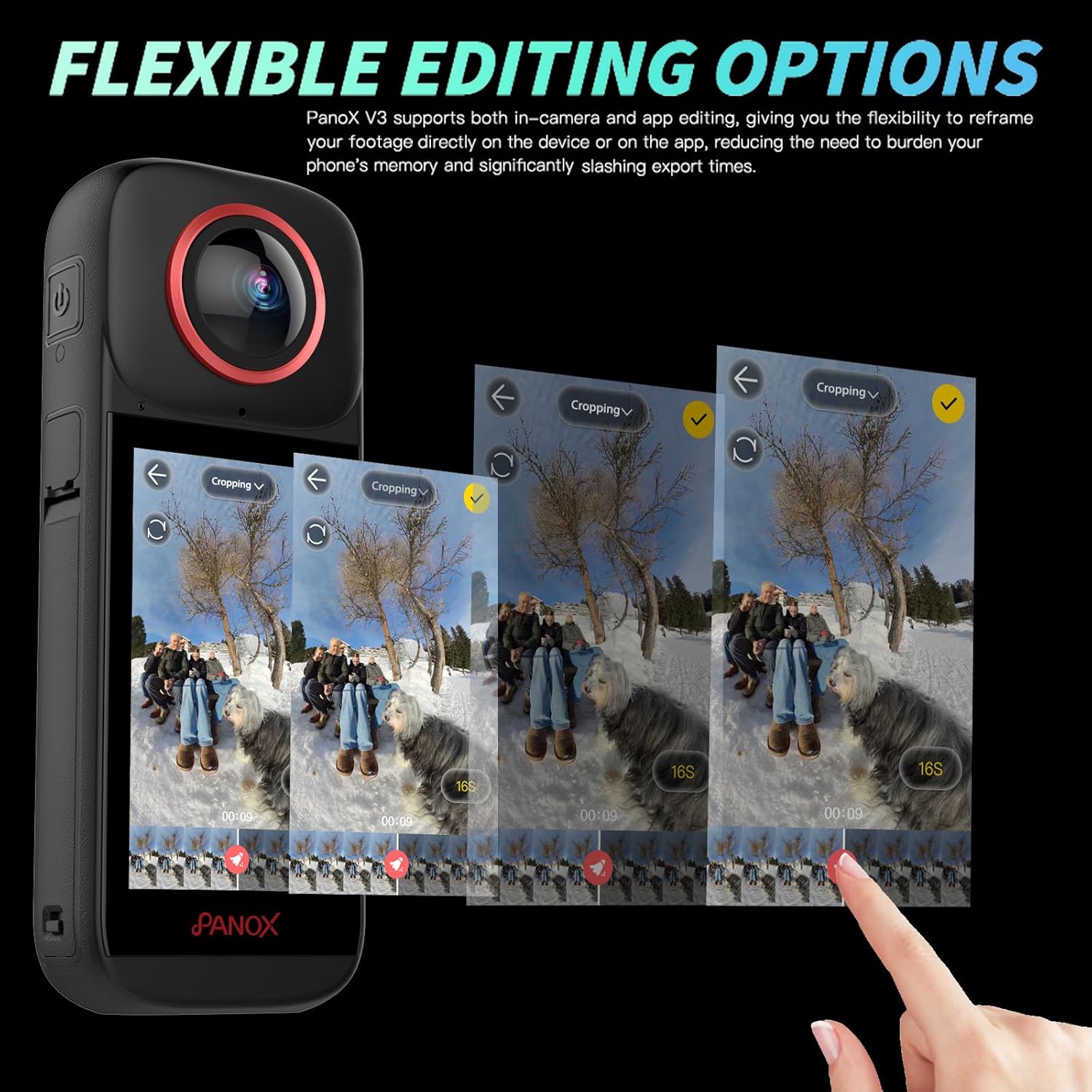
Image: PANOX 360 Action Camera capturing an 8K 360-degree video of a paraglider over a green landscape.
การติดตาม AI
The advanced face and subject tracking feature keeps your subject centered in the frame, ensuring focus during dynamic movements. This is ideal for action shots and vlogs.
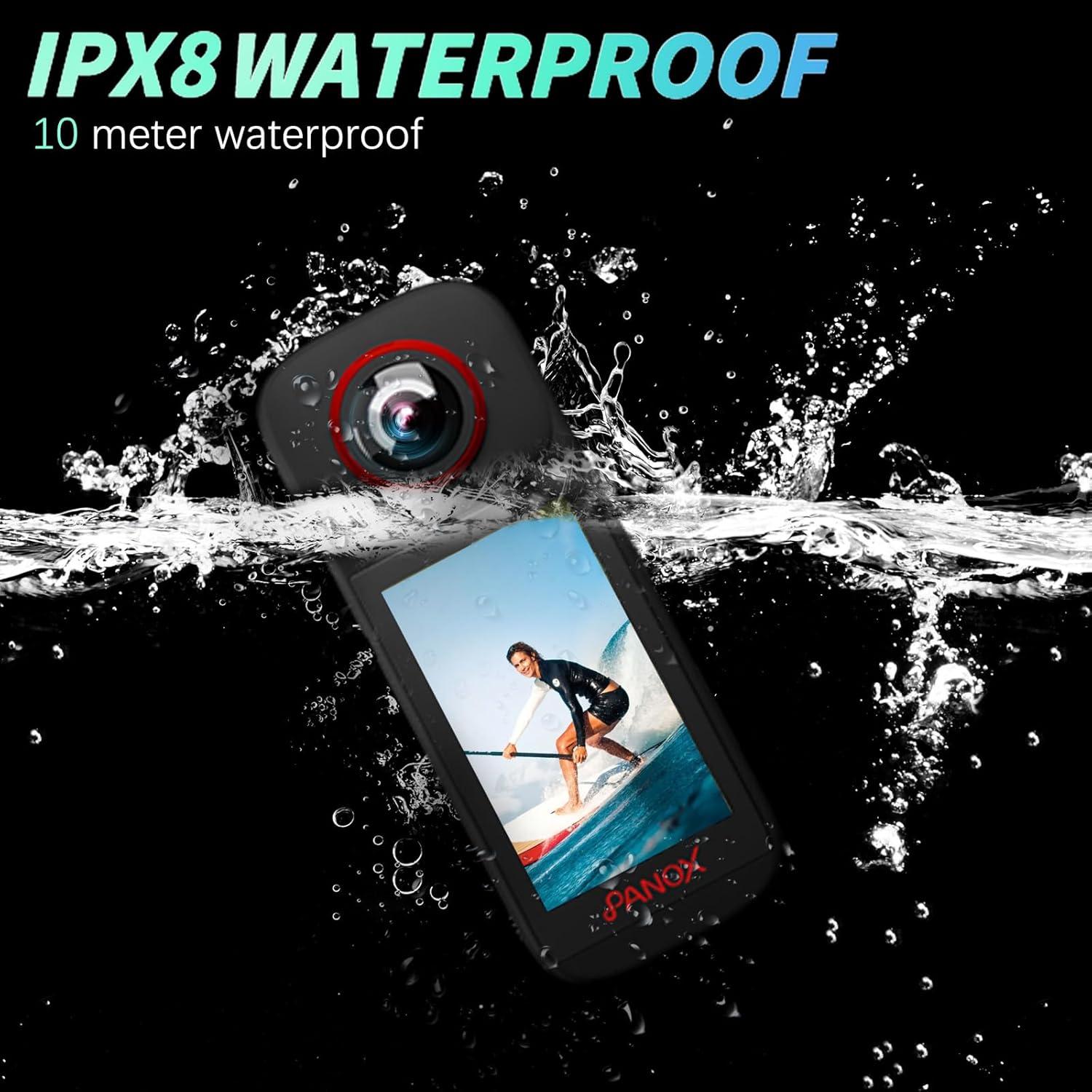
Image: PANOX 360 Action Camera demonstrating AI tracking, keeping a snowboarder in focus while they perform a trick.
การบันทึกแบบวนซ้ำ
Enable continuous video capture where the camera automatically overwrites the oldest footage when storage is full. This is suitable for riding, driving, and continuous monitoring.
Video: How to use loop shooting. This video demonstrates how to enable and configure the loop recording function on the camera.

Image: PANOX 360 Action Camera illustrating loop recording, showing older footage being overwritten as new footage is captured during a bike ride.
ฟังก์ชั่น GPS
The built-in GPS adds route and speed data to your footage, enhancing your video content with geographical information.
Video: How to use GPS function to generate track and speed display. This video explains how to activate and utilize the GPS feature for tracking and speed data.
การออกแบบกันน้ำ
The camera is dustproof, splashproof, and waterproof up to 10 meters without requiring an additional case. This allows for confident shooting in various outdoor conditions, including rain, snow, and underwater.
Video: Safety and waterproof. This video demonstrates the camera's waterproof capabilities by submerging it in water while operating.
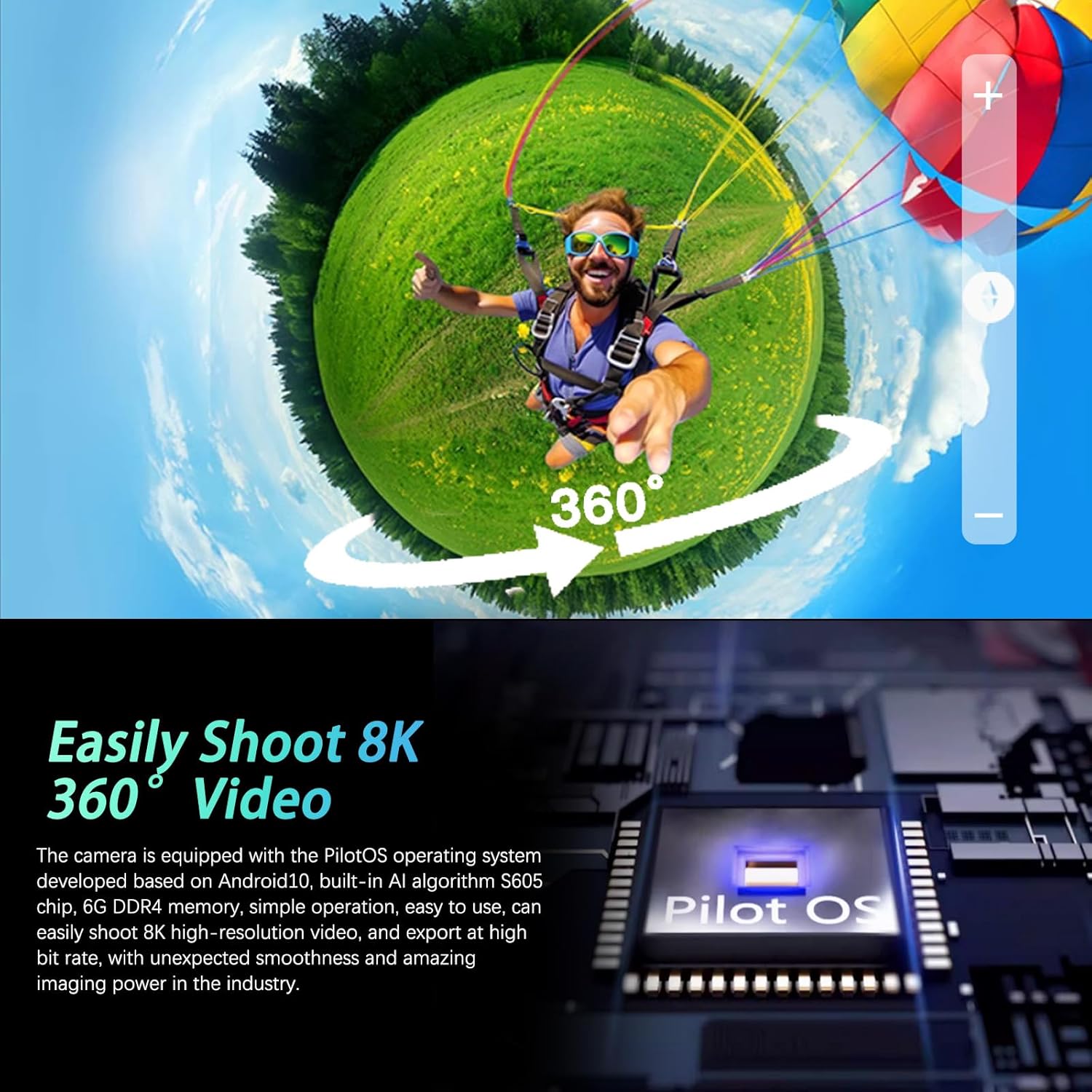
Image: PANOX 360 Action Camera submerged in water, demonstrating its IPX8 waterproof rating.
ระบบป้องกันภาพสั่นไหว
Equipped with digital image stabilization, the camera helps to reduce blur and shake, providing smoother footage even in dynamic environments.

Image: Comparison image showing video footage with and without image stabilization, highlighting the effectiveness of PilotSteady™ technology.
การเชื่อมต่อ Bluetooth ที่ไร้รอยต่อ
Connect to Bluetooth-enabled devices for hands-free control, particularly useful for motorcyclists or other action sports where direct camera interaction is limited.
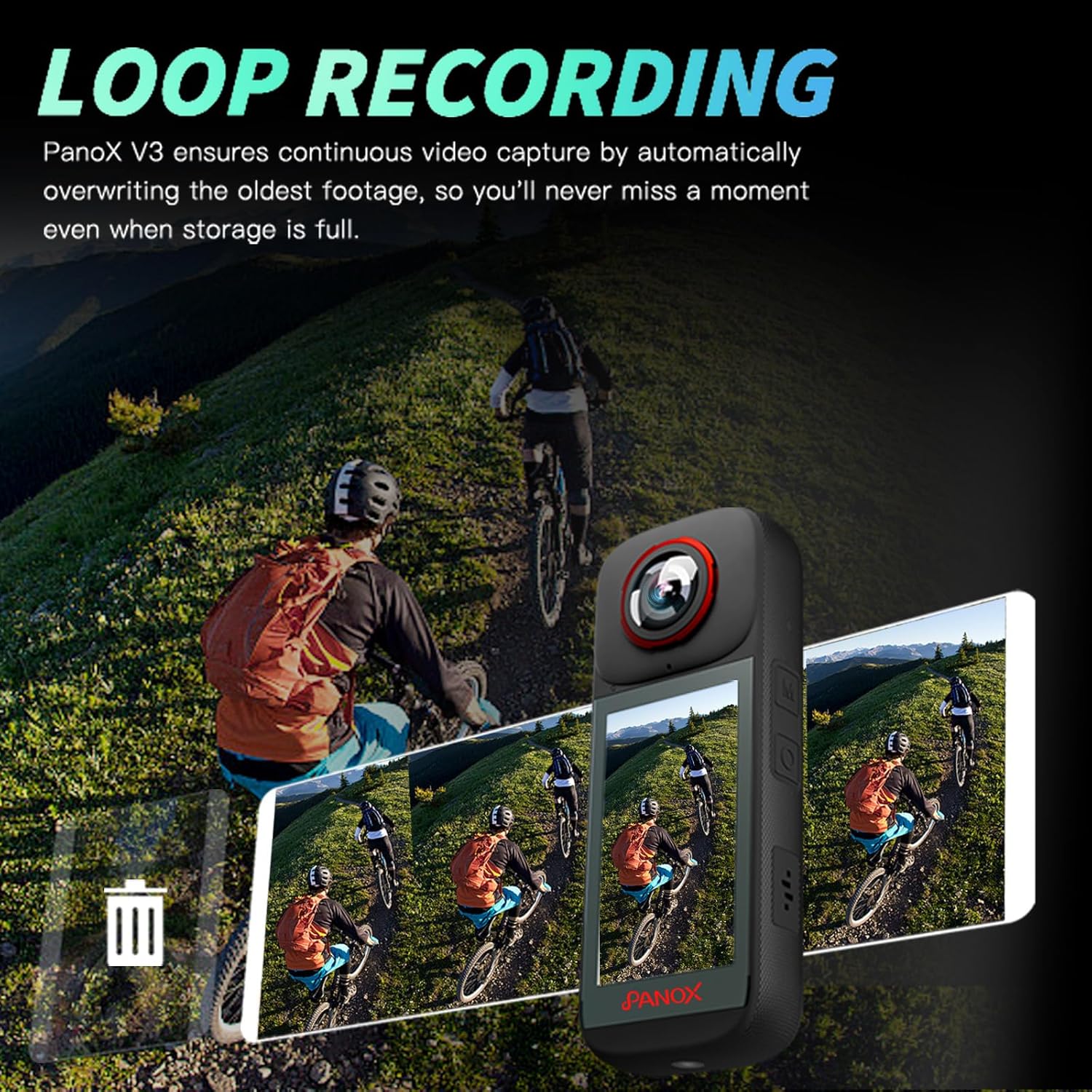
Image: PANOX 360 Action Camera connected via Bluetooth to a rider's helmet, enabling remote control during a night bike ride.
Editing and Sharing
1. In-Camera AI Auto Editing
The camera features built-in AI for automatic editing of your 360° footage. You can select music, transitions, and styles directly on the 3.0" touchscreen, reducing the need for phone storage and speeding up your workflow.
Video: How to use AI Editing to generate your video in one click. This video demonstrates the process of using the camera's AI editing features.

Image: PANOX 360 Action Camera screen showing AI editing options for one-click video creation with various templates.
2. Flexible Editing Options
The PANOX V3 supports both in-camera and app editing, allowing you to reframe your footage directly on the device or via a connected app. This flexibility helps to save phone memory and reduce export times.
Video: How to use the video editing function in the camera. This video guides users through the in-camera video editing features.

Image: PANOX 360 Action Camera displaying flexible editing options on its screen, showing a timeline for cropping and reframing 360-degree footage.
3. Sharing Your Content
After editing, you can easily share your videos and photos. Connect the camera to a mobile hotspot and scan the generated QR code with your phone to quickly download and share your content.
Video: How to use AI Editing to generate your video in one click. This video also demonstrates the sharing process via QR code after editing.
การซ่อมบำรุง
1. การดูแลเลนส์
The camera features quick-release lens protectors. Regularly inspect and clean the lenses and protectors to ensure optimal image quality. Use a soft, lint-free cloth specifically designed for optical surfaces. Avoid abrasive materials or harsh chemicals.
Video: PANOX V3 Waterproof 8K 360 Action Camera. This video briefly shows the quick-release lens protector design.
2. การดูแลรักษาแบบกันน้ำ
Although the camera is waterproof up to 10 meters, always ensure all ports and covers are securely closed before exposing it to water. After use in saltwater, rinse the camera with fresh water and dry thoroughly to prevent corrosion.
การแก้ไขปัญหา
- กล้องไม่เปิด: ตรวจสอบให้แน่ใจว่าแบตเตอรี่ชาร์จเต็มและใส่เข้าไปอย่างถูกต้อง
- ปัญหาการเชื่อมต่อ Wi-Fi: Verify that the camera and your phone are connected to the same network. Restart both devices if necessary.
- Video Playback/Export Problems: Check available storage space on the SD card and your phone. Ensure the video format is compatible with your playback device.
- GPS Data Not Recording: Ensure GPS recording is enabled in the camera settings and that the camera has a clear view ของท้องฟ้าสำหรับการรับภาพจากดาวเทียม
- หน้าจอสัมผัสไม่ตอบสนอง: Restart the camera. If the issue persists, contact customer support.
ข้อมูลจำเพาะ
| คุณสมบัติ | รายละเอียด |
|---|---|
| ยี่ห้อ | พาน็อกซ์ |
| หมายเลขรุ่น | พีไอพี225 |
| เทคโนโลยีโฟโต้เซนเซอร์ | ซีมอส |
| ความละเอียดในการจับภาพวิดีโอ | 8K |
| ความละเอียดของภาพนิ่งที่มีประสิทธิภาพ | 48 MP |
| รูรับแสงสูงสุด | 2 ฟ. |
| ประเภทหน่วยความจำแฟลช | ไมโคร SD |
| รูปแบบการจับภาพวิดีโอ | เอ็มพี 4 |
| รูปแบบเสียงที่รองรับ | อคส.,พม |
| ขนาดหน้าจอ | 3 นิ้ว |
| เทคโนโลยีการเชื่อมต่อ | ไวไฟ |
| คุณสมบัติพิเศษ | 8K Video Recording, Split-Screen Video Mode, In-Camera Editing, Waterproof Design, AI Tracking Shooting, High-Definition Large Screen |
| ประเภทเซนเซอร์ | ซีมอส |
| ขนาดเซนเซอร์ภาพ | 1/2 นิ้ว |
| ระดับความต้านทานต่อน้ำ | Waterproof (up to 10m) |
| ระบบป้องกันภาพสั่นไหว | ดิจิตอล |
| ฟอร์มแฟกเตอร์ | ขนาดกะทัดรัด |
| น้ำหนักสินค้า | 0.82 กิโลกรัม |
| ระบบปฏิบัติการ | แอนดรอยด์ |
| จำนวนแบตเตอรี่ | ลิเธียมไอออน 1 อัน (รวมอยู่ด้วย) |
| ความยาวโฟกัสต่ำสุด | 500 มิลลิเมตร |
| ประเภทเลนส์ | ฟิชอาย |
| ประเภทโฟกัส | โฟกัสอัตโนมัติ |
| ความละเอียดการแสดงผลสูงสุด | 8K |
| คลาสความเร็วของหน่วยความจำแฟลช | ซี10 |
| ระดับความเร็วของวิดีโอหน่วยความจำแฟลช | วี60 |
| ซูม | ดิจิตอล |
| ประเภทกล้องวีดีโอ | กล้อง Action |
| โหมดการถ่ายภาพ | Automatic, Sports, Landscape, Portrait, Burst, Night, Macro, Panorama, Underwater, Movie, Scene, Custom, Manual, Bulb |
| อัตราส่วนภาพ | 16:9 น. |
| รูปแบบภาพที่รองรับ | เจพีเจ |
| File รูปแบบ | เอ็มพี 4 |
| ประเภทการควบคุมการรับแสง | อัตโนมัติ, แมนนวล |
| ความละเอียดวิดีโอที่มีประสิทธิภาพ | 7680 พิกเซล |
| อุปกรณ์ที่รองรับ | สมาร์ทโฟน, แท็บเล็ต |
การรับประกันและการสนับสนุน
ข้อมูลการรับประกัน
The PANOX 8K 360 Action Camera (Model PIP225) comes with a การรับประกันจากผู้ผลิต 1 ปีโปรดเก็บหลักฐานการซื้อไว้เพื่อใช้เรียกร้องการรับประกัน
การสนับสนุนลูกค้า
For technical assistance, troubleshooting, or warranty inquiries, please contact PANOX customer support. Refer to the official PANOX webเว็บไซต์หรือเอกสารการซื้อของคุณสำหรับรายละเอียดการติดต่อ