การแนะนำ
This manual provides comprehensive instructions for the Generic M.2 NGFF USB-C SSD Enclosure, Model Generic7qxdzy09gv-12. This device allows you to convert an M.2 NGFF solid-state drive into a portable external storage solution, offering high-speed data transfer and broad compatibility. Please read this manual carefully before use to ensure proper installation and operation.
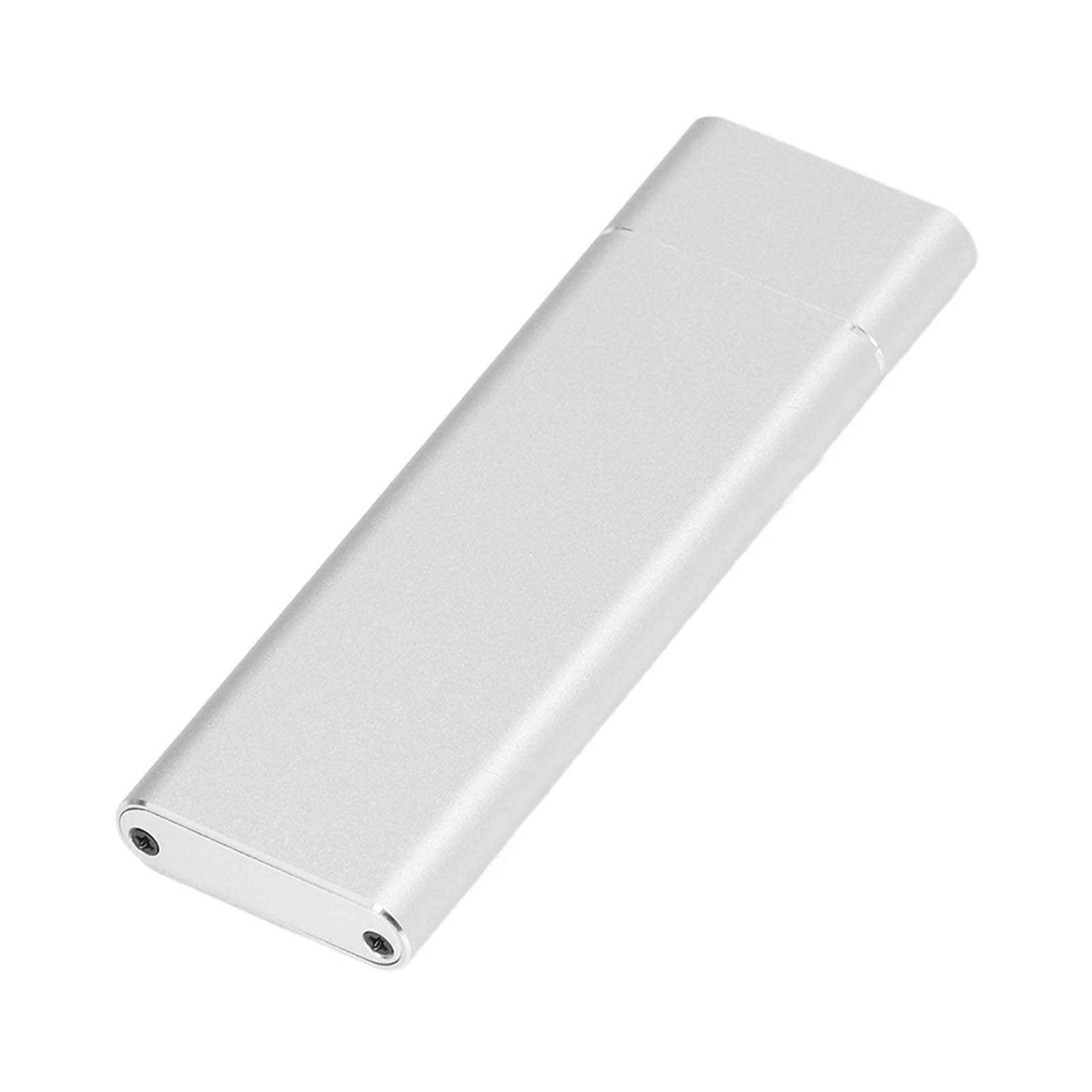
Image: The Generic M.2 NGFF USB-C SSD Enclosure, shown in a silver finish.
คำแนะนำการตั้งค่า
Follow these steps to install your M.2 NGFF SSD into the enclosure.
เนื้อหาแพ็คเกจ:
- 1 x USB C SSD Enclosure
- 1 x Data Line (USB-C to USB-A cable)
- ไขควง 1 อัน
- สกรู 3 ตัว

Image: All components included in the package: the M.2 enclosure, a USB-C to USB-A data cable, a small screwdriver, and three mounting screws.
ขั้นตอนการติดตั้ง:
- Disassemble the Enclosure: Use the provided screwdriver to remove the screws securing the end cap of the enclosure. Carefully slide open the enclosure to reveal the internal M.2 connector.
- Insert the M.2 NGFF SSD: Align your M.2 NGFF SSD with the internal connector inside the enclosure. Gently push the SSD into the slot until it is fully seated.
- รักษาความปลอดภัย SSD: Use one of the provided screws to secure the M.2 SSD in place at the opposite end of the connector. This prevents the SSD from dislodging.
- ประกอบตู้กลับเข้าที่: Slide the enclosure back together, ensuring the end cap aligns correctly. Reinsert and tighten the screws using the screwdriver to secure the enclosure.
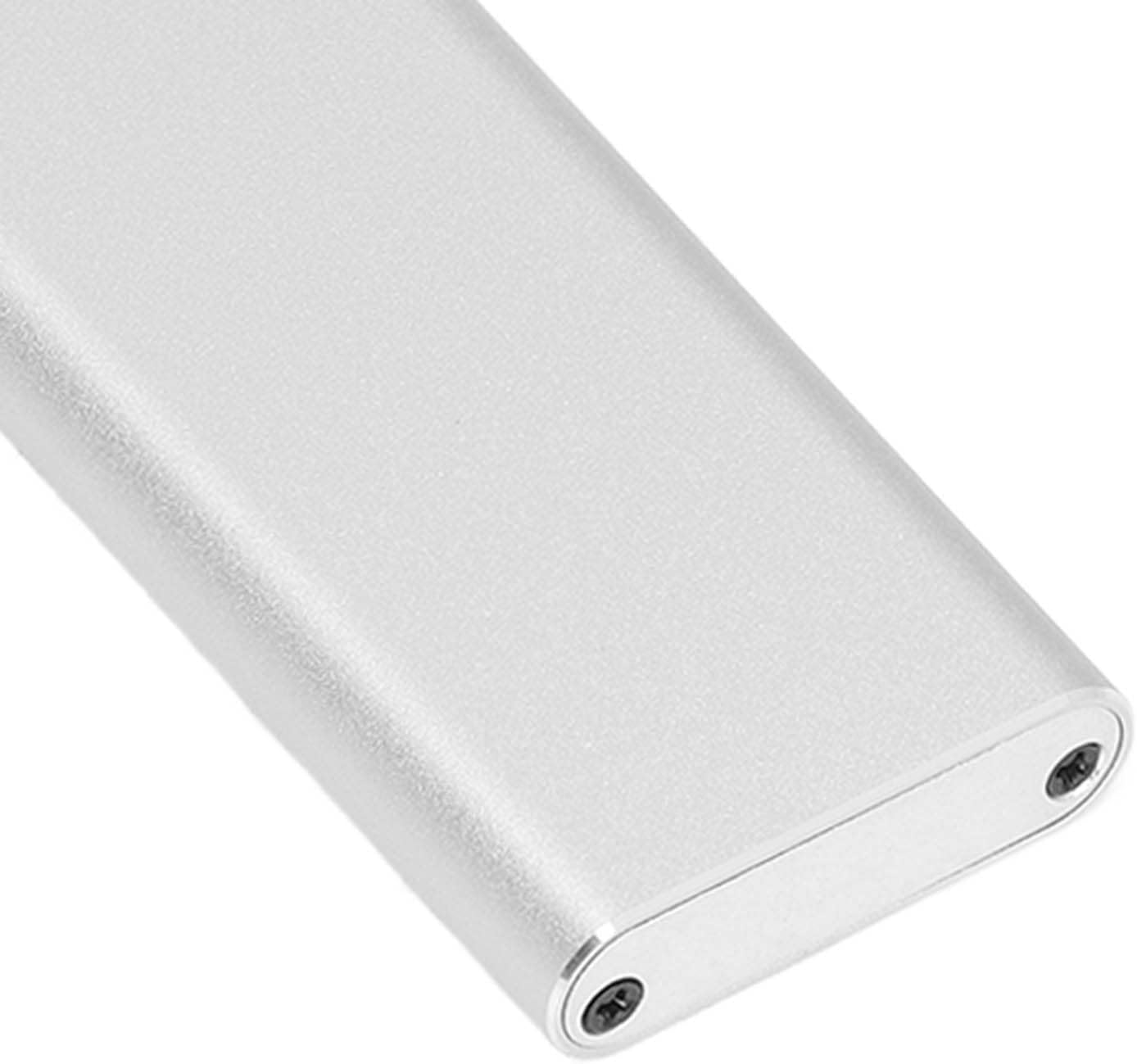
ภาพ: ภาพระยะใกล้ view of one end of the M.2 enclosure, highlighting the two small screws that need to be removed to open the casing.
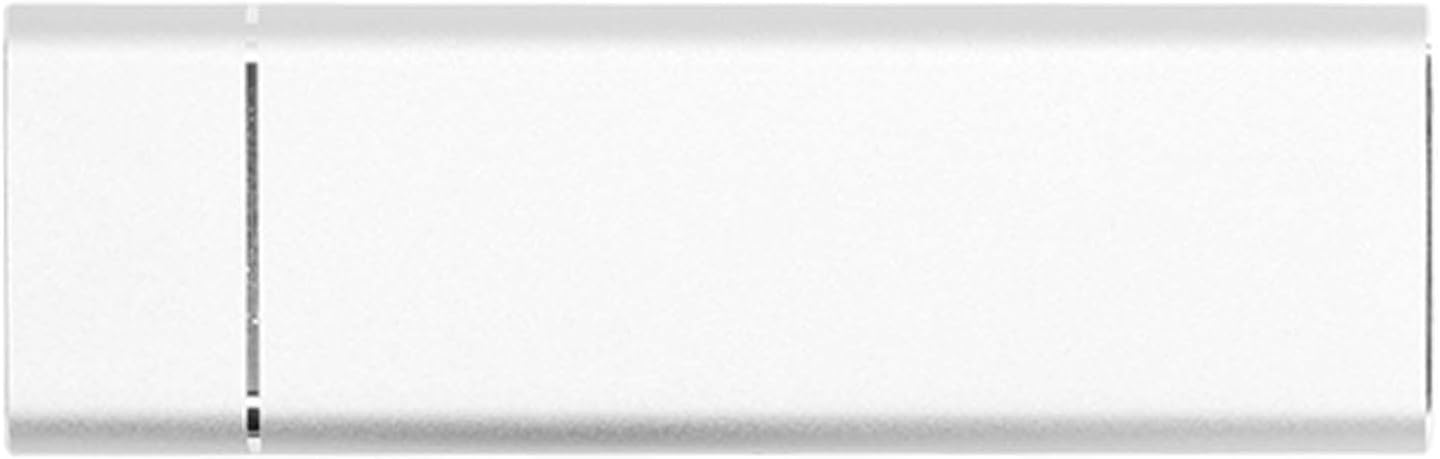
ภาพ: จากบนลงล่าง view of the fully assembled M.2 enclosure, showcasing its sleek, metallic design.
คำแนะนำการใช้งาน
Once your M.2 NGFF SSD is installed in the enclosure, it is ready for use.
การเชื่อมต่อกับคอมพิวเตอร์:
- Connect one end of the provided USB-C data cable to the Type-C port on the SSD enclosure.
- Connect the other end of the data cable to an available USB port on your computer (USB-A or USB-C, depending on the cable provided and your computer's ports).
- The enclosure is plug-and-play. Your operating system (Windows 7/10, macOS) should automatically detect the new external drive.
- If the SSD is new, you may need to initialize and format it through your computer's disk management utility before it appears as a usable drive.

ภาพ: รายละเอียด view of the USB-C port located on the end of the M.2 enclosure, ready for cable connection.
การถ่ายโอนข้อมูล:
The enclosure supports high-speed data transfer:
- USB 3.1 Gen1: Up to 5Gbps
- USB 3.1 Gen2: Up to 10Gbps
Actual transfer speeds may vary depending on your SSD, computer's USB port, and the type of data being transferred.
การซ่อมบำรุง
To ensure the longevity and optimal performance of your M.2 NGFF USB-C SSD Enclosure, follow these maintenance guidelines:
- การทำความสะอาด: Use a soft, dry cloth to wipe the exterior of the enclosure. Avoid using liquid cleaners or solvents, as they may damage the finish or internal components.
- การกระจายความร้อน: The aluminum alloy construction provides good heat dissipation. Ensure the enclosure is not covered or placed in an area with poor airflow during extended use to prevent overheating.
- พื้นที่จัดเก็บ: เมื่อไม่ได้ใช้งาน ให้เก็บกล่องไว้ในที่แห้งและเย็น หลีกเลี่ยงแสงแดดโดยตรงและอุณหภูมิที่สูงหรือต่ำเกินไป
- การจัดการ: Handle the enclosure with care. Avoid dropping it or subjecting it to strong impacts, which could damage the internal SSD or the enclosure itself.
การแก้ไขปัญหา
If you encounter issues with your M.2 NGFF USB-C SSD Enclosure, refer to the following common problems and solutions:
Problem: Enclosure is not detected by the computer.
- วิธีที่ 1: ตรวจสอบให้แน่ใจว่าได้เสียบสาย USB เข้ากับตัวเคสและพอร์ต USB ของคอมพิวเตอร์อย่างแน่นหนาแล้ว
- วิธีที่ 2: ลองเสียบเคสเข้ากับพอร์ต USB อื่นบนคอมพิวเตอร์ของคุณดู
- วิธีที่ 3: ลองใช้สาย USB เส้นอื่นเพื่อตรวจสอบว่าสายมีปัญหาหรือไม่
- วิธีที่ 4: Verify that the M.2 NGFF SSD is correctly installed and seated firmly within the enclosure's connector.
- วิธีที่ 5: Check your computer's Disk Management (Windows) or Disk Utility (macOS) to see if the drive is recognized but uninitialized or unformatted. If so, initialize and format the drive.
ปัญหา: ความเร็วในการถ่ายโอนข้อมูลช้า
- วิธีที่ 1: Ensure you are using a USB 3.0/3.1 compatible port on your computer. Connecting to a USB 2.0 port will result in slower speeds.
- วิธีที่ 2: Verify that your M.2 NGFF SSD supports the expected transfer speeds.
- วิธีที่ 3: ปิดแอปพลิเคชันที่ไม่จำเป็นใดๆ ที่ทำงานอยู่เบื้องหลังซึ่งอาจกินทรัพยากรระบบไป
- วิธีที่ 4: ตรวจสอบให้แน่ใจว่าไดร์เวอร์ USB ของคอมพิวเตอร์ของคุณเป็นเวอร์ชันล่าสุด
ปัญหา: กล่องรู้สึกอุ่นในระหว่างการทำงาน
- สารละลาย: It is normal for the aluminum alloy enclosure to feel warm during operation, especially during high-speed data transfers, as it is designed to dissipate heat from the SSD. If it becomes excessively hot, ensure it has adequate ventilation.
ข้อมูลจำเพาะ
| คุณสมบัติ | คำอธิบาย |
|---|---|
| ประเภทสินค้า | USB C SSD Enclosure |
| วัสดุ | โลหะผสมอลูมิเนียม |
| External Interface Type | ประเภทซี |
| Built-in Hard Disk Interface Type | M.2 NGFF |
| อัตราการถ่ายโอน | USB3.1 Gen1 5Gbps, USB3.1 Gen2 10Gbps |
| อุปกรณ์ที่ใช้งานได้ | M.2 NGFF (2230 / 2242 / 2260 / 2280) Hard Drive |
| ระบบที่เข้ากันได้ | Windows 7, Windows 10, macOS |
| ขนาดแพ็คเกจ | 5.91 x 3.15 x 0.79 นิ้ว |
| น้ำหนักสินค้า | 2.33 ออนซ์ |
| หมายเลขรุ่น | Generic7qxdzy09gv-12 |
ข้อมูลการรับประกัน
This product is covered by a standard manufacturer's warranty. Please retain your proof of purchase for any warranty claims. For specific details regarding warranty duration and terms, refer to the documentation provided at the time of purchase or contact the retailer.
การสนับสนุนลูกค้า
If you require further assistance or have questions not covered in this manual, please contact the manufacturer or your point of purchase for support. Ensure you have your product model number (Generic7qxdzy09gv-12) available when seeking assistance.


