
ทอมเลิฟ พี30
TOMLOV P30 Digital Microscope
คู่มือการใช้งาน
การแนะนำ
ขอบคุณสำหรับการซื้อasing the TOMLOV P30 Portable Digital Microscope. This device is designed to provide an engaging and educational experience for exploring the microscopic world, suitable for both children and hobbyists. With its 1-100X standard and 500-1000X high magnification, 16MP camera, and 1080P video capabilities, the P30 allows for detailed observation and capture of discoveries. This manual provides essential information for the proper setup, operation, and maintenance of your microscope.
ข้อมูลด้านความปลอดภัย
- ห้ามถอดประกอบหรือพยายามซ่อมแซมอุปกรณ์ด้วยตนเอง โปรดติดต่อช่างผู้ชำนาญการ
- เก็บอุปกรณ์ให้ห่างจากน้ำและของเหลวอื่นๆ เพื่อป้องกันไฟฟ้าช็อตหรือความเสียหาย
- หลีกเลี่ยงการวางอุปกรณ์ไว้ในอุณหภูมิที่สูงเกินไป แสงแดดโดยตรง หรือมีความชื้นสูง
- Use only the specified charging cable and power adapter to prevent damage to the battery or device.
- Clean the lens and screen with a soft, lint-free cloth. Avoid using abrasive cleaners or solvents.
- ผลิตภัณฑ์นี้มีชิ้นส่วนขนาดเล็ก และไม่เหมาะสำหรับเด็กอายุต่ำกว่า 3 ปี โดยไม่มีผู้ใหญ่ดูแล
เนื้อหาแพ็คเกจ
กรุณาตรวจสอบสิ่งของภายในบรรจุภัณฑ์เมื่อแกะกล่องเพื่อให้แน่ใจว่ามีสินค้าครบทั้งหมด:
- TOMLOV P30 Digital Microscope
- สายชาร์จ USB
- การ์ด Micro SD ขนาด 16GB (ติดตั้งมาแล้วหรือซื้อแยกต่างหาก)
- สายคล้องคอ
- คู่มือการใช้งาน

Image: The TOMLOV P30 Digital Microscope with its included accessories, such as the charging cable and lanyard.
สินค้าเกินview
Familiarize yourself with the main components of your TOMLOV P30 microscope:
- หน้าจอ LCD ขนาด 2 นิ้ว: แสดงสด view, captured images, and videos.
- ปุ่มเปิด/ปิด: เปิด/ปิดอุปกรณ์
- ปุ่มโหมด: สลับระหว่างโหมดภาพถ่าย วิดีโอ และการเล่น
- Zoom/Navigation Buttons: Adjust magnification and navigate menus.
- Capture/OK Button: Takes photos, starts/stops video recording, confirms selections.
- โฟกัสล้อ: Adjusts the focus for clear images.
- การส่องสว่างด้วยไฟ LED: Provides light for observation.
- ช่องเสียบการ์ด Micro SD: สำหรับจัดเก็บสื่อที่บันทึกไว้
- พอร์ต USB-C: สำหรับการชาร์จและถ่ายโอนข้อมูล

ภาพ: รายละเอียด view of the TOMLOV P30 microscope, highlighting its 2-inch LCD screen and control buttons.
การตั้งค่า
- การชาร์จแบตเตอรี่:
Before first use, fully charge the microscope. Connect the USB charging cable to the microscope's USB-C port and the other end to a USB power adapter (not included) or a computer's USB port. The charging indicator will show the charging status. A full charge provides up to 3 hours of use.

Image: The TOMLOV P30 microscope offers up to 3 hours of battery life, ideal for outdoor exploration.
- การใส่การ์ด Micro SD:
The microscope comes with a 16GB Micro SD card. Locate the Micro SD card slot on the side of the device. Gently insert the card with the gold contacts facing down until it clicks into place. To remove, push the card in again until it springs out.
- เปิดเครื่อง:
Press and hold the Power button for a few seconds until the screen illuminates. The microscope will boot up and display the live view.
- การปรับกำลังขยายและโฟกัส:
Place the object you wish to observe directly under the microscope's lens. Rotate the focus wheel to bring the image into sharp focus on the screen. The TOMLOV P30 offers two magnification levels: 1-100X for standard observation and 500-1000X for high magnification, suitable for detailed slides.
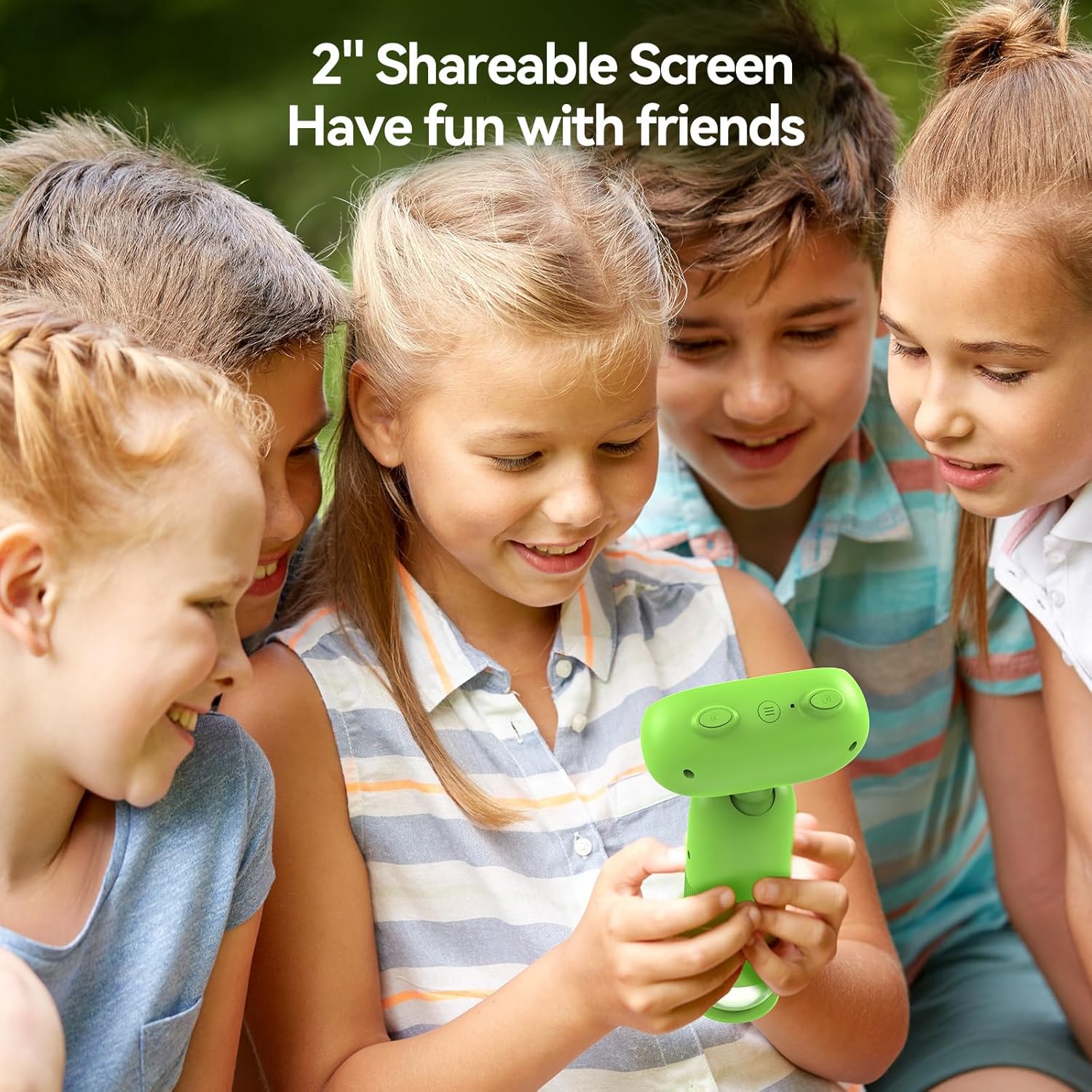
Image: The TOMLOV P30 microscope can unlock tiny details at 1000X magnification, as shown with a magnified bee on its screen.
คำแนะนำการใช้งาน
- โหมดการสลับ:
Press the Mode button to cycle between Photo Mode, Video Mode, and Playback Mode. The current mode icon will be displayed on the screen.
- ถ่ายรูป:
In Photo Mode, frame your subject on the screen. Press the Capture/OK button once to take a photo. The image will be saved to the Micro SD card.
- การบันทึกวิดีโอ:
In Video Mode, press the Capture/OK button once to start recording. Press it again to stop recording. Videos are saved in 1080P resolution to the Micro SD card.

Image: The TOMLOV P30 allows users to capture 1080P videos and 16MP photos, and revisit their discoveries through playback.
- โหมดการเล่น:
In Playback Mode, use the navigation buttons to browse through your captured photos and videos. Press the Capture/OK button to view เลือกรายการที่ต้องการ หรือเล่นวิดีโอ
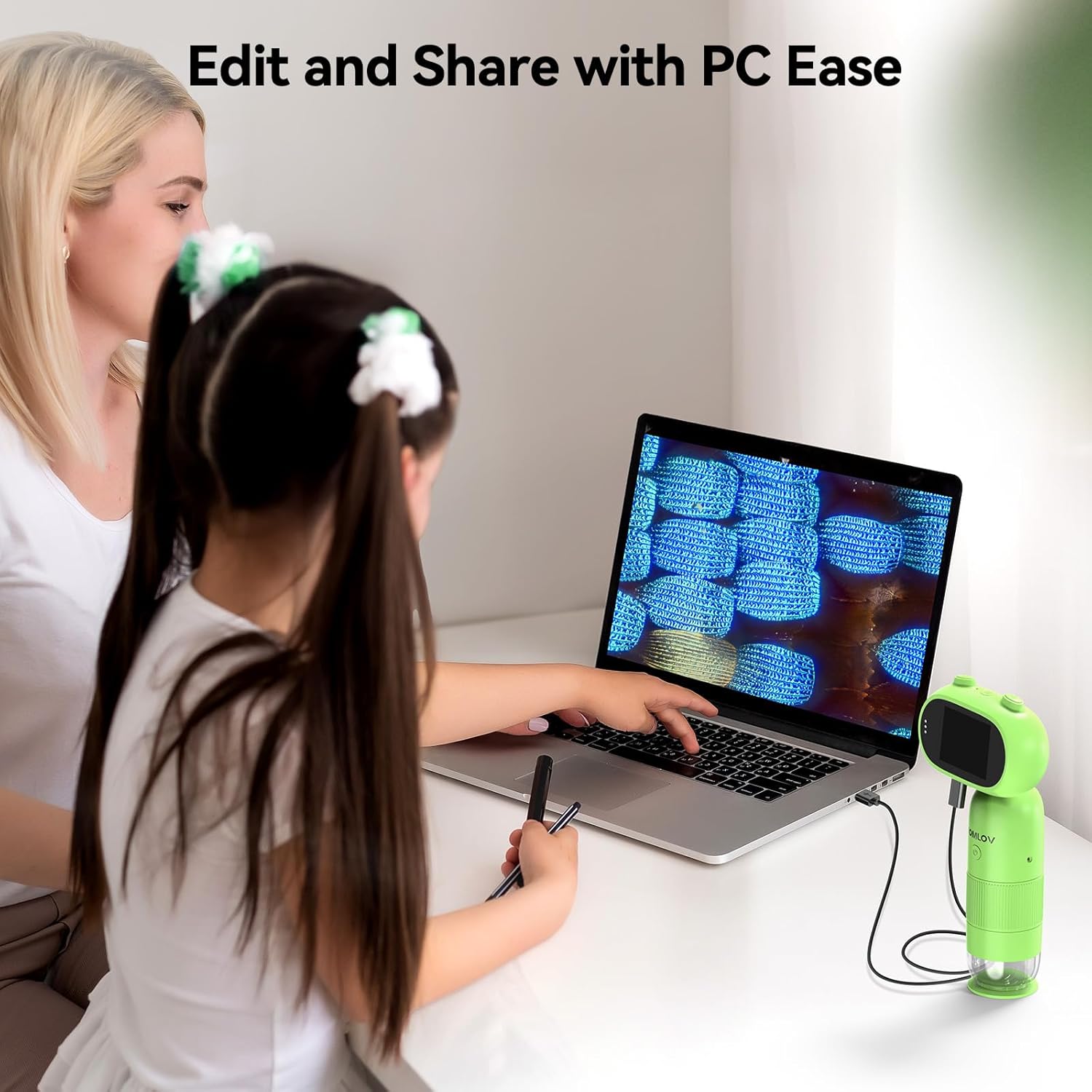
Image: The 2-inch shareable screen of the TOMLOV P30 makes it easy for children to view and share discoveries with friends.
- การเชื่อมต่อกับคอมพิวเตอร์:
การถ่ายโอน files, connect the microscope to your computer using the USB cable. The microscope will appear as a removable disk drive. You can then copy photos and videos to your computer for editing and sharing.

Image: The TOMLOV P30 microscope can be connected to a PC for easy editing and sharing of captured media.
- ซูมดิจิตอล:
The microscope features 4X digital zoom. While in live view, use the designated zoom buttons to digitally magnify the image on the screen. Note that digital zoom may reduce image quality compared to optical magnification.
การซ่อมบำรุง
- การทำความสะอาดเลนส์และหน้าจอ: Use a soft, dry, lint-free cloth to gently wipe the lens and screen. For stubborn smudges, a slightly dampened cloth with water can be used, followed by a dry cloth. Do not use alcohol or chemical cleaners.
- พื้นที่จัดเก็บ: When not in use, store the microscope in a cool, dry place, away from direct sunlight and dust. Use the included lanyard for secure carrying.
- การดูแลแบตเตอรี่ เพื่อยืดอายุการใช้งานแบตเตอรี่ ควรหลีกเลี่ยงการปล่อยให้แบตเตอรี่หมดเกลี้ยงบ่อยๆ หากเก็บรักษาไว้เป็นเวลานาน ควรชาร์จแบตเตอรี่ให้ได้ประมาณ 50% ทุกๆ สองสามเดือน
การแก้ไขปัญหา
| ปัญหา | สาเหตุที่เป็นไปได้ | สารละลาย |
|---|---|---|
| Microscope does not turn on. | แบตเตอรี่เหลือน้อยหรือหมด | Charge the microscope fully using the USB cable. |
| ภาพเบลอ | Focus is not adjusted correctly; object is too far/close. | Rotate the focus wheel until the image is clear. Ensure the object is within the working distance. |
| ไม่สามารถบันทึกรูปภาพ/วิดีโอได้ | Micro SD card is full, not inserted correctly, or corrupted. | Check if the SD card is inserted correctly. Delete unnecessary fileหรือฟอร์แมตการ์ด (ซึ่งจะลบข้อมูลทั้งหมด) เปลี่ยนการ์ดหากการ์ดเสียหาย |
| หน้าจอว่างเปล่าหรือค้าง | ข้อผิดพลาดของระบบ. | Press and hold the Power button for 10 seconds to force a shutdown, then restart the device. |
ข้อมูลจำเพาะ
| คุณสมบัติ | รายละเอียด |
|---|---|
| แบบอย่าง | P30 |
| การขยายภาพ | 1-100X (Standard), 500-1000X (High) |
| ความละเอียดของกล้อง | 16 ล้านพิกเซล |
| ความละเอียดวิดีโอ | 1080พ |
| หน้าจอแสดงผล | จอ LCD ขนาด 2 นิ้ว |
| ซูมดิจิตอล | 4X |
| พื้นที่จัดเก็บ | Micro SD Card (up to 16GB included) |
| ความจุของแบตเตอรี่ | 800mAh (ชาร์จไฟได้) |
| อายุการใช้งานแบตเตอรี่ | นานถึง 3 ชั่วโมง |
| แหล่งกำเนิดแสง | นำ |
| วัสดุ | พลาสติก |
| น้ำหนัก | ประมาณ 6 ออนซ์ |
การรับประกันและการสนับสนุน
The TOMLOV P30 Digital Microscope comes with a standard manufacturer's warranty. Please refer to the warranty card included in your package for specific terms and conditions. For technical support, troubleshooting assistance, or warranty claims, please contact TOMLOV customer service through their official website or the contact information provided with your purchase. Ensure you have your product model number (P30) and purchase details ready when contacting support.
For more information and updates, visit the official TOMLOV store: ร้าน TOMLOV บน Amazon
Ask a question about this manual
Ask about setup, troubleshooting, compatibility, parts, safety, or missing instructions. Manuals+ will review the question and use this page’s manual context to help answer it.