
การแนะนำ
This manual provides detailed instructions for the installation, operation, and maintenance of your YiLaie RGB LED Rock Lights Kit. Please read this manual thoroughly before installation and use to ensure proper function and longevity of the product.
มีอะไรอยู่ในกล่อง
Your YiLaie RGB LED Rock Lights Kit includes the following components:
- 4 x LED Rock Lights
- 1 x กล่องควบคุม
- 1 x RF รีโมทคอนโทรล
- Heat Shrink Wire Connectors
- กล่องฟิวส์
- ใบมีดฟิวส์
- ความสัมพันธ์ Zip
- สกรู
- ประแจอัลเลน

ข้อมูลจำเพาะ
| คุณสมบัติ | รายละเอียด |
|---|---|
| ยี่ห้อ | ยี่หลาย |
| แบบอย่าง | EL-XDP-4 |
| สี | RGB 60° |
| ฟอร์มแฟกเตอร์ | ฝัก |
| ตำแหน่งอะไหล่ยนต์ | ด้านล่าง |
| คุณสมบัติพิเศษ | APP Control & Remote Control, Dust Proof, Multi-Color, Rust Proof, Waterproof |
| น้ำหนักสินค้า | 0.91 กิโลกรัม (2.01 ปอนด์) |
| วัสดุ | โพลีคาร์บอเนต (พีซี) |
| ระดับความต้านทานต่อน้ำ | กันน้ำ (IP68) |
| ขนาด (กว้าง x ยาว x สูง) | 9.84 x 6.3 x 1.97 นิ้ว |
| อายุการใช้งาน | 50,000+ ชั่วโมง |
| มุมลำแสง | 60° Narrow Beam Optics |

การติดตั้งและการตั้งค่า
The YiLaie RGB LED Rock Lights Kit features a plug-and-play design for simplified installation. Ensure all connections are secure to prevent issues.
1. การตรวจสอบก่อนการติดตั้ง
Before permanent installation, connect all components and test the lights to ensure they function correctly. This helps identify any issues before mounting.
2. แผนภาพการเดินสายไฟ
Refer to the diagram below for proper wiring connections. The system is designed for direct connection to your vehicle's 12V power source.

3. การเชื่อมต่อไฟฟ้า
- Connect the red wire from the control box to the positive (+) terminal of your vehicle's 12V battery.
- Connect the black wire from the control box to the negative (-) terminal or a suitable ground point on your vehicle.
- Utilize the included fuse holder and blade fuse for circuit protection.
- Ensure all connections are tight and secure. The connectors are screw-on and waterproof to protect against elements.


4. Mounting the Rock Lights
- Choose desired mounting locations under your vehicle, ensuring they are clear of moving parts and high-temperature areas.
- Use the provided screws and zip ties to securely fasten each rock light pod.
- Route all wiring neatly and secure it with zip ties to prevent snagging or damage.


คำแนะนำการใช้งาน
Your YiLaie RGB LED Rock Lights can be controlled via a smartphone application or the included RF remote control.
1. การควบคุมแอป (แอป Smart Life)
- Download the Smart Life App: Scan the QR code on the control box or search for "Smart Life" in your device's app store (smartapp.tuya.com/smartlife).
- Register/Log In: Create an account or log in to the Smart Life App.
- Add Device: Ensure your vehicle's power is on. The app should automatically detect the rock lights. If not, manually add the device.
- Control Features: Once connected, you can access various functions:
- RGB Color Selection: Choose from millions of colors.
- การปรับความสว่าง: Adjust light intensity.
- โหมดฉาก: Select from 23 pre-programmed flashing and strobing modes with speed adjustment.
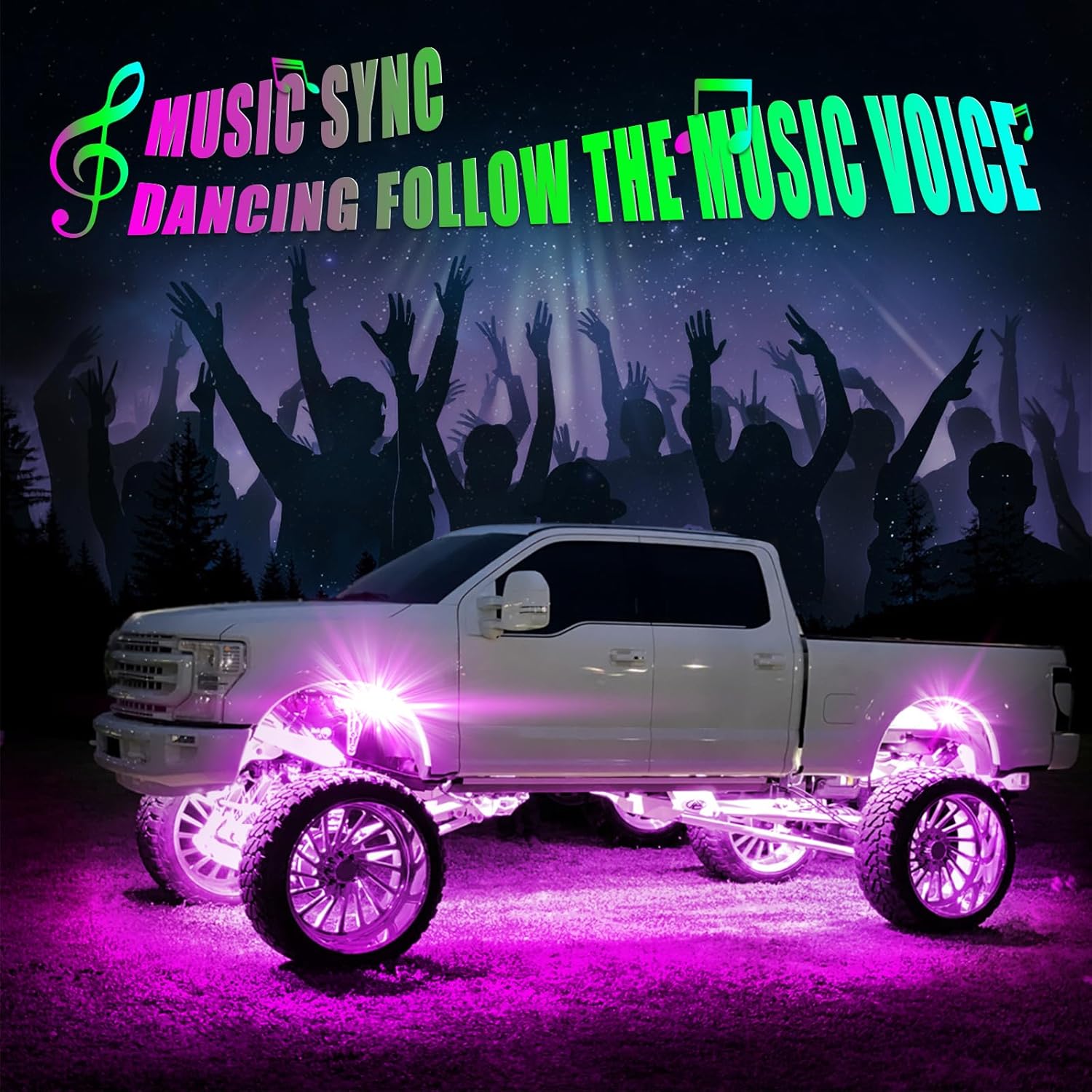
- โหมดเพลง: Lights sync with music rhythm.
- Voice Responsive: Lights react to voice commands.
- ฟังก์ชั่นจับเวลา: Set schedules for lights to turn on/off.


2. RF Remote Control
The included 4-button RF remote provides convenient control over basic functions:
- เปิด/ปิด: เปิดหรือปิดไฟ
- Colorful Change Speed Adjustment: ปรับความเร็วของเอฟเฟกต์แสงแบบไดนามิก
- โหมดฉาก: Cycle through various pre-set lighting scenes.
- สี RGB: Change the static color of the lights.

3. Music Sync Mode
The music sync feature allows the lights to pulse and change colors in rhythm with music playing in your vehicle. This mode is typically activated via the Smart Life App.
Video Demonstration: Color Changing Modes
การซ่อมบำรุง
To ensure the longevity and optimal performance of your YiLaie RGB LED Rock Lights, follow these maintenance guidelines:
- การทำความสะอาด: Periodically clean the light pods with a soft, damp cloth to remove dirt, mud, and debris. Avoid abrasive cleaners or high-pressure water jets directly on the lights.
- ตรวจสอบการเชื่อมต่อ: Regularly inspect all wiring and connections for any signs of wear, corrosion, or looseness. Tighten any loose connections and replace damaged wiring as needed.
- ความสมบูรณ์ของน้ำ: The lights are IP68 rated for waterproofing. Ensure the rubber caps on connectors are properly seated after any adjustments to maintain water resistance.
- การปกป้องสิ่งแวดล้อม: While durable, avoid prolonged exposure to extreme temperatures or harsh chemicals that could degrade the polycarbonate housing.

การแก้ไขปัญหา
If you encounter issues with your YiLaie RGB LED Rock Lights, refer to the following common troubleshooting steps:
- ไฟไม่เปิด:
- Check power connections to the vehicle battery (red to positive, black to negative/ground).
- Verify the fuse in the fuse holder is intact. Replace if blown.
- Ensure all light pod connectors are securely screwed on.
- ปัญหาการเชื่อมต่อแอพ:
- ตรวจสอบให้แน่ใจว่าได้เปิดใช้งาน Bluetooth บนสมาร์ทโฟนของคุณแล้ว
- Confirm the Smart Life App has necessary permissions (e.g., location access, if required by your device's OS for Bluetooth scanning).
- ลองรีสตาร์ทแอปหรือโทรศัพท์ของคุณดู
- Disconnect the rock light kit from power for 10 seconds, then reconnect and try pairing again.
- รีโมทคอนโทรลไม่ทำงาน:
- ตรวจสอบว่าแบตเตอรี่ของรีโมทต้องเปลี่ยนหรือไม่
- ตรวจสอบให้แน่ใจว่าไม่มีสิ่งกีดขวางระหว่างรีโมทและกล่องควบคุม
- แสง/สีไม่สม่ำเสมอ:
- Check for loose or corroded connections at the light pods or control box.
- Ensure the control box is not exposed to excessive heat or moisture.
การรับประกันและการสนับสนุน
For specific warranty information regarding your YiLaie RGB LED Rock Lights Kit, please refer to the product packaging or contact the seller directly. YiLaie is committed to providing quality products and customer satisfaction.
For further assistance or to explore other YiLaie products, visit the official YiLaie Store: ร้าน YiLaie บน Amazon.