1. ข้อมูลด้านความปลอดภัยที่สำคัญ
Please read all safety instructions carefully before using your Xiaomi TV S Mini LED 75" 2025. Keep this manual for future reference.
- แหล่งพลังงาน: เชื่อมต่อทีวีกับแหล่งจ่ายไฟ AC เท่านั้นตามที่ระบุไว้บนฉลาก
- การระบายอากาศ : ตรวจสอบให้แน่ใจว่ามีการระบายอากาศรอบทีวีอย่างเพียงพอ อย่าปิดกั้นช่องระบายอากาศ
- น้ำและความชื้น: อย่าให้ทีวีโดนฝนหรือความชื้น อย่าวางวัตถุที่บรรจุของเหลวไว้บนทีวี
- การทำความสะอาด: ถอดปลั๊กทีวีก่อนทำความสะอาด ใช้ผ้านุ่มและแห้ง หลีกเลี่ยงการใช้น้ำยาทำความสะอาด
- การบริการ: อย่าพยายามให้บริการผลิตภัณฑ์นี้ด้วยตนเอง ส่งต่อการบริการทั้งหมดไปยังช่างบริการที่ผ่านการรับรอง
- การจัดวาง: Place the TV on a stable, level surface or mount it securely to a wall using a compatible VESA mount.
2. เนื้อหาบรรจุภัณฑ์
ตรวจสอบว่ามีรายการทั้งหมดอยู่ในแพ็คเกจ:
- Xiaomi TV S Mini LED 75" 2025
- รีโมทคอนโทรล
- สายไฟ
- ส่วนประกอบขาตั้งทีวี (ถ้ามี)
- คู่มือการใช้งาน (เอกสารนี้)
3. คู่มือการติดตั้ง
3.1 การแกะกล่องทีวี
Carefully remove the TV from its packaging. It is recommended to have two people for this process due to the size and weight of the 75-inch model.
3.2 Installing the TV Stand (Optional)
If you are not wall-mounting the TV, attach the included stand components according to the separate stand installation guide. Ensure all screws are tightened securely.
3.3 การติดตั้งบนผนัง (ทางเลือก)
The Xiaomi TV S Mini LED 75" 2025 supports VESA wall mounts with a pattern of 400 x 300 mm. Use appropriate wall-mounting hardware and consult a professional for installation to prevent injury or damage.
3.4 การเชื่อมต่ออุปกรณ์ต่อพ่วง
Connect your devices to the TV's input ports. Refer to the back panel image for port locations.
ภาพ: ด้านหลัง view of the TV displaying available connection ports.
- พลัง: เชื่อมต่อสายไฟเข้ากับทีวีแล้วจึงเสียบเข้ากับเต้ารับไฟฟ้า
- ช่องต่อ HDMI: Connect Blu-ray players, game consoles, or other HDMI devices.
- ยูเอสบี: เชื่อมต่ออุปกรณ์จัดเก็บข้อมูล USB สำหรับการเล่นสื่อ
- อีเธอร์เน็ต: สำหรับการเชื่อมต่ออินเตอร์เน็ตแบบใช้สาย
- เสาอากาศ/สายเคเบิล: เชื่อมต่อเสาอากาศหรืออินพุตเคเบิลทีวีของคุณ
3.5 การเปิดเครื่องครั้งแรกและการตั้งค่าครั้งแรก
After connecting all cables, plug in the TV and press the power button on the remote control. Follow the on-screen instructions to complete the initial setup, including network connection, Google account login, and channel scanning.

ภาพ: ด้านหน้า view of the Xiaomi TV S Mini LED 75" 2025.
4. คู่มือการใช้งาน
4.1 การควบคุมระยะไกลจบลงview
รีโมทคอนโทรลที่ให้มาช่วยให้คุณเข้าถึงฟังก์ชั่นทั้งหมดของทีวีได้ โปรดทำความคุ้นเคยกับตำแหน่งปุ่มเพื่อการใช้งานที่ง่ายดาย
4.2 ฟังก์ชั่นพื้นฐาน
- พลัง: กดเพื่อเปิดหรือปิดทีวี
- ปริมาณ: Use the +/- buttons to adjust the sound level.
- ช่อง: ใช้ปุ่ม CH +/- เพื่อเปลี่ยนช่อง
- ป้อนข้อมูล: Select the desired input source (HDMI, AV, etc.).
- บ้าน: Access the Google TV home screen.
4.3 ฟีเจอร์สมาร์ททีวี (Google TV)
Your Xiaomi TV runs on Google TV, offering a personalized entertainment experience.

Image: Google TV interface with app icons and content suggestions.
- แอป: ดาวน์โหลดและติดตั้งแอพพลิเคชันจาก Google Play Store
- ผู้ช่วยเสียง: Use the built-in Google Assistant for voice commands.

Image: Using the Hey Google voice assistant to search for content.
- คำแนะนำเนื้อหา: Google TV provides personalized recommendations based on your viewนิสัย.
4.4 การตั้งค่าการแสดงผล
ปรับการตั้งค่าภาพเพื่อให้ได้ภาพที่ดีที่สุด viewการสร้างประสบการณ์
ภาพ: เหนือview of the TV's advanced display technologies.
- โหมดภาพ: Select from various preset modes (e.g., Standard, Vivid, Movie, Game) or customize your own.
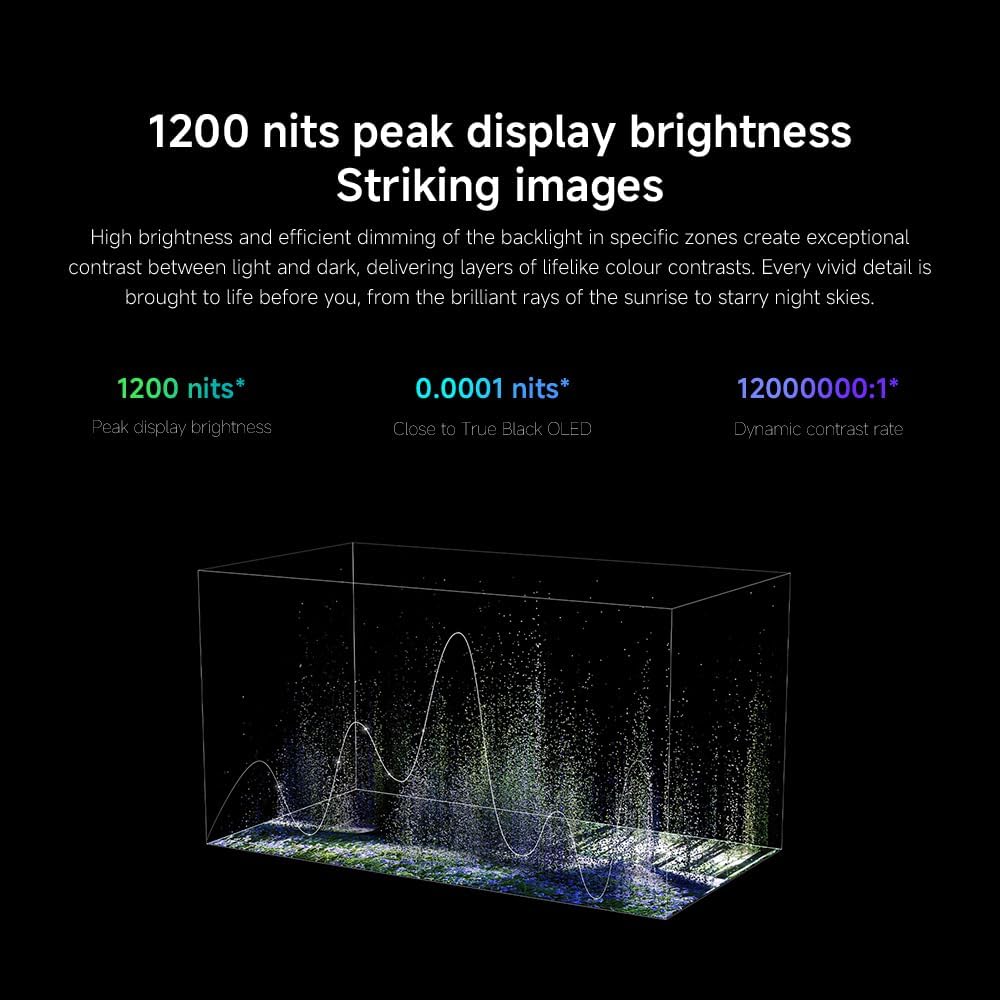
- ความสว่าง/คอนทราสต์: Fine-tune these settings for optimal visual clarity. The TV features 1200 nits peak brightness for stunning visuals.
- สี: Adjust color saturation and tint. The QD-MiniLED display offers accurate color reproduction.
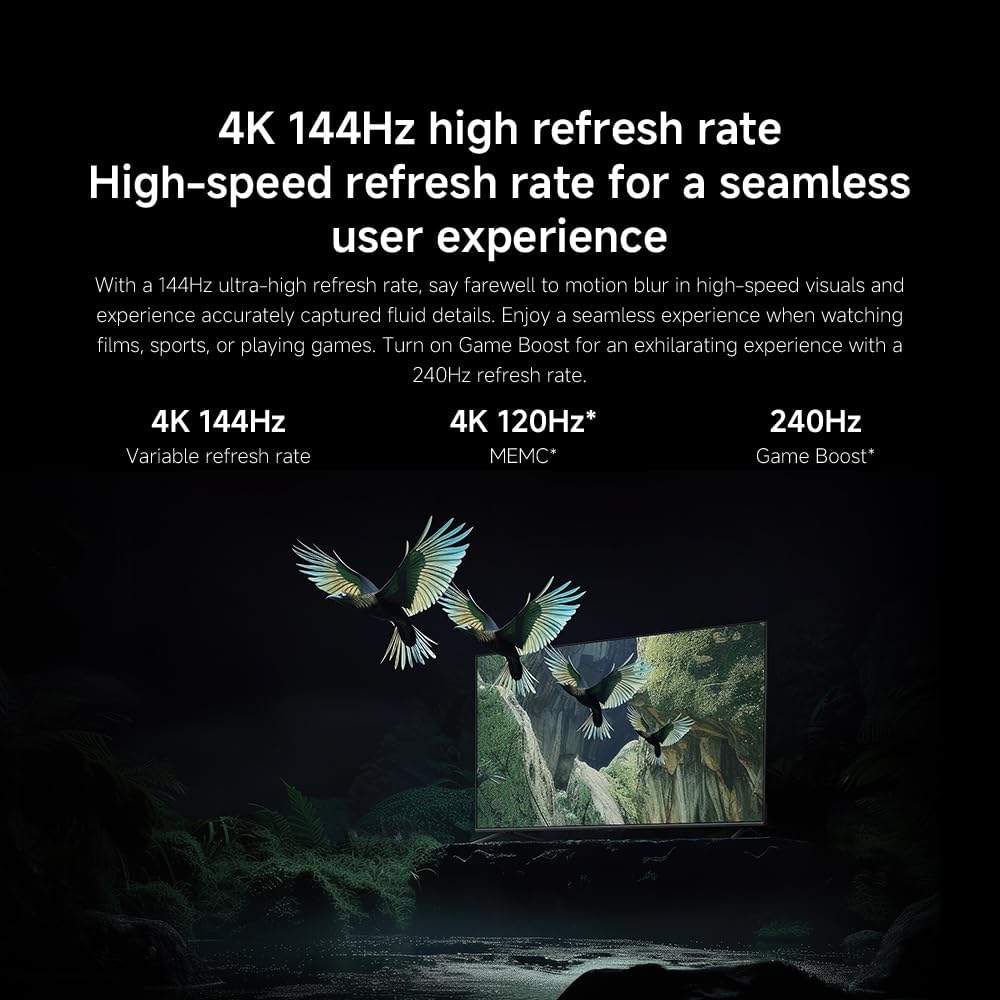
- อัตราการรีเฟรช: The TV supports a 144Hz refresh rate for ultra-smooth motion.

Image: Visual representation of the 144Hz refresh rate for seamless motion.
- เครื่องมือ AI: The powerful AI engine enhances image quality automatically.
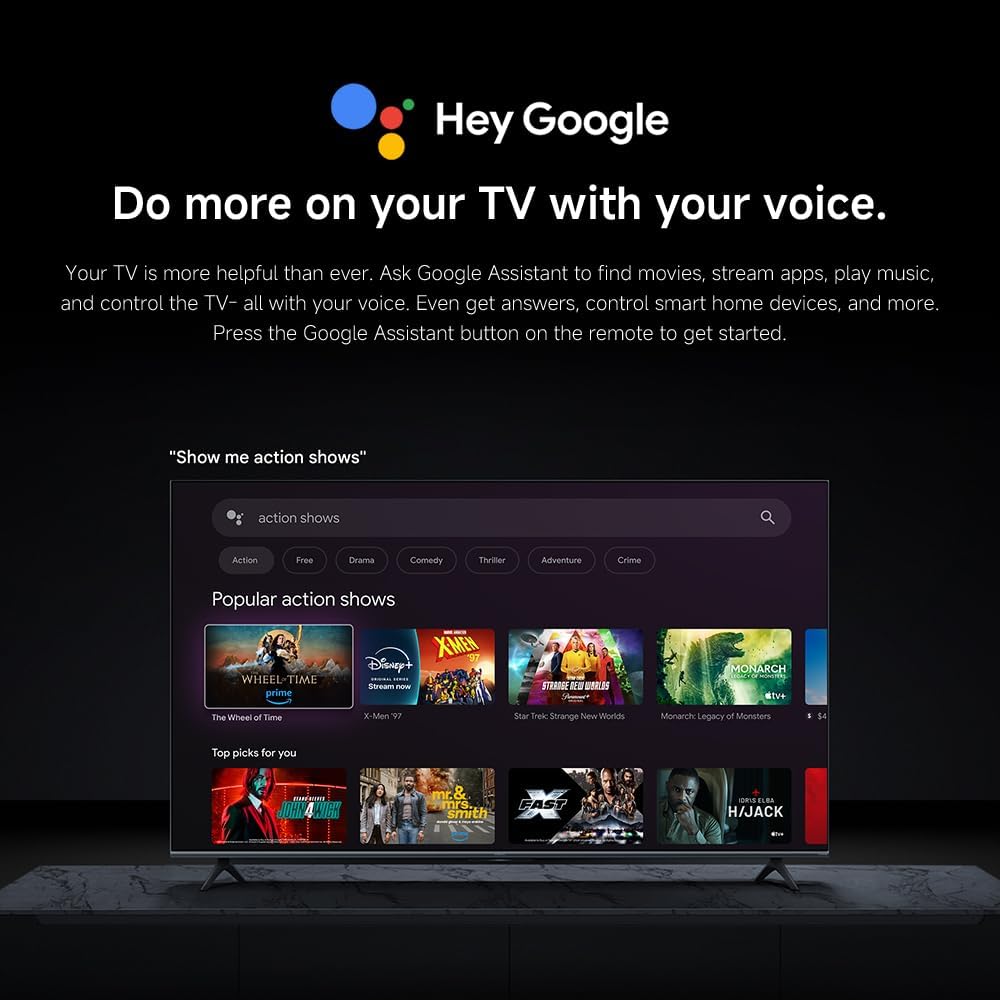
Image: The Quad cortex A73 processor, responsible for AI image enhancement and performance.
4.5 การตั้งค่าเสียง
Configure audio output and sound enhancements.

Image: Depiction of the TV's quality audio-visual experience.
- โหมดเสียง: Choose from preset sound modes (e.g., Standard, Movie, Music) or customize.
- ระบบเสียง Dolby Atmos: Enable Dolby Atmos for an immersive audio experience.
4.6 การเชื่อมต่อ
The TV offers various connectivity options.
- บลูทูธ: Connect Bluetooth-enabled devices such as headphones or speakers.
- ไวไฟ : เชื่อมต่อกับเครือข่ายไร้สายที่บ้านของคุณเพื่อเข้าถึงอินเทอร์เน็ต
- แอปเปิล AirPlay: สตรีมเนื้อหาโดยตรงจากอุปกรณ์ Apple ของคุณ
Image: Apple AirPlay functionality for streaming from Apple devices.
5. การบำรุงรักษา
5.1 การทำความสะอาดหน้าจอ
ในการทำความสะอาดหน้าจอ ให้ถอดปลั๊กทีวีออกก่อน จากนั้นเช็ดหน้าจอเบาๆ ด้วยผ้าเนื้อนุ่มที่ไม่เป็นขุย สำหรับคราบฝังแน่น ให้ใช้ผ้าชุบน้ำหมาดๆ เช็ดออกampชุบผ้าด้วยน้ำหรือน้ำยาทำความสะอาดหน้าจอโดยเฉพาะ แล้วเช็ดให้แห้งทันที ห้ามฉีดของเหลวลงบนหน้าจอโดยตรง
5.2 การอัปเดตซอฟต์แวร์
The TV may receive software updates periodically to improve performance and add new features. Ensure your TV is connected to the internet to receive these updates. You can check for updates manually in the TV's settings menu.
6 การแก้ไขปัญหา
หากคุณประสบปัญหาเกี่ยวกับทีวี โปรดดูวิธีแก้ไขทั่วไปต่อไปนี้:
| ปัญหา | วิธีแก้ปัญหาที่เป็นไปได้ |
|---|---|
| ไม่มีไฟฟ้า | ตรวจสอบว่าสายไฟเชื่อมต่อกับทีวีและเต้ารับไฟฟ้าอย่างแน่นหนาแล้ว และตรวจสอบให้แน่ใจว่าเต้ารับใช้งานได้ปกติ |
| ไม่มีภาพแต่มีเสียง | ตรวจสอบว่าเลือกแหล่งสัญญาณเข้าที่ถูกต้อง ตรวจสอบการเชื่อมต่อสายเคเบิลกับอุปกรณ์ภายนอก |
| ไม่มีเสียงแต่มีภาพ | Check volume level and mute status. Ensure audio cables are connected correctly. |
| รีโมตคอนโทรลไม่ทำงาน | เปลี่ยนแบตเตอรี่ ตรวจสอบให้แน่ใจว่าไม่มีสิ่งกีดขวางระหว่างรีโมทและทีวี |
| คุณภาพของภาพไม่ดี | Adjust picture settings (brightness, contrast, sharpness). Check antenna or cable connection. Ensure content source is high quality. |
| Smart TV features unresponsive | Check internet connection. Restart the TV by unplugging it for a few minutes and plugging it back in. |
If the issue persists after trying these steps, contact customer support.
7. ข้อมูลจำเพาะ
Key technical specifications for the Xiaomi TV S Mini LED 75" 2025:
| คุณสมบัติ | ข้อมูลจำเพาะ |
|---|---|
| ยี่ห้อ | เสี่ยวหมี่ |
| หมายเลขรุ่น | 59292 |
| ขนาดหน้าจอ | 75 นิ้ว |
| เทคโนโลยีการแสดงผล | 4K UHD, LED, QD-MiniLED |
| ปณิธาน | 4K (3840x2160) ความคมชัดระดับ XNUMXK |
| อัตราการรีเฟรช | 144 เฮิรตซ์ |
| ความสว่างสูงสุด | 1200 นิต |
| ระบบปฏิบัติการ | กูเกิลทีวี |
| โปรเซสเซอร์ | Quad Cortex A73 |
| แรม | 3GB |
| พื้นที่จัดเก็บ | 32GB |
| เทคโนโลยีเสียง | ระบบเสียง Dolby Atmos |
| การเชื่อมต่อ | Bluetooth, Wi-Fi, Apple AirPlay |
| ขนาดสินค้า (รวมขาตั้ง) | 42.5D x 166.8W x 102.8H ซม. |
| น้ำหนักผลิตภัณฑ์ (พร้อมขาตั้ง) | 31 กก. |
| ขาแขวนติดผนัง VESA | 400 x 300 มม. |
| ส่วนประกอบที่รวมอยู่ | TV, remote control, power cable |
8. การรับประกันและการสนับสนุน
Your Xiaomi TV S Mini LED 75" 2025 is covered by a manufacturer's warranty. Please refer to the warranty card included in your package for specific terms and conditions. For technical support, service inquiries, or to purchase accessories, please visit the official Xiaomi webไซต์หรือติดต่อศูนย์บริการที่ได้รับอนุญาต
แหล่งข้อมูลออนไลน์: For additional information, FAQs, and software downloads, visit the official Xiaomi support page.