
1. สินค้าหมดview
The WE-VIBE Wand 2 is a versatile and powerful personal massager designed for clitoral, G-spot, and full-body stimulation. It features a flexible stimulation head, multiple intensity levels, and app control for a customizable experience. The device is cordless, rechargeable, and fully waterproof for convenient use and easy cleaning.

Image: The WE-VIBE Wand 2 personal massager, showcasing its ergonomic design and soft silicone material.
2. อะไรอยู่ในกล่อง
Upon unboxing your WE-VIBE Wand 2, please ensure all components are present:
- WE-VIBE Wand 2 Personal Massager
- สายชาร์จ USB
- คู่มือเริ่มต้นอย่างรวดเร็ว
- Compliance & Safety Information Booklet
Video: An unboxing demonstration of the WE-VIBE Wand 2, showing all included items.

Image: The WE-VIBE Wand 2, its packaging, USB charging cable, and instruction manuals.
3. การชาร์จอุปกรณ์ของคุณ
The Wand 2 is equipped with a rechargeable lithium-ion battery. Before first use, fully charge the device.
- ค้นหาพอร์ตการชาร์จบนอุปกรณ์
- เชื่อมต่อสายชาร์จ USB ที่ให้มาเข้ากับพอร์ตการชาร์จ
- เสียบปลายสาย USB เข้ากับอะแดปเตอร์ไฟ USB มาตรฐาน (ไม่รวมอยู่ด้วย) หรือพอร์ต USB ของคอมพิวเตอร์
- The indicator light will show charging status (refer to the Quick Start Guide for specific light patterns).
- โดยทั่วไปการชาร์จเต็มจะใช้เวลาประมาณ 2-3 ชั่วโมง
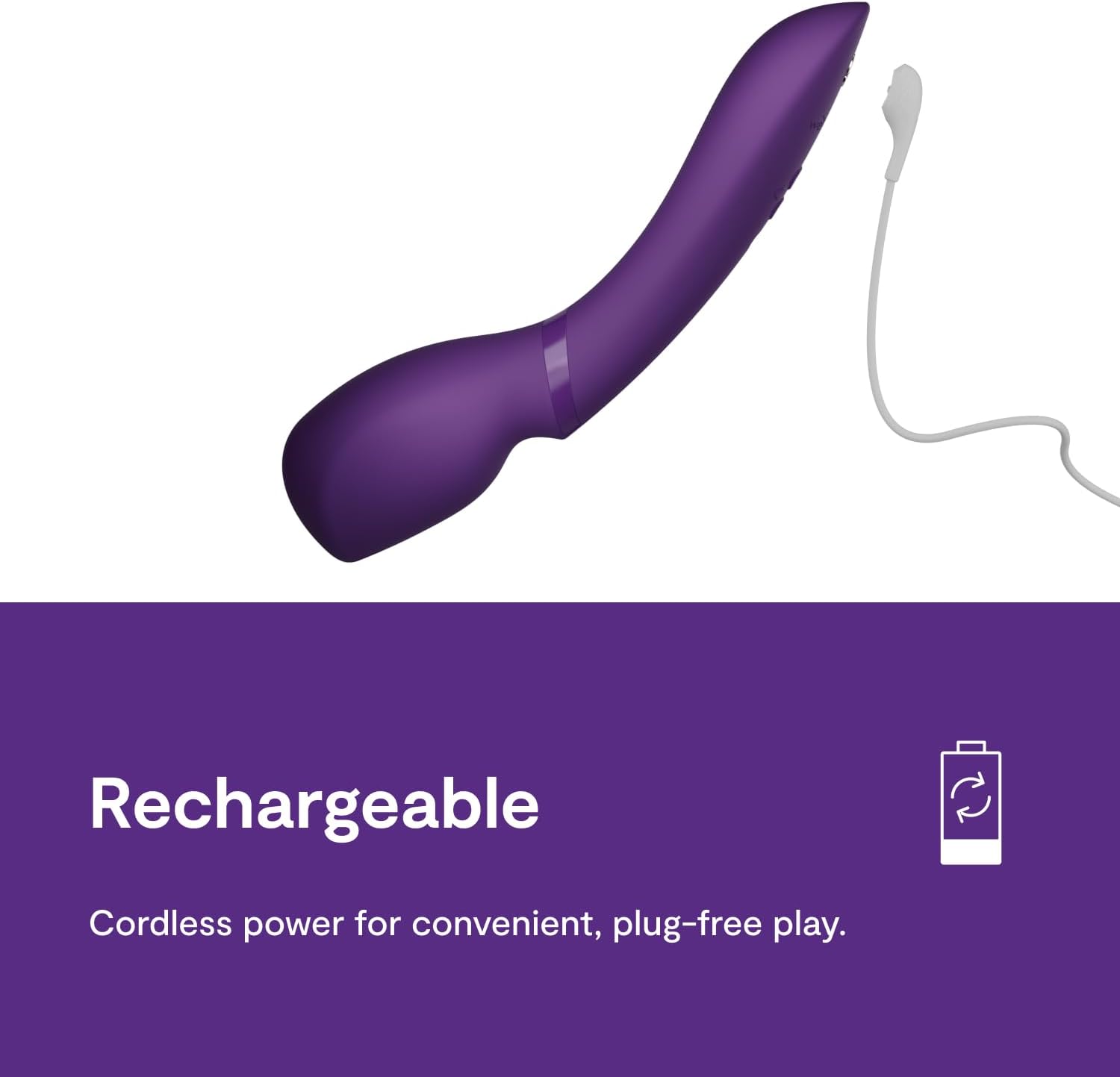
Image: The WE-VIBE Wand 2 connected to its charging cable, emphasizing its cordless and rechargeable design.
4. การทำงานพื้นฐาน
The Wand 2 features intuitive controls for easy use.
- เปิด/ปิดเครื่อง: Press and hold the power button (usually marked with a circle or 'on/off' symbol) for 2 seconds to turn the device on or off.
- ปรับความเข้มข้น: Use the '+' and '-' buttons to increase or decrease the vibration intensity. The Wand 2 offers 10+ intensity levels.
- Change Vibration Patterns: Press the pattern button (often a wave or mode symbol) to cycle through various vibration patterns.
- Smart Silence: The device may feature 'Smart Silence' which activates vibrations only upon skin contact for discreet use.

Image: A visual guide on how to turn on the Wand 2, adjust intensity, and select vibration patterns.

Image: The 'Smart Silence' feature of the Wand 2, which ensures discreet operation by activating only on skin contact.
5. การควบคุมแอป
Enhance your experience by connecting your Wand 2 to the We-Vibe app, available for smartphones.
- Download the We-Vibe app from your device's app store (we-vibe.com/app).
- Ensure your Wand 2 is charged and powered on.
- Open the We-Vibe app and follow the on-screen instructions to pair your device via Bluetooth.
- Once connected, you can control the Wand 2's intensity and patterns, create custom vibrations, and engage in long-distance play with a partner.
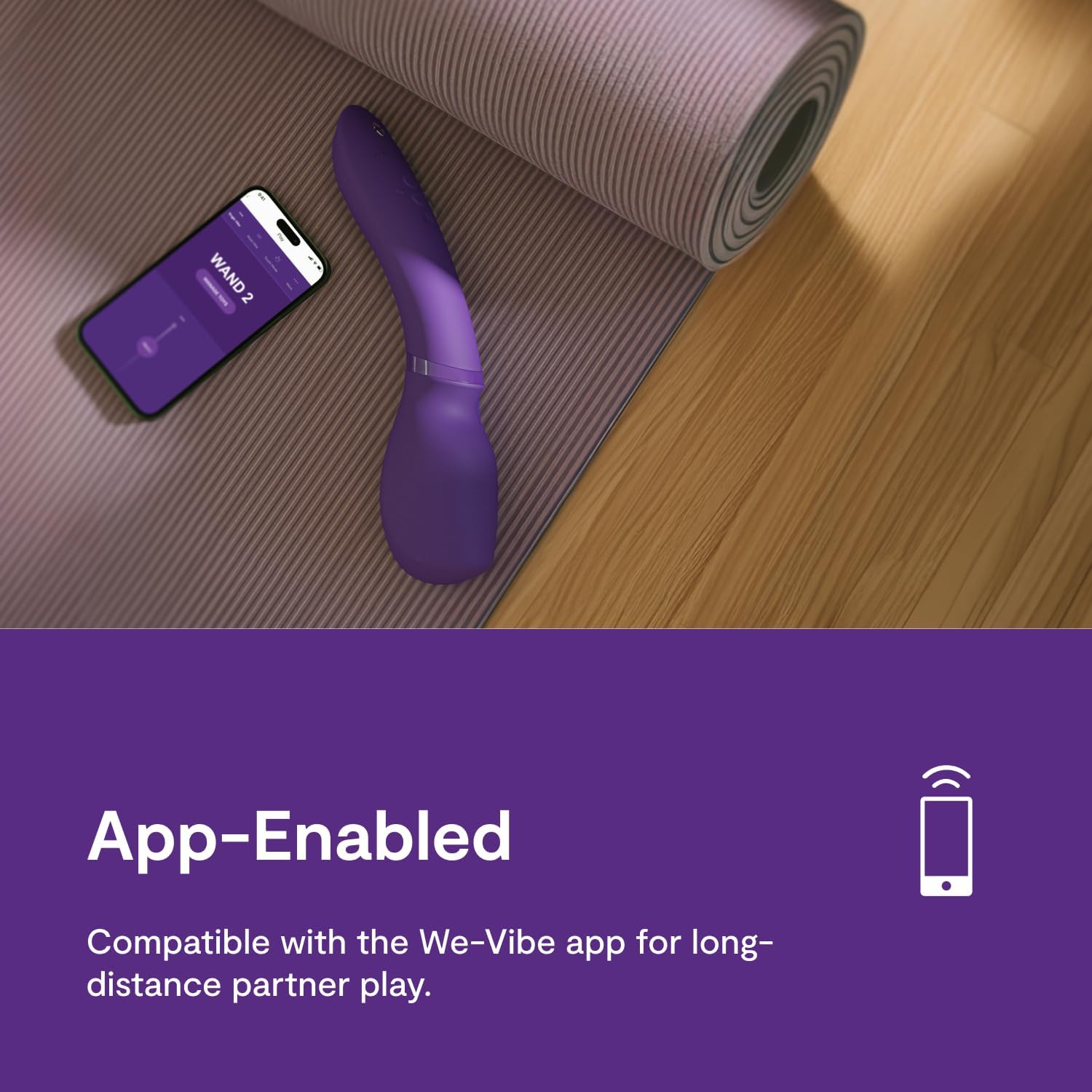
Image: The Wand 2 shown with a smartphone, illustrating its app-enabled functionality for enhanced control.

Image: The Wand 2 with app store icons, highlighting its compatibility with the We-Vibe app for advanced features.
6. การทำความสะอาดและการดูแลรักษา
Proper cleaning and care will ensure the longevity and hygiene of your Wand 2.
- การทำความสะอาด: Clean the Wand 2 thoroughly before and after each use. Wash with warm water and a mild soap or a specialized toy cleaner. Rinse thoroughly.
- กันน้ำ: The Wand 2 is fully waterproof (IPX7 rated), making it safe for use in the bath or shower and easy to clean under running water.
- การอบแห้ง: ซับให้แห้งด้วยผ้าที่ไม่เป็นขุย หรือปล่อยให้แห้งสนิทก่อนจัดเก็บ
- สารหล่อลื่น: Use only water-based lubricants with the Wand 2 to avoid damaging the silicone material.
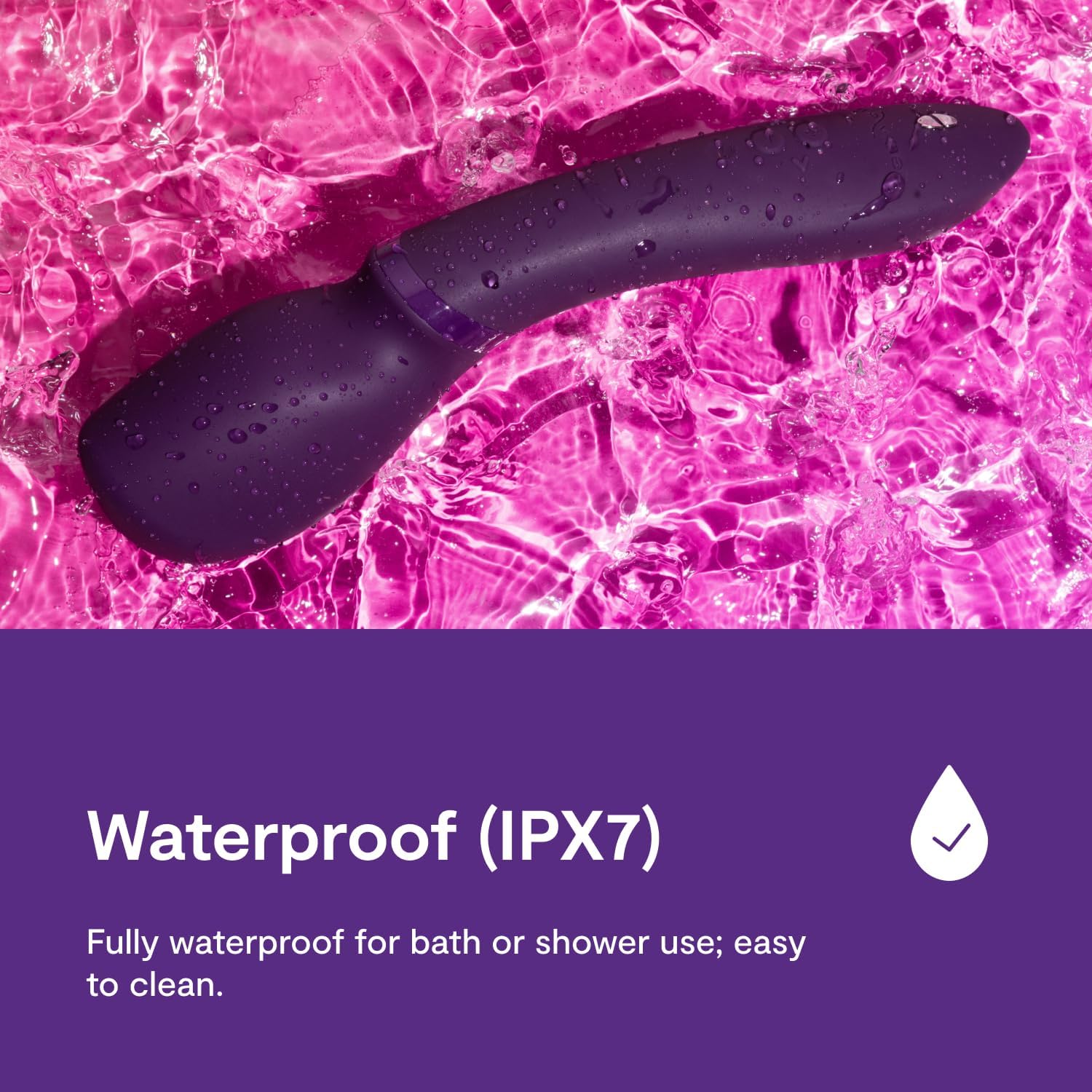
Image: The Wand 2 in water, confirming its waterproof design for easy cleaning and use in wet environments.
7. การจัดเก็บ
Store your Wand 2 in a clean, dry place away from direct sunlight and extreme temperatures. Keep it separate from other toys made of different materials to prevent potential damage or reactions.
8. ข้อมูลด้านความปลอดภัย
Please read and understand all safety information before using the WE-VIBE Wand 2.
- ผลิตภัณฑ์นี้มีไว้สำหรับใช้สำหรับผู้ใหญ่เท่านั้น
- หากรู้สึกไม่สบาย ระคายเคือง หรือเจ็บปวด ให้หยุดใช้ทันที
- Do not use the device if it appears damaged or if the charging cable is frayed.
- เก็บให้พ้นจากมือเด็ก
- Consult a healthcare professional if you have any medical conditions or concerns before use.
- No specific warnings applicable beyond general product safety guidelines.
การปฏิเสธความรับผิดทางกฎหมาย: ข้อความเกี่ยวกับการเสริมอาหารเหล่านี้ยังไม่ได้รับการประเมินโดยองค์การอาหารและยา (FDA) และไม่ได้มีวัตถุประสงค์เพื่อวินิจฉัย รักษา บรรเทา หรือป้องกันโรคหรือภาวะสุขภาพใดๆ (Note: This disclaimer is provided as part of the product data and is included for completeness, though its direct relevance to a personal massager may vary.)
9 การแก้ไขปัญหา
If you encounter issues with your Wand 2, refer to the following common solutions:
| ปัญหา | วิธีแก้ปัญหาที่เป็นไปได้ |
|---|---|
| อุปกรณ์ไม่เปิด | ตรวจสอบให้แน่ใจว่าอุปกรณ์ชาร์จเต็มแล้ว กดปุ่มเปิด/ปิดค้างไว้ 2 วินาที |
| การสั่นสะเทือนอ่อนหรือไม่สม่ำเสมอ | Recharge the device. Ensure it is not in 'Smart Silence' mode if you expect continuous vibration off-body. |
| Cannot connect to the We-Vibe app. | Ensure Bluetooth is enabled on your phone. Make sure the Wand 2 is powered on and within range. Try restarting both the device and the app. Some users report needing to press a specific button combination on older models to enable pairing; refer to the Quick Start Guide for your specific model. |
| Device makes rattling noise. | Some internal components may produce slight sounds during operation, especially at higher intensities. If the rattling is excessive or affects performance, contact customer support. |
10. ข้อมูลจำเพาะ
- แบบอย่าง: Wand 2
- วัสดุ: ซิลิโคนปลอดภัยต่อร่างกาย
- สี: สีม่วง
- ขนาด : 10.63 x 2.56 x 2.2 นิ้ว
- น้ำหนัก: 13.83 ออนซ์
- แบตเตอรี่: แบตเตอรี่ลิเธียมไอออน 1 ก้อน (รวมอยู่ด้วย)
- ระดับการกันน้ำ: มาตรฐาน IPX7 (กันน้ำได้ลึกถึง 1 เมตร นาน 30 นาที)
- การควบคุมแอพ: Yes, via We-Vibe App
11. การรับประกันและการสนับสนุน
For warranty information, product registration, or further assistance, please visit the official WE-VIBE website or contact their customer support directly. Details can typically be found in the included Quick Start Guide or on the manufacturer's webเว็บไซต์.