
การแนะนำ
Thank you for choosing Grundig Wireless Bluetooth In-Ear Earbuds. This manual provides essential information for the safe and efficient use of your new earbuds. Please read it carefully before use and keep it for future reference.
เนื้อหาแพ็คเกจ
- Grundig Wireless Bluetooth Earbuds (Left and Right)
- เคสชาร์จ (400mAh)
- สายชาร์จ USB-C
- คู่มือการใช้งาน (เอกสารนี้)
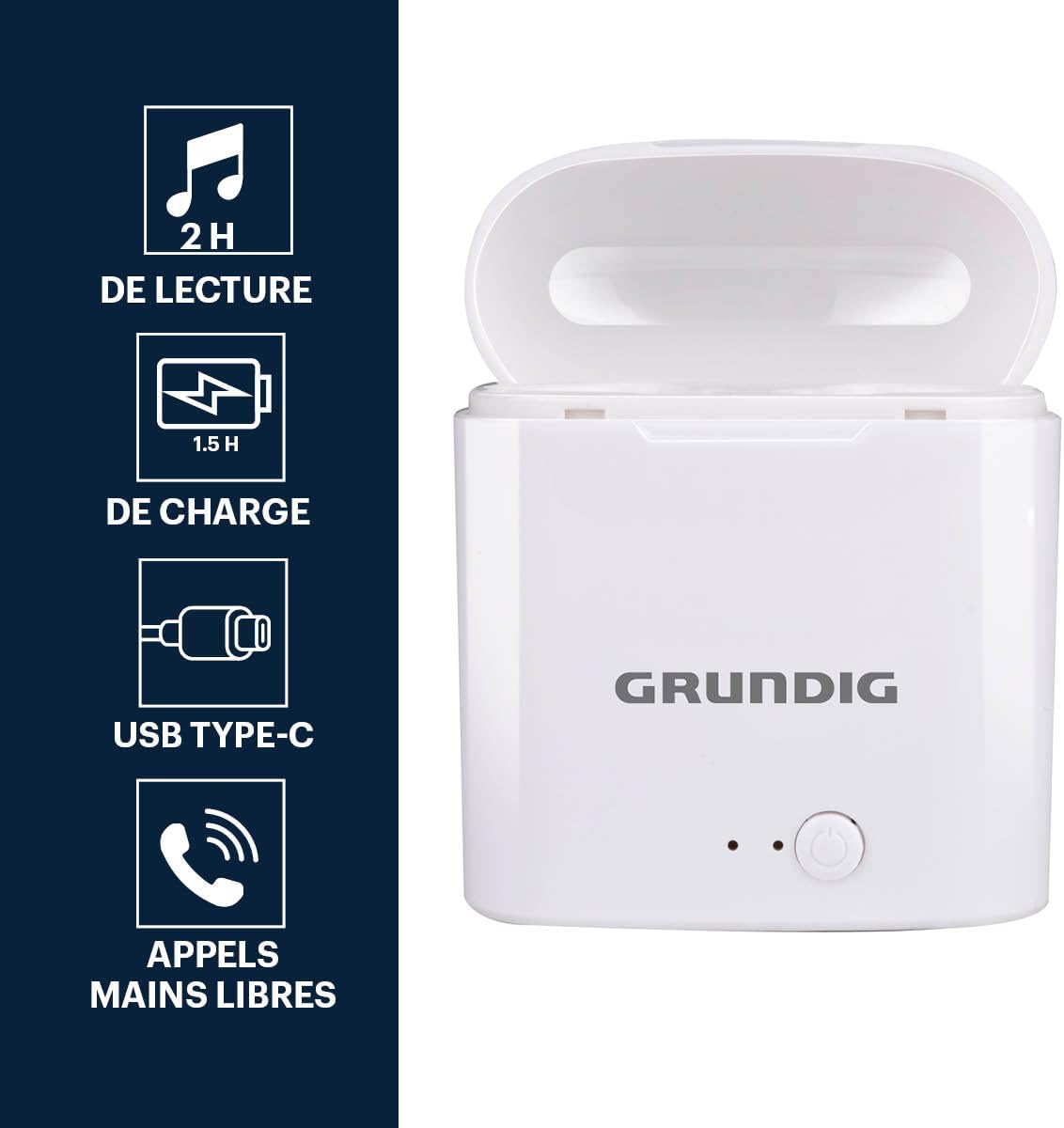
Image: The Grundig wireless earbuds inside their charging case, highlighting features like 2 hours playback, 1.5 hours charge time, USB Type-C charging, and hands-free calling capability.
การตั้งค่า
1. การชาร์จหูฟังและเคส
- ใส่หูฟังลงในกล่องชาร์จ ตรวจสอบให้แน่ใจว่าใส่หูฟังเข้าที่อย่างถูกต้อง
- Connect the USB-C charging cable to the charging port on the case and the other end to a compatible USB power source (e.g., wall adapter, computer USB port).
- ไฟแสดงสถานะบนเคสชาร์จจะสว่างขึ้นเพื่อแสดงสถานะการชาร์จ
- A full charge for the earbuds takes approximately 1.5 hours within the case. The charging case itself also takes about 1.5 hours to fully charge.
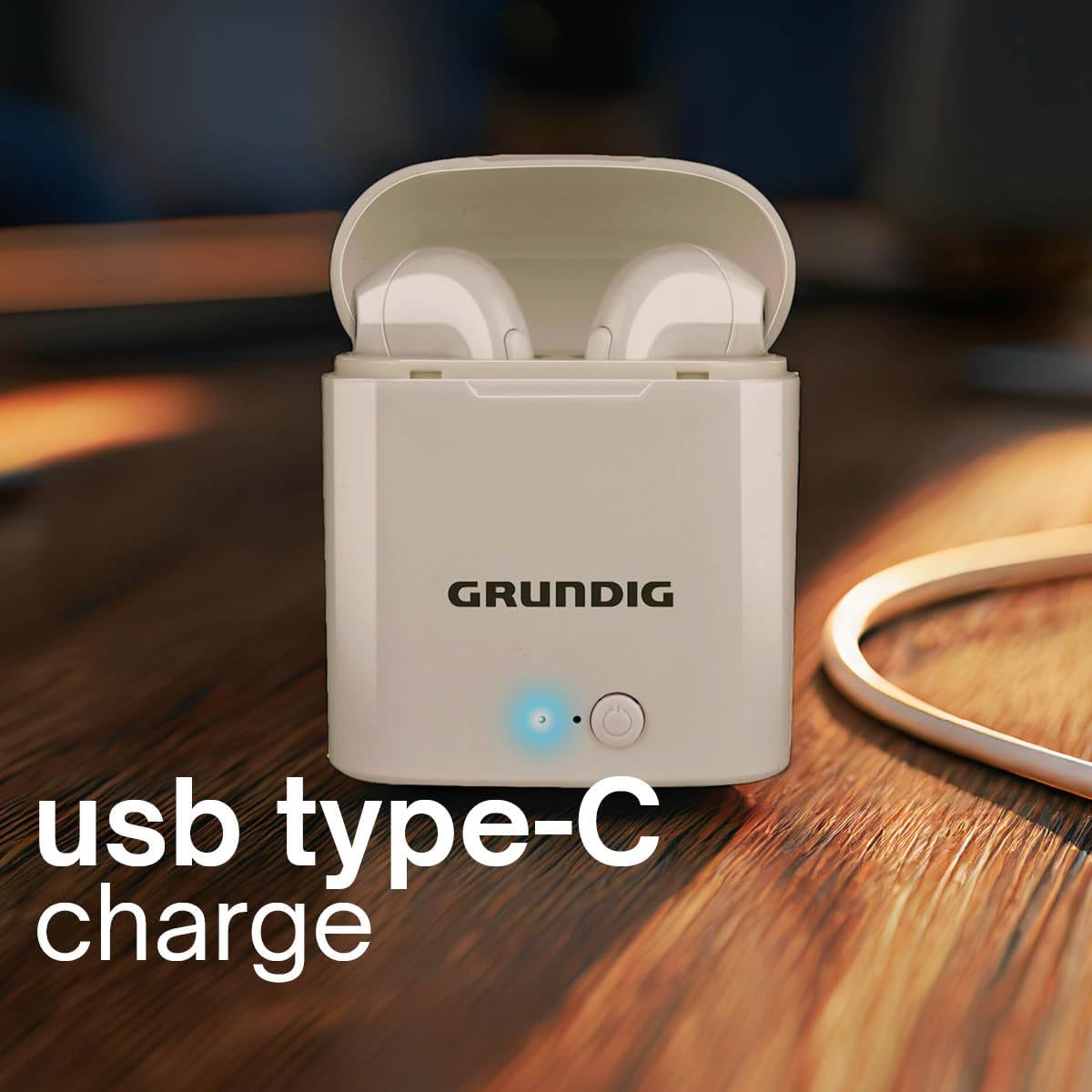
Image: The Grundig charging case connected to a USB Type-C cable, indicating the charging method.
2. การจับคู่กับอุปกรณ์บลูทูธ
- ตรวจสอบให้แน่ใจว่าได้ชาร์จเอียร์บัดแล้ว
- Open the charging case. The earbuds will automatically enter pairing mode, indicated by a flashing light (specific color/pattern not provided, assume standard).
- บนอุปกรณ์ของคุณ (สมาร์ทโฟน แท็บเล็ต แล็ปท็อป) ให้เปิดใช้งาน Bluetooth
- ค้นหา อุปกรณ์บลูทูธที่พร้อมใช้งาน
- Select "Grundig Earbuds" (or similar name) from the list.
- Once connected, the earbuds will indicate successful pairing (e.g., a steady light or audio prompt).
- เมื่อนำเอียร์บัดออกจากเคส เอียร์บัดจะเชื่อมต่อกับอุปกรณ์ที่จับคู่ไว้ครั้งล่าสุดโดยอัตโนมัติ หากเปิดใช้งาน Bluetooth บนอุปกรณ์

Image: The Grundig earbuds in their open charging case, with text indicating "Wireless Connection".
คำแนะนำการใช้งาน
เปิด/ปิดเครื่อง
- เปิดเครื่อง: เปิดกล่องชาร์จและเอียร์บัดจะเปิดโดยอัตโนมัติ
- หมดแรง: ใส่หูฟังกลับเข้าไปในกล่องชาร์จและปิดฝา หูฟังจะปิดเครื่องและเริ่มชาร์จ
การเล่นเพลง
The earbuds feature intuitive touch controls for music playback:
- เล่น/หยุดชั่วคราว: แตะหูฟังเอียร์บัดข้างใดข้างหนึ่งหนึ่งครั้ง
- เพลงถัดไป: แตะสองครั้งที่หูฟังเอียร์บัดด้านขวา
- แทร็กก่อนหน้า: แตะสองครั้งที่หูฟังเอียร์บัดด้านซ้าย
การจัดการการโทร

Image: A woman wearing the Grundig earbuds, demonstrating their use for hands-free calls.
- รับ/วางสาย: Tap either earbud once during an incoming call or to end an active call.
- ปฏิเสธสาย: กดปุ่มหูฟังข้างใดข้างหนึ่งค้างไว้ 2 วินาทีในระหว่างที่มีสายเรียกเข้า
- การโทรแบบแฮนด์ฟรี: The built-in microphone allows for clear hands-free communication.
การสวมหูฟัง
- ค่อยๆ สอดหูฟังเข้าไปในช่องหูของคุณ
- Adjust them for a comfortable and secure fit. The in-ear design helps with sound isolation.

Image: A woman engaged in outdoor activity, wearing the Grundig earbuds, illustrating their secure fit during movement and 2 hours of autonomy.
การซ่อมบำรุง
- การทำความสะอาด: Regularly clean the earbuds and charging case with a soft, dry cloth. Do not use abrasive cleaners or immerse in water.
- พื้นที่จัดเก็บ: เมื่อไม่ใช้งาน ให้เก็บหูฟังไว้ในกล่องชาร์จเพื่อปกป้องหูฟังและรักษาระดับพลังงาน เก็บในที่แห้งและเย็น หลีกเลี่ยงแสงแดดโดยตรงและอุณหภูมิที่สูงหรือต่ำเกินไป
- ความต้านทานน้ำ: The earbuds are water-resistant, but not fully waterproof. Avoid prolonged exposure to water or submersion.
การแก้ไขปัญหา
| ปัญหา | สารละลาย |
|---|---|
| หูฟังเอียร์บัดไม่จับคู่ |
|
| ไม่มีเสียงจากเอียร์บัดข้างเดียว |
|
| เคสชาร์จไม่ชาร์จ |
|
| คุณภาพเสียงไม่ดี |
|
ข้อมูลจำเพาะ
| คุณสมบัติ | รายละเอียด |
|---|---|
| ยี่ห้อ | อย่างละเอียด |
| ชื่อรุ่น | Earbuds TWS 400mAh BT charg PL |
| หมายเลขรุ่น | 8711252291413 |
| สี | สีขาว |
| การวางตำแหน่งหู | อินเอียร์ |
| ฟอร์มแฟกเตอร์ | อินเอียร์ |
| การควบคุมเสียงรบกวน | การแยกเสียง |
| เทคโนโลยีการเชื่อมต่อ | ไร้สาย |
| เทคโนโลยีการสื่อสารไร้สาย | บลูทูธ |
| เวอร์ชันบลูทูธ | 5.3 |
| ช่วงความถี่บลูทูธ | 2402-2480 เมกะเฮิรตซ์ |
| กำลังขับ RF สูงสุด | -6.8 เดซิเบลม |
| ช่วงบลูทูธ | 10 เมตร (ไม่มีสิ่งกีดขวาง) |
| ความจุแบตเตอรี่เอียร์บัด | 40 มิลลิแอมป์ |
| ความจุแบตเตอรี่ของเคสชาร์จ | 400 มิลลิแอมป์ |
| ระยะเวลาการใช้งาน | Approx. 120 minutes (2 hours, depending on volume) |
| เวลาสแตนด์บาย | 70 ชั่วโมง |
| เวลาในการชาร์จ | 1.5 hours (earbuds in case) |
| อุปกรณ์ที่รองรับ | Laptop, Tablet, Phone |
| ระดับความต้านทานต่อน้ำ | ทนน้ำ |
| วัสดุตัวเรือน | Rigid Plastic |
| ประเทศต้นกำเนิด | จีน |
การรับประกันและการสนับสนุน
การรับประกัน: This Grundig product comes with a 2-year warranty from the date of purchase. Please retain your proof of purchase for warranty claims. The warranty covers manufacturing defects but does not cover damage caused by misuse, accidents, or unauthorized modifications.
สนับสนุน: For technical assistance, troubleshooting, or warranty inquiries, please contact Grundig customer support through their official webไซต์หรือผู้ค้าปลีกที่ซื้อผลิตภัณฑ์
You can visit the official Grundig store for more information: Grundig Store on Amazon.