
1. การตั้งค่า
This section provides detailed instructions for installing your LASERTAIL 8-Core Car Stereo Radio in your Toyota RAV4 (2007-2012).
1.1 เนื้อหาบรรจุภัณฑ์
ก่อนเริ่มการติดตั้ง ตรวจสอบว่ามีส่วนประกอบทั้งหมดอยู่ในแพ็คเกจหรือไม่:
- Car radio and Frame (1)
- AHD ด้านหลัง view camera (1)
- Installation kit (1)
- Function instruction (1)
- Installation instruction (1)
- สายไฟ
- Original car USB cable
- อาร์ซีเอเคเบิ้ล
- USB Cable (6-pin)
- USB Cable (4-pin)
- สาย GPS
- ไมโครโฟนภายนอก
- หลังview camera extension cable
- Frame removal tool


1.2 Wiring and Installation
Follow these steps to connect the wiring harness and install the car stereo:
- เชื่อมต่อสายไฟ: Attach the main power cable to the corresponding port on the head unit.
- เชื่อมต่อสาย RCA: Plug in the RCA cables for audio and video inputs/outputs.
- เชื่อมต่อสาย USB: Attach the 4-pin and 6-pin USB adapter cables to the head unit.
- Connect Radio Antenna: Securely connect the radio antenna.
- เชื่อมต่อเสาอากาศ GPS: Plug in the GPS antenna.
- เชื่อมต่อไมโครโฟน: Attach the external microphone for hands-free calling.
- Connect Canbus (if applicable): If your vehicle requires a Canbus, connect the 8-pin connector to the Canbus module, then connect the module to the head unit.
- Connect Reversing Video Input Cable: Connect the reversing video input cable to the head unit.
- Connect Backup Camera: Connect the AHD backup camera. The red cable from the camera should connect to the backup light "+" and the yellow signal cable to the reversing video input cable. The unit's Bluetooth & WiFi antenna and the Reverse Camera Cable are bundled together. Insert the camera RCA into the 10-pin port.
- Ampการเชื่อมต่อลิฟเวอร์: If the original car has an amplifier, connect the two blue wires from the power cable. If not, this step is not necessary.


วิดีโอการติดตั้ง:
Video: This video demonstrates the process of plugging the wiring harness into the car radio unit, showing each connection step-by-step.
Video: This video provides a visual guide on connecting the backup camera to the car stereo system, detailing the necessary wiring.
2. คู่มือการใช้งาน
Learn how to use the various features of your LASERTAIL 8-Core Car Stereo Radio.
2.1 CarPlay ไร้สายและ Android Auto
Seamlessly integrate your smartphone with the car stereo for navigation, music, messages, and calls using Siri/Google voice control or the touchscreen.


CarPlay/Android Auto Connection Videos:
Video: This video demonstrates how to connect wireless Android Auto to the car stereo system.
Video: This video demonstrates how to connect wireless CarPlay to the car stereo system.
2.2 ระบบนำทาง GPS
The built-in GPS module supports online and offline map navigation, allowing you to plan your trips effectively.

2.3 Bluetooth 5.0 and 5Ghz WiFi
Enjoy stable and clear hands-free calls with Bluetooth 5.0. Connect to 5Ghz WiFi to download apps from the Google Play Store at high speeds.


2.4 คุณสมบัติด้านเสียง
The stereo includes a built-in AM/FM/RDS radio and a Digital Signal Processor (DSP) with 48 EQ bands, 8 sound effects, and bass boost for a customized audio experience.


Function Display Video:
Video: This video showcases the various functions and display options of the Toyota RAV4 radio for models 2007-2011.
Common Settings Video:
Video: This video guides users through some common settings that can be adjusted on the car stereo unit.
3. การบำรุงรักษา
To ensure optimal performance and longevity of your car stereo, follow these general maintenance guidelines:
- การทำความสะอาดหน้าจอ: ใช้ผ้านุ่มไม่เป็นขุยเช็ดหน้าจอสัมผัสเบาๆ สำหรับรอยเปื้อนฝังแน่น ให้เช็ดเบาๆampชุบผ้าด้วยน้ำหรือน้ำยาทำความสะอาดที่ปลอดภัยต่อหน้าจอ หลีกเลี่ยงสารเคมีรุนแรงหรือวัสดุที่มีฤทธิ์กัดกร่อน
- การอัปเดตซอฟต์แวร์: ตรวจสอบการอัปเดตซอฟต์แวร์เป็นระยะผ่านการตั้งค่าระบบ เพื่อให้แน่ใจว่าคุณมีฟีเจอร์ล่าสุดและการแก้ไขข้อผิดพลาดอยู่เสมอ
- การเชื่อมต่อสายเคเบิล: Ensure all cables remain securely connected to prevent intermittent issues. Avoid pulling on cables forcefully.
- การดูแลสิ่งแวดล้อม: Protect the unit from extreme temperatures, direct sunlight for prolonged periods, and excessive moisture.
4 การแก้ไขปัญหา
This section addresses common issues you might encounter with your car stereo. For persistent problems, please contact customer support.
4.1 ปัญหาทั่วไปและแนวทางแก้ไข
- Steering Wheel Control Does Not Work:
- Check if the serial port cable (8-pin) is correctly inserted.
- If there is a CANBUS box on the power cable, there is no need to learn the SWC. Check "Canbus agreement" in settings. If it is not there, you may need to learn the SWC.
- Can Not Turn On: Please refer to the installation instructions and contact technical support if the issue persists.
- ไม่มีเสียง:
- Make sure you have connected the amplifier control wire.
- Check that the "select canbus agreement" setting is correct.
- Check the audio wiring for disconnection or poor contact.
- Abnormal or Distorted Reverse Camera Display: ไปที่ การตั้งค่า > ย้อนกลับ > การเลือกระบบถอยหลัง and select "NTSC".
- รีเซ็ตการตั้งค่าจากโรงงาน: Reset code is 7890. Some apps will be lost after reset; refer to the instruction manual for re-download or contact support. Resetting is generally not recommended.
- Set Speed Unit (KPH-MPH): ไปที่ การตั้งค่ารถ > ปลั๊กอิน > หน่วยความเร็ว.
- Change TEMP Unit: ไปที่ การตั้งค่า > ต้นฉบับ > TEMP norm > เซนติเกรด.


วิดีโอการแก้ไขปัญหา:
Video: This video provides an essential troubleshooting guide to fix 90% of common issues encountered with the car stereo.
5. ข้อมูลจำเพาะ
| คุณสมบัติ | รายละเอียด |
|---|---|
| น้ำหนักสินค้า | 3.94 ปอนด์ |
| ขนาดแพ็คเกจ | 11.73 x 9.65 x 6.02 นิ้ว |
| หมายเลขรุ่นสินค้า | 6d7536b4-e1f2-49fa-81d9-50c1c491949c |
| ขนาดจอแสดงผล | 9 นิ้ว |
| ขนาดหน้าจอ | 9 นิ้ว |
| ระบบปฏิบัติการ | แอนดรอยด์ 12 |
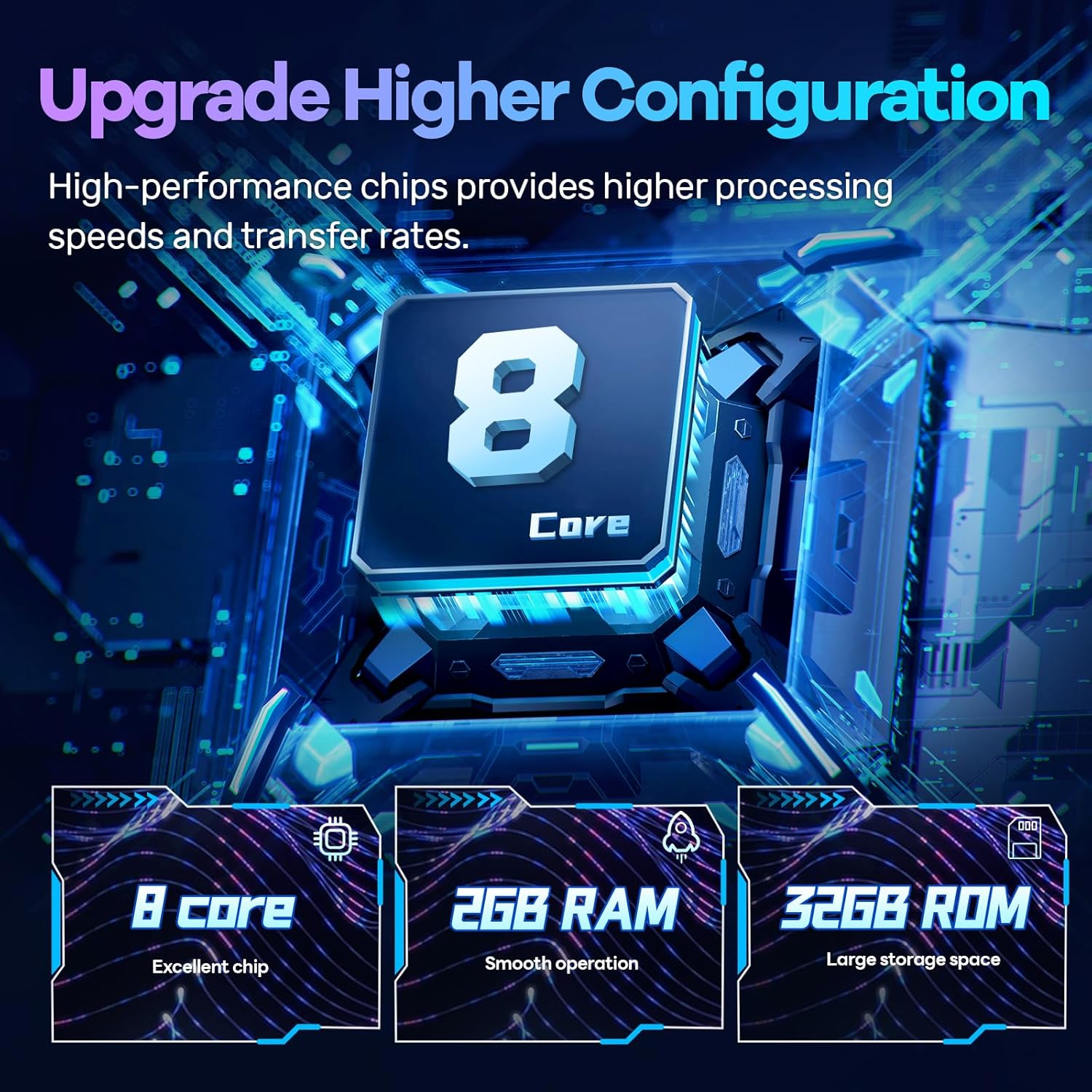
| โปรเซสเซอร์ | 8 คอร์ |
| แรม | แรม 2GB DDR4 |
| รอม | 32GB |
| ความละเอียดการแสดงผล | 1280*720P |
| เทคโนโลยีการเชื่อมต่อ | USB, 5Ghz WiFi, Bluetooth 5.0 |
| คุณสมบัติพิเศษ | Android Auto, Apple CarPlay, GPS Navigation, Touchscreen, DSP 48EQ, Split screen display, Voice Assistant, Mirror Link, Backup Camera |
| โหมดเอาต์พุตเสียง | สเตอริโอ |
| อุปกรณ์ที่รองรับ | สมาร์ทโฟน |
| วิธีการควบคุม | สัมผัส เสียง |
| ประเภทบริการยานพาหนะ | SUV (Toyota RAV4 2007-2012) |


6. การรับประกัน
The LASERTAIL 8-Core Car Stereo Radio comes with a รับประกัน 1 ปี นับจากวันที่ซื้อ การรับประกันนี้ครอบคลุมข้อบกพร่องจากการผลิตและการทำงานผิดปกติภายใต้การใช้งานปกติ โปรดเก็บหลักฐานการซื้อไว้เพื่อขอรับสิทธิ์การรับประกัน
7. การสนับสนุน
For technical assistance, troubleshooting, or any questions regarding your LASERTAIL 8-Core Car Stereo Radio, please contact our customer support team. You can find contact information in the included Function Instruction manual or by visiting the LASERTAIL store on Amazon.
เมื่อติดต่อฝ่ายสนับสนุน โปรดแจ้งข้อมูลต่อไปนี้:
- หมายเลขคำสั่งซื้อ
- Car model and year
- คำอธิบายปัญหาอย่างละเอียด