
Zostuic DC218
Zostuic 4K 64MP Autofocus Vlogging Digital Camera User Manual
รุ่น : DC218
การแนะนำ
ขอบคุณสำหรับการซื้อasing the Zostuic 4K 64MP Autofocus Vlogging Digital Camera. This manual provides essential information for setting up, operating, and maintaining your camera. Please read it thoroughly before use to ensure optimal performance and longevity of your device.
This camera is designed for high-quality photography and videography, featuring 4K video resolution, 64-megapixel still image capture, autofocus, and anti-shake capabilities. It is suitable for vlogging, travel, and everyday photography.
เนื้อหาแพ็คเกจ
กรุณาตรวจสอบสิ่งของภายในกล่องเมื่อแกะกล่อง หากมีสินค้าใดสูญหายหรือเสียหาย โปรดติดต่อฝ่ายสนับสนุนลูกค้า
- Zostuic 4K 64MP Digital Camera (Model: DC218)
- 2 x 1050mAh Lithium-polymer Batteries
- สาย USB
- การ์ด SD 32GB
- เครื่องชาร์จ
- คู่มือการใช้งาน (เอกสารนี้)
- Camera Strap (if included)
สินค้าเกินview
ทำความคุ้นเคยกับส่วนประกอบและปุ่มควบคุมของกล้อง

รูปที่ 1: ด้านหน้า view of the Zostuic 4K 64MP Digital Camera, showing the lens, flash, and included accessories like two batteries and a 32GB SD card.

รูปที่ 2: A user holding the Zostuic 4K 64MP Digital Camera, highlighting its ergonomic design and compact form factor.

รูปที่ 3: รายละเอียด view of the camera's upgraded dial design, showing various shooting modes and settings accessible via the 3-inch IPS screen.
ส่วนประกอบหลัก:
- เลนส์: F/2.2 f=3.37mm, with 16x digital zoom and autofocus.
- แฟลช: Built-in pop-up flash for low-light conditions.
- หน้าจอแสดงผล: 3-inch IPS LCD for viewการตั้งค่าและการกำหนดค่า
- หน้าปัดโหมด: For quick selection of shooting modes (Photo, Video, Setup, Scenery, Portrait, Effect, Slow-motion, Night Effects).
- ปุ่มควบคุม: Power, Shutter, Zoom, Menu, Playback, Delete, and Directional Pad.
- ช่องใส่แบตเตอรี่: Located at the bottom, for inserting the Lithium-polymer battery.
- ช่องเสียบการ์ด SD: For inserting the 32GB SD card (included).
- พอร์ต USB: สำหรับการชาร์จและถ่ายโอนข้อมูล
การตั้งค่า
1. การชาร์จแบตเตอรี่:
- Insert one of the 1050mAh Lithium-polymer batteries into the charger.
- Connect the charger to a power source using the provided USB cable.
- The charging indicator light will show the charging status. Charge until fully charged (approximately 2-3 hours per battery).
2. Inserting the Battery and SD Card:
- Open the battery compartment cover at the bottom of the camera.
- Insert a charged battery, ensuring the correct orientation as indicated inside the compartment.
- Insert the 32GB SD card into the SD card slot until it clicks into place. Ensure the card is inserted correctly to avoid damage.
- ปิดฝาช่องใส่แบตเตอรี่ให้แน่น
3. การเปิดเครื่องครั้งแรก:
- กดปุ่มเปิด/ปิดค้างไว้เพื่อเปิดกล้อง
- The first time you power on, you may be prompted to set the date and time. Use the directional pad to navigate and confirm settings.
คำแนะนำการใช้งาน
Photography Mode:
ในการจับภาพนิ่ง:
- Turn the mode dial to the "Photo" icon.
- Frame your shot using the LCD screen. The camera features autofocus for clear images.
- กดปุ่มชัตเตอร์ลงครึ่งหนึ่งเพื่อปรับโฟกัส จากนั้นกดลงจนสุดเพื่อถ่ายภาพ

รูปที่ 4: Illustration of the 64MP autofocus capability, ensuring sharp and detailed photos by quickly focusing on subjects.
โหมดบันทึกวิดีโอ:
To record 4K videos:
- Turn the mode dial to the "Video" icon.
- Press the shutter button to start recording. A red "REC" indicator will appear on the screen.
- กดปุ่มชัตเตอร์อีกครั้งเพื่อหยุดการบันทึก
- The camera supports 4K video resolution and features 6-axis anti-shake for stable footage.
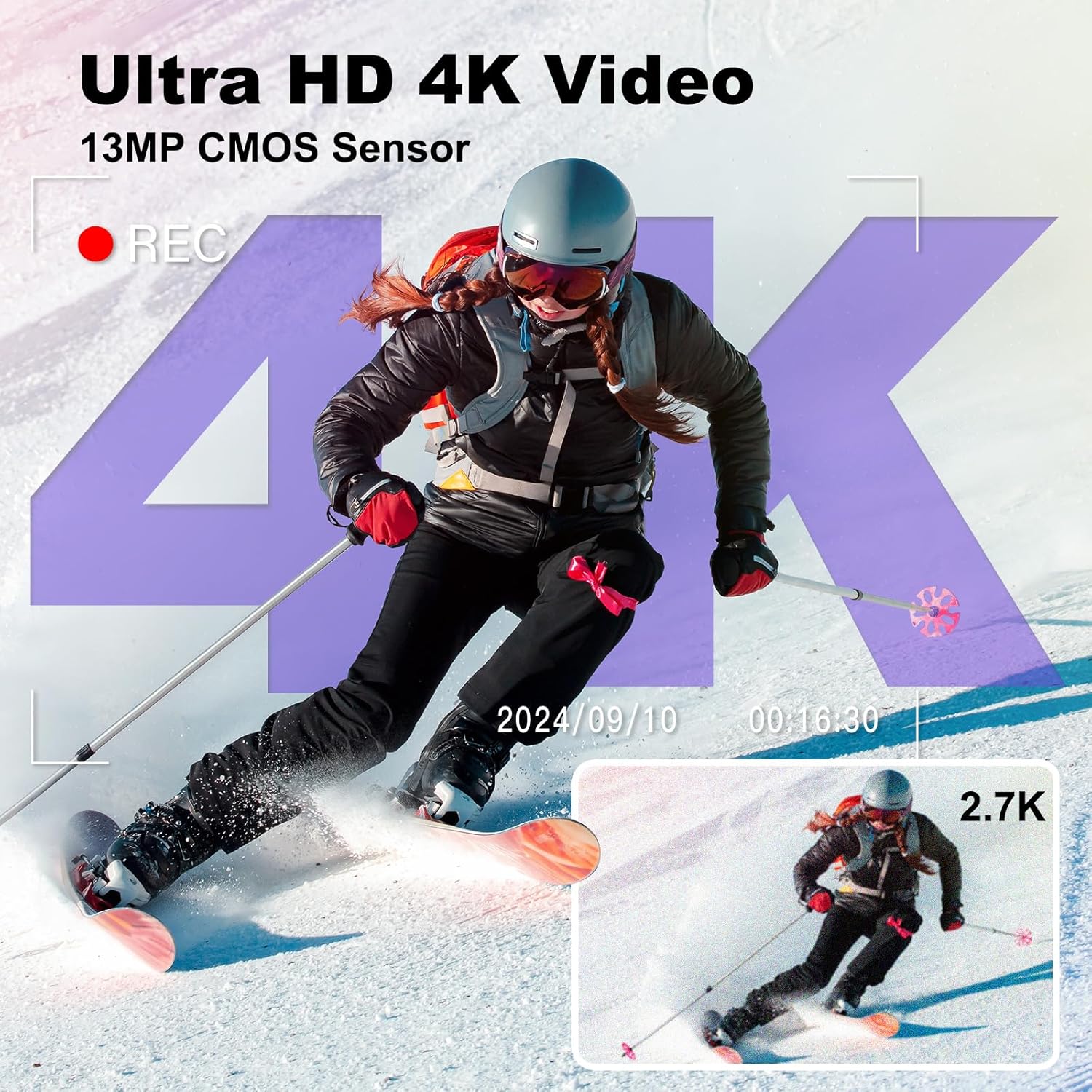
รูปที่ 5: Visual representation of the camera's Ultra HD 4K video recording feature, powered by a 13MP CMOS sensor, capturing dynamic scenes with clarity.
Selfie Camera / Dual Lens Function:
The camera features both front and rear lenses for versatile shooting.
- To switch between front and rear cameras, use the dedicated switch button or option on the screen.
- The front-facing screen is ideal for vlogging and taking selfies, allowing you to monitor your framing.

รูปที่ 6: Demonstration of the selfie camera with dual lens functionality, allowing for easy one-click switching between front and rear cameras for vlogging and self-portraits.
Using the Flash:
The built-in flash illuminates scenes in low-light conditions.
- To activate the flash, slide the flash switch to the "ON" position.
- The flash is effective up to 1 meter or more.

รูปที่ 7: Illustration of the camera's ultra-bright flash, showing a scene before and after flash activation in darkness, enabling clear photo capture even at night.
ฟังก์ชั่นซูม:
กล้องมีระบบซูมดิจิทัล 16 เท่า
- Use the zoom lever (usually around the shutter button) to zoom in or out.
- Digital zoom magnifies the image electronically, which may result in some loss of quality at maximum zoom.
Webcam Function and Data Transfer:
กล้องสามารถใช้งานได้ดังนี้ webcam and transfer fileไปยังคอมพิวเตอร์
- เชื่อมต่อกล้องเข้ากับคอมพิวเตอร์ของคุณโดยใช้สาย USB ที่ให้มา
- เลือก "Webcam" mode on the camera's screen if prompted, or "Mass Storage" for file โอน.
- สำหรับ webcam use, ensure your computer's software recognizes the camera.
- สำหรับ file transfer, the camera will appear as a removable drive on your computer, allowing you to copy photos and videos.

รูปที่ 8: Connectivity options for the camera, including connecting to a laptop for data transfer and to a TV for viewing photos and videos, highlighting its versatility for sharing content.
คุณสมบัติอื่น ๆ :
- ป้องกันการสั่น: The 6-axis anti-vibration function helps stabilize footage และรูปถ่าย
- การชดเชยแสง: Adjust exposure from -3.0 to +3.0.
- เวลาamp: Add date and time to your photos/videos.
- Pause/Playback: Control video playback directly on the camera.
- การเคลื่อนช้าๆ: บันทึกวิดีโอแบบสโลว์โมชั่น
- การบันทึกแบบวนซ้ำ: Continuously record, overwriting older fileเมื่อพื้นที่จัดเก็บเต็ม
- ถ่ายภาพต่อเนื่อง: ถ่ายภาพหลายภาพติดต่อกันอย่างรวดเร็ว
- การถ่ายภาพแบบจับเวลา: ตั้งเวลาถ่ายภาพ
- ตัวกรอง: Over 20 built-in filters for creative effects.
การซ่อมบำรุง
การทำความสะอาดกล้อง:
- ใช้ผ้านุ่มที่ไม่เป็นขุยในการทำความสะอาดตัวกล้อง
- สำหรับเลนส์และหน้าจอ ให้ใช้ผ้าเช็ดเลนส์และน้ำยาทำความสะอาดเฉพาะทาง หลีกเลี่ยงวัสดุที่มีฤทธิ์กัดกร่อน
- Do not use alcohol, benzene, or thinners to clean the camera.
พื้นที่จัดเก็บ:
- เมื่อไม่ได้ใช้งานเป็นเวลานาน ควรถอดแบตเตอรี่ออก
- เก็บกล้องไว้ในที่แห้งและเย็น หลีกเลี่ยงแสงแดดโดยตรงและอุณหภูมิที่สูงหรือต่ำเกินไป
- ป้องกันกล้องจากฝุ่นและความชื้น
การแก้ไขปัญหา
| ปัญหา | สาเหตุที่เป็นไปได้ | สารละลาย |
|---|---|---|
| กล้องไม่สามารถเปิดได้ | แบตเตอรี่หมดหรือใส่ไม่ถูกต้อง | ชาร์จแบตเตอรี่ให้เต็ม ตรวจสอบให้แน่ใจว่าใส่แบตเตอรี่โดยใส่ขั้วที่ถูกต้อง |
| ไม่สามารถถ่ายภาพ/วิดีโอได้ | SD card is full, locked, or not inserted. | Check SD card status. Delete unnecessary files, unlock the card, or reinsert it. Format if necessary (this will erase all data). |
| ภาพมีความเบลอ | Autofocus issue, camera shake, or dirty lens. | Ensure autofocus is engaged. Hold the camera steady or use anti-shake. Clean the lens. |
| แฟลชไม่ทำงาน | Flash is off or battery is low. | Ensure flash is set to "ON". Charge the battery. |
| ไม่สามารถเชื่อมต่อกับคอมพิวเตอร์ | USB cable issue, incorrect mode selected. | Try a different USB port/cable. Ensure "Mass Storage" or "Webcam" mode is selected on the camera. |
ข้อมูลจำเพาะ
| คุณสมบัติ | รายละเอียด |
|---|---|
| ยี่ห้อ | Zostuic |
| แบบอย่าง | ดีซี218 |
| ความละเอียดของภาพนิ่งที่มีประสิทธิภาพ | 64 ล้านพิกเซล |
| ความละเอียดวิดีโอ | 4K (2160p) |
| เทคโนโลยีเซนเซอร์ภาพ | CMOS (13MP upgraded sensor) |
| ขนาดหน้าจอ | จอ IPS ขนาด 3.0 นิ้ว |
| ซูมดิจิตอล | 16 เท่า |
| ประเภทโฟกัส | ออโต้โฟกัส |
| ระบบป้องกันภาพสั่นไหว | Digital (6-axis anti-vibration) |
| โหมดรูรับแสง | เอฟ/3.5 |
| เทคโนโลยีการเชื่อมต่อ | ยูเอสบี |
| ประเภทแบตเตอรี่ | Lithium-polymer (2 x 1050mAh included) |
| รองรับ File รูปแบบ | AVI (Video), JPEG (Photo) |
| ขนาดสินค้า | 18 x 15.1 x 10.3 ซม. (บรรจุภัณฑ์) |
| น้ำหนัก | 640 grams (Package) |
| รุ่นปี | 2024 |
| ระดับความต้านทานต่อน้ำ | ไม่กันน้ำ |
การรับประกันและการสนับสนุน
Zostuic provides a รับประกัน 2 ปี และ 12-month replacement for this digital camera. If you encounter any issues or have questions regarding your product, please do not hesitate to contact our customer support team.
For support, please refer to the contact information provided on the product packaging or the official Zostuic webเว็บไซต์.