
การแนะนำ
This manual provides detailed instructions for the safe and effective use of your Andoer 1080P Digital Camera. Please read this manual thoroughly before operating the device and retain it for future reference. This camera is designed to capture high-quality photos and videos, featuring a 56MP picture resolution and 1080P video recording capabilities. It includes an 8X digital zoom, AF auto-focus, and a 2.88-inch IPS screen for clear viewการไอเอ็นจี
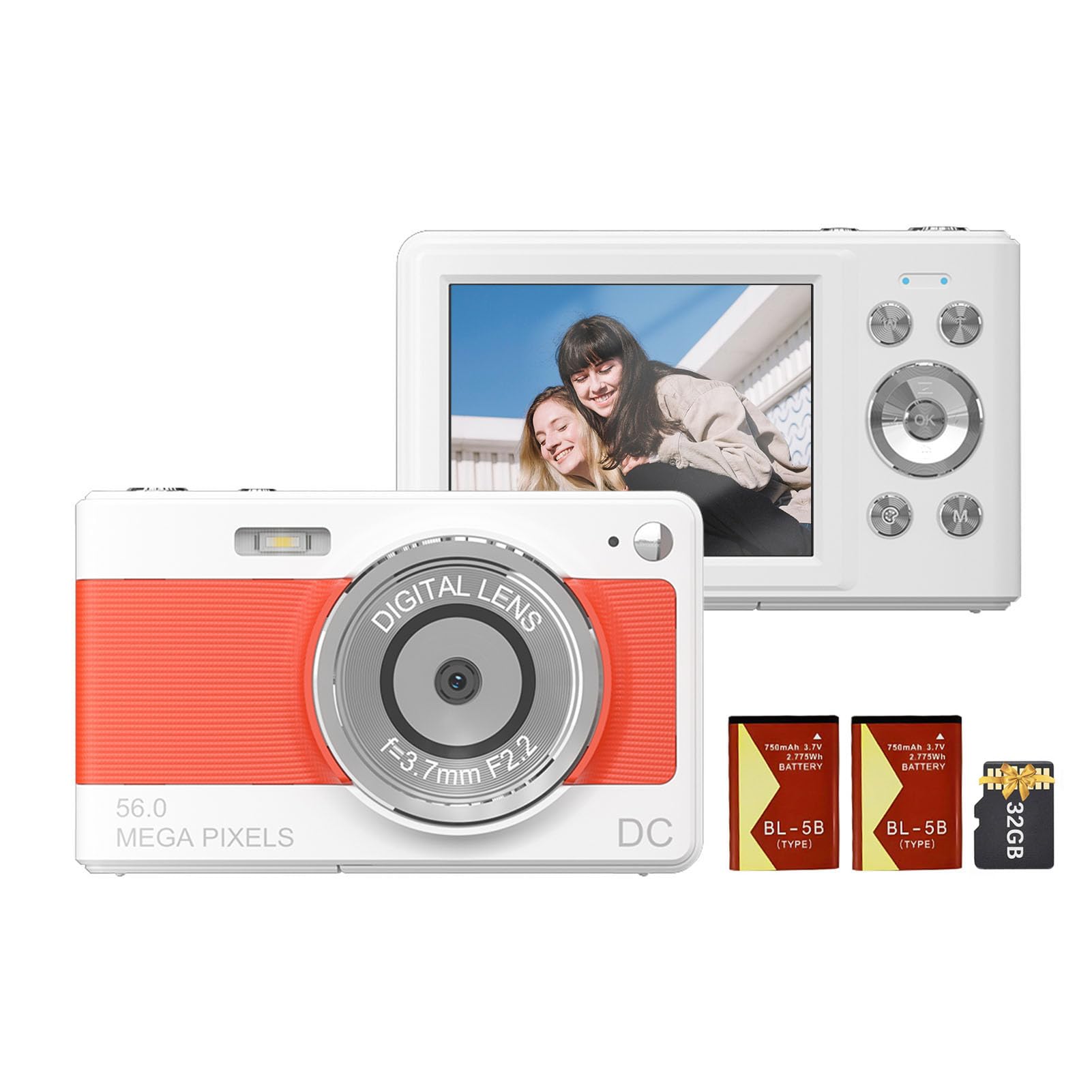
ด้านหน้า view of the Andoer 1080P Digital Camera, showcasinด้วยเลนส์และดีไซน์ที่กะทัดรัด
เนื้อหาแพ็คเกจ
ตรวจสอบว่ามีรายการทั้งหมดอยู่ในแพ็คเกจ:
- กล้องดิจิตอล Andoer 1 ตัว
- แบตเตอรี่ลิเธียม 2 ก้อน (3.7V 750mAh)
- 1 x USB Charge Cable (Type-C)
- สายคล้องข้อมือ 1 x
- 1 x กระเป๋าใส่ของ
- 1 x การ์ดหน่วยความจำ 32GB
- 1 x คู่มือผู้ใช้ (ภาษาอังกฤษ)
การตั้งค่า
1. การติดตั้งและการชาร์จแบตเตอรี่
The camera uses a rechargeable lithium battery. Two batteries are included to ensure extended usage.
- Locate the battery compartment on the bottom or side of the camera.
- เปิดฝาช่องใส่แบตเตอรี่
- Insert a fully charged battery, ensuring the correct polarity as indicated inside the compartment.
- ปิดฝาช่องใส่แบตเตอรี่ให้แน่น
- To charge the battery, connect the camera to a power source using the provided Type-C USB cable. The charging indicator light will illuminate.
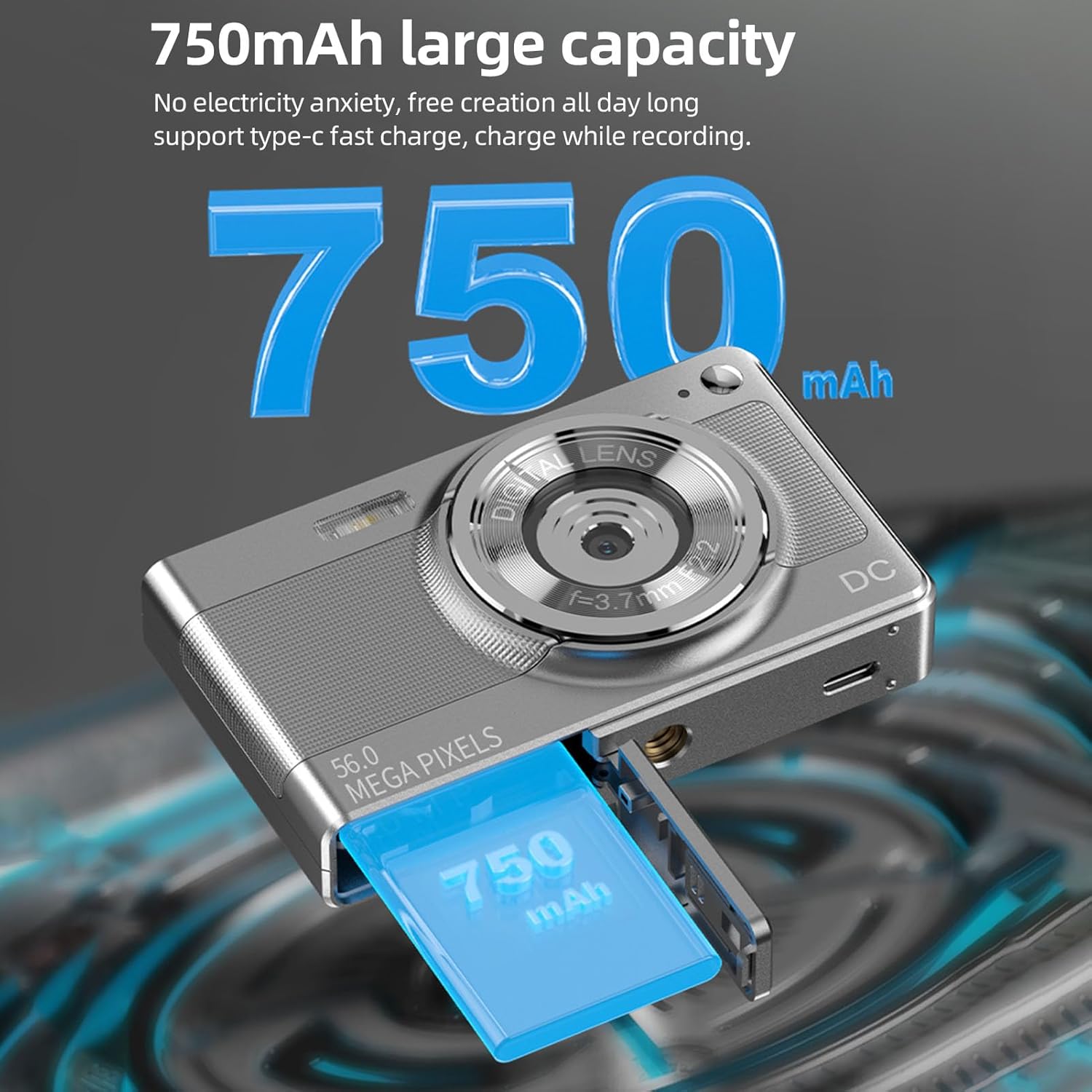
Illustration of the 750mAh battery and its insertion into the camera's battery compartment.
2. การติดตั้งการ์ดหน่วยความจำ
A 32GB memory card is included for immediate use. Ensure the camera is powered off before inserting or removing the memory card.
- Locate the memory card slot, typically on the side of the camera.
- Insert the 32GB memory card into the slot with the metal contacts facing the correct direction (refer to the diagram near the slot if available).
- ค่อยๆ ดันการ์ดเข้าไปจนกระทั่งล็อคเข้าที่
- ในการถอด ให้ดันการ์ดเข้าไปอีกครั้งจนกระทั่งการ์ดดีดออกมาเล็กน้อย จากนั้นดึงการ์ดออก
คำแนะนำการใช้งาน
1. การเปิด/ปิดเครื่อง
- To power on: Press and hold the power button (usually marked with เปิด/ปิด or a power symbol) until the screen illuminates.
- To power off: Press and hold the power button again until the screen turns off.
2.การถ่ายภาพ
The camera supports up to 56MP picture resolution.
- เปิดกล้อง
- Ensure the camera is in photo mode (indicated by an icon on the screen, typically a camera symbol).
- จัดกรอบภาพของคุณโดยใช้หน้าจอ IPS ขนาด 2.88 นิ้ว
- The camera features AF auto-focus. Allow the camera to focus on your subject.
- Press the shutter button halfway down to focus, then press it fully to capture the image.
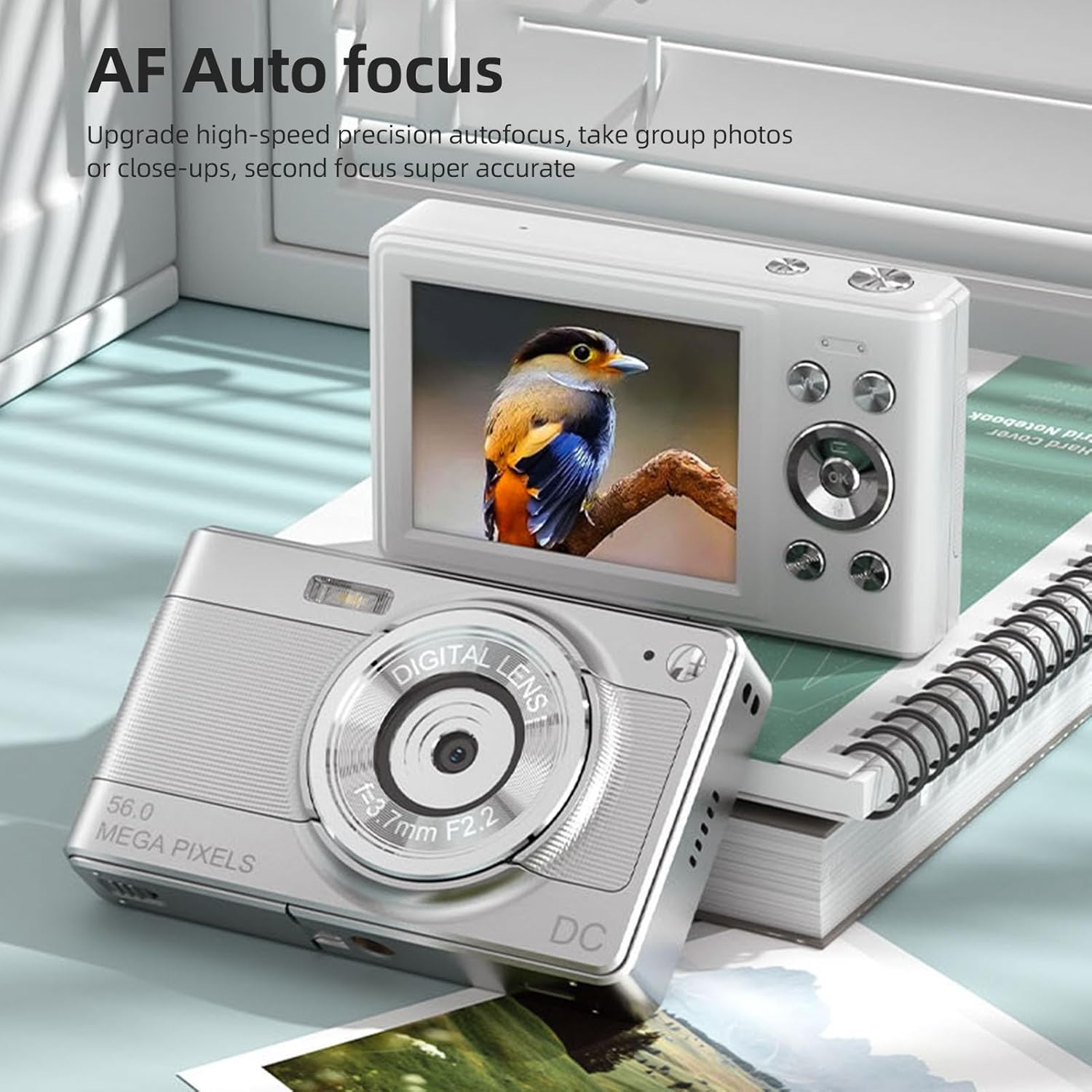
The camera's AF Auto Focus system ensures sharp images by automatically adjusting the lens.
3. บันทึกวิดีโอ
Record videos in 1080P resolution.
- เปิดกล้อง
- Switch to video recording mode (indicated by a video camera icon).
- Press the shutter button to start recording. A red indicator or timer will appear on the screen.
- กดปุ่มชัตเตอร์อีกครั้งเพื่อหยุดการบันทึก
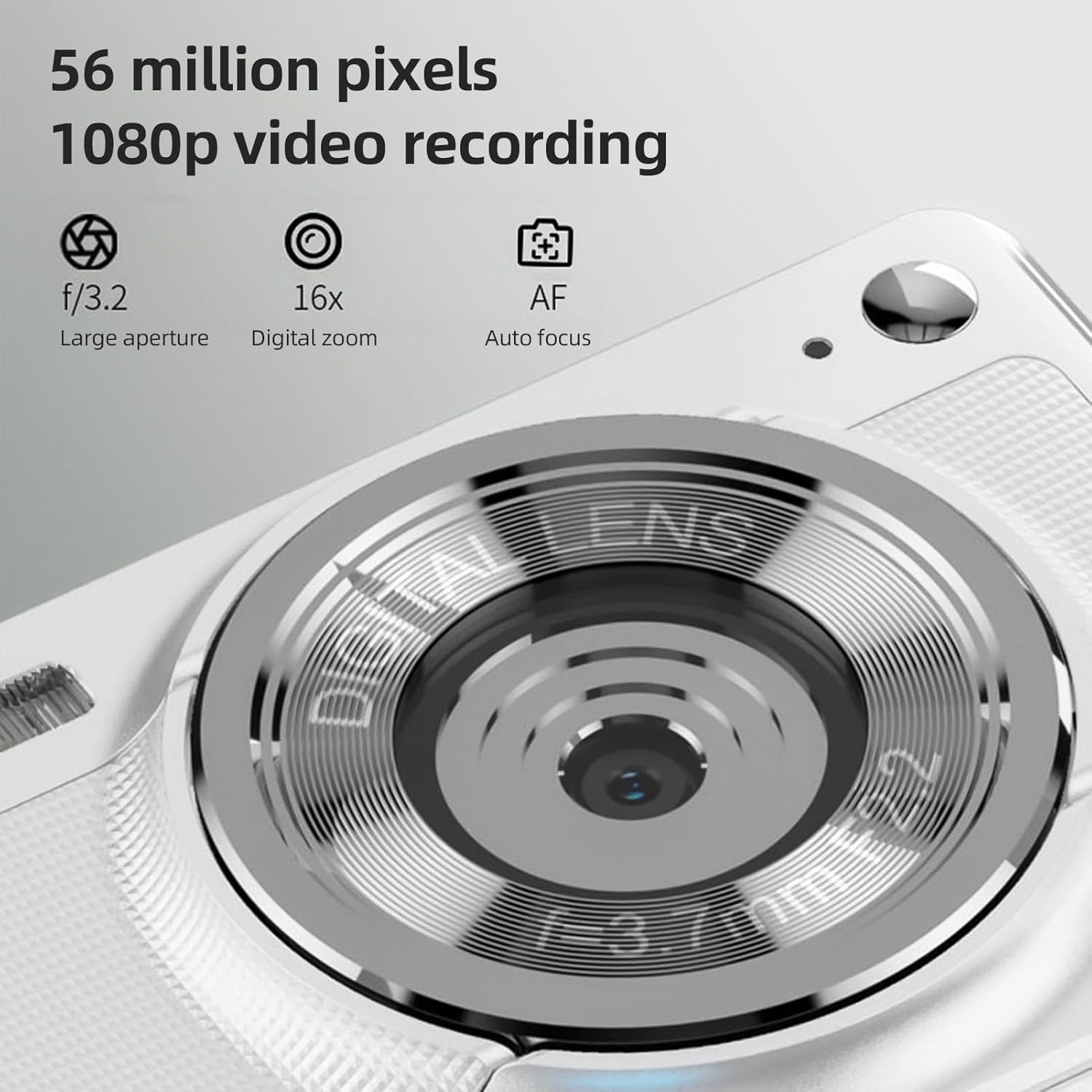
The camera is capable of capturing 56-megapixel photos and recording 1080p videos.
4. ดิจิตอลซูม
The camera features an 8X digital zoom.
- While in photo or video mode, use the zoom buttons (often marked with W for Wide and T for Telephoto, or +/- symbols) to zoom in or out.
- Note that digital zoom may reduce image quality compared to optical zoom.

Comparison showing the effect of 8X digital zoom versus no zoom mode.
5. แฟลชในตัว
Use the built-in flash for low-light conditions.
- Access the flash settings through the camera's menu.
- Select from options such as Auto Flash, Fill-in Flash, Red-eye Reduction, or Flash Off.
6. ฟังก์ชั่นอื่นๆ
The camera includes several features to enhance your photography:
- ป้องกันการสั่น: Helps reduce blur caused by camera movement.
- การตรวจจับใบหน้า: ตรวจจับและโฟกัสใบหน้าในเฟรมโดยอัตโนมัติ
- การถ่ายภาพต่อเนื่อง: Captures a series of photos rapidly.
- ตั้งเวลาถ่ายเอง: Delays the shutter release by 2, 5, or 10 seconds.
- เอฟเฟกต์สี: Apply various filters or color tones to your images.
7. Viewไอเอ็นจีและการโอน Files
Review your captured media and transfer them to other devices.
- การเล่นซ้ำ: Press the playback button (often indicated by a play icon) to view photos and videos on the 2.88-inch IPS screen. Use the navigation buttons to browse.
- File Transfer (OTG Method):
- Remove the memory card from the camera.
- Insert the memory card into a card reader.
- Connect the card reader to your mobile phone or computer using an OTG adapter or USB cable to export photos and videos.

The camera's memory card can be used with an OTG adapter or card reader for easy transfer of files to a mobile phone or computer.
การซ่อมบำรุง
- การทำความสะอาดเลนส์: ใช้ผ้าเนื้อนุ่ม ปราศจากขน ที่ออกแบบมาสำหรับเลนส์กล้องโดยเฉพาะ หลีกเลี่ยงการสัมผัสเลนส์ด้วยนิ้วมือ
- การทำความสะอาดหน้าจอ: Gently wipe the IPS screen with a microfiber cloth. Do not use harsh chemicals.
- พื้นที่จัดเก็บ: When not in use, store the camera in the provided carrying bag in a cool, dry place away from direct sunlight and extreme temperatures.
- การดูแลแบตเตอรี่ Do not expose batteries to high temperatures. If the camera will not be used for an extended period, remove the battery.
การแก้ไขปัญหา
| ปัญหา | สาเหตุที่เป็นไปได้ | สารละลาย |
|---|---|---|
| กล้องไม่สามารถเปิดได้ | แบตเตอรี่หมดหรือใส่ไม่ถูกต้อง | ชาร์จแบตเตอรี่ ตรวจสอบให้แน่ใจว่าใส่แบตเตอรี่ถูกขั้วแล้ว |
| ไม่สามารถถ่ายภาพ/วิดีโอได้ | การ์ดหน่วยความจำเต็ม ถูกล็อก หรือไม่ได้เสียบการ์ด | Insert a memory card. Check if the memory card is locked. Delete unnecessary fileหรือเปลี่ยนการ์ด |
| ภาพมีความเบลอ | กล้องสั่น, วัตถุอยู่ใกล้เกินไป หรือเลนส์สกปรก | Hold the camera steady. Ensure adequate lighting. Clean the lens. Use AF auto-focus. |
| แฟลชไม่ทำงาน | Flash is set to "Off" or battery is low. | Check flash settings in the menu. Charge the battery. |
ข้อมูลจำเพาะ
- เซนเซอร์ภาพ: เซ็นเซอร์ CMOS
- แสดง: หน้าจอ IPS ขนาด 2.88 นิ้ว
- ความละเอียดของภาพ: 56M, 48M, 36M, 30M, 24M, 20M, 16M, 12M, 8M, 5M, 3M
- ความละเอียดวิดีโอ: 1080P, 720P
- ซูมดิจิตอล: 8X
- โฟกัสอัตโนมัติ: Yes (AF)
- ป้องกันการสั่น: ใช่
- การตรวจจับใบหน้า: ใช่
- ตั้งเวลาถ่ายเอง: 2 sec / 5 sec / 10 sec / Off
- การรับสัมผัสเชื้อ: EV-3 ถึง EV+3
- สมดุลแสงขาว: อัตโนมัติ / กลางวัน / มีเมฆมาก / ฟลูออเรสเซนต์ / หลอดไส้
- แหล่งจ่ายไฟ: Lithium battery (3.7V 750mAh)
- ขนาดสินค้า : 9.8 * 6 * 2 ซม. / 3.9 * 2.4 * 0.8 นิ้ว
- น้ำหนักสินค้า: ประมาณ 110 ก. / 3.8 ออนซ์ (รวมแบตเตอรี่)
- รวมการ์ดหน่วยความจำ: 32GB
- รองรับภาษา: Chinese, Japanese, English, French, Spanish, Portuguese, German, Dutch, Italian, etc.
การรับประกันและการสนับสนุน
Specific warranty details are not provided in this manual. For warranty information, technical support, or service inquiries, please refer to the product packaging or contact Andoer customer service directly through their official webไซต์หรือผู้ค้าปลีกที่ซื้อผลิตภัณฑ์
เก็บใบเสร็จรับเงินของคุณไว้เป็นหลักฐานการซื้อสำหรับการเรียกร้องการรับประกันใดๆ